
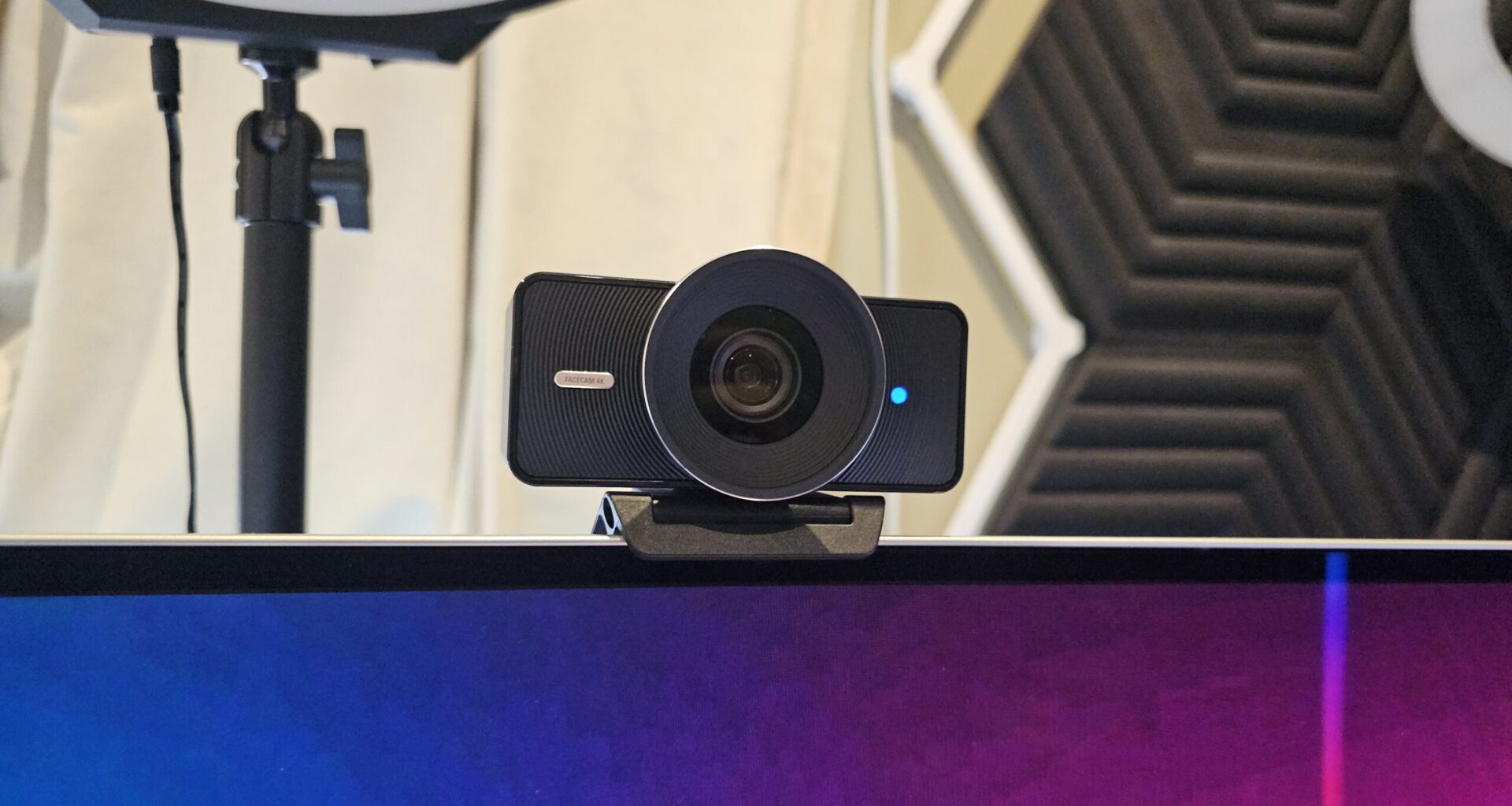
When you work in tech, content, and community, you get used to testing gear that promises “studio quality.” Most of the time, it’s fine. Good, even. Every so often, something comes along that genuinely shifts what you expect from a device.
The Elgato Facecam 4K is one of those moments. From the moment I mounted it to my monitor, I could tell this wasn’t just an incremental upgrade. It’s a meaningful step forward in webcam technology.
It’s incredibly lightweight (when you pick it up, you need to do a double-take to see if it’s still in your hand), yet inside this small form factor is a true 4K imaging pipeline that delivers absolutely crisp, clean, and professional-looking video.
Whether I’m presenting, recording, streaming, or jumping into a last-minute meeting, the clarity is consistent and impressive in a way that genuinely stands out.
Thoughtful design to suit any setup
One thing Elgato consistently gets right is creator-focused design, and the Elgato Facecam 4K continues that trend. It comes with a heavy-duty USB-C to USB-C cable, a sturdy mounting bracket with a standard thread, and enough flexibility to work with whatever setup you already have.
– Advertisement –
I mounted it on my monitor, but you could easily screw it into an Elgato Ring Light or any standard mount without adding bulk or weight. The body is so light it almost feels unreal, yet it stays perfectly stable. There’s also the option to use a USB-C to USB-A cable if you have run out of USB-C ports… guess who did that?
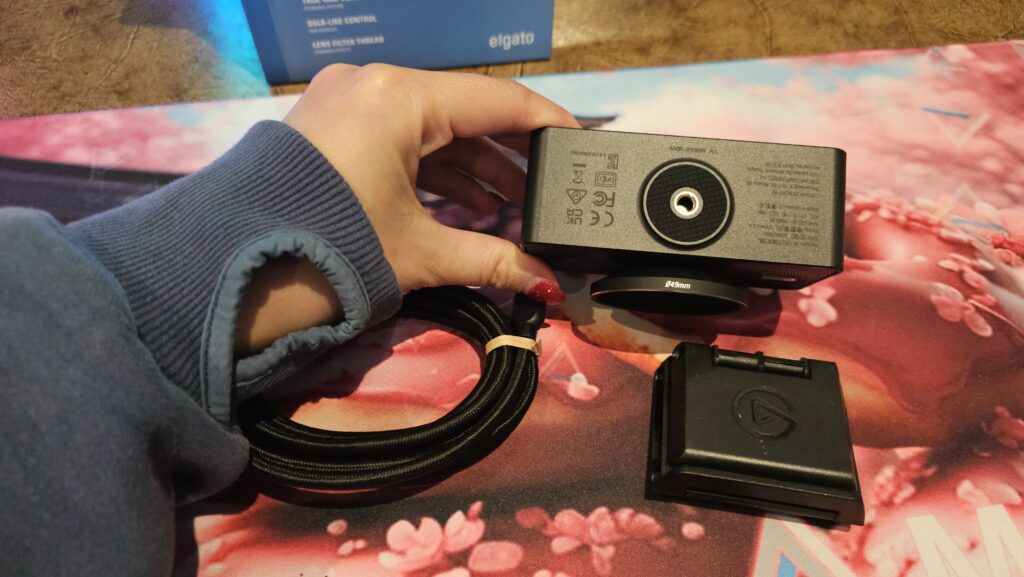 The mounting thread on the bottom means you can attach for Elgato Facecam 4K to a tripod or stand. (Photo: TechAU)
The new wider lens instantly caught my attention. It captures more of me and more of my space, giving the frame a natural sense of depth without distortion. And for anyone who moves around when they talk, that extra breathing room is a welcome addition.
There’s also a subtle blue indicator light on the front so you always know when the camera is active. It’s a small detail, but one that matters for comfort and privacy.
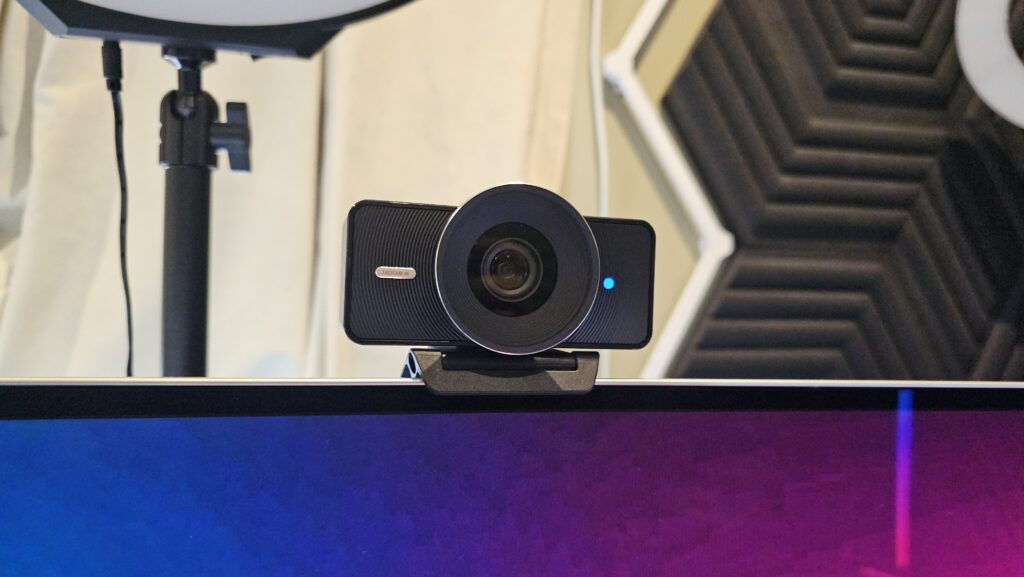 The Elgato Facecam 4K looks slick, and suits any setup. (Photo: TechAU)
Clarity that lives up to its 4K label
We’ve all seen webcams that advertise “4K” but deliver footage that looks anything but 4K. This is the opposite. Inside the Elgato Facecam 4K is a pro-grade imaging chain: a sharp Prime Lens, a 1/1.8″ SONY STARVIS 2 sensor, and a dedicated processor that handles everything from encoding to noise reduction. The result is a video that’s extremely crisp, true-to-life, and consistent across lighting conditions.
 Previous 1080p web. The image isn’t grainy, but it’s not as crisp as the screenshot below. (Screenshot: TechAU)
 With the Elgato Facecam 4K, the image is much crisper and captures my features more authentically. There’s plenty of opportunity here to up the lighting as well without washing out my face. Also notice how the whites are captured without being lost in the image. (Screenshot: TechAU)
The most impressive part? When connected via USB 3.0, it delivers uncompressed video up to 2160p30. No mushy compression. No soft edges. Just clean detail and natural colour, whether you’re zoomed in tight or filling a full wide shot.
Creator-level controls without the complexity
Elgato’s Camera Hub software is where the camera transforms from “very good webcam” to “DSLR-adjacent tool for creators.” First up, you’ll most likely be greeted with a firmware update, so you have all the latest controls and settings at your fingertips.
Once your Facecam is updated, it’s time to start adjusting. You get manual ISO, shutter speed, tilt, pan, zoom, lighting adjustments, and more. Once you configure your look, the settings save directly to the camera, so you can close the app until you need to tweak something again.
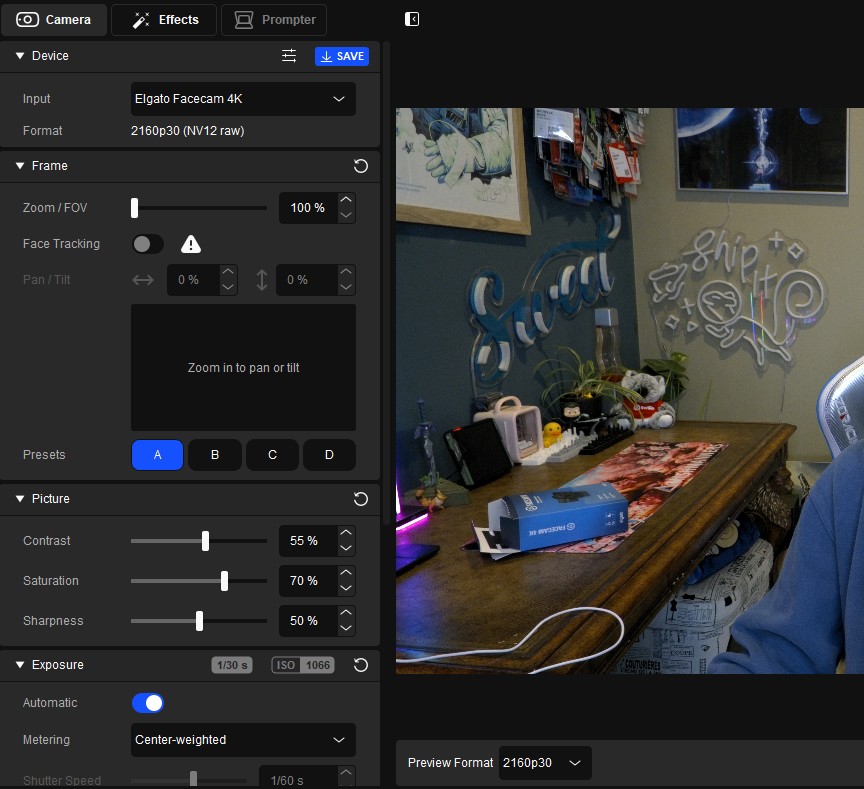 There are lots of controls for you to play around with to achieve the desired look. (Screenshot: TechAU)
If you’re using AI or AR effects, you’ll want Camera Hub running in the background, and that’s where the fun begins.
NVIDIA AI and AR enhancements for RTX users
If you have an NVIDIA RTX 20-series GPU or higher, you can enable the AR or AI features for additional effects. You’ll need to download the relevant NVIDIA SDK from the website, but luckily the Elgato Camera Hub software will prompt you and send you directly to the download page. With this technology, you can now enhance your video effects.
Think professional-style background blur, AR overlays, and a cleaner, more polished on-screen presence powered by dedicated GPU acceleration. It’s impressive to see these features applied to a webcam without relying on clunky third-party tools. Some of the main effects on offer are various lighting options and eye tracking. Not going to lie, though, the eye tracking is a tad creepy.
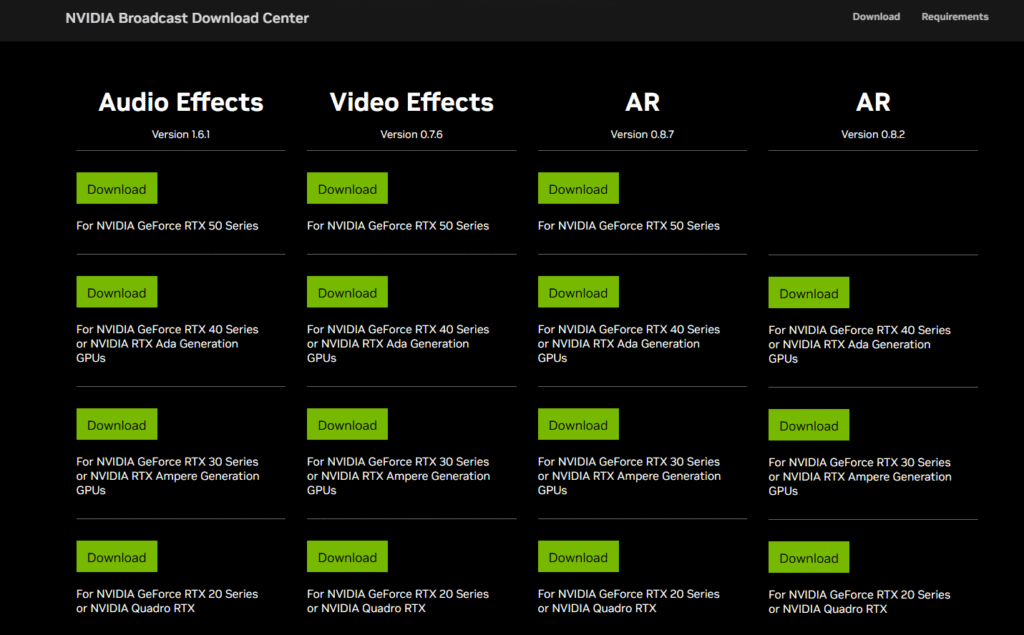 You’ll want the correct SDK to enable your effects. (Screenshot: TechAU)
Elgato Facecam 4K available now
The Elgato Facecam 4K feels like the closest a webcam has come to bridging the gap between convenience and true professional imaging. It’s lightweight, flexible, impressively sharp, and loaded with creator-grade tools that make a meaningful difference in day-to-day use. Whether you’re presenting, recording, teaching, streaming, or collaborating, this camera delivers the clarity and control that modern creators and modern workflows expect.
If you’re looking for a webcam that genuinely steps into DSLR territory without the complexity or cost, the Elgato Facecam 4K is absolutely worth adding to your setup. The webcam I reviewed here is the black version, and you can purchase the Elgato Facecam 4K in carbon, pine, or white.
You can purchase the Elgato Facecam 4K from Amazon, and it’s currently on special for $249 AUD.