
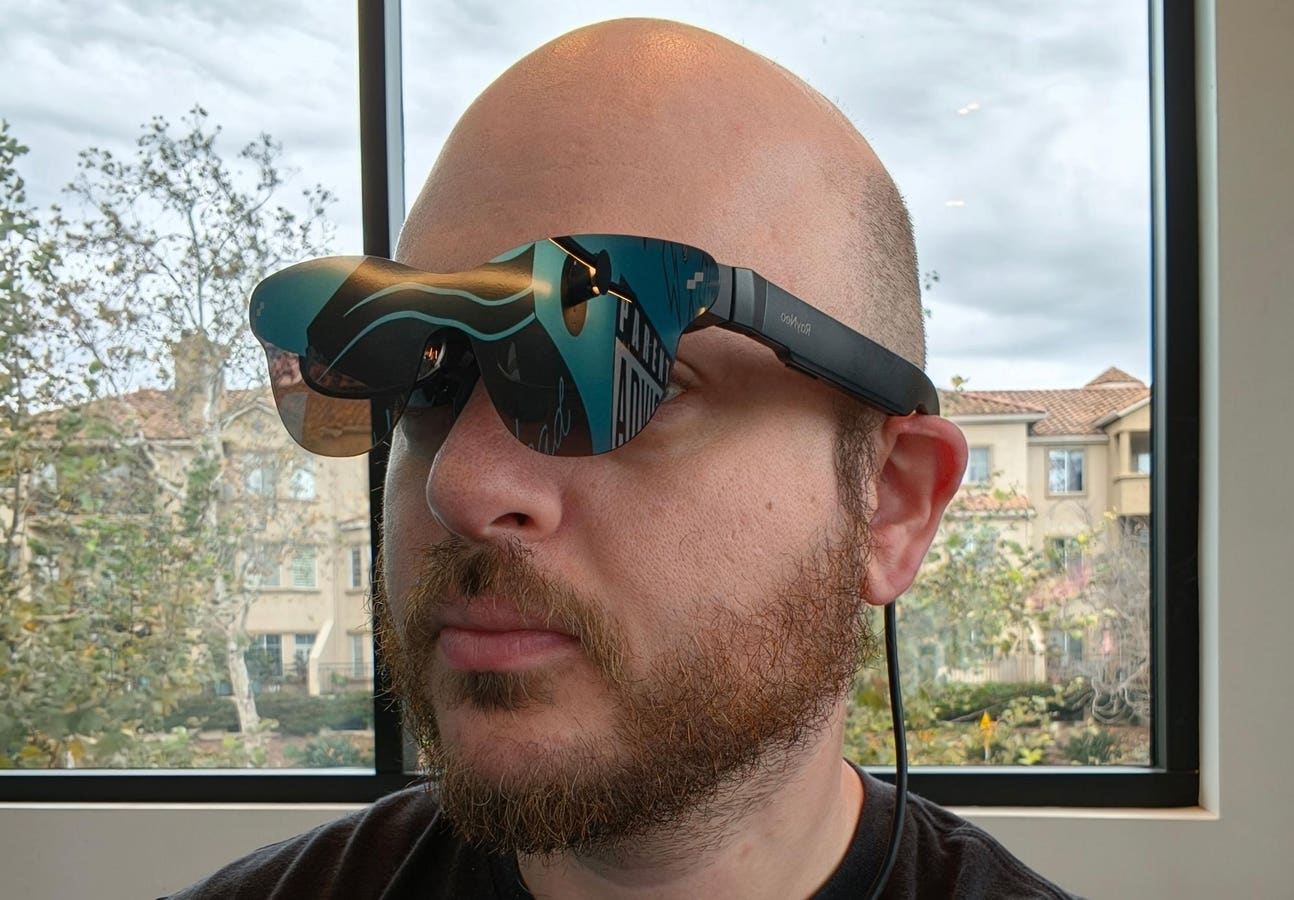
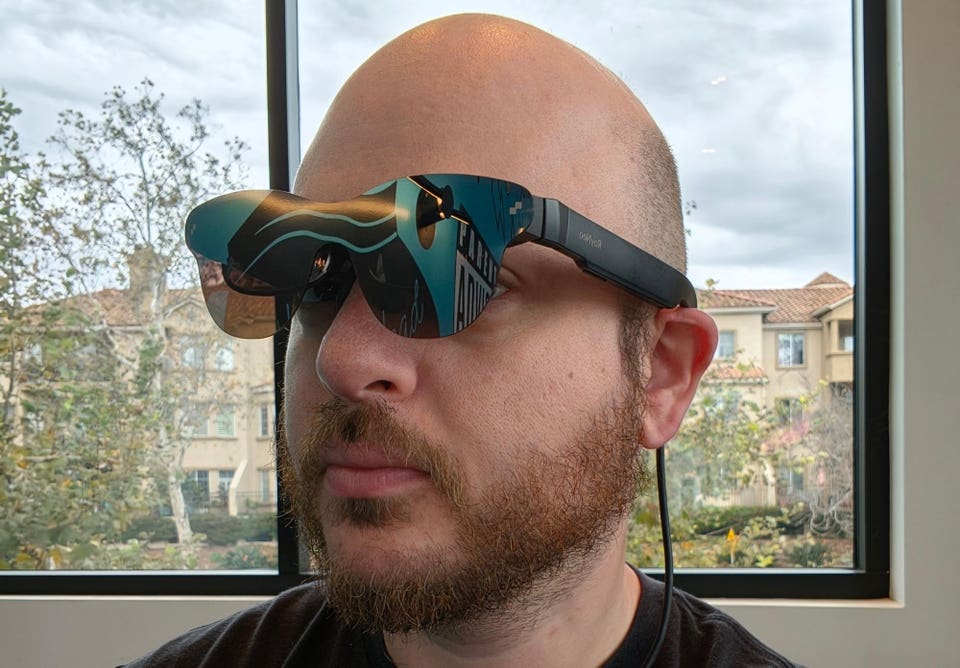
The author wearing the RayNeo Air 3 Pro display glasses
Anshel Sag
Display glasses are one of the easiest XR devices to describe — it’s a pair of glasses with a virtual display that appears on the lens — and a variety of use cases suggest themselves, including providing a larger display for smaller-screen devices like phones or handhelds, or a second monitor for a PC. I have used more than a few different types of display glasses from a range of companies over the years, and I’m glad to see them (slowly) gaining more traction with consumers.
While most display glasses don’t quite qualify as AR glasses due to their 3DoF nature and fixed displays, there are still plenty of use cases for them. Having three degrees of freedom (the origin of the term 3DoF) rather than six essentially means you can only use them in one place, which limits you to stationary use. From a user’s perspective, a device like this creates the lowest tier of AR experiences by using the display to enhance video entertainment, gaming or even productivity. As a bonus, from an industry perspective these devices help drive down the cost of displays for VR and AR glasses.
RayNeo has been in this space for a long time, and I have followed its progress for years. RayNeo used to be a sub-brand of TCL, but has recently become its own full-fledged brand within the TCL “family,” focused on XR technologies with products such as the X3 Pro, a sleek and lightweight standalone see-through AR headset. (There is even a new eSIM 4G model for that one.) But the XR ecosystem is rightly understood as a spectrum, and lower-capability devices like the Air 3 Pros being evaluated here also have their own place as they enable lower-cost entry points for consumers.
RayNeo Air 3 Pro Specs
The glasses use Sony 1080P 120-hertz micro-OLED displays with a staggering 1200-nit brightness and pretty typical 46-degree FoV. This is what the company claims enables it to offer a virtual 201-inch display experience. The glasses also feature spatial audio and a whisper-quiet mode, which are both nice features to have on display glasses when privacy or politeness calls for discretion. Like many competing products, the RayNeo Air 3 Pro glasses are designed to be compatible with virtually any device that has a USB-C port capable of video out, such as a smartphone, tablet or gaming handheld.
Using the RayNeo Air 3 Pro
There’s nothing particularly complex about these glasses; you just plug them into the device you want to use them with and wait maybe a second while your device recognizes what kind of display it is working with. On my Samsung Galaxy Fold7, this triggered the phone to go into DeX mode, which is a desktop-like interface that ensures the aspect ratio matches the displays well. I decided to take the phone out of DeX mode, since it’s easier for me to watch content in regular mode. I can also say that the tablet mode of the Fold7 isn’t a great aspect ratio for these glasses; DeX or the external display mode are better choices. Curiously, in DeX mode the audio doesn’t come from the glasses until you close the Fold7 and use the glasses without DeX enabled. So, there needs to be a bit more software compatibility work with DeX to make this function correctly.
Using the RayNeo Air 3 Pros with the iPhone 17 Pro was quite simple, and it took only a fraction of a second from the time I plugged in the glasses until the display kicked in. Image quality and sound quality were great and felt like a significantly enhanced experience compared to using my small phone screen. While it’s unclear what the impact of prolonged use would be on my phone’s battery, it is something to keep in mind when using a pair of glasses like this, especially for a phone with a smaller battery. Not just incidentally, this is why so many companies offer accessories to power both your device and the passthrough video signal to ensure that both the glasses and the phone remain powered.
Connecting the RayNeo Air 3 Pro to my Windows PC was a breeze; it took a few seconds for my HP EliteBook to detect the glasses, but it immediately went into a mirrored mode that could easily allow you to use the glasses as a second independent display. This is actually my preferred application for glasses like these, because you can easily see both screens while you have the glasses on, especially if you use the glasses as an extended display providing you extra screen space above your existing monitor. You could use this to view sensitive documents, or simply to have more workspace within your field of view.
Finally, I used the RayNeo Air 3 Pro to play video games on the new ASUS ROG Xbox Ally X gaming handheld by connecting through the handheld’s USB4 40 Gbps USB-C port. Initially I ran into trouble connecting to the other USB-C port, but once I switched to the high-bandwidth port, there were no issues — which I assume means that it is the only port with enough bandwidth to support video, or that supports DisplayPort 1.4, which is how most devices handle video out through USB-C. Either way, gaming using these glasses was a fun experience, with a very smooth frame rate and good image quality. Using the glasses also turned off the handheld’s display, which can help to save on both power and thermals since the display generates heat right next to the processor.
What’s Coming Next From RayNeo
Overall, my experience with the RayNeo Air 3 Pro glasses was positive, and at the $299 price they delivered exactly what I expected they would. These glasses don’t have advanced AR capabilities such as being able to reposition or resize the display, let alone to lock it to objects or walls. They also lack the ability to take pictures or video. But as display glasses that you wear to enhance your handheld or desktop device experiences, they make total sense. RayNeo has already launched the next-generation Air 4 Pro at CES 2026, bringing improvements like HDR visuals and Bang & Olufsen sound.
Even with these glasses’ more circumscribed capabilities, I would love to see RayNeo implement dynamic screen sizes like XREAL has, along with the ability to move the screen closer or further away. And that’s before we get to XREAL’s ultrawide screen mode, which is great for productivity. But again, the RayNeo Air 3 Pros are extremely affordable glasses that sell for half the price of the XREAL One and One Pro — so it’s expected they will be simpler and have fewer features.
These glasses deliver a good value for the price and reflect RayNeo’s long experience with XR. At CES, I even got a chance to try out the new RayNeo Air 4 Pro. Overall, the Air Pro series demonstrates how RayNeo continues to iterate and improve at a lower point of entry for the XR industry.
Moor Insights & Strategy provides or has provided paid services to technology companies, like all tech industry research and analyst firms. These services include research, analysis, advising, consulting, benchmarking, acquisition matchmaking and video and speaking sponsorships. Of the companies mentioned in this article, Moor Insights & Strategy currently has (or has had) a paid business relationship with HP, Samsung and Sony.