
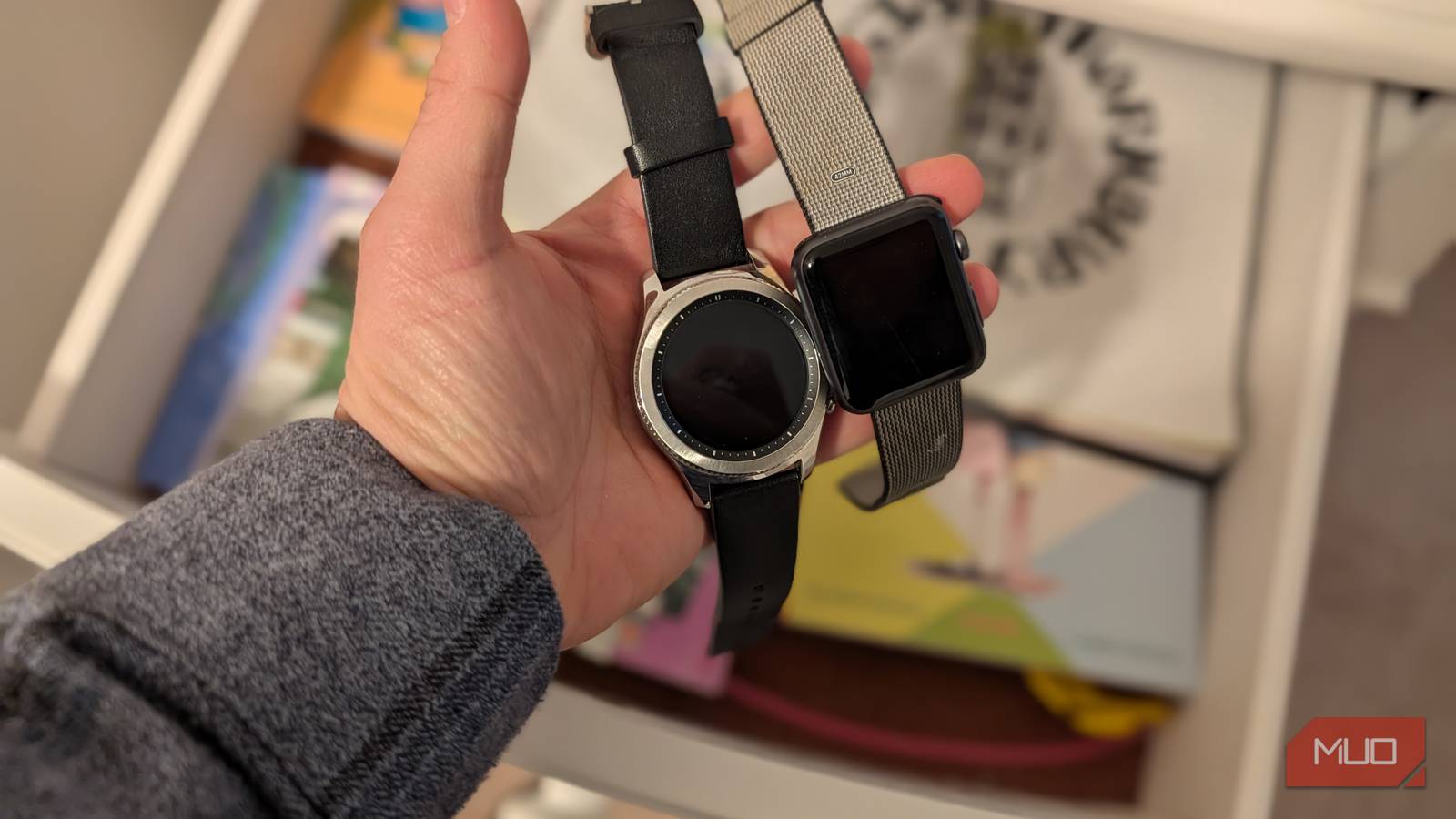
Like me, you probably have a couple of old smartwatches lying around, like an early Apple Watch model or a Pixel Watch you’re no longer using. I’ve gone through more than a few smartwatches at this point, and most of the old ones end up gathering dust.
However, some of these watches have everything they need to be standalone mini-computers you can use for a variety of things. Some even have cellular connections and don’t need any tethering to a phone, and decent enough hardware to run apps and so on.
And that all really got me thinking about all the different things you can do to repurpose your old smartwatch instead of leaving it in the drawer, and just how simple a process it really is.
Dedicated music player
Download offline music and connect to earbuds
Credit: Brandon Miniman / MakeUseOf
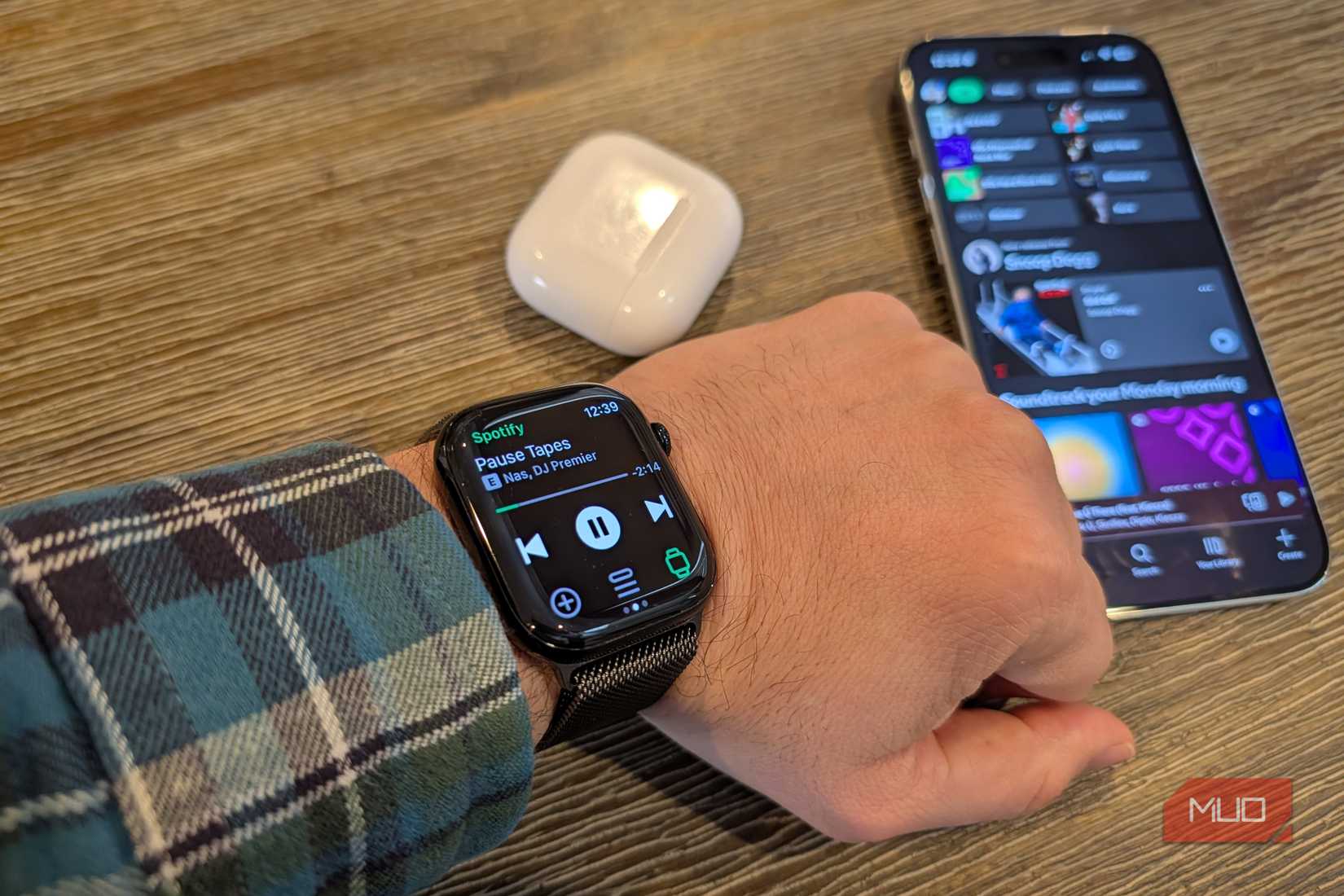
When I go for a jog, I hate bringing my phone because it adds weight and bulk to my pockets. Instead, you can repurpose an old smartwatch as a dedicated music player by downloading offline playlists to its built-in memory and connecting it directly to your Bluetooth headphones. Then you have a phone-free music player you can wear on your wrist — no bulk. Your old smartwatch has 8–16GB or more of onboard storage, enough to download several thousand songs. You can even make custom workout playlists from the watch or phone, download them, and always have just the right playlists ready to play from your wrist.
Track your health
Blood oxygen, pulse rate, EKG, and more
Credit: Brandon Miniman / MakeUseOf
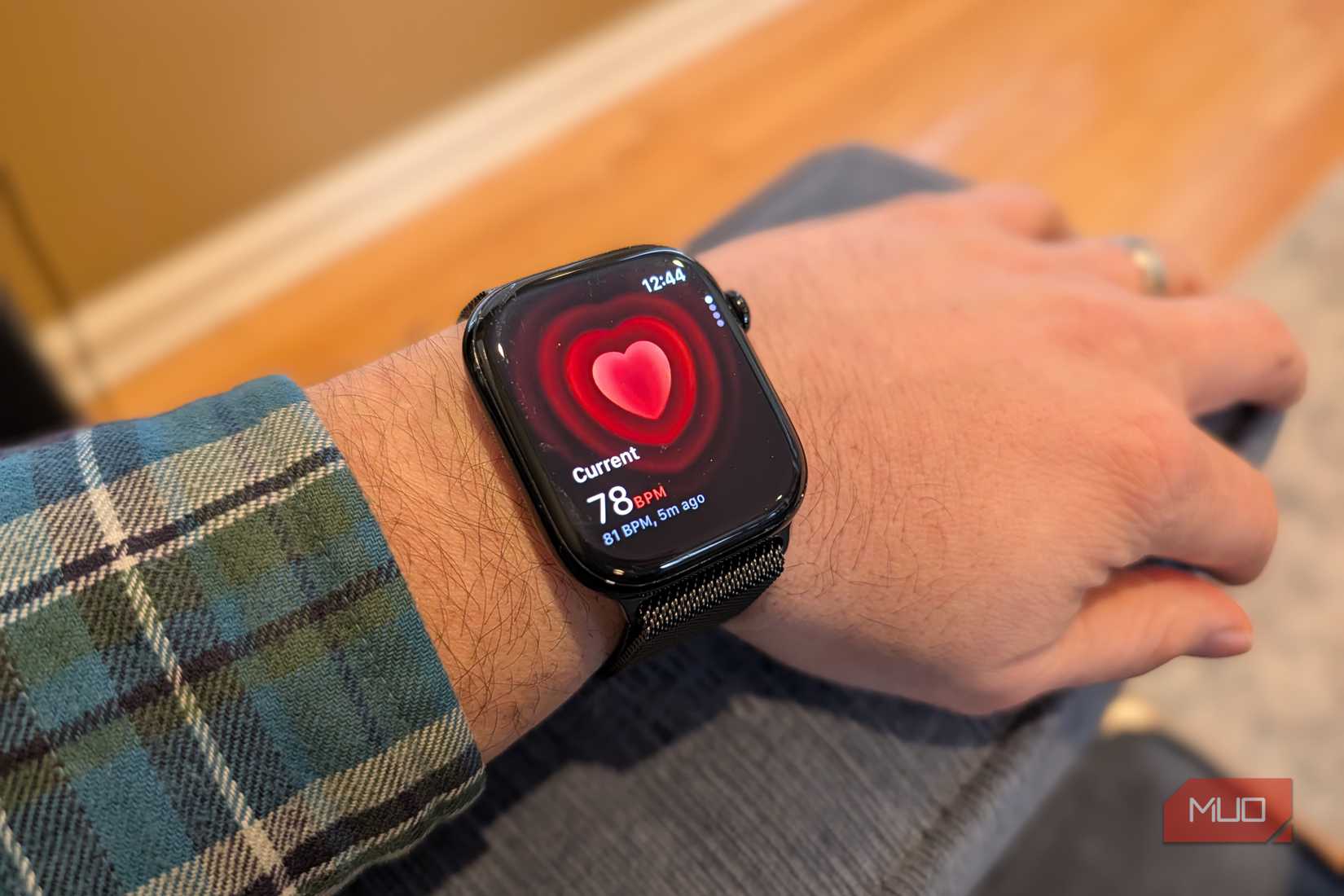
Most smartwatches have advanced health sensors. They almost all have heart rate sensors, with some having blood oxygen, EKG, and some even measuring blood pressure. Keeping an old smartwatch charged and ready in your medicine cabinet means your family can check in on their vitals without going to the doctor.
These relatively basic sensors don’t substitute for a doctor’s advice, but for example, the EKG function can detect if you have atrial fibrillation, a common heart issue that requires treatment.
If someone in your family is having trouble breathing, measuring their blood oxygen with an old smartwatch can indicate if the person has adequate oxygen levels in their blood, because some respiratory illnesses can require an emergency room visit if blood oxygen gets too low. And high blood pressure can indicate an underlying health condition that requires treatment from a doctor, and keeping an old smartwatch around to periodically check blood pressure can literally be a lifesaver.
Smart home control
A minimal smart home remote
Credit: Brandon Miniman / MakeUseOf
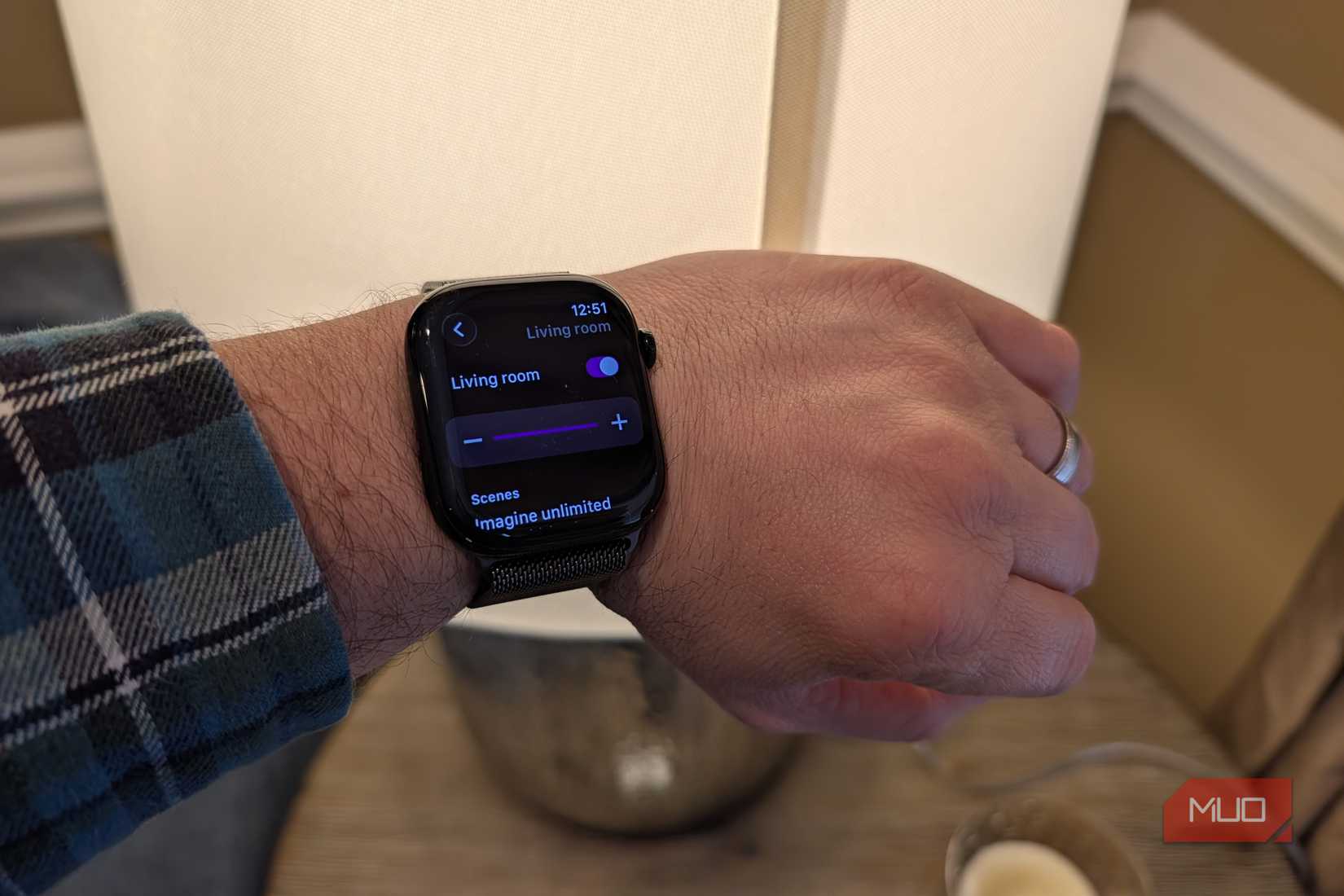
I’m a big proponent of physical controls for smart home. You can repurpose an old smartwatch to control certain aspects of your smart home, then keep the watch within easy reach, like on your ottoman in your living room, for easy control. For example, I set up an old Apple Watch to use the Hue Essentials app, which gives me full control over my Philips Hue smart light setup right from my watch and without a phone. I can control scenes, individual light colors, and brightness, right from the watch app.
Bedside clock
Nightstand mode
Credit: Brandon Miniman / MakeUseOf
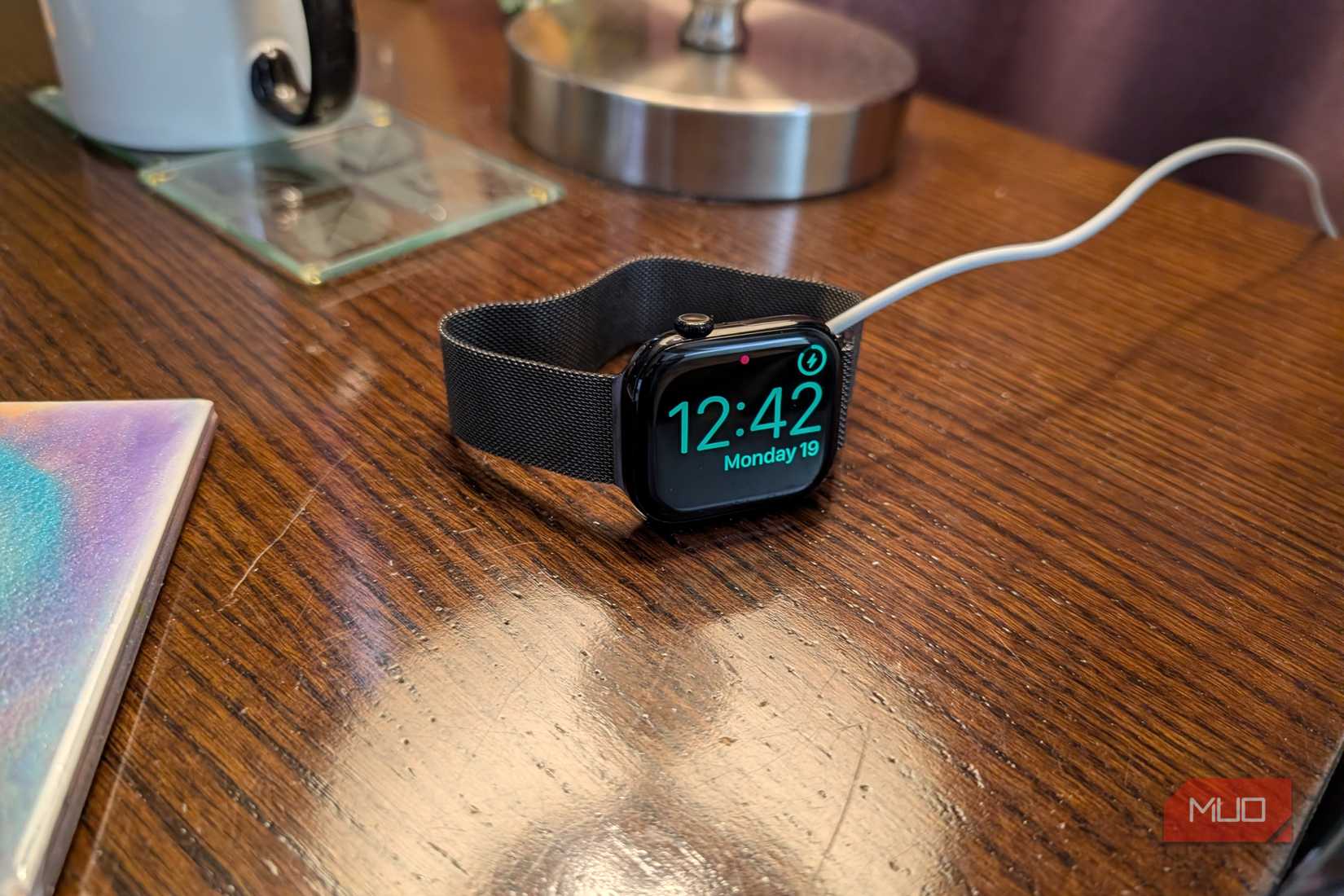
Some smartwatches have a dedicated nightstand mode that will let you use the watch as a dimly-lit clock at night while it’s charging. Some, like the Apple Watch, have the added benefit of gently waking you up if an alarm is set by increasing the screen brightness as you get closer to your alarm’s wake time. On Apple Watch, you can turn on nightstand mode by going to Settings -> General -> Nightstand Mode -> Turn On.
On Pixel Watch, you’ll want to turn on “stay awake when charging” in Developer options. To do this, go to Settings -> System -> About -> Tap build number seven times to enable Developer Options. Then go back to Settings -> Developer Options -> Turn on Stay Awake When Charging. Then you’ll want to turn off adaptive brightness by swiping down from the home screen, tapping the sun icon, and then disable adaptive brightness. This will keep the screen on while charging so you can see the time at night.
Related
9 Ways to Make Your Old Android Phone Useful Again
Don’t toss that old Android device just yet! With a little creativity, you can give it a second life.
Other things you can do with an old smartwatch
Get creative
One thing you can do to figure out an ideal use for your old smartwatch is to look at the apps you already have installed and consider which apps can stand alone on a small display and offer value if you think about your watch as a mini computer or even a secondary or tertiary screen to your PC.

Credit: Brandon Miniman / MakeUseOf
Especially when you have a smartwatch that can have its own internet connection, the possibilities are endless in terms of what you can do with it. Here’s a short compendium of ideas:
A standalone tracking device for kids or seniors (using Apple’s Find My network or Google’s Device Manager).
A digital detox device (install only key communication apps).
A hiking companion (using AllTrails or Footpath on Apple Watch, or Komoot and AllTrails on Android).
Many carriers offer monthly cellular communication for smartwatches for $10 or less per month. I’d say that’s a worthwhile investment considering how many things you can do with a smartwatch with an always-on connection that can work without a phone.
Don’t throw away your old smartwatch
There’s no reason why your old smartwatch needs to collect dust in the drawer (or maybe you’re just frustrated by it and don’t use it). Your old watch has most of the components of a computer, with multiple gigabytes of onboard storage, a full suite of radios including Wi-Fi, Bluetooth, and sometimes cellular, and a full array of apps and services designed specifically for smartwatch platforms.
The only main downside is battery life: a lot of these watches have poor standby time, so you’ll have to keep them charged. That’s why I especially like the idea of using an old smartwatch as a bedside clock, always plugged in and docked.