
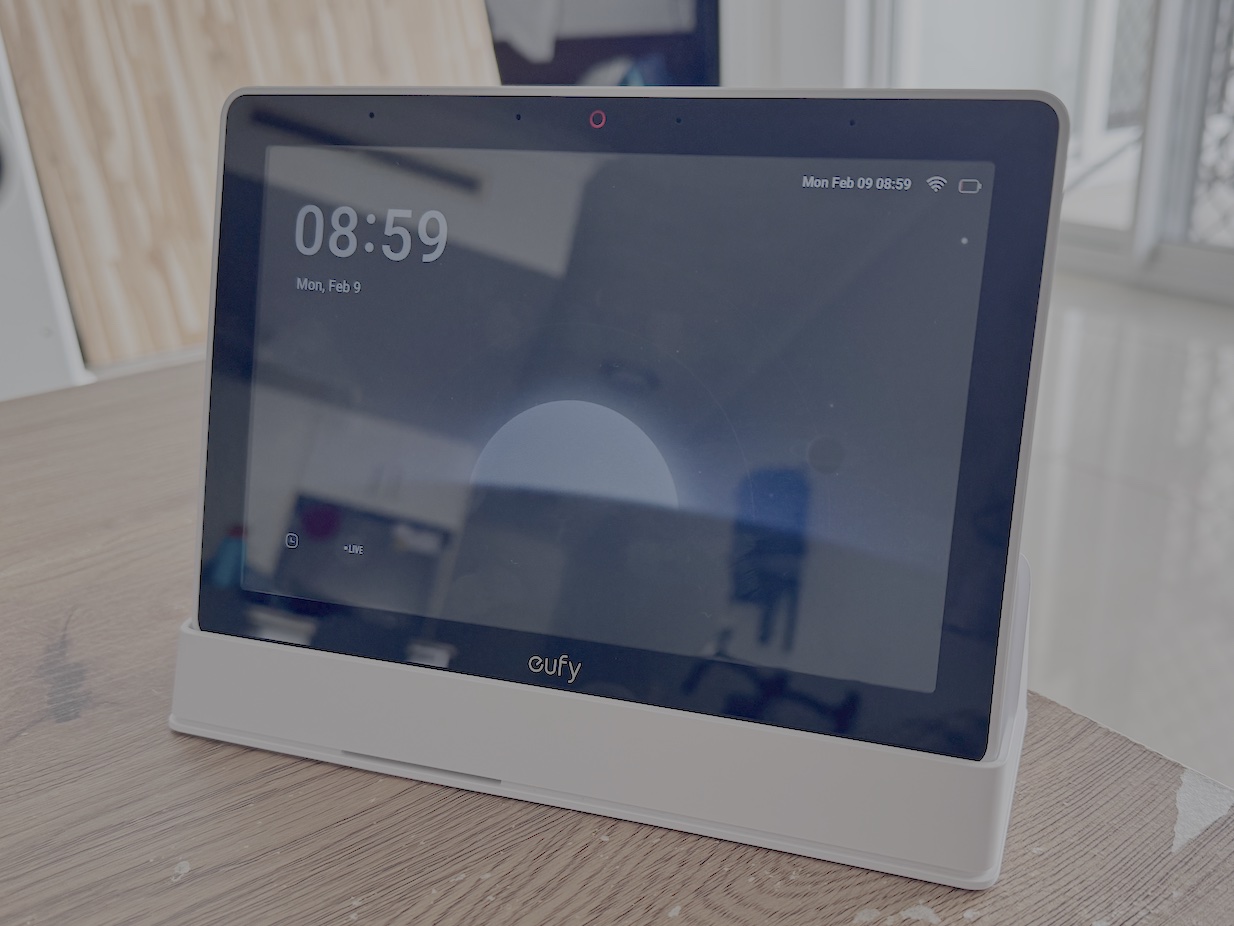
Most smart displays try to do a little bit of everything, but the Eufy Smart Display E10 aims to excel at just one thing – being the centerpoint of your Eufy security ecosystem.
With a singular focus on your home security setup, there’s no other apps to get in the way. The key question to ask is whether a single-use smart display is truly worth it.
What stands out about the Eufy Smart Display E10
With no voice assistant, no weather or calendar widgets, and no music streaming, Eufy has trimmed all of the features off this device and focused on a single purpose.
The display aggregates all your Eufy security cameras into a unified interface. You can view your video doorbell, indoor/outdoor cameras, and check on your locks and sensors all from this security hub.
With no frills included, the Eufy E10 Smart Display is focused on speed, not versatility. Camera feeds pop up near instantly so you can see what’s going on the moment a visitor rings your doorbell or passes by your yard.
Setup and First Use
Setup was very simple, only requiring the tablet. Simply enter your Wi-Fi details, sign into your Eufy account, and you’re ready to begin.
Mounting options included in the box are a bracket that can be wall-mounted with adhesive or screws, or a cradle for sitting on a countertop or desk.
The device also includes a 32GB micro SD card for local storage.
Compatible devices found on your account are automatically added to the Smart Display where you can move them around for viewing on the home screen.
If you have multiple cameras, you can view up to four at once.
The user interface offers snappy performance and I haven’t yet noticed any hitches in usage.
Key Features
Alerts are instant, with the display automatically serving live feed of the doorbell camera when someone rings it – no need to interact with a notification.
Indoor/outdoor cameras act the same way – when motion is detected the feed automatically shows up on the screen.
Events are recorded automatically and downloaded to local storage for easy access – no ongoing subscription fees to worry about.
The red alarm button on the device can be used to trigger an alarm on all your connected cameras to deter unwanted visitors, and through the settings menu you can configure other functions like switching security modes or muting alerts.
Limitations
Unfortunately the Smart Display E10 only works with Eufy security devices. There’s no official compatibility list, but it supports the most recent cameras, doorbells, and other security products. If you’ve got an older setup, you might want to double check.
The display doesn’t integrate into smart home ecosystems like Google Home or Apple HomeKit, meaning you’ll need another smart display in tandem to get the most out of your smart home.
With no Matter protocol support, other smart sensors like water leak, window/door sensors, and temperature/air quality sensors can’t be connected to the Smart Display E10 either.
First Impressions
Ultimately, the Eufy Smart Display E10 is a bit of a niche product. Eufy calls it a smart display, but it only really does one thing – maybe security monitor would be a more accurate name.
However, it does do that one thing very well. With responsive performance and features like quad-view, it excels as a dedicated display for your security suite.
It will be your circumstances that determine whether you’re comfortable with the limited functionality.
For users with fewer cameras it might be tough to recommend – a more fully-featured smart home hub would be easier to justify. However, if you’re already invested into the Eufy brand with multiple cameras or planning to dive right in the deep end, the Smart Display E10 is a worthwhile addition to your setup.