
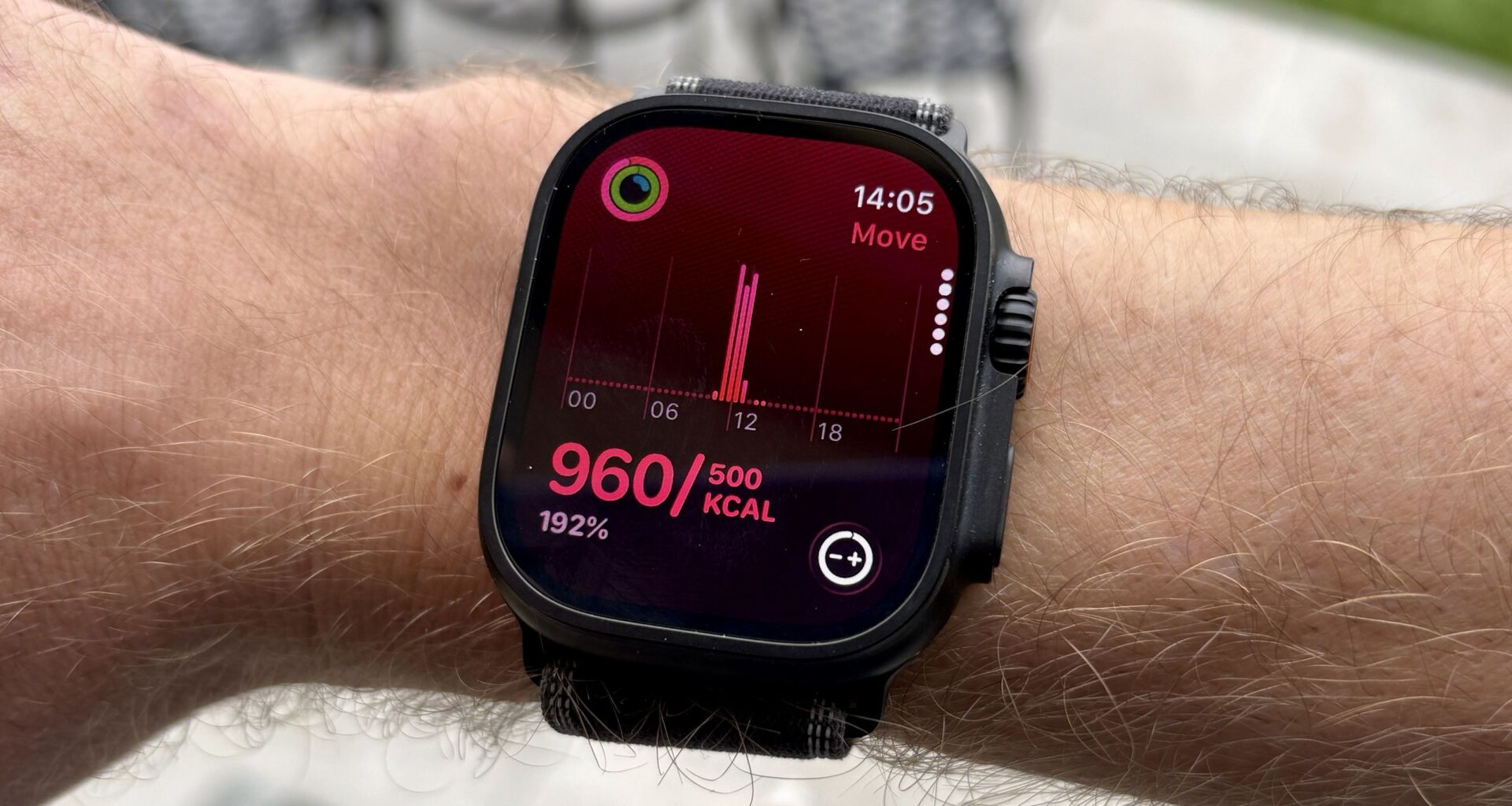
My longest ever Apple Watch move streak was 270 days, and I still remember the day it ended. I went out for a few drinks after work, lost track of time and didn’t manage to slip in the walk or workout needed to hit 500 active calories for that day.
At the time, I was addicted to filling the Apple Watch’s activity rings each day, which was a good thing in many ways — I’d make sure I walked regularly for extra activity, or did a short workout in the evening if I was short of my goal.
Why your move goal should be a challenge
(Image credit: Future)
I think that daily activity goals like the move ring are at their most valuable when they’re a challenge to hit, and for that to be the case, you need to adjust the targets to suit your fitness level.
The standard setting of 500 calories on the Apple Watch was something I could hit most days without doing a specific workout. Walking as part of my commute would get me all the way there.
That’s a great way to maintain your fitness, but to use the move goal as a way to motivate myself to get fitter, upping the target was needed, and that was something I was reluctant to do during my long streak.
You may like
Having a target that is a manageable challenge means you do push yourself and (sometimes) inevitably fail, ending whatever streak you’re on.
Overall, however, pushing to hit the goal most days will result in a bigger jump in fitness than coasting towards an easy goal just to maintain your streak. This is in line with the principles of progressive overload, where you keep increasing the difficulty of your workouts to avoid a plateau.
How much should you increase your target?
(Image credit: Future)
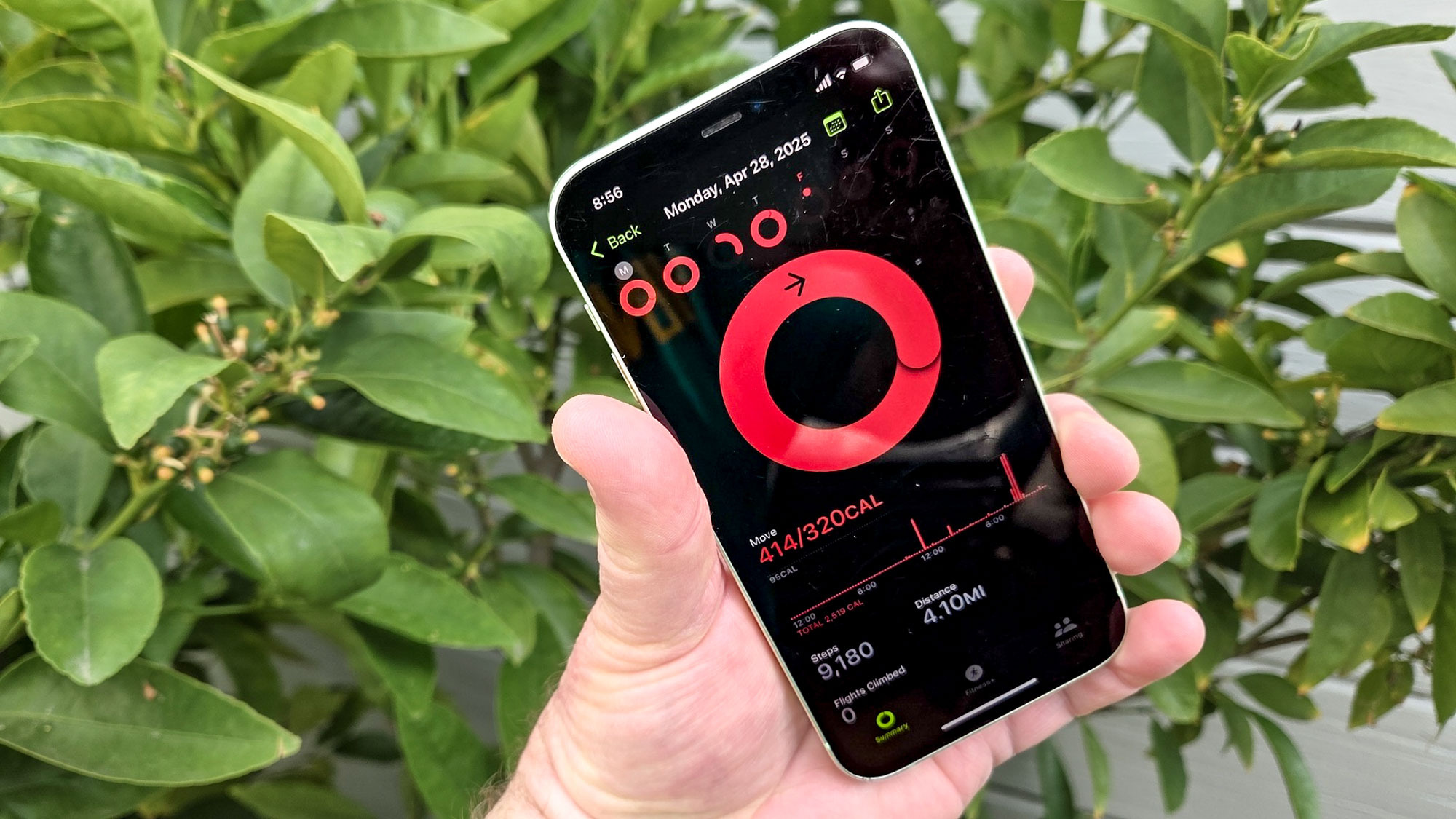
Naturally, there’s a limit to this — I wouldn’t suggest ramping up your goal to thousands of active calories a day — but if you’re hitting it with ease, try adding 10-20 calories a week until it becomes a little more of a challenge.
If you are finding it a challenge already, it’s important to also factor in rest days to your training week. As a keen runner, I actually enjoy the challenge of not hitting my move goal on my rest day to prove to myself I’ve actually taken a day off.
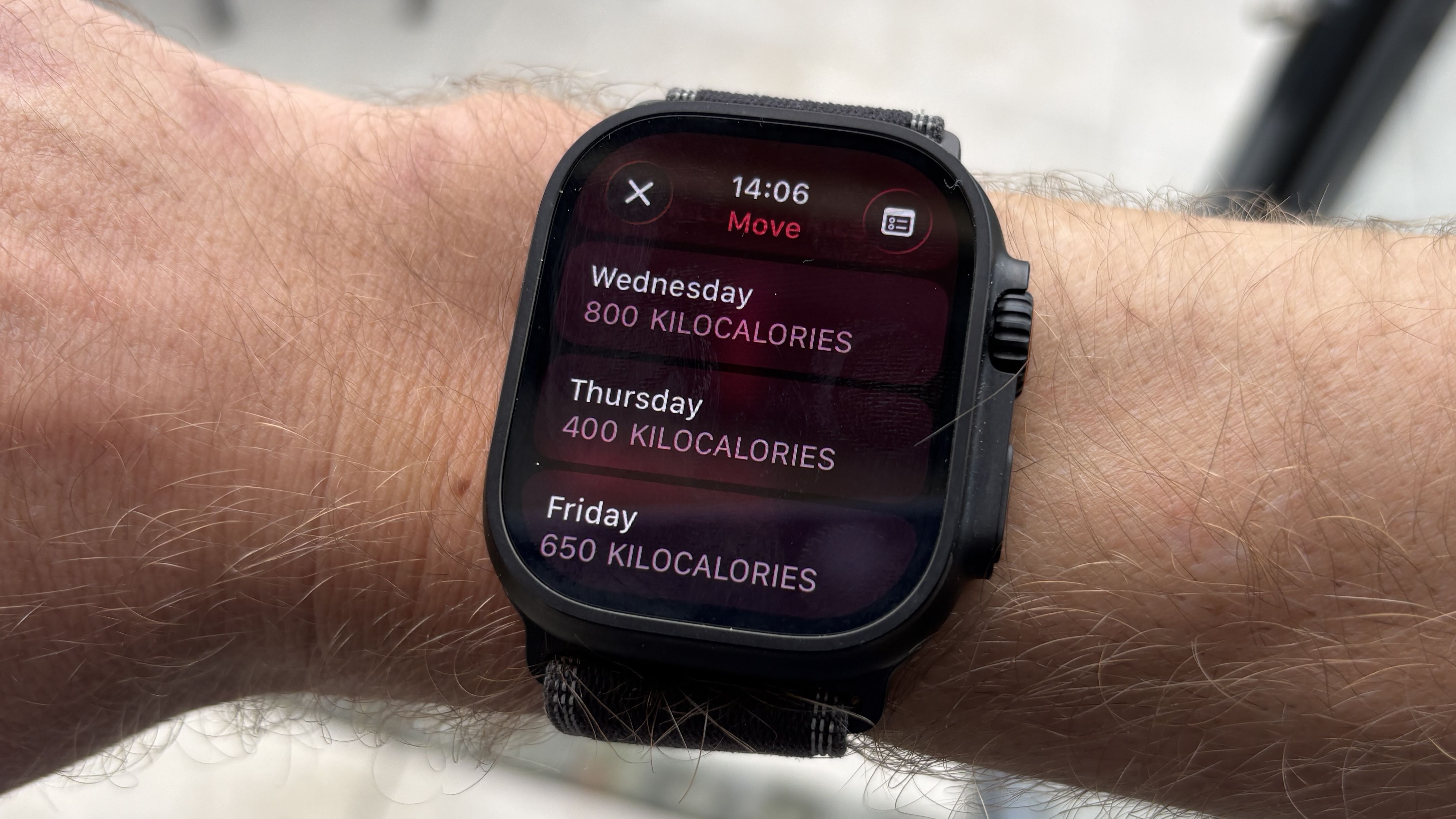
You can even change your move goal just for certain days of the week if you want to be more specific about the days you want to push yourself with regard to training. So you could go all-in on Wednesday, then have a reduced target on Thursday for a rest day, or because you know you’ll be busy with work or life that day.
You may like
How to change your Apple Watch move goal
(Image credit: Future)
If you scroll to the bottom of your weekly activity summary on the Apple Watch, you actually get a suggested move goal based on your previous performance, which you can simply accept.
You can also change the goal manually by following these steps:
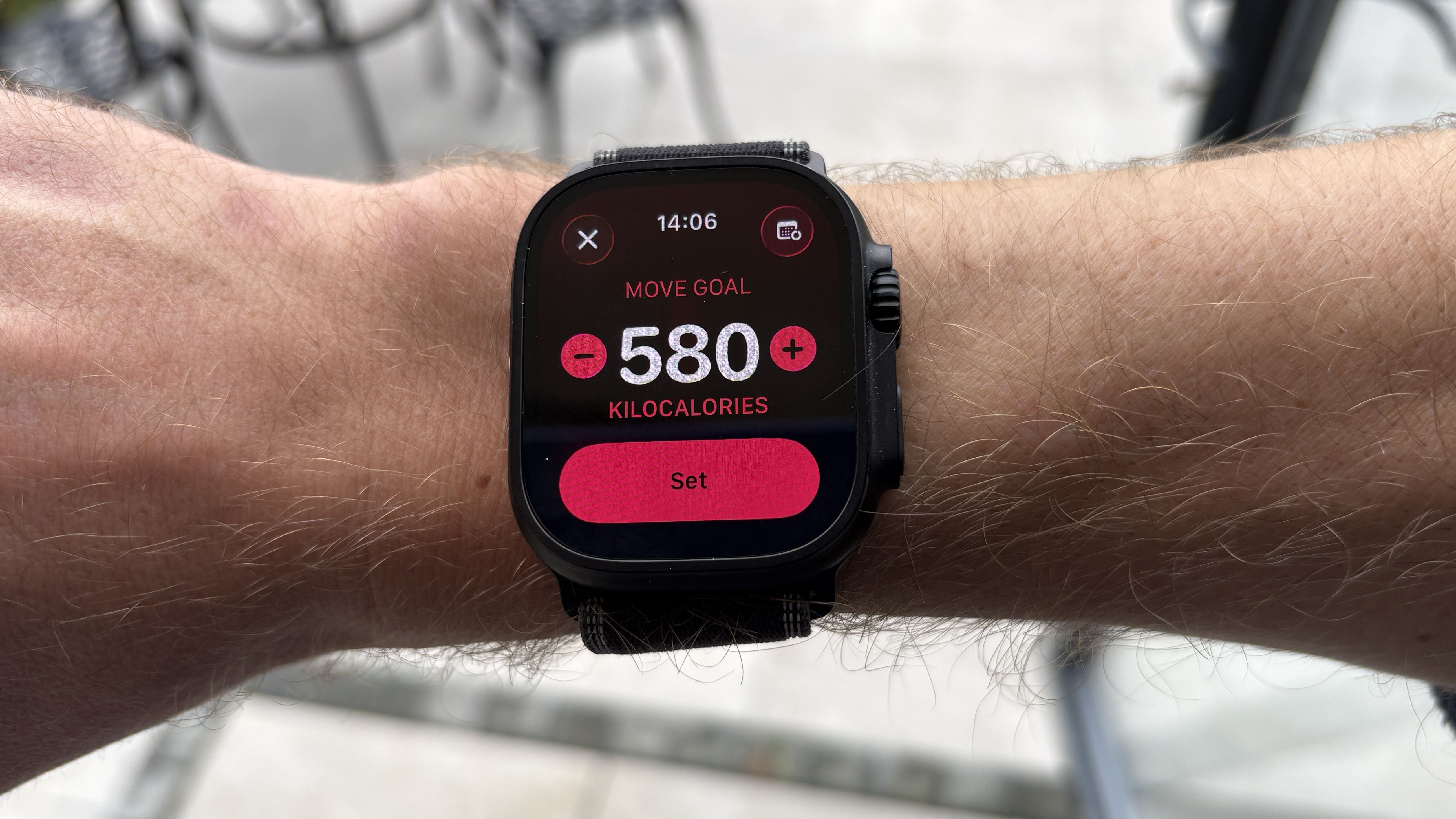
Open the Activity app on the watchTap your rings to bring up the option to Change GoalsAdjust the active calories you want to target each day, and hit Set.
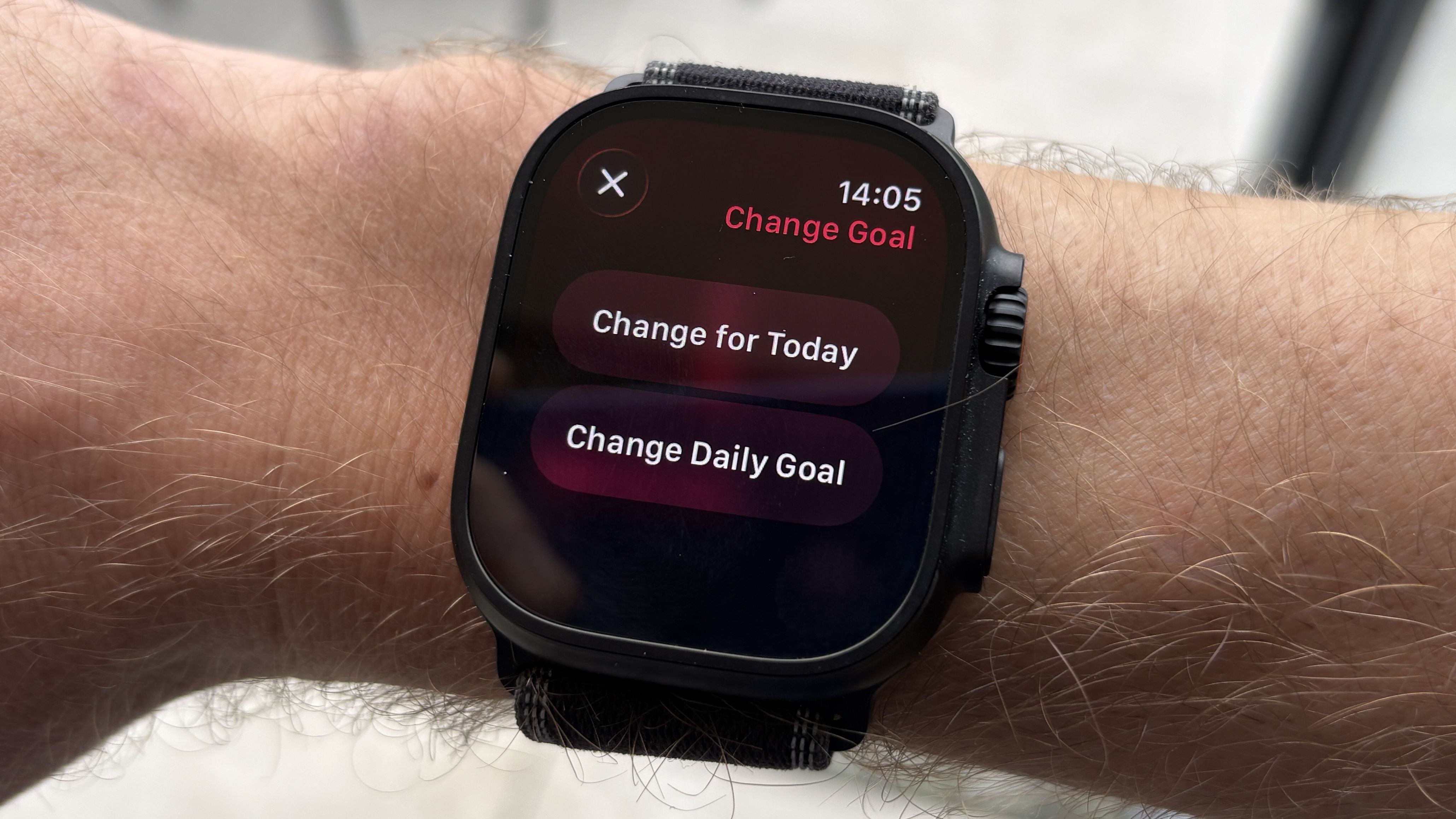
You can also change the goal just for one day, if you want to try it out:
In the Activity app, scroll to the Move sectionTap the -+ button in the bottom right corner of the screenChoose to change the target for today, or permanentlySelect your target and tap Set.
(Image credit: Future)
If you want to change your goals for each day in advance, hit the calendar icon in the top right corner when adjusting your target, and you’ll be able to select your active calorie goal day by day.
You can also adjust your active minutes and stand goals in the app, and getting active for more minutes is an equally good way to push yourself, even if there is no active exercise streak to worry about.

Follow Tom’s Guide on Google News and add us as a preferred source to get our up-to-date news, analysis, and reviews in your feeds.
More from Tom’s Guide