
It’s a great irony that the one thing streaming services really can’t seem to get right is the humble mobile app.
It’s not surprising, given that these apps aren’t designed to be as usable as possible, but to steer you in specific directions. To nudge you towards behaving in a certain way.
So thank goodness we still have apps like VLC for Android.
Related
VLC on Android is ugly, but it’s still the only video player I trust
The one Android media player I keep reinstalling
VLC was built to play files, not sell subscriptions
It’s all business
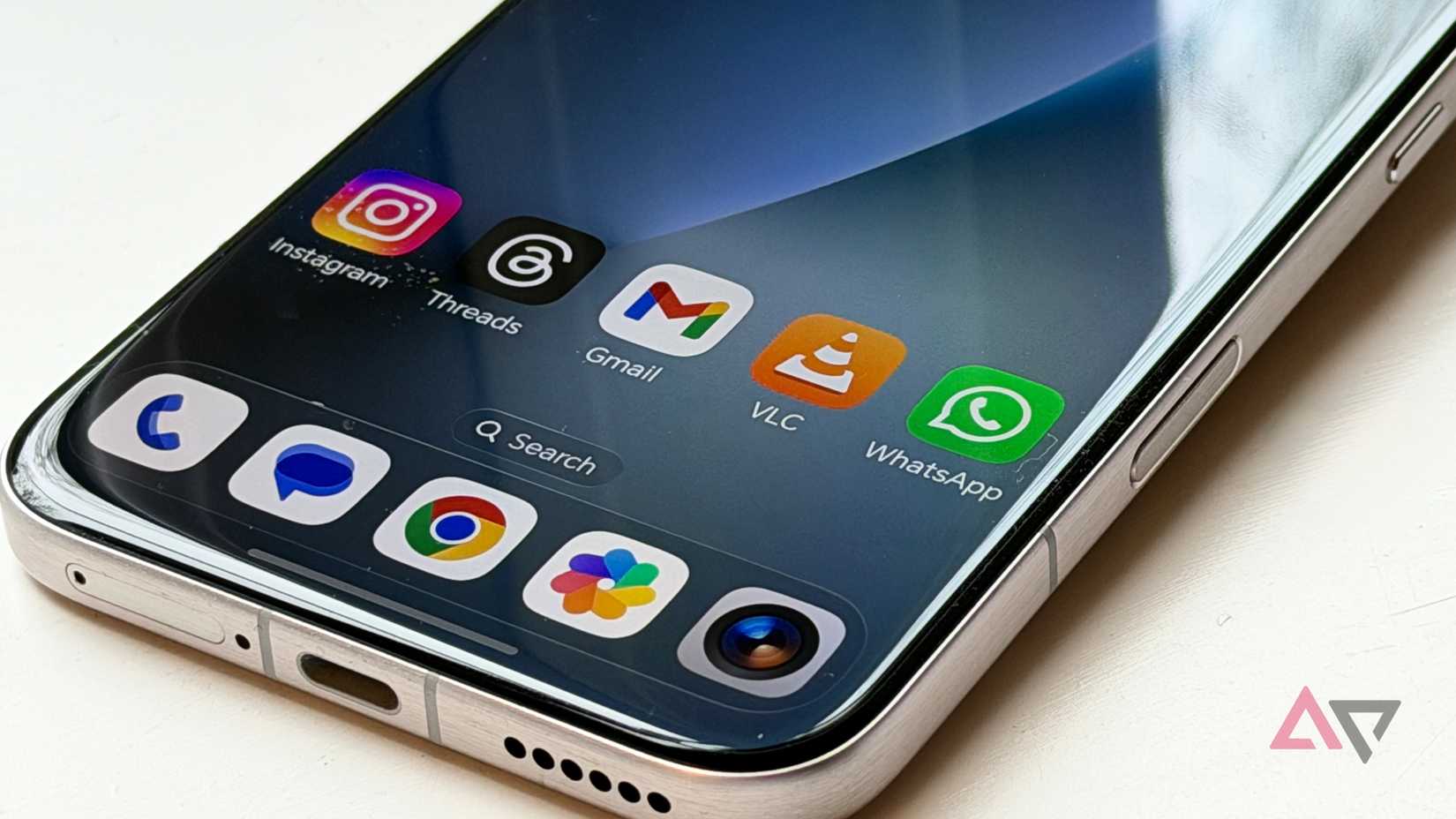
At its core, VLC is a free and open source application. VideoLAN is a non-profit organization that supports the project, and ensures the app is maintained on all the platforms it’s officially available.
Though, anyone can compile their own version using the freely-available source code.
There is no profit-driven business model here, so there’s no reason for this app to get in the way of simply letting you play the media you want.
However, unlike a proprietary streaming app like Netflix or Hulu, you need to supply your own media. When you do, VLC gets straight down to business.
It plays everything modern apps still struggle with
We haven’t stumped it yet
If you’re of a certain vintage, you probably remember having to download “codec packs” from the internet onto your computer so that you could play videos someone might share with you.
There were so many obscure and exotic ways to encode video and audio, that even with the biggest pack installed, you probably ran into some videos that didn’t work.
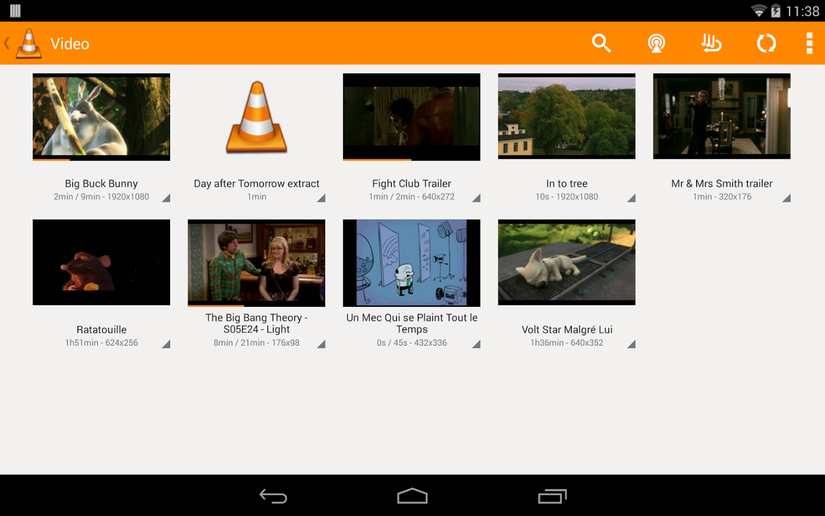
Well, VLC laughs in the face of obscure codecs. You can dig out a dusty old CD with obscure web videos from the 1990s, and there’s a pretty good chance VLC will simply play the files on it.
While we have yet to try it, the official app description for VLC for Android lists DVD ISOs as supported. This means you can rip one of your DVDs to an ISO file and play it back on your Android device.
We prefer Handbrake to convert DVDs to digital files, but it’s very cool that VLC can do this.
VLC does not support playing DVDs directly from a DVD drive when connected to an Android device. We tried. Though this might have more to do with the Android device than the software itself.
It slots in with your self-hosted content
Near, far, wherever you are
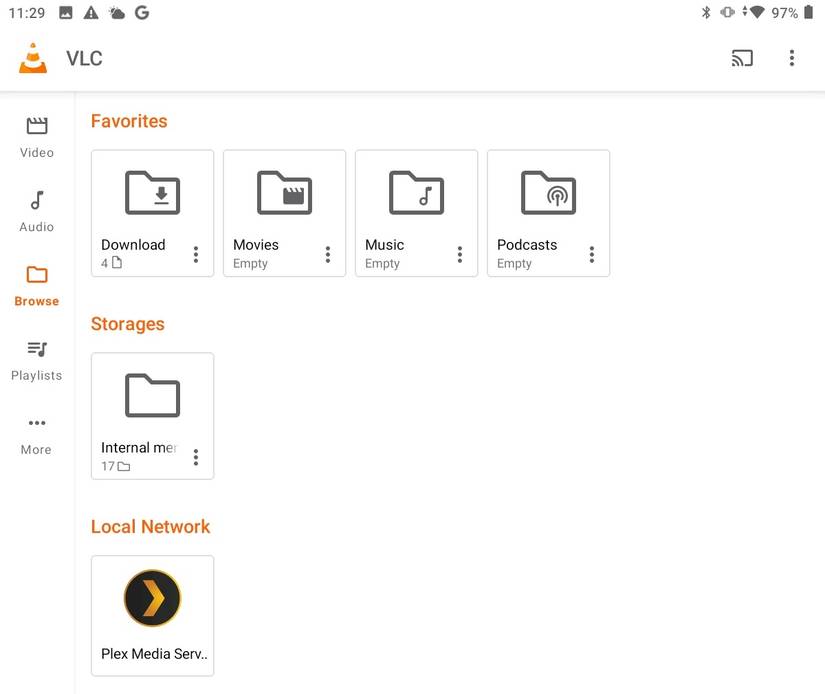
While VLC shines as a local media player, and supports any storage device that your Android phone or tablet can browse, you can use it to access content hosted on other devices.
The versatility here is phenomenal. Network shares, online livestreams, FTP servers, and DLNA servers.
This works great if you have a Plex server set up with DLNA enabled. Because it means you can simply stream your shows and movies without all the rigmarole of the Plex client app.
This means there’s no profile or keeping track of what you’re watching, but it’s fast and straightforward and there are quite a few reasons why it’s worth streaming Plex to VLC.
VLC is also yet another reason it’s worth using USB storage with your Android device.
Large-capacity flash drives are cheap, and downloading content from remote servers to USB storage, or preloading your own content to a USB-C thumb drive before getting on a plane is painless and fast.
There’s also no tracking of what, when, or where you watch. VLC isn’t interested in your data, because it has nothing to sell you, and doesn’t need to sell you to anyone.
The interface is ugly, primitive, and better than bloated streaming apps
We said it’s ugly, we didn’t say we hated it
A charitable description of VLC (on any platform) would be “minimalist,” but most people probably think it’s so barebones that it’s rather unpleasant to look at.
The thing is, that aggressive lack of ornamentation is exactly why VLC is so good. There’s no branding, no time-wasting animation, and no unwanted popups or autoplay trailers.
It also wouldn’t be fair to say that no effort has been put into VLC. Especially if we’re talking about the Android version.
The developers of VLC clearly care about usability, and the app has numerous dedicated touchscreen features such as gestures, making it easy to use once you know how.
Yes, it’s not that easy to learn through trial and error or intuition alone, but there’s a tutorial that plays the first time you open the app. You didn’t skip over it, right?
VLC is your one-stop streaming app
VLC is a fantastic example of what’s possible when a passionate community builds something they’d want to use themselves, without the perverse incentive of profit or shareholder sentiment.
VLC does one job, and it does it with laser-focus. If it’s possible to play something through VLC at all, it’s worth giving it a go.