
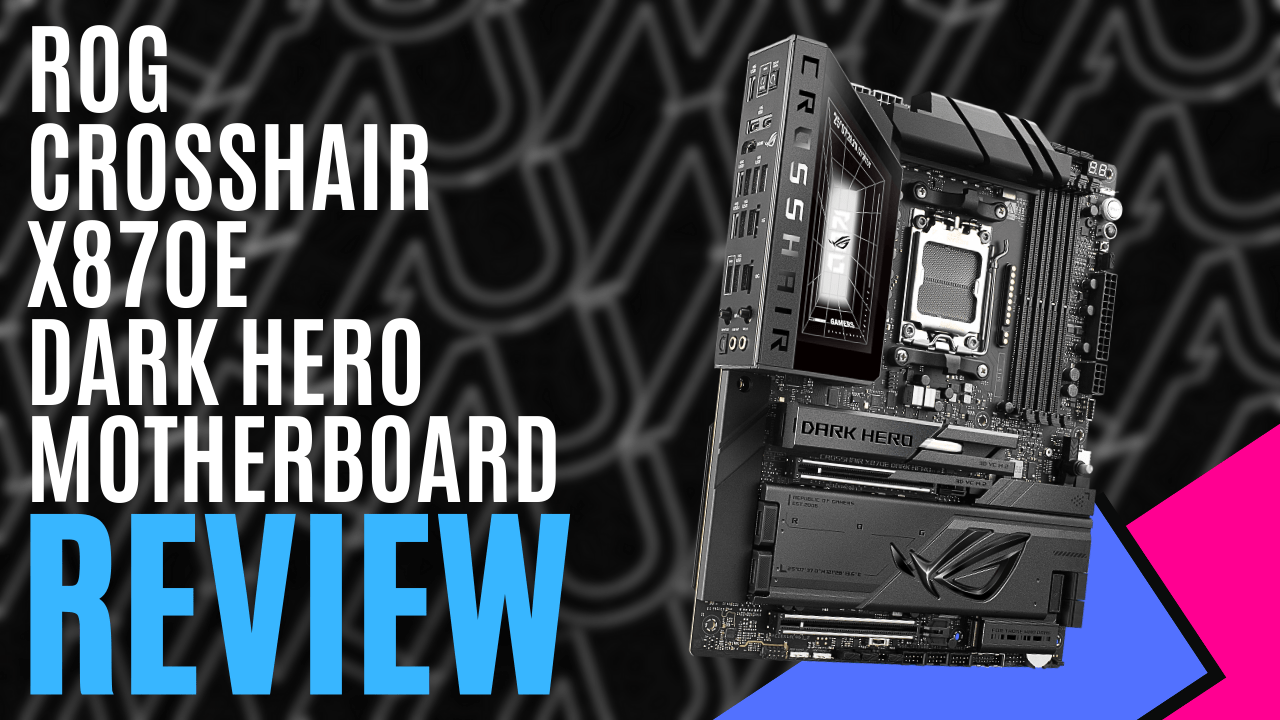
It’s been a few months since I last reviewed a motherboard, and I figured with the new year rolling by, we’d slowly get back into the swing of things. ASUS, however, had other ideas and sent us the ASUS ROG Crosshair X870E Dark Hero motherboard.
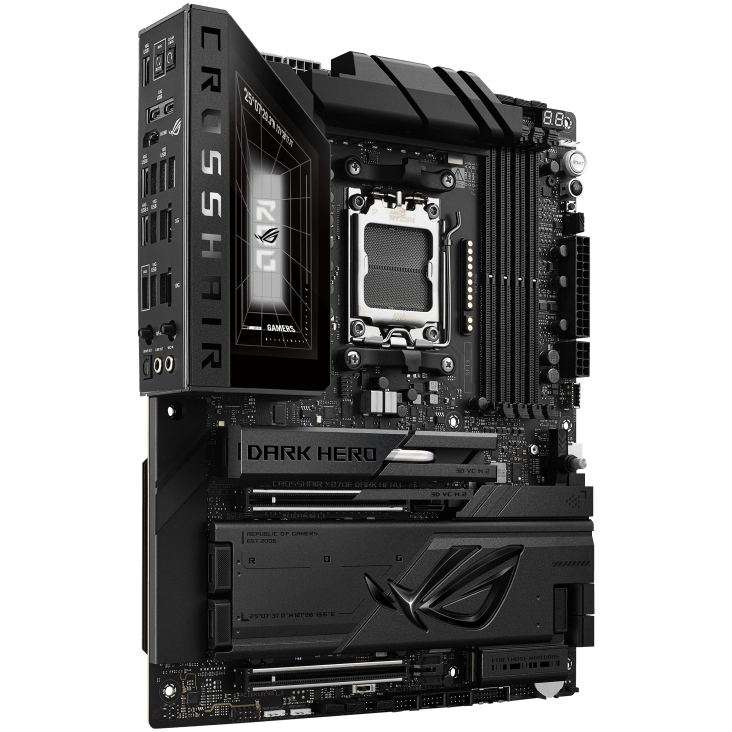
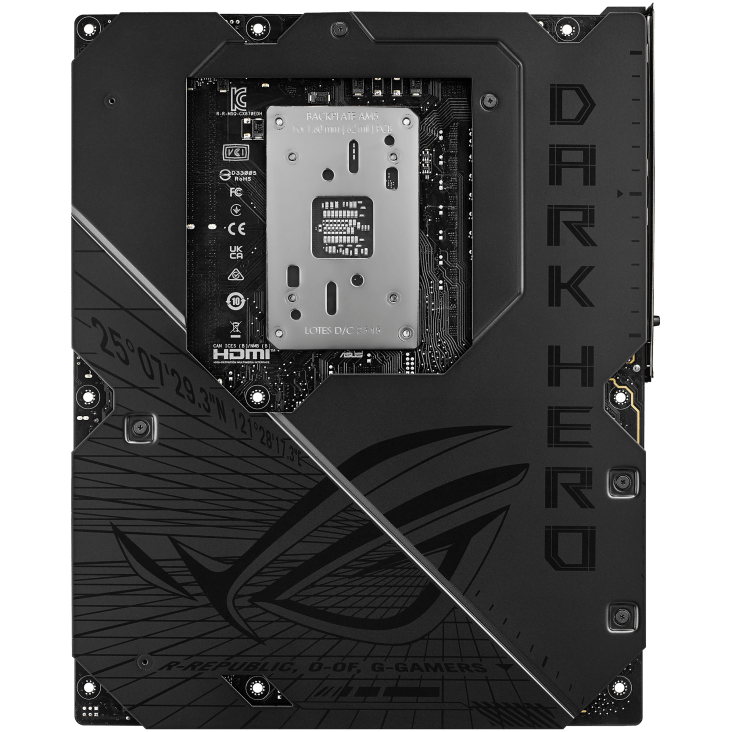
Matte black dominates the PCB, broken up by nickel-plated accents and layered heatsinks that give the board depth without going overboard. The large M.2 and chipset heatsinks blend seamlessly into the design, and Polymo Lighting II in the I/O shroud provides subtle but dynamic RGB. It feels dense and deliberate, with reinforced PCIe 5.0 SafeSlots, a metal backplate, and oversized VRM heatsinks, giving you confidence before you’ve even powered it on.
While the AMD X870E chipset supports any of AMD’s AM5 series processors, it really comes into its own when paired with the AMD Ryzen 9000 range. The four DIMM slots can support up to 256GB of DDR5 RAM, and with a Ryzen 9000 installed, speeds can stretch beyond 8200MT/s (overclocked).
ASUS makes the tuning process far less intimidating than it sounds. EXPO profiles are fully supported, AEMP is onboard for additional flexibility, and NitroPath DRAM technology helps optimise signal integrity when you start venturing into high-frequency territory. For most users, enabling EXPO will be enough. For those who like to tweak, there’s plenty of headroom waiting in the BIOS.
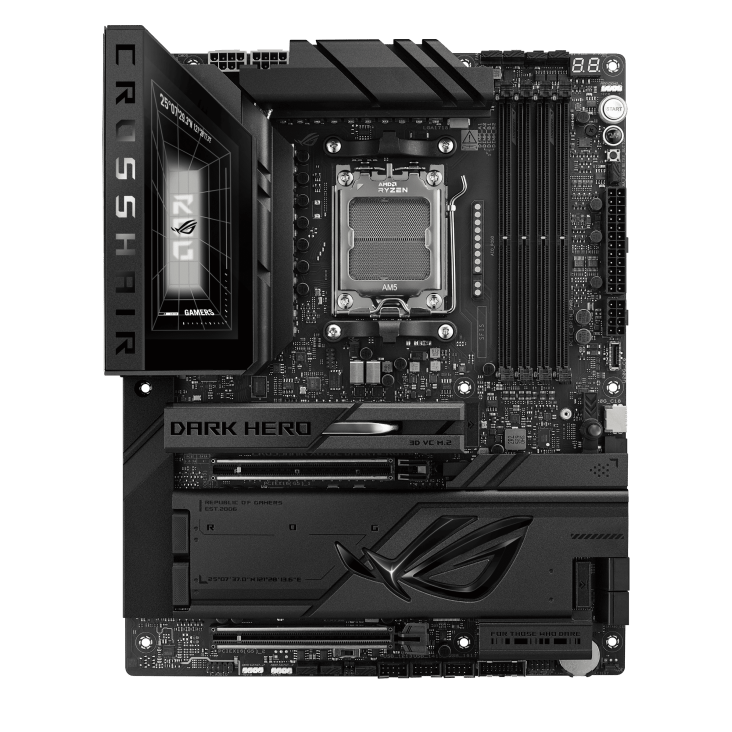
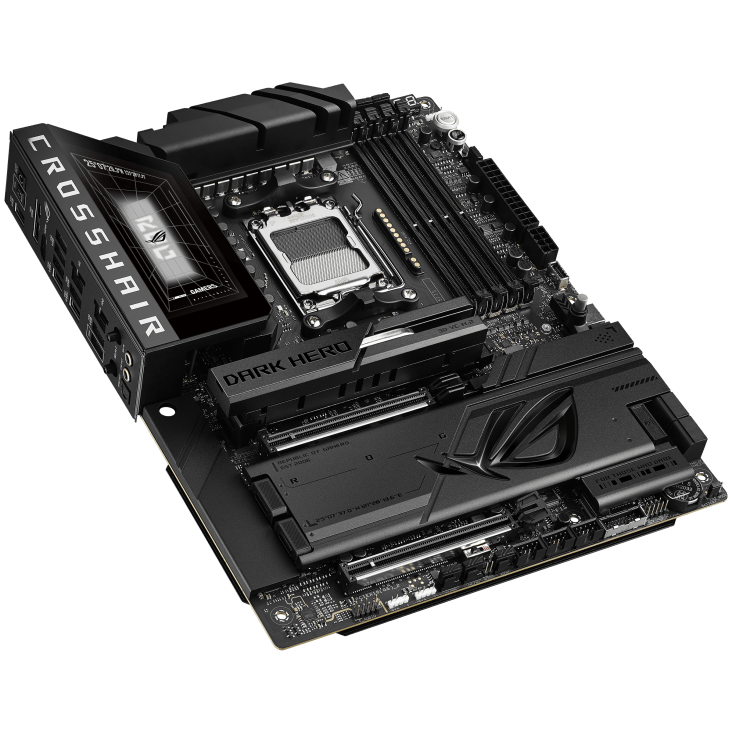
Whether you’re storing your entire gaming library or using it as an AI powerhouse, the ASUS ROG Crosshair X870E Dark Hero motherboard has your storage needs covered. You get up to five M.2 slots, including PCIe 5.0 support where it matters most, alongside a SlimSAS connector and four SATA ports. That’s an absurd amount of expansion for anyone building a content creation machine or a high-capacity gaming system.
Expansion for graphics and add-in cards is where the PCIe 5.0 platform truly comes into focus. The board features dual PCIe 5.0 x16 SafeSlots, delivering full next-generation bandwidth when paired with compatible Ryzen 7000 or 9000 series processors. In a single-GPU configuration, either slot operates at PCIe 5.0 x16, ensuring maximum throughput for current and upcoming flagship graphics cards.
When both x16 slots are populated, lane distribution adjusts accordingly, typically operating in an x8/x8 configuration while retaining Gen5 speeds, which still provides more than enough bandwidth for modern GPUs.
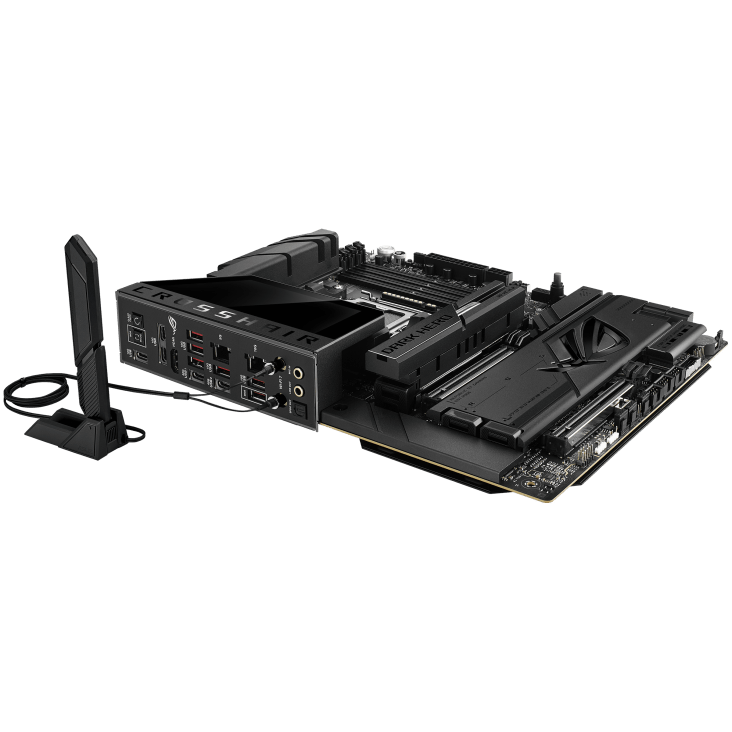
The rear I/O panel comes loaded with connectivity options, including two USB4 Type-C ports providing up to 40Gbps bandwidth for high speed external devices, and eight additional 10Gbps USB ports, six being Type-A, the remaining two are Type-C. There’s also 2 RJ45 ethernet ports, with one supporting 2.5G, and the other boasting up to 5G networking speeds, as well as connections for the WiFi7 Q-Antenna, audio connections, and an HDMI socket.
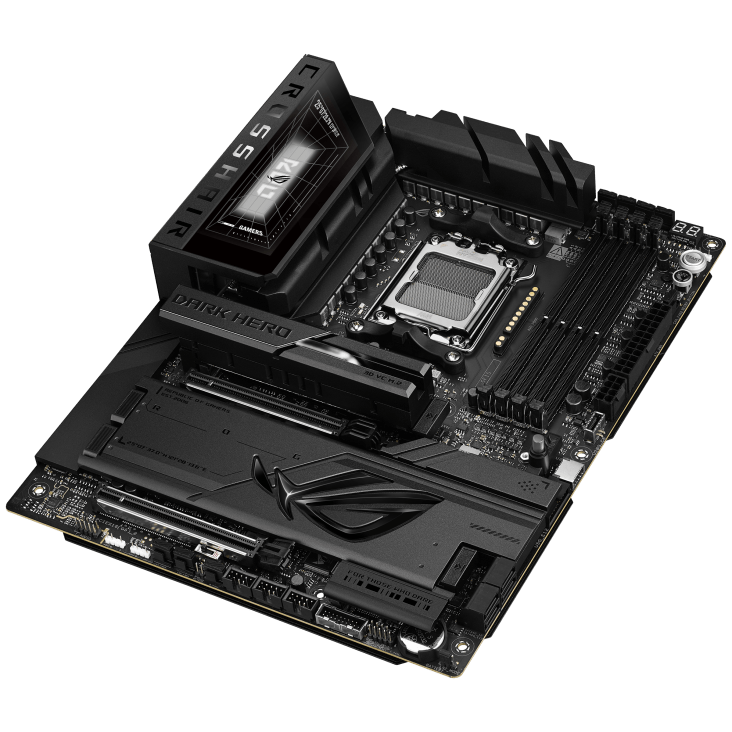
Beyond raw performance and connectivity, ASUS continues to invest time into making the building and ownership experience more approachable through its EZ DIY feature set. Storage installation has been simplified through the M.2 Q-Latch and Q-Slide mechanisms, offering quick and easy installation, and both expansion slots utilise the Q-Release Slim system, making it easier to swap out your GPU.
Troubleshooting is made easier with the Q-Code LED panel providing 2-digit diagnostics for common boot issues, and buttons for BIOS Flashback and Clear CMOS easily accessible on the I/O panel, should you need to quickly revert to default settings.
Taken as a complete package, the ASUS ROG Crosshair X870E Dark Hero motherboard delivers the kind of premium experience you would expect from a flagship ROG platform. From its robust PCIe 5.0 expansion and extensive storage support to its high-speed connectivity and builder-friendly EZ DIY features, it feels designed to support both current high-end systems and future upgrades without compromise.
While it is undeniably positioned at the higher end of the market, the feature set, build quality, and forward-looking platform support make it a strong foundation for enthusiasts, content creators, and anyone planning a no-compromise AM5 system.
The Good
Extensive support for PCIe 5.0
Exceptional storage capabilities
Abundant external I/O support
EZ DIY features for a simplified build
Premium design and build quality
The Bad
Premium features mean a premium price
9.5
___
10

Written by: Mathew Lindner