

I use AI every day for work, but content creation is still the part that slows me down the most. I have an instagram account that blew up when I posted a video of my kids using Stickerbox, but up until recently, I only posted on occassion.
NotebookLM changed all of that for me. Before I started leaning on Google’s AI, coming up with an idea, shaping it into something clear and then turning it into a finished post took hours — especially when I’m already juggling multiple stories, social posts and deadlines.
But what I love about NotebookLM is that it can turn just about anything into a full video overview and it’s actually sped up my entire content workflow. It doesn’t replace creativity, but it does help remove the hardest part of content creation: getting started.
Here are the five ways I actually use it to create content faster.
1. I turn rough ideas into instant video scripts

(Image credit: Getty Images)
The biggest bottleneck for me is turning a messy idea into something structured. Instead of staring at a blank page, I drop in bullet points, my notes and research. From there, NotebookLM turns that into a clean, narrated video overview with a beginning, middle and end.
Article continues below
You may like
Even if I don’t use it word-for-word, it gives me a framework instantly — which is usually the hardest part.
2. I use it to summarize long notes into short-form content
(Image credit: Future/Amanda Caswell)
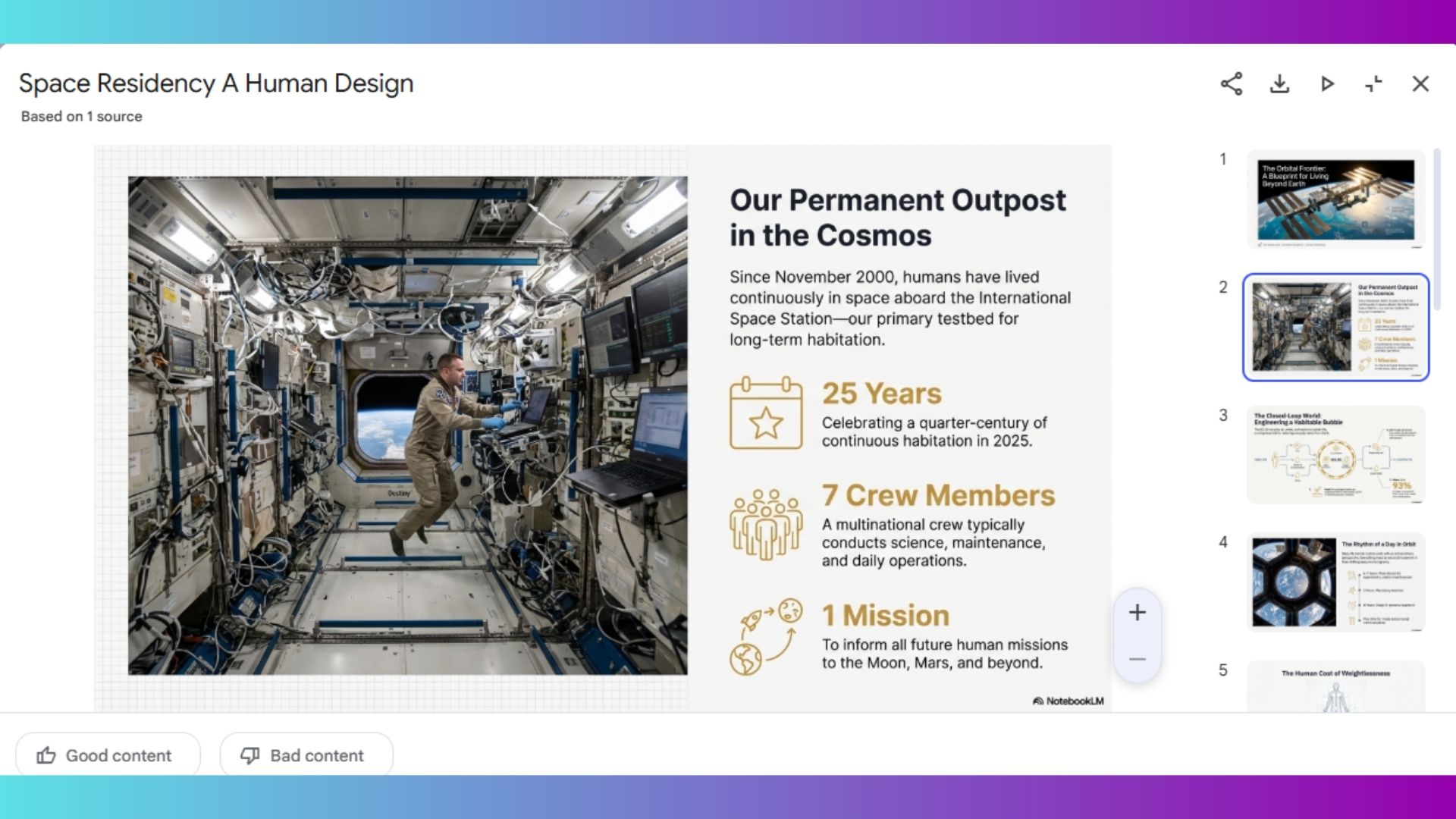
When I’m working on a longer story or research-heavy topic, I end up with pages of notes I don’t want to reread. This is where NotebookLM really shines. I upload everything and let it generate a video overview, which pulls out the key points, organizes them logically and explains them in a way that’s really easy to follow.
From there, it’s incredibly easy to turn that into a short video, quick post or even a script for social. And, since the Ray Ban Meta display glasses have a teleprompter, I can use them to stay on script. It basically compresses hours of thinking into minutes.
3. I turn research into explainers (without overthinking it)
(Image credit: Future)
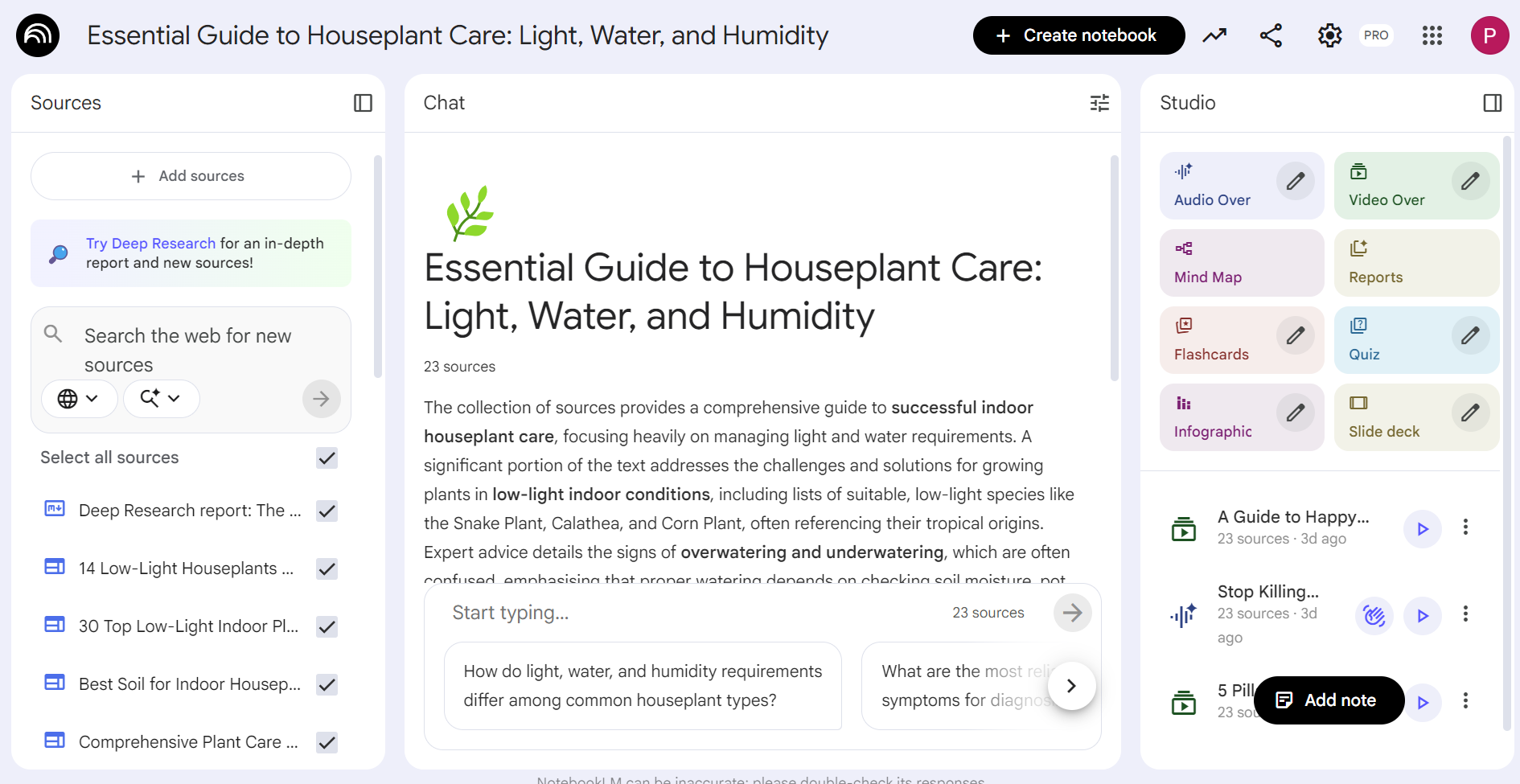
Sometimes I know a topic well — but explaining it simply is a completely different skill. It’s one thing to understand something in your own head. It’s another to break it down in a way that actually makes sense to someone else, especially when you’re trying to be clear, concise and not lose their attention.
NotebookLM turns source material into a video-style explanation and naturally forces the idea into a clean, logical flow. It strips away the extra context you don’t actually need, simplifies the language and focuses on what someone needs to understand first, second and third.
Instead of overexplaining or getting stuck in the details, it pulls out the core idea and builds around that. What I’ve noticed is that NotebookLM doesn’t just summarize — it translates it into something useable.
4. I repurpose old content into something new
One of the most useful things I’ve done is reuse content I’ve already created. I’ll take past notes, a rough draft or even an article like “I tested the ‘Creative Intelligence’ of ChatGPT, Claude and Gemini — here’s the only one that actually feels human” and repurpose it into a fresh video overview.
Anything you upload into NotebookLM can instantly become a video that can be used for social media, presenting ideas in a meeting or just to simplify an idea.
What to read next
It’s one of the easiest ways to get more value out of work I’ve already done.
5. I use it to break creative blocks
(Image credit: Tom’s Guide)
This might be the most underrated use.When I feel stuck, it’s almost never because I don’t have ideas — it’s because I have too many. I’m overthinking the angle, second-guessing the structure or trying to make it perfect before I’ve even started. That’s usually where everything slows down.
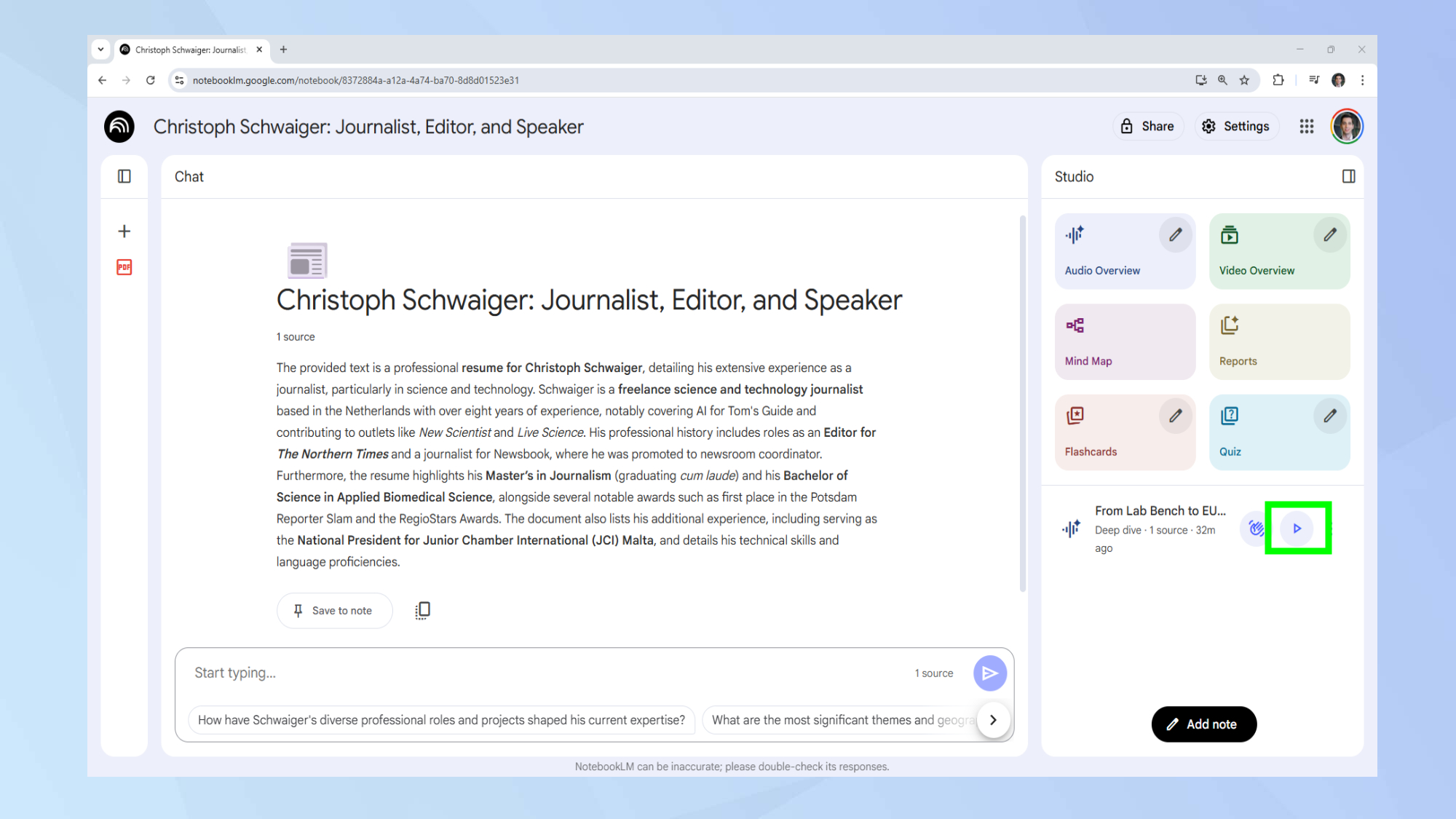
Instead of forcing it, I’ll drop whatever I have into NotebookLM — even if it’s incomplete or barely makes sense. A few bullet points, a rough thought, maybe an idea that isn’t entirely fleshed out become a fully formated video.
What makes Video Overviews different than AI generated videos
(Image credit: Google/Gemini/DeepMind)
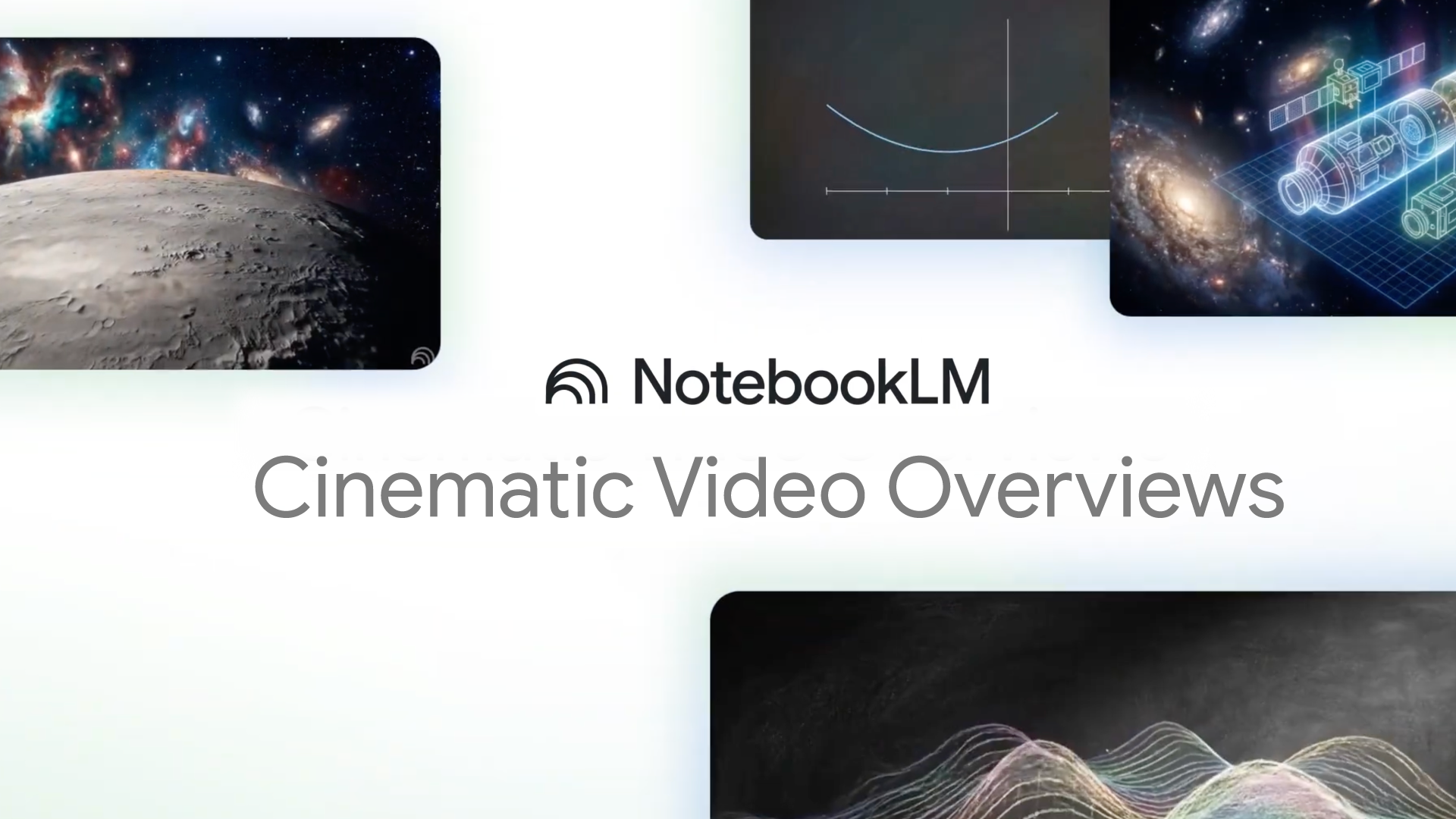
Getting started with NotebookLM is free. Just log in and start a new project. From there, you can explore the new about NotebookLM’s Video Overviews by uploading anything from notes to a website link and then watch it turn out useable content in under five minutes.
The videos it generates aren’t your typical six second AI videos of say, a cat skateboarding. NotebookLM generates long, useable videos. Instead of giving you a wall of text, it builds a structured, narrated explanation — the kind you’d normally have to script, outline and refine yourself. It introduces the topic, walks through key points in a logical order and wraps with a clear takeaway.
Bottom line
I want to be clear, NotebookLM isn’t replacing content creation — it’s removing the part that slows it down the most.
What surprised me isn’t just how fast it works, but how useful the output feels. It’s changed my workflow in a big way. It’s given me new ways to get my ideas across and new forms of content to use online.
Of course, it’s not perfect. The visuals can feel generic and you still need to layer in your own voice. But it often improves the way I explain things, not just how fast I produce them. And right now, that’s where I’ve found AI is the most useful.
Follow Tom’s Guide on Google News and add us as a preferred source to get our up-to-date news, analysis, and reviews in your feeds.
More from Tom’s Guide