
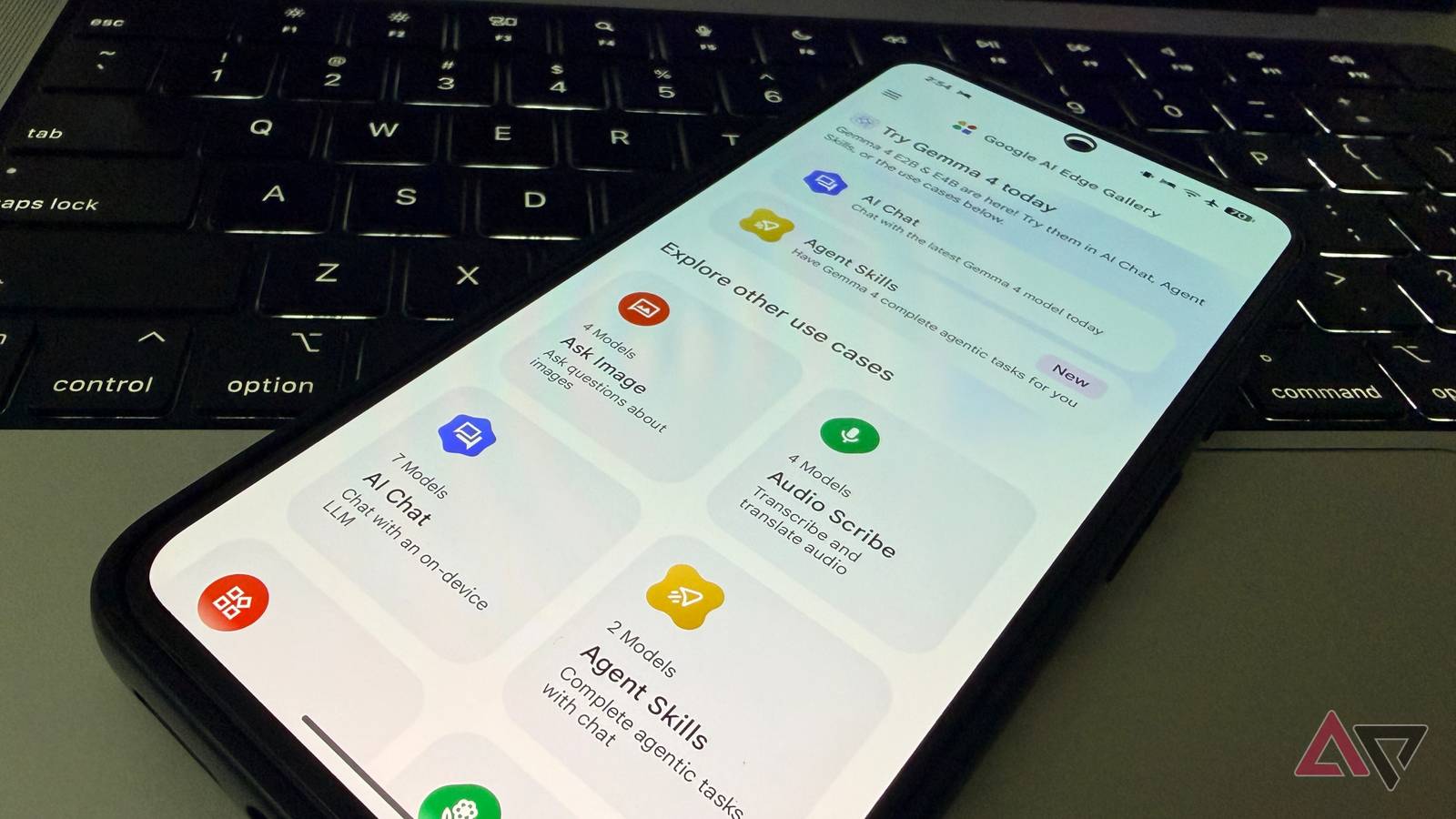
There is no shortage of cloud AI tools on the Google Play Store.
While giants like Gemini and Claude dominate the AI world, a capable AI mode from Google’s open source labs flies under the radar.
Meet Gemma 4 E2B — a lightweight but powerful AI model that fits right in your pocket.
By using the Google AI Edge Gallery app on a Google Pixel, you can finally unlock full offline reasoning, image understanding, and even native audio processing without a single byte of data leaving your device.
Gemma 4 proves that the most exciting AI right now isn’t living in a data center. It’s running locally on your hardware.
Related
I tried Android’s Desktop Mode, and I might never use my laptop again
Android’s Desktop Mode surprised me
What is Gemma 4, anyway?
So, what exactly is Gemma 4? It is basically the lightweight open-weight alternative to the massive Gemini models.
Google changed the architecture to make these models work on different types of hardware.
For example, if you are a desktop user, you can use Gemma 4 31B, which specializes in deep reasoning and complex coding. It is ideal for high-end GPUs.
Gemma 4 26B is another capable model if you have a low-end GPU. It activates only 4 billion parameters at a time, and it strikes the perfect balance between speed and intelligence.
Edge models are where things get interesting for mobile users.
E2B is a small yet effective tool I’m using on my Pixel 8. However, if you have an Android phone with more RAM, you can try the E4B model.
The E2B model takes up around 1.5 GB of RAM. This leaves plenty of free RAM for other apps and services running in the background.
Unlike many small models that handle only text, E2B is an all-rounder that tackles text, images, and even audio. In my limited testing, E2B has been quite snappy on Tensor G3.
In short, I chose E2B because it’s the first time an on-device model has felt invisible. It’s fast enough to be useful, small enough to handle my actual workflow without calling Google’s servers.
How to try Gemma 4 on any Android phone
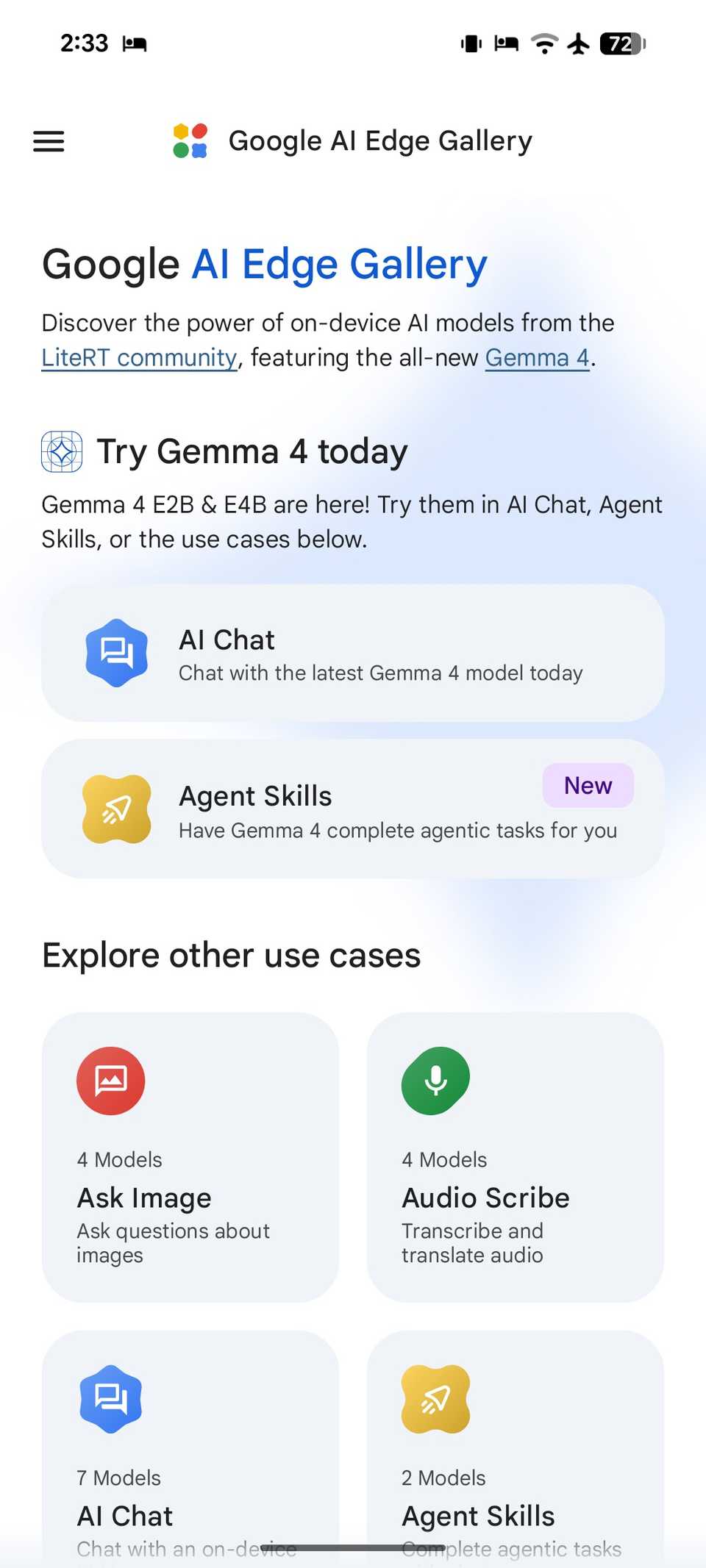
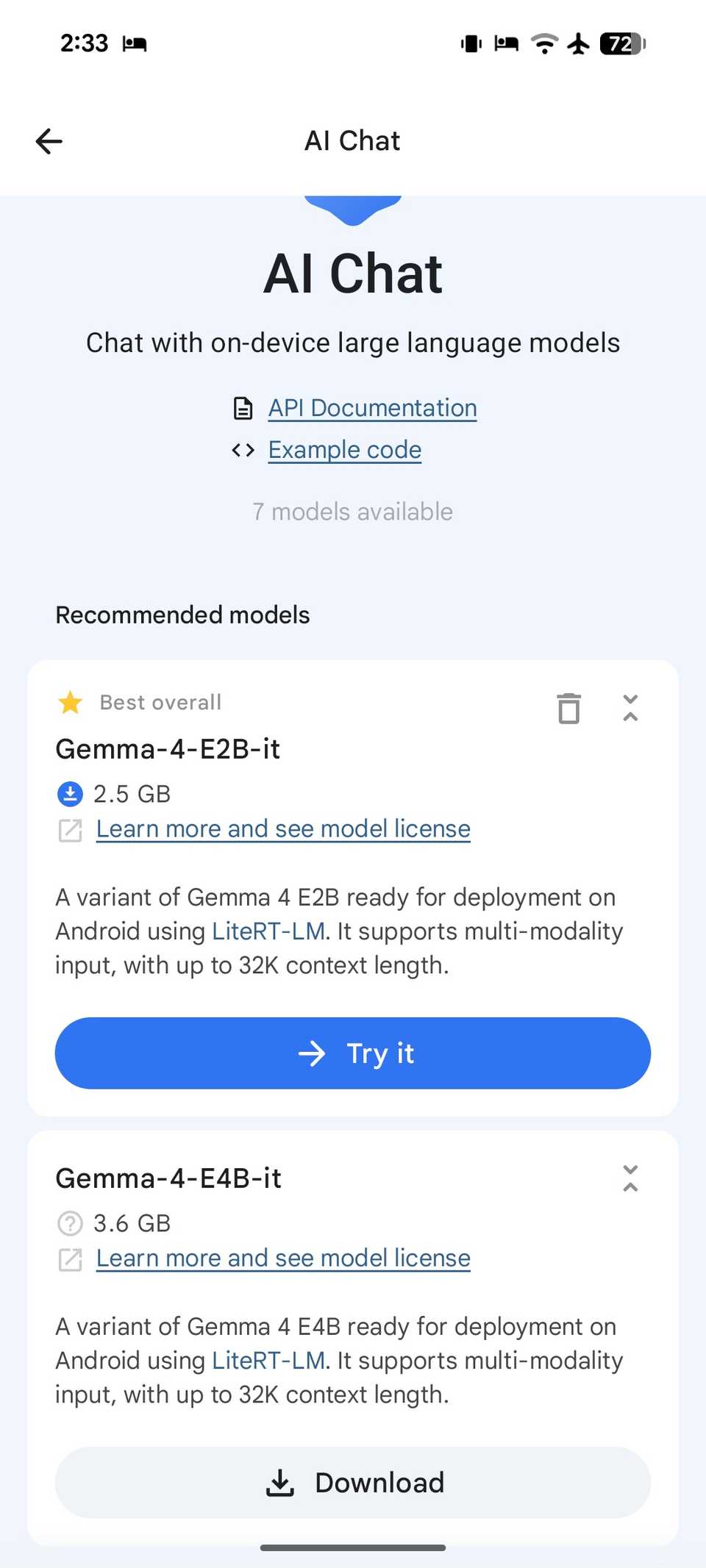
Setting up Gemma 4 E2B on my Pixel 8 was surprisingly straightforward. You don’t need to deal with sideloading or complex terminal commands.
Since the Google AI Edge Gallery is an official developer tool, it handles the heavy lifting of model quantization and optimization.
First, I grabbed the app from the Google Play Store. After it is installed, it acts as a container for various local models.
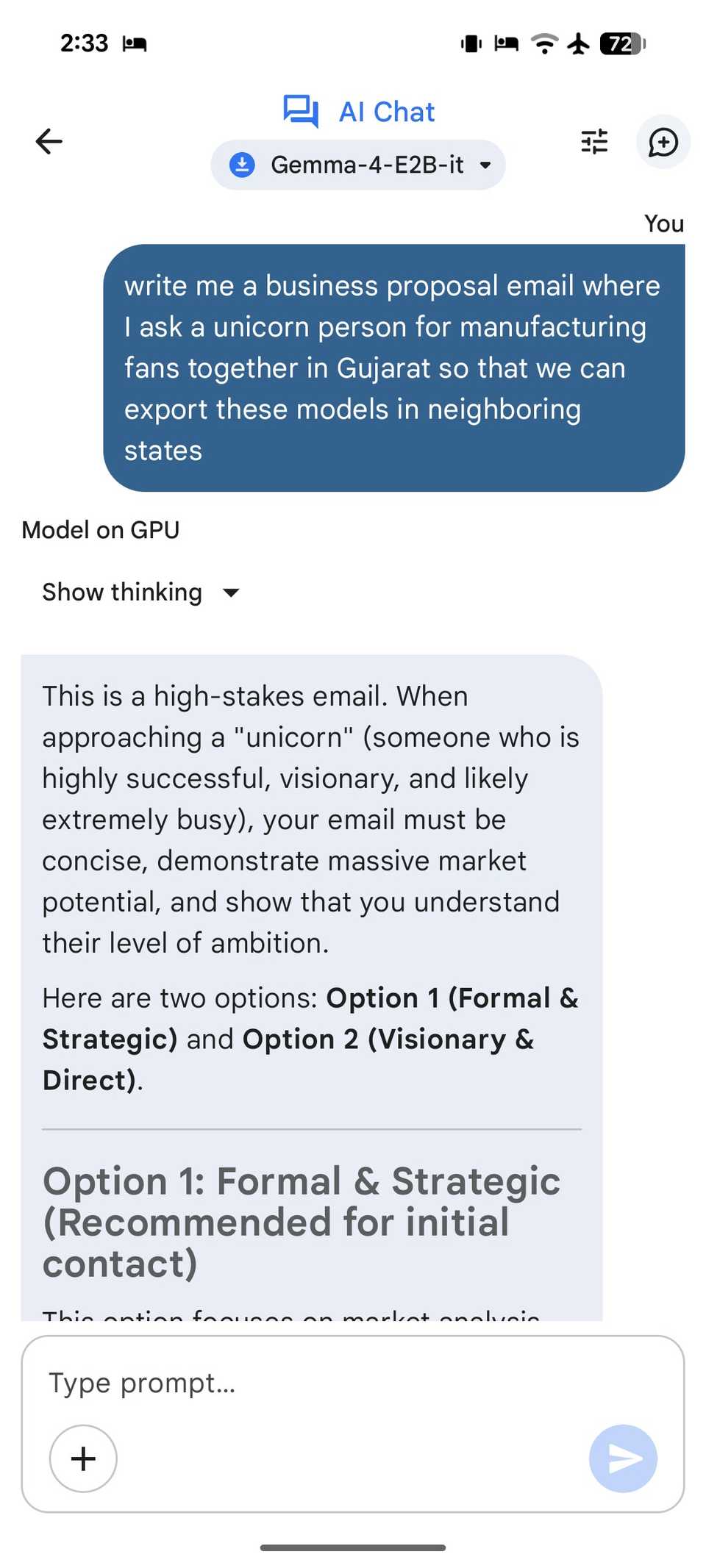
I tapped the Models section, searched for Gemma 4 E2B, and downloaded it on my device. Now for the fun part. I enabled the model, and I started testing its limits in the chat interface.
The model weighs around 2GB, so make sure to connect your Android phone to a Wi-Fi network first.
My new workflow with Gemma 4 E2B
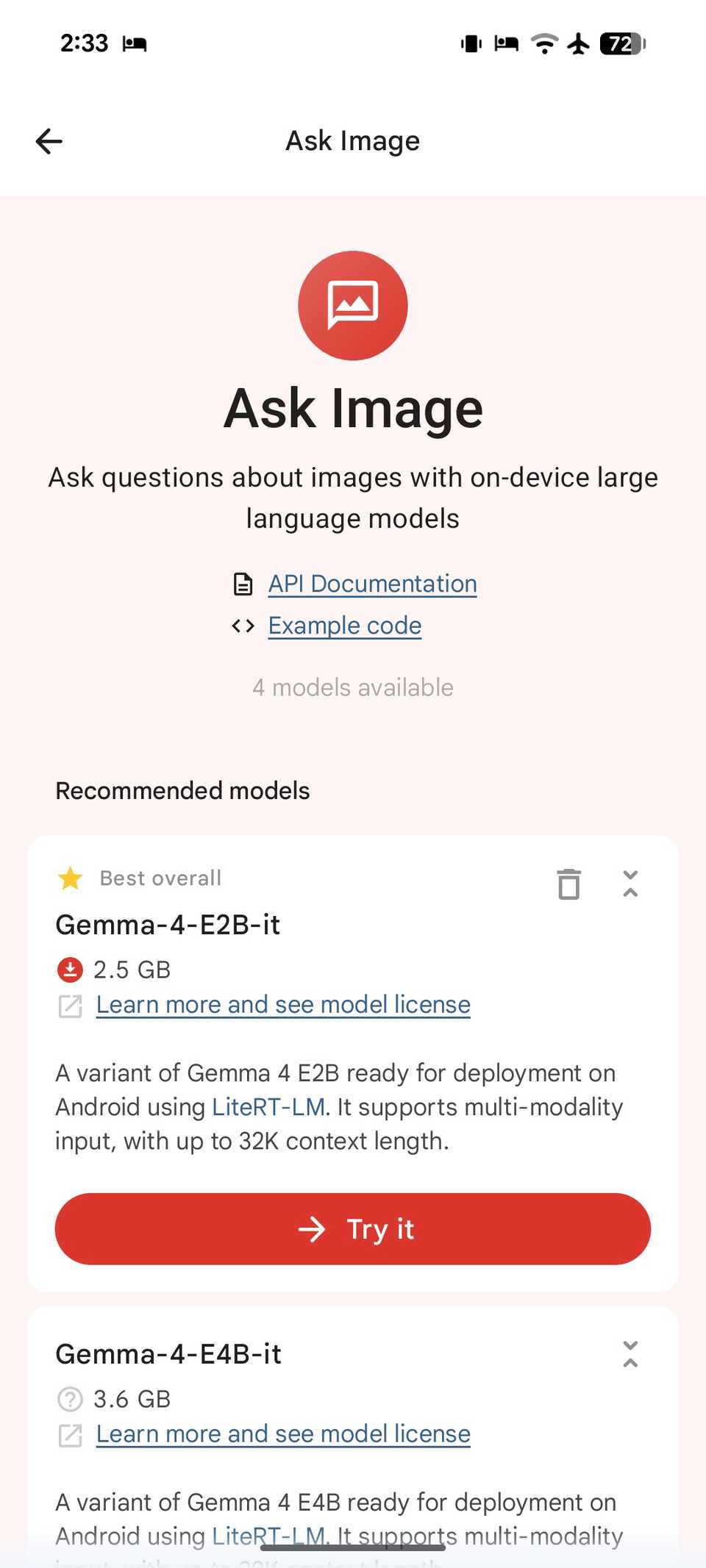
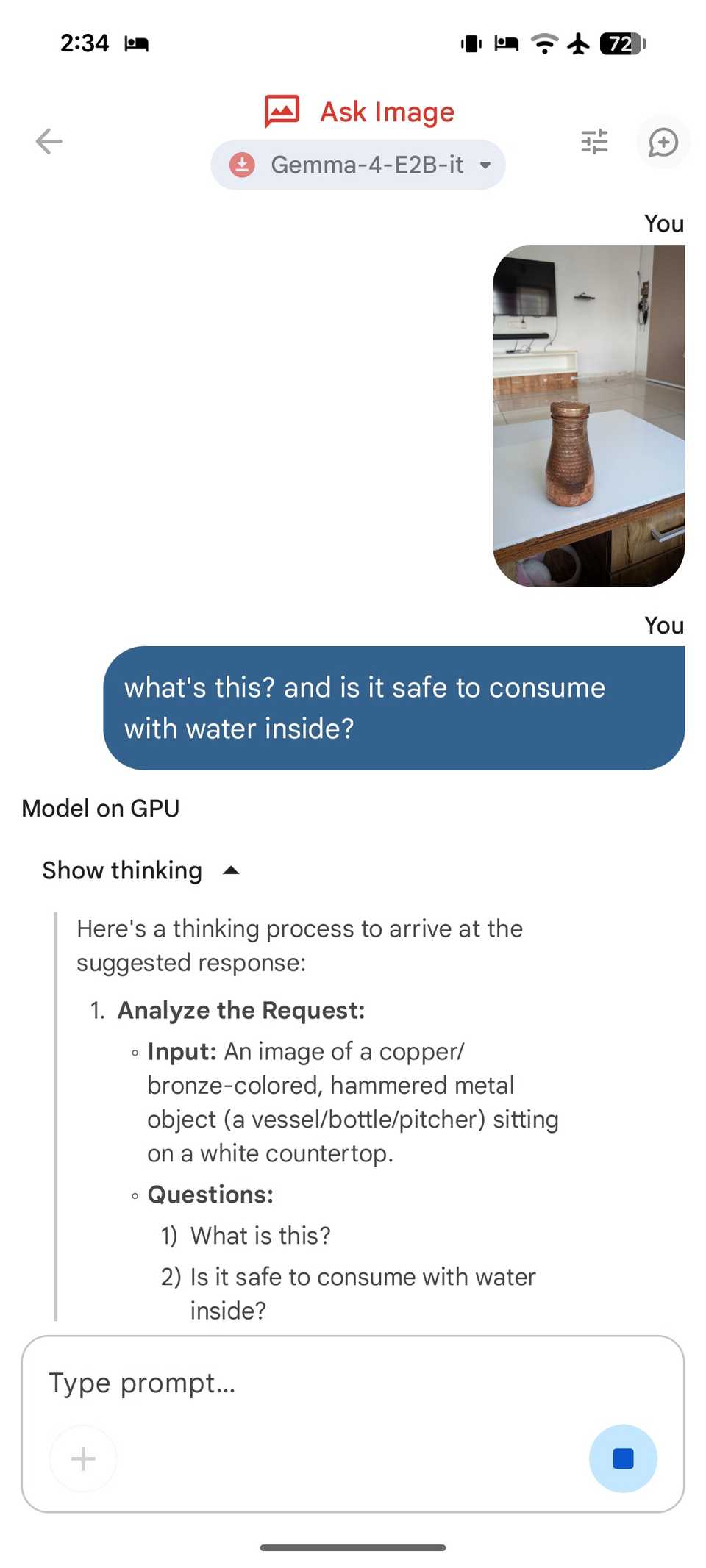
Integrating Gemma 4 E2B into my daily routine has redefined what I expect from my Pixel 8.
Usually, on-device AI feels like a watered-down version of the cloud giants, but this workflow is different. It’s fast, private, and robust for my day-to-day queries.
Since it’s a local LLM, I can run the entire model while keeping my Pixel on Airplane mode. I don’t have to wait for a handshake with a server.
I can fire up the AI Edge Gallery and start dumping my thoughts and queries for the day.
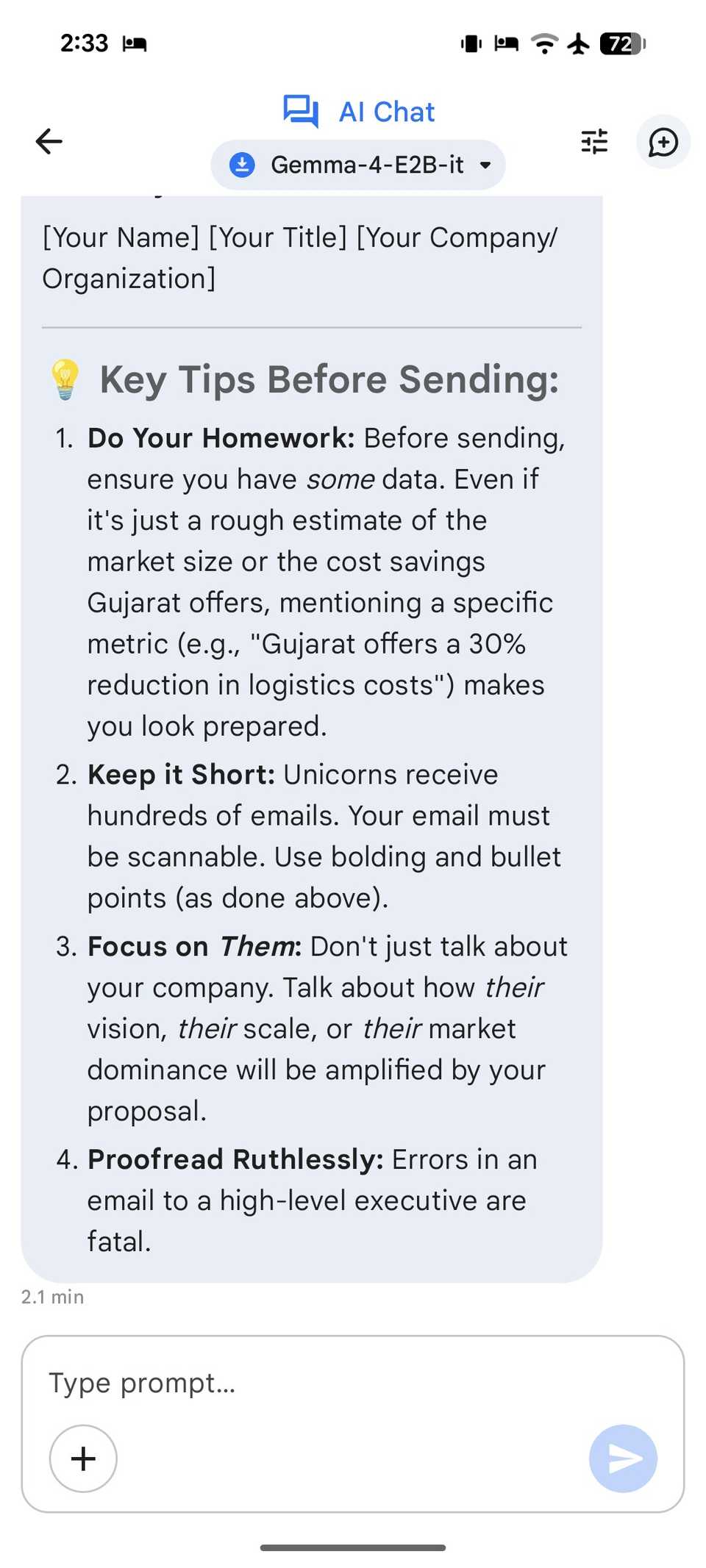
Whether I’m asking it to categorize five random errands or draft a quick email to a client, the response is near instant.
The native multimodality is where this really shines for my on-the-go queries. If I see a complex diagram or a handwritten note, I snap a photo. Using the ‘Ask Image’ mode, E2B analyses the visual and extracts structured data.
Unlike some heavy models that turn my phone into a hand-warmer, the E2B variant is light enough that it doesn’t kill my battery by lunchtime.
Using the ‘Agent Skills’ within the app, I can even have it perform local tasks like looking up a specific fact in a local Wikipedia.
It’s rare for a free tool to feel like an upgrade over a paid one, but for my daily Pixel workflow, Gemma 4 E2B has officially taken the crown.
Related
I found a Gemini feature so good, I deleted a bunch of apps
Your phone’s home screen is about to get a lot cleaner
Move over Gemini
We have always believed that high-end AI requires a massive server and a constant data connection. But the ability to run 128K context windows and native multimodel reasoning entirely on-device changes the conversation.
Whether you are a developer building next-gen agentic workflows or a power user looking for total data control, this setup proves that such a free alternative is a superior way to work.
This is just one of the local LLM models I tried on Pixel. There are dozens of such small but powerful models in the Google AI Edge Gallery.
If Gemma 4 E2B doesn’t work for you, don’t hesitate to try other models.