
We’ve reached a point where practically every new AI tool or feature launching just feels the same. Every company is going after helping you build better presentations, write more “human” emails, or write code faster. I’m not saying these features and tools aren’t helpful. I’m a huge fan of NotebookLM’s Slide Decks and rely heavily on them for all the presentations I create, and I spend a good chunk of my days building tools using Claude Code. Everything these companies are building is impressive, but at some point, the novelty just wears off.
While I know I likely tinker around with AI more than the average person since testing and writing about these tools is literally my job, I think the fatigue is pretty universal at this point. Your non-tech friends have stopped asking you about the latest ChatGPT update. Your coworkers glaze over when someone shares another AI productivity hack in Slack. We’ve all collectively settled into a kind of comfortable numbness around this stuff. The bar for making someone stop and pay attention to anything AI has gotten absurdly high. This is exactly why I was not expecting a tiny animated character sitting next to my cursor to be the thing that broke through and became my favorite AI tool I’ve tried in months.
Clicky is an open-source AI buddy that lives next to your cursor
Meet the little blue guy that won’t leave your side
A few weeks ago, Farza Majeed, previously the founder of buildspace, posted a short demo on X that went completely viral. At the time of writing, the post has racked up 15,000 likes and has almost three million views. The demo showed a blue animated companion sitting right next to his cursor on his Mac. The companion moved with the cursor and could see his screen in real time, listen to him speak, and even respond back (and move around on the screen).
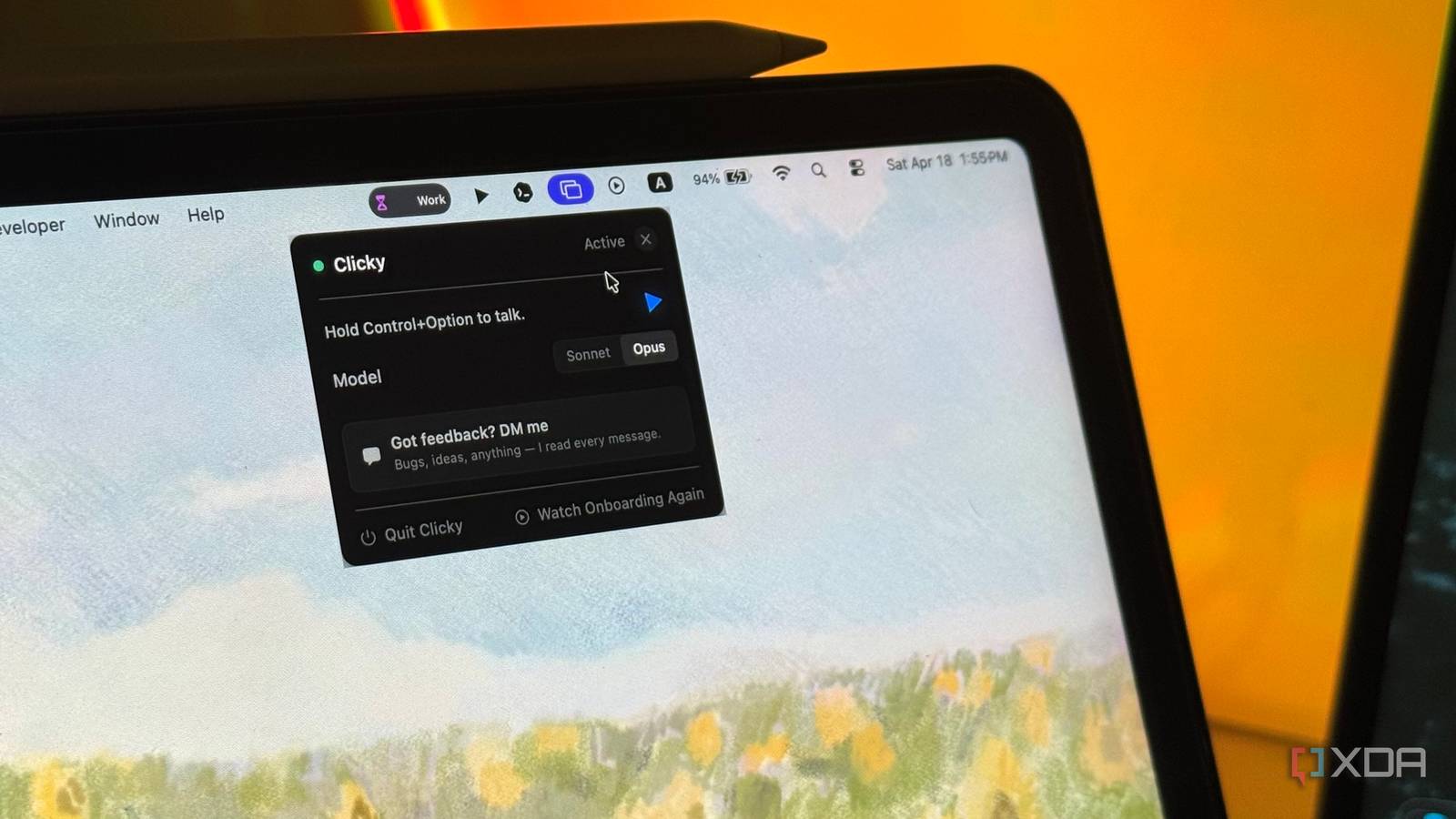
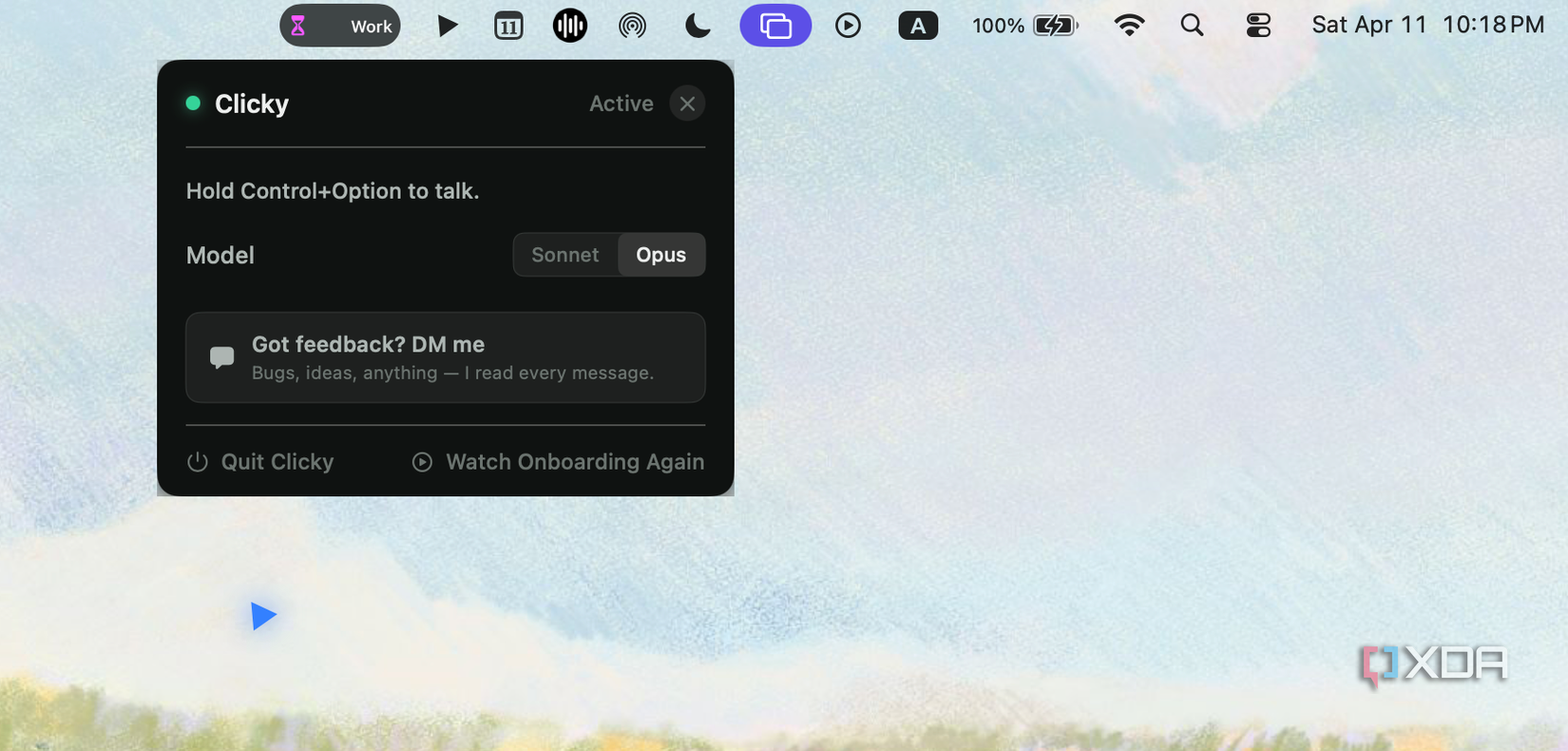
That’s exactly what Clicky is. It’s a free macOS app that sits in your menu bar and essentially turns your entire screen into shared context. You ask a question out loud, and Clicky (who can already see exactly what you’re looking at) responds with a spoken answer. If it needs to show you where something is, it’ll physically point at the button or menu item on your screen. I talked about Clicky in our dedicated AI newsletter last week (which you can subscribe to by modifying your newsletter preferences), and I described it as how a teacher in elementary school would hold your hand over the pencil to guide you through writing your first letters! That’s essentially what Clicky does, but for any software at all.
The creator of the tool demoed it using it to learn DaVinci Resolve! Under the hood, Clicky is powered by Claude for the AI, AssemblyAI for voice transcription, and ElevenLabs for text-to-speech. A day after posting the demo video and dropping a download link, Farza decided to open-source the entire project on GitHub! Unfortunately, it’s only currently available on macOS, but the creator has confirmed that a Windows version is coming very soon. Community-built versions have already started popping up on GitHub and X though, so it’s only a matter of time before an official Windows version drops.
Clicky is excellent for learning by doing
The tutorial you never have to tab away from
Everyone, and I mean everyone, uses AI in some way or the other to learn. I’m a college student, trust me, I know. While there isn’t a “right” way to learn by definition, there’s definitely a frustrating way and most of us have been stuck in it for years. You find a YouTube tutorial or a Udemy course, press play, pause it three seconds in, switch to the app, try to find what they’re talking about, switch back, rewind, pause again, and repeat for 45 minutes.
If you take it up a notch, you might’ve moved on from YouTube videos and head to ChatGPT first to ask how you can do something. But you’re still switching back and forth between the chatbot and the actual software, reading a wall of text, and trying to match step three to what’s on your screen. Personally, I’ve gone even further and built a full AI-powered learning stack, but even that doesn’t solve the core problem: none of these tools are actually there with you inside the app while you’re learning. Clicky is, and that’s exactly why I’ve been obsessed with it.
Related
The results were surprising.
I’ve found that the best way to learn anything is by just diving straight in and doing the opposite of what school and the traditional learning model has conditioned us to do. Don’t study the manual first. Don’t watch the full course before opening the app. Just open it, start clicking around, and ask for help when you get stuck. That’s how most of us actually learn best. By doing, failing, and getting unstuck in real time. And Clicky is the first tool I’ve used that’s genuinely built around that idea.
For instance, say I just installed CapCut and I don’t really know how to work with keyframes. Normally, I’d search “how to use keyframes in CapCut,” open a 12-minute tutorial, skip through the intro, and try to follow along. With Clicky, I just open CapCut, look at the timeline, and ask out loud: “How do I add a keyframe here?” Clicky sees the timeline, sees where my cursor is, and talks me through it while pointing at the exact buttons I need to hit. If I want to ease the animation, I ask. If I accidentally delete one, it sees that too. It’s the difference between learning about the software and learning inside the software.
The best part about Clicky is how easy it is to use. Once it’s installed, and you’ve granted it the necessary permissions, all you need to do is simultaneously hit the Control and Option keys on your Mac and begin speaking. Clicky captures your screen the moment you activate it, listens to whatever you say, and responds almost immediately with a spoken answer. When you’re done, you just let go of the keys! It’s genuinely as close to tapping a friend on the shoulder and asking a question as an AI tool has ever gotten.
You need to try Clicky, seriously
Given how much love Clicky has gotten, you seriously need to give the tool a shot before everyone and their mother starts cloning the idea. Right now, it’s free, it’s open-source, and it’s one guy’s passion project that rightfully struck a nerve with hundreds of thousands of people. That doesn’t stay small for long!