
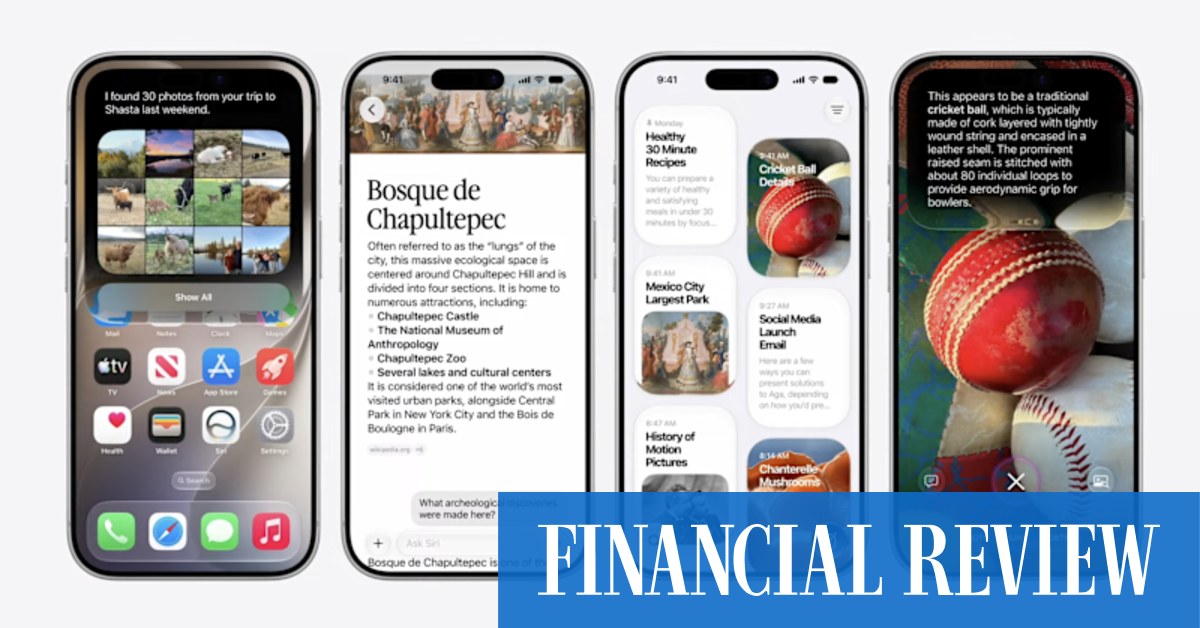
Which is to say, it’s one of the rarest new AI features to appear on phones and laptops these past few years: one that actually solves a real problem that exists in the real world for real people.
Even in beta form (setting aside the six-fingered countess) it’s incredibly good, especially where it’s only the background that needs to be expanded, or where the foreground images are objects, rather than people.
We took product shots that were square, then asked for a 3:2 version and, voilà! The picture became wider, and no one would be able to tell a third of the photo was generated by AI to fill in the areas on either side of the original.
In another test, where we took a photo of Kewpie dolls and expanded it, the resulting image was significantly better than the original. The Apple AI added bellies and legs to the dolls, and they were spot on.
Doing the same to pictures of humans still needs some work, though.
Hair, especially curly hair like mine, came out looking like a $2 toupee when we asked the AI to extend cropped portraits upwards, and when we extended a portrait of Countess Rugen downwards, the AI gave her a digitally enhanced hand that didn’t just have an extra finger, it also had a lot of extra blur that made no sense in the context of the photo.
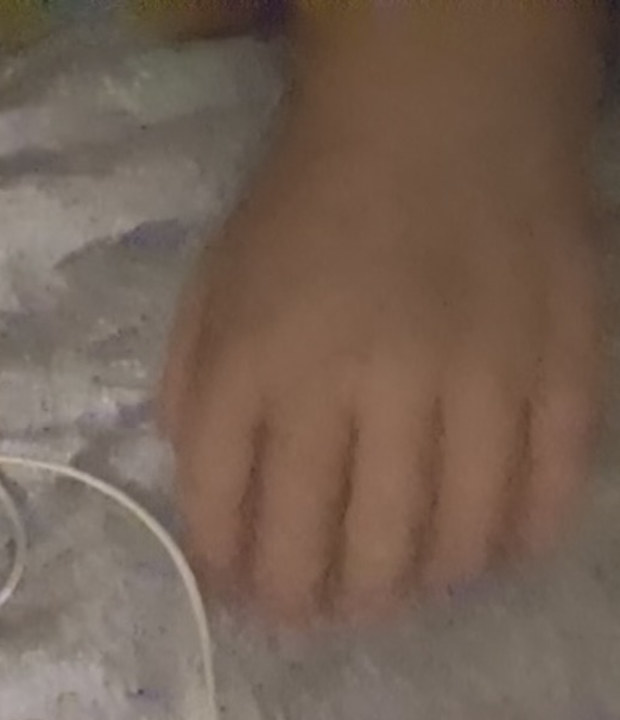
Apple AI didn’t just add nonsensical blur to Countess Rugen’s hand. It made the rookie error of adding an extra finger, too.
But, like I said, it’s just a beta, and if Apple pulls its finger out (or, in this case, off) it may well be fixed in time for the software launch in September.
There’s another new feature in Photos, known as Reframe, that lets you change the perspective of photos so it looks like they’ve been shot from a different angle. While it sort of works – you can move the camera a few degrees off its original axis – it tends to desaturate images in the process, and makes them look AI generated. We haven’t found a single photo that was worth that trade-off.
(We tried Reframe on a family portrait in which one of the subjects was looking slightly to the right of the camera, and it did manage to move the camera far enough so she appeared to be looking at it, which was an improvement. But then everyone else ended up looking to the left.)
Apple Maps has new features, too, but they’re not the ones we were hoping for. Where Google’s maps are accurate to within a week (a bakery that opened up near us this month was on Google Maps within a few days, possibly within hours, for all we know), Apple Maps has information that’s out of date by years (it’s still showing that bakery as the Milkrun office, which closed down three years ago). Until basic problems like that are fixed, we don’t care what other new features appear on Apple Maps. We’re not using it.
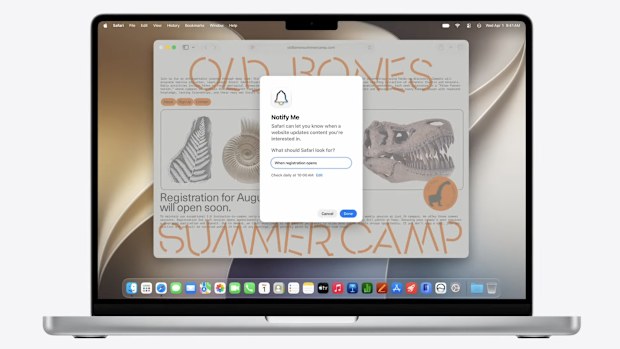
Notify Me will watches web pages for you, and tell you when something happens.
What we might use, though, is a new feature in Safari called Notify Me, which lets you ask Apple to watch a website on your behalf, and sends a notification when something changes. You could ask to be notified when, say, your company name is mentioned on the home page of The Australian Financial Review, or when Nick Cave tickets go on sale on Ticketek.
The system only lets you check a website once a day, once a week or once a month, rather than every hour, so it may not be suitable for all tasks, but it does seem pretty nifty.
And I say “seem” there because, as I write this, it’s not yet working on any sites we’ve tested it on. But, like I said, this is beta software, so you shouldn’t expect it all to work at this stage.
It all looks promising though, and that’s even before you add Siri AI, which from the demonstrations last week really does look like it will bring Apple’s assistant at least into the 2020s, if not to 2026.
And you know how to show “26” with your fingers, don’t you? You hold up two fingers on one hand, and six on the other.
iOS 27 (developer beta version)Likes | Genuinely useful new features.Dislikes | The AI makes mistakes.Price | Free upgrade for iPhones, Macs, Apple Watches and Vision Pros