
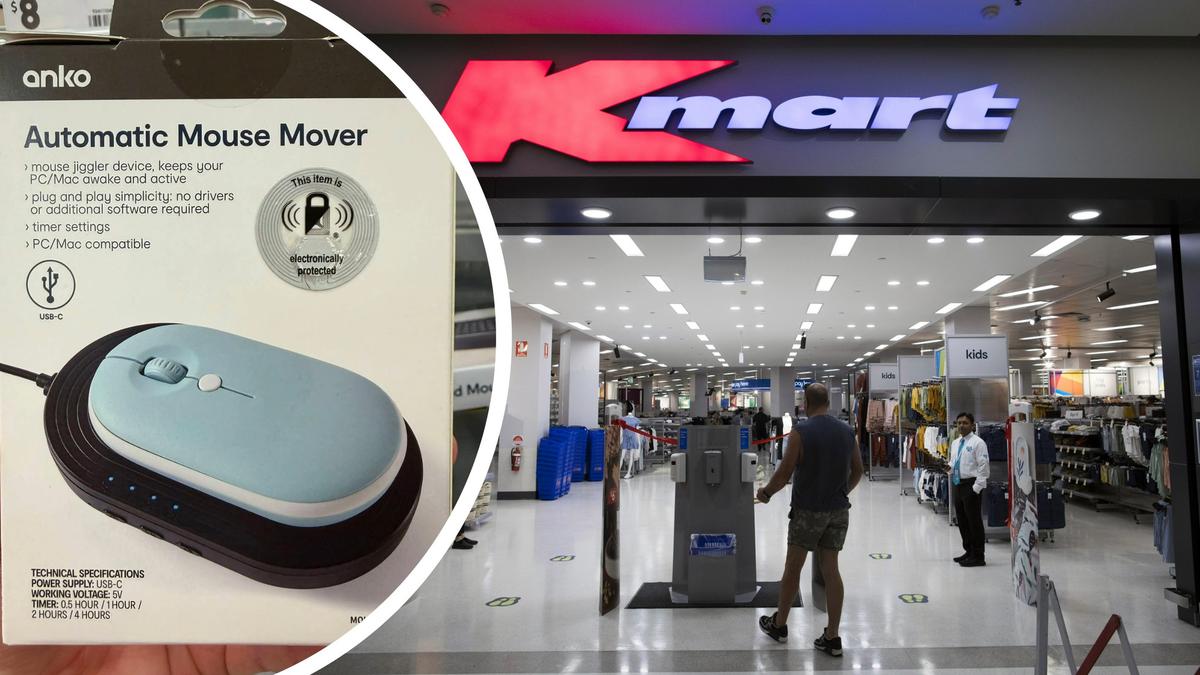
A seemingly harmless $20 Kmart product has caused a stir online and divided employers and workers.
Anko’s Automatic Mouse Mover has hit the shelves, offering an easy way to keep computers active with the platform moving the mouse to stop desktops from falling asleep.
The device caught the attention of Aussies after Facebook page Kali & Shan shared the product online, along with some very pointed opinions touching on the topic of working from home, and the connotations that this product could imply.
“As a business owner the whole working from home thing is a touchy subject, I understand the benefits of course for famillies, but this basically says to me . . . work from home and don’t get caught doing bugger all,” their caption read.
“I mean what else really is this used for?”
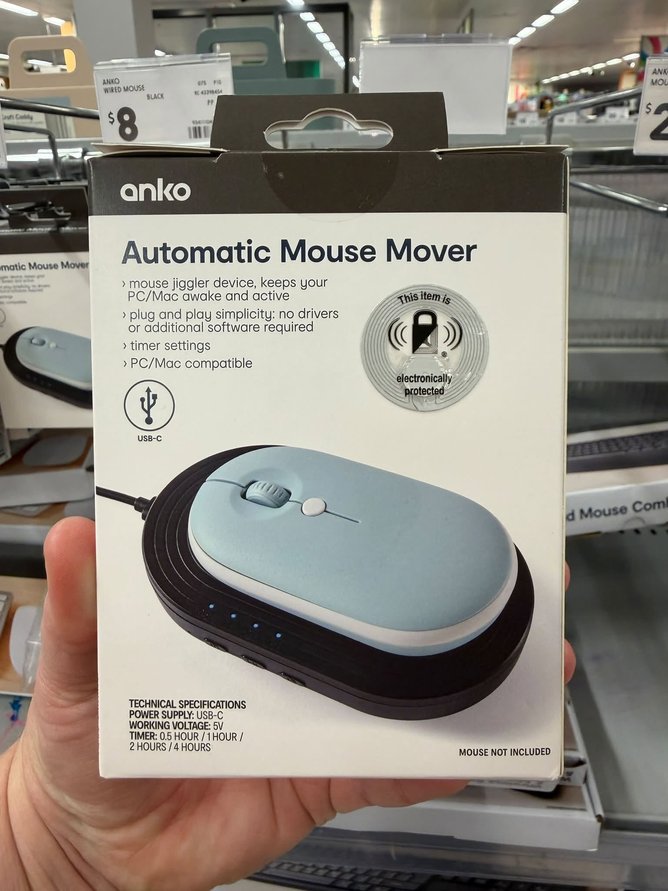 Camera IconThe $20 product has opinions divided online. Credit: Kali & Shan / Facebook/Facebook
The question has ignited the contentious debate around working from home, which was made necessary during COVID but has since become a permanent set up for many employees, much to some employers’ dismay.
The retailer’s description for the product states it will “prevent your computer from going to sleep with this easy-to-use Automatic Mouse Mover”.
“Simply plug it in, choose a timer setting and enjoy hassle-free compatibility with PC and Mac.”
Employers and business owners are now raising concerns that employees could easily abuse this to appear online while working from home without actually being on their computer.
The mouse mover has four timer settings of 30 minutes, one hour, two hours and four hours.
The Facebook post calling out the Kmart product has attracted more than 600 comments, with varied opinions about the device being shared.
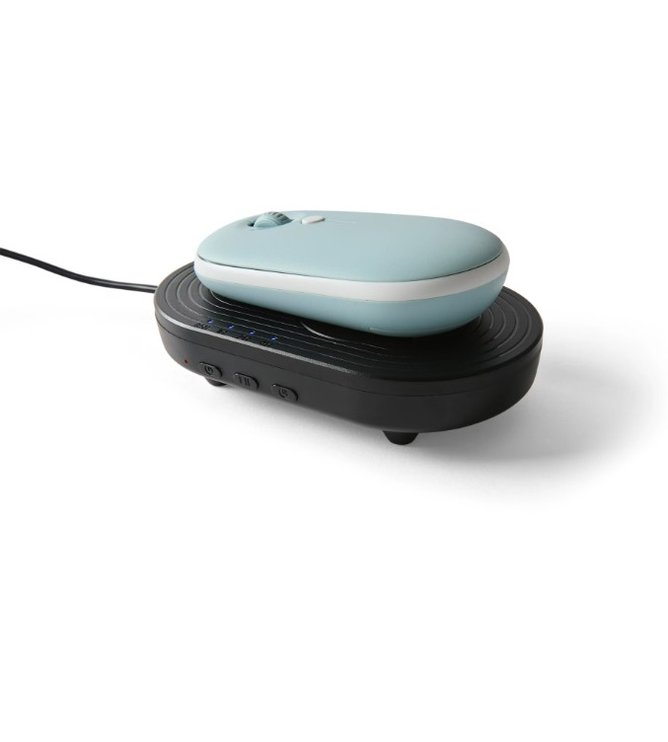 Camera IconAnko’s product can be set for four different timers. Credit: Kmart
Despite the rational fears that employers had, comments argued that online status is not the best measurement of productivity.
“If you’re measuring your employee’s productivity by presenteeism on Teams rather than tangible outputs, the problem isn’t with the employee,” one comment wrote.
“Is the only way you can tell if your employees are doing their jobs by logging mouse movements?” another said.
One comment shared a different insight about the device, arguing that it could be very convenient to people for completely different reasons.
“A mouse jiggler isn’t just for people working from home trying to avoid being marked as AFK (away from keyboard) . . . It’s also useful for gamers who don’t want to be kicked from a game while they’re away for a few minutes,” they wrote.
“It’s good for gaming if you need to step away, and there’s an auto kick on servers,” another Facebook user echoed.
“When you’re in an online queue to buy concert tickets,” a third wrote.
While one person admitted to being THAT employee who took advantage of the technological loophole.
“So when I used to work for the automotive brands as a case manager, I would use one of these . . . You wouldn’t have liked me either,” they commented.