
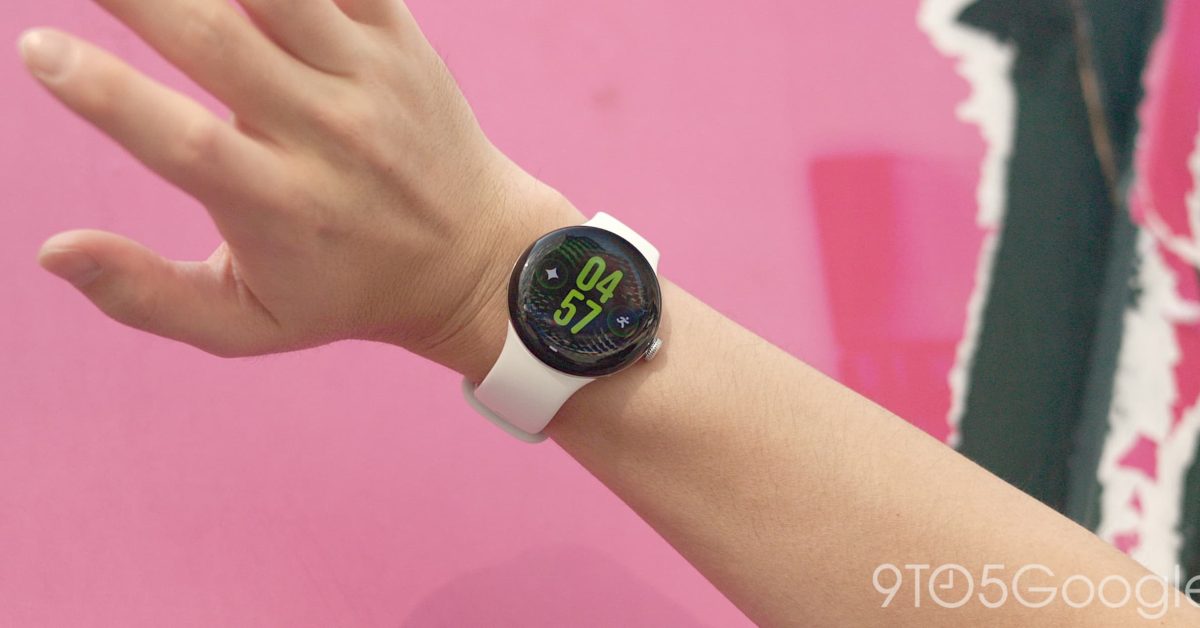
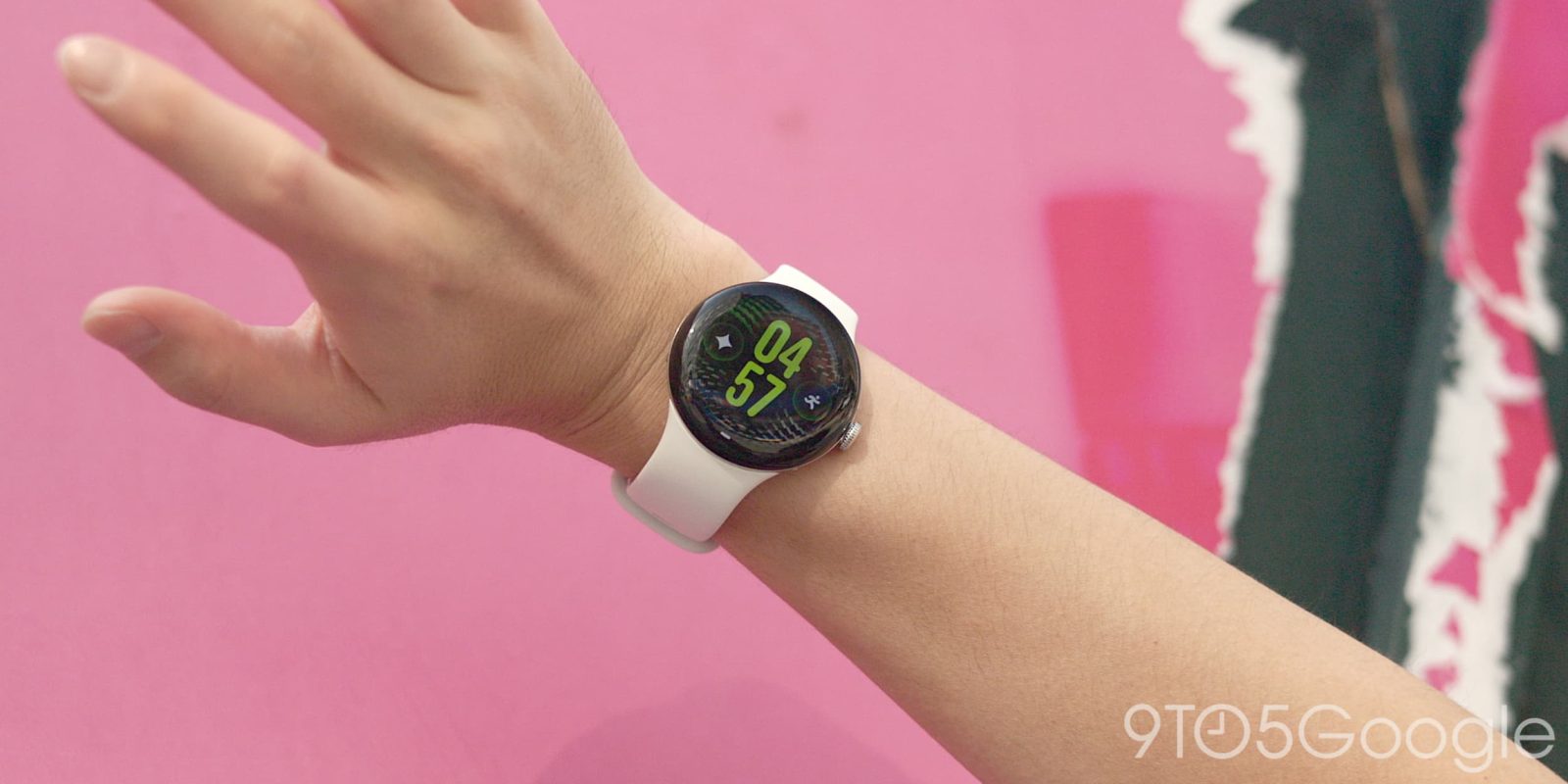
Following last month’s launch, Google is rolling out the first update (September 2026) for the Pixel Watch 5 today.
The Pixel Watch 5 goes from CD5A.260611.008 to CP3A.260905.002. This remains Wear OS 7 based on Android 17.
As always, repeatedly tapping Settings > System > System updates should eventually pull the OTA, though the factory and OTA images are not yet live as of Tuesday afternoon.
Google posted an extensive changelog that just recaps the software changes from the initial launch.
Gemini Personalization
Personalization makes Gemini on Watch more helpful by learning from past conversations and connected Google apps (Gmail, Calendar, Search, YouTube, Photos) to deliver personalized responses. Users can ask queries like “What’s on my calendar today?” or “Find the tracking number in my email” and receive answers tailored to their data. The feature is powered by an offline user profile and real-time online retrieval working together.
Proactive suggestions1
Gemini Intelligence Proactive Suggestions turns complex, multi-step tasks into seamless one-tap actions in messages. If a loved one asks when is the dinner with family, Gemini automatically locates the info in your calendar and surfaces it directly on your wrist, eliminating the need to dig through your phone
Offline Gemini
Powered by on-device AI, Gemini can process core actions instantly with low latency, even when you’re completely offline. Examples are setting up a timer, starting/stopping a workout, turning on do not disturb and other device actions.
Raise to talk improvements
Updates and improvements for raise to talk gesture model.
Our most accurate GPS route tracking
Major improvements to the route maps displayed on Google Health app after running, biking, hiking, and walking sessions.
Hand Gestures App Expansions
Double pinch to open At a Glance from watch face
Double pinch to open notification center from watch face
Double pinch to scroll through Gemini response
Double pinch to scroll through cards in Wallet app
Double pinch to scroll through your workout metrics
Double pinch to toggle between Google Maps views
Double pinch to manage Recorder app
Wrist turn gesture as universal back navigation
General bug fixes and improvements
FTC: We use income earning auto affiliate links. More.