
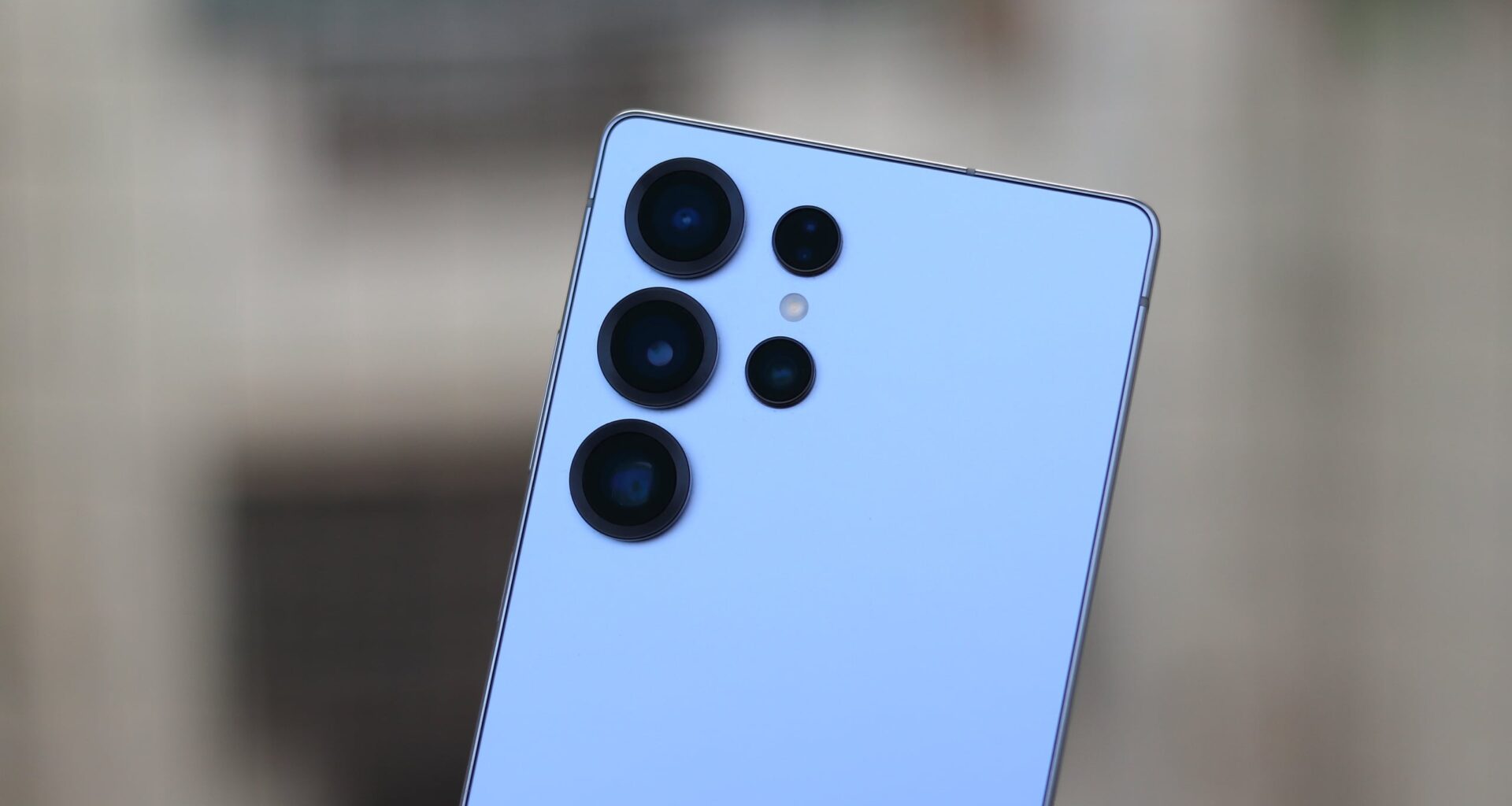
Samsung released the first One UI 9.0 beta update for the Galaxy S25 series yesterday, bringing multiple new features to all devices in the lineup. One of the standout additions is Horizontal Lock in the camera’s Super Steady Video mode.
The Horizontal Lock feature originally debuted on the Galaxy S26 series in early 2026, and it has now arrived on the Galaxy S25, Galaxy S25+, and Galaxy S25 Ultra. Since the feature is available on the recently launched Galaxy S26 FE, which uses the Exynos 2500 processor, it was logical for Samsung to release it for the Galaxy S25 series.
So, how does Horizontal Lock work? It uses gyro sensor data from the phone to keep the video’s horizon perfectly level, even if your device rotates a full 360 degrees while recording. This is particularly helpful when capturing action or fast-moving scenes, such as running or jumping.
Abhijeet Mishra / SamMobile
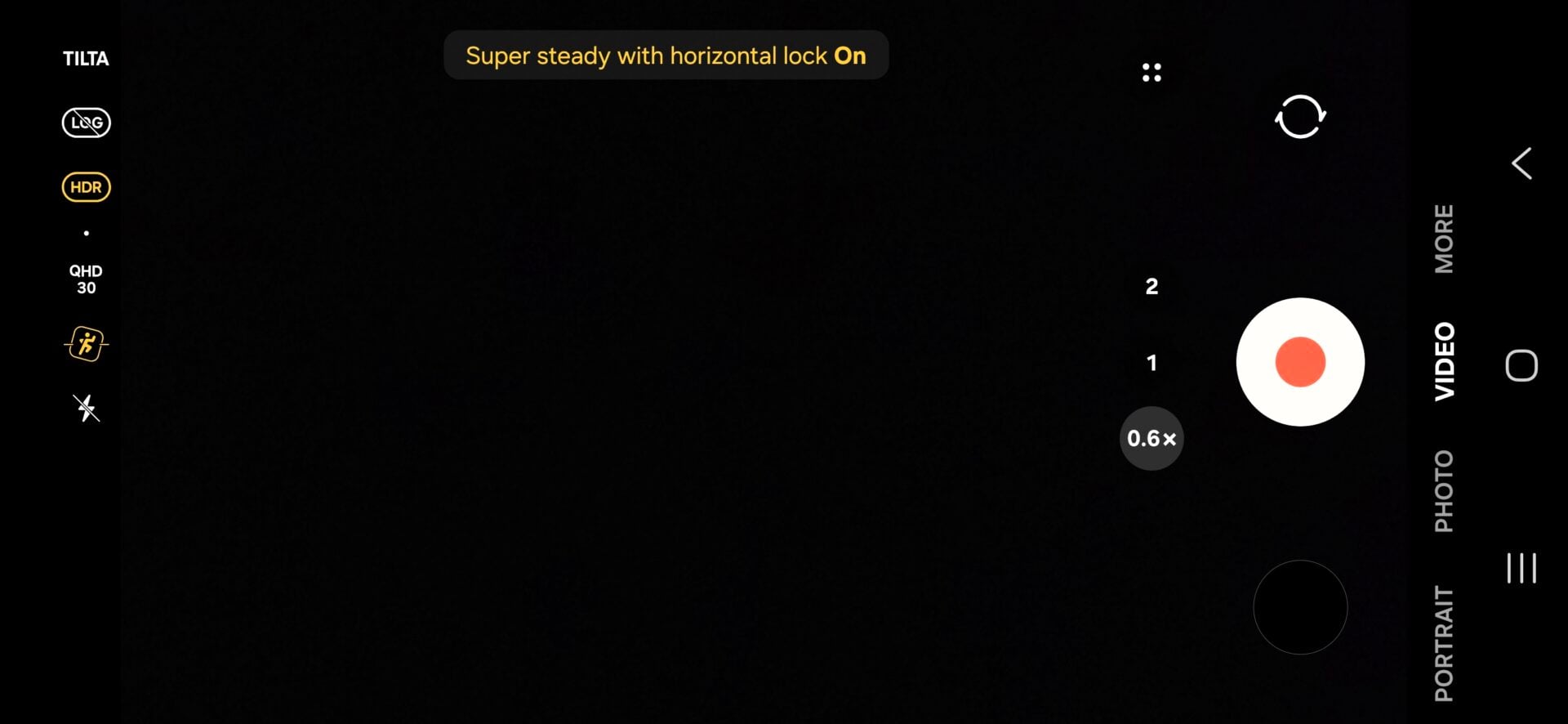
Super Steady Video mode with Horizon Lock on the Galaxy S25 Ultra running One UI 9.0 Beta 1 update
To activate it, open the stock Camera app, switch to Video mode, tap the Super Steady icon (a running person), and then select the Horizontal Lock icon (a running person inside a square frame).
Keep in mind that in this mode, the video resolution maxes out at QHD and the frame rate is capped at 60fps, as opposed to the 4K 60fps available in standard video recording.