
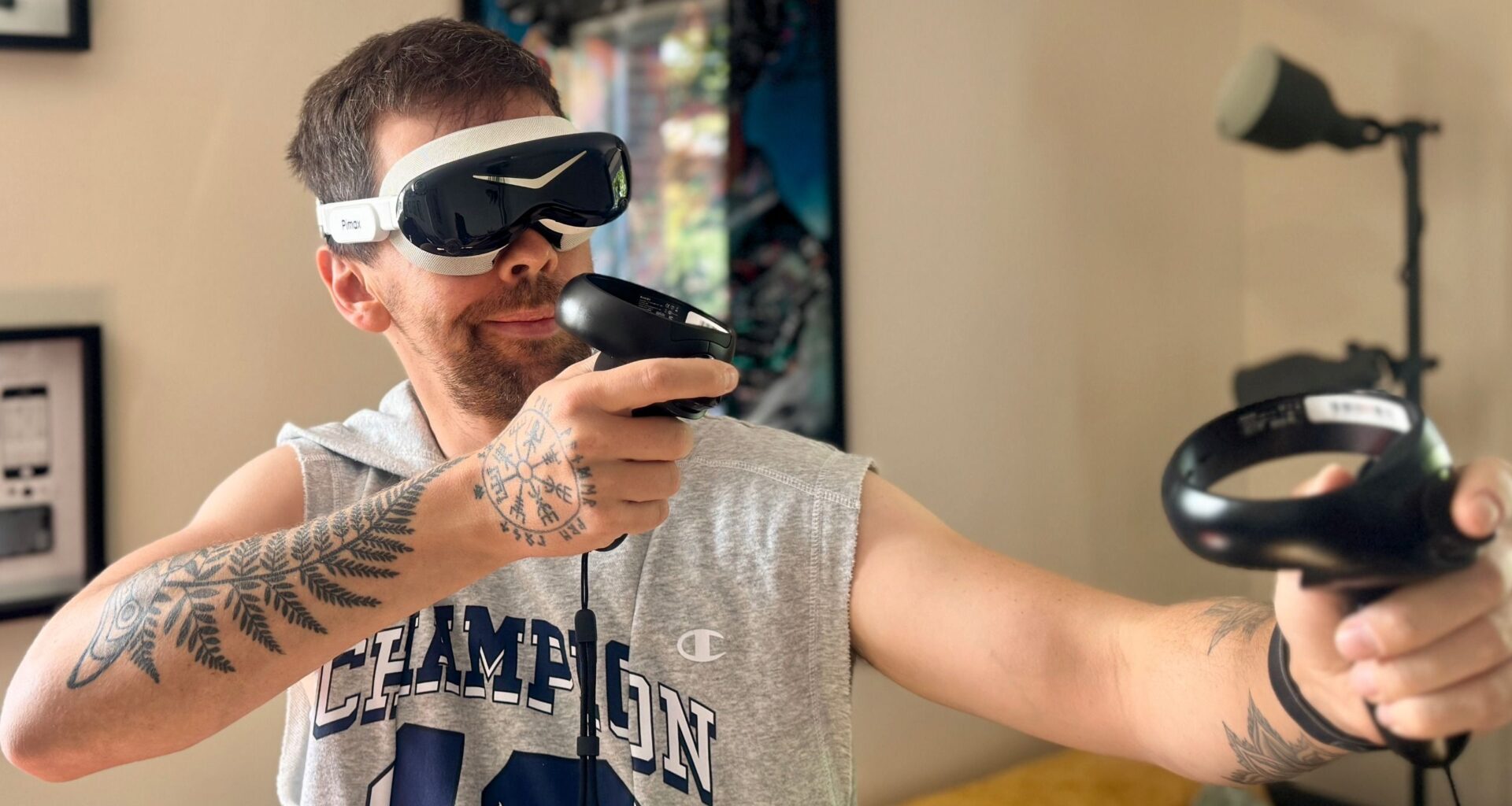
I’ve tried my best to get into PC VR gaming in the past, but my main gripe has always been the size, weight and ease of setup. It just becomes a big old hassle (emphasis on the word “big”), as you can barely wear these monstrosities for longer than an hour without really feeling it on your face and neck.
It gets doubly problematic when I’m hoping to take part in an endurance sim race, which as you may know, I prefer the VR experience for being able to look into apexes and corner exits more effectively than on a flat screen. It more closely mirrors my real-life racing experience.
But the pain has been well and truly remedied by the Pimax Dream Air. You may have seen that I got to have my mind blown by this headset back at CES. Now, I’ve been using it for the past three months, and can happily say that it is one of the best PC VR headsets I’ve ever used…provided you’ve got the money for it.
Latest Videos FromTom’s Guide
This is a pricey system to get. But if you are properly invested into VR gaming, it’s a no-brainer for its stellar picture quality, versatility and pure comfort even in the most intense of movements.
Pimax Dream Air (Black OLED) at Amazon for $2,149Pimax Dream Air: Cheat sheetWhat is it? This is a premium PC VR headset.Who is it for? It’s perfect for sim experience perfectionists and serious VR enthusiasts.What does it cost? Prices for the Dream Air start at $1,999 with Lighthouse tracking. To get this SLAM version, it’ll set you back $2,299.What’s good about it? That small, lightweight design just can’t be beat What’s not so good? There’s no getting around that high price and a couple of odd software quirksPimax Dream Air: Specs
Swipe to scroll horizontally
Resolution
3840 x 3552 pixels per-eye
Row 0 – Cell 2
Refresh rate
90Hz
Row 1 – Cell 2
Field of view (FOV)
110 degrees
Row 2 – Cell 2
Optics
Pancake lenses
Row 3 – Cell 2
Tracking options
Lighthouse or SLAM (integrated cameras)
Row 4 – Cell 2
Weight
10.6 ounces
Row 5 – Cell 2
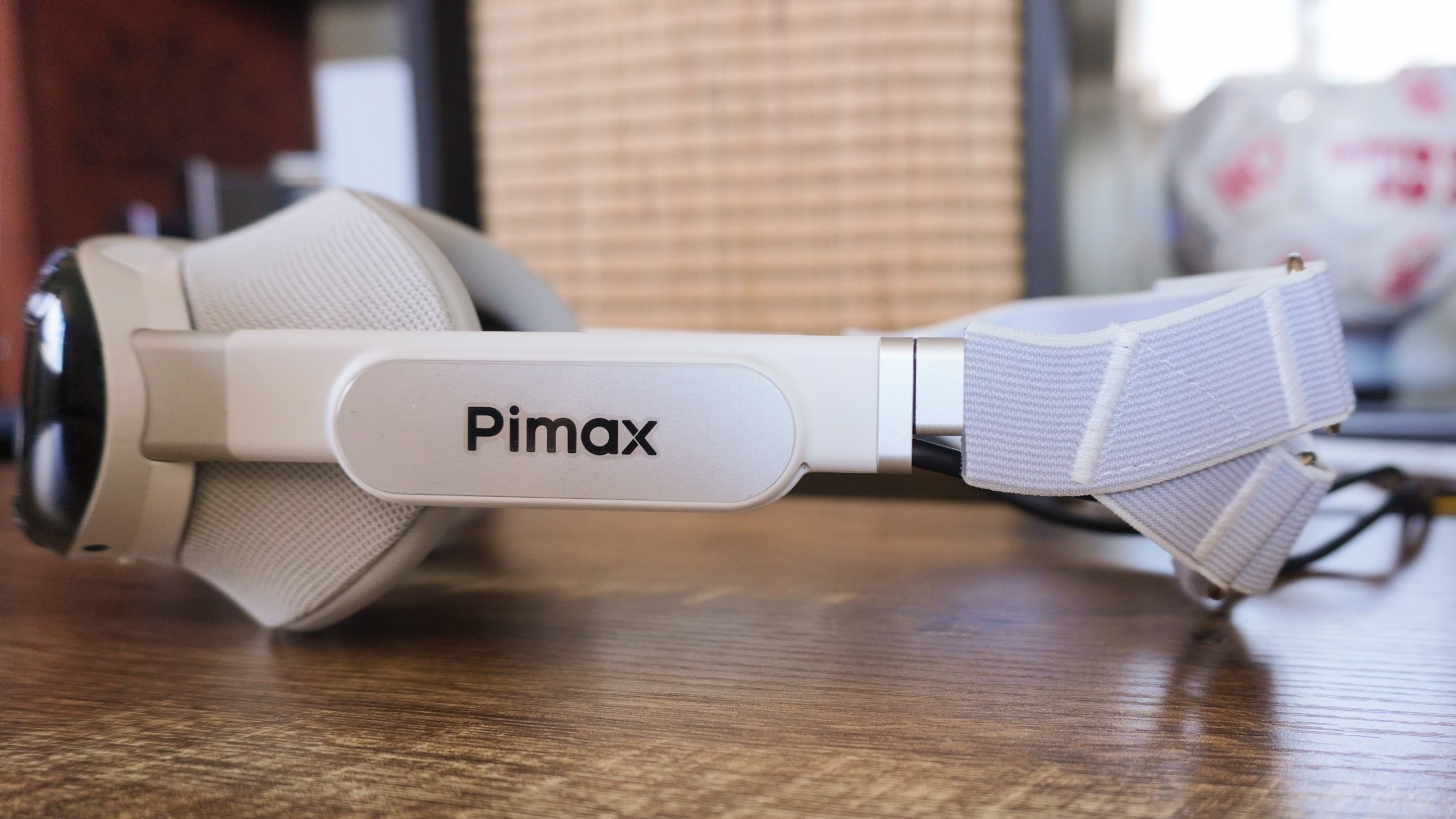
It’s a VR headset that was actually comfortable to wear for a 12-hour race. The Dream Air transcends the stereotype of enthusiast VR headsets being humongous and unwieldy to become something that is wearable for long periods of time.
(Image credit: Future)
The visor of the headweight weighs less than 6 ounces, with the total weight fully assembled coming in at 10.6 ounces. Now if you’re aware of the monster enthusiast headsets Pimax has made in the past, you’ll know just how much of a big deal this is — not just to the company but for PC VR gaming as a whole.
It’s a game-changer for comfort and wearability, all while still giving you the same gorgeous display and optics that you get in the bigger headsets (more on that later). Cramming everything into such a small headset feels like unlocking quicker, more human levels of head turning, and a deeper immersion because of it.
And that cushioned front gasket is more than comfortable enough to handle even the longest sessions, such as the aforementioned endurance race or another playthrough of Hitman VR and Half-Life: Alyx.
(Image credit: Future)
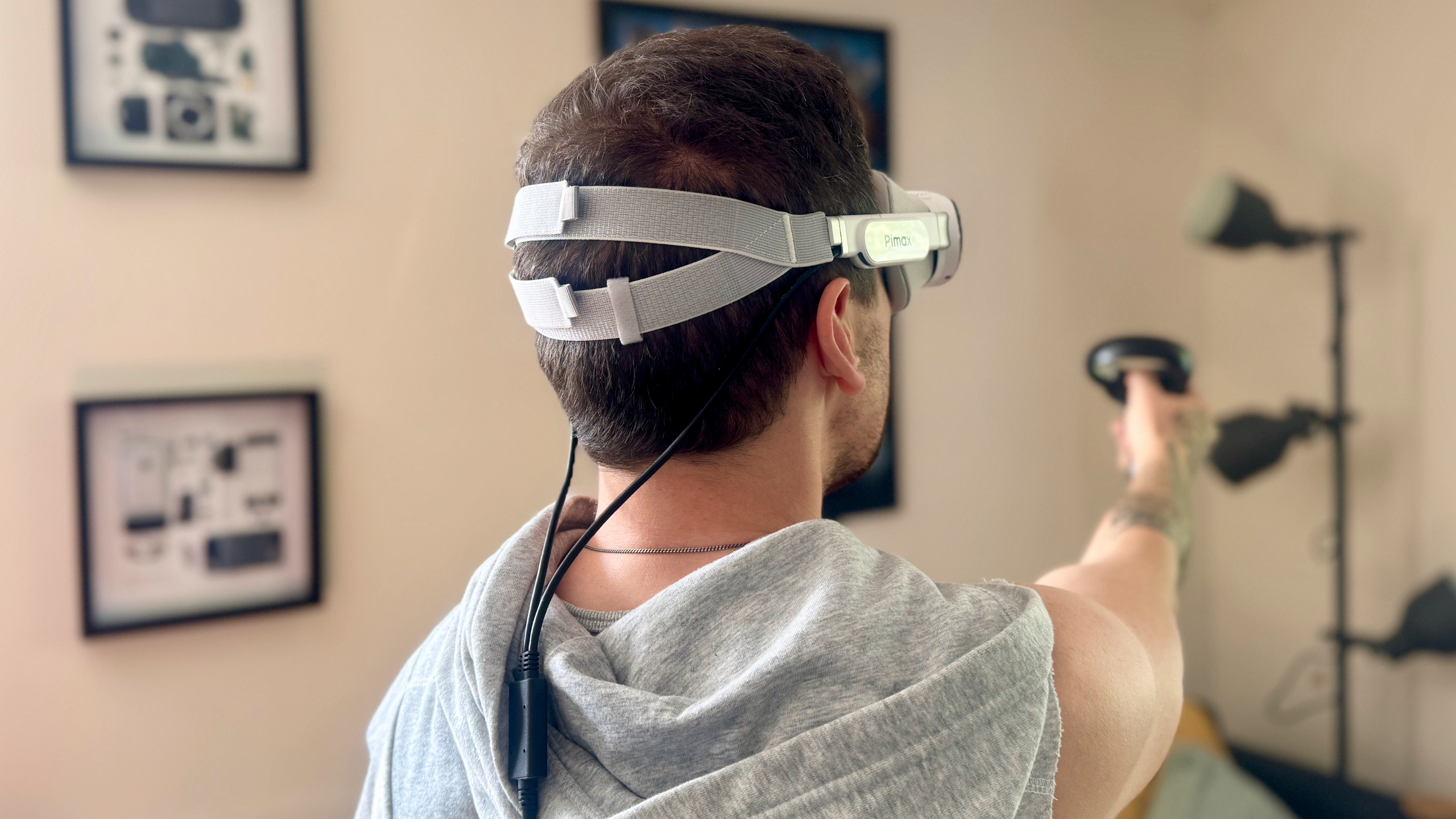
I’ve seen some of the criticisms — namely about the thinness of the straps and the cabling being fed through the back rather than the side. The first one I can understand, but don’t believe it’s as big of a problem as people say (given the lightweight nature makes it super comfortable).
But the second one I’d disagree with, as having them feed out the back does ensure a nice even weight distribution across the headset, rather than having your head dragged down a little with it.
(Image credit: Future)
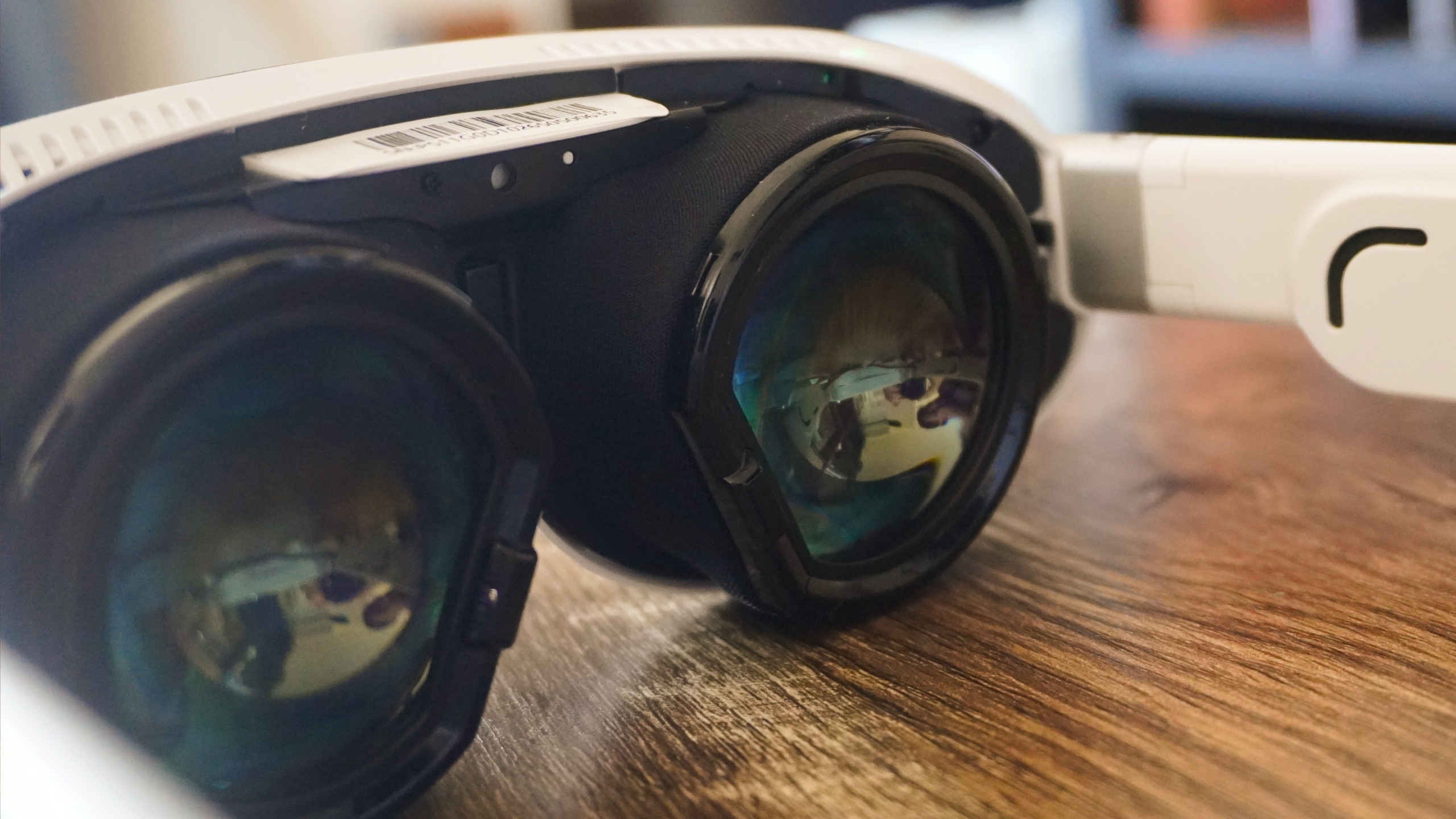
But in my mind, while the size is the most visible win, it’s not the main star of the show. That belongs to those gorgeous Sony Micro-OLED panels pushing an 8K picture at a 90Hz refresh rate with a 110-degree field of view.
Whether it’s blazing through the streets of Japan in a VR-modded version of Forza Horizon 6 and witnessing the flash flood of color, or stretching the deep contrast ratio of those panels with the darker, scarier parts of Half-Life: Alyx, these displays are incredible.
Throw in high-quality pancake lenses that ensure no distortion or reflections, alongside the prescription inserts and you’re onto a winner for escaping to faraway places right in your gaming den.
(Image credit: Future)
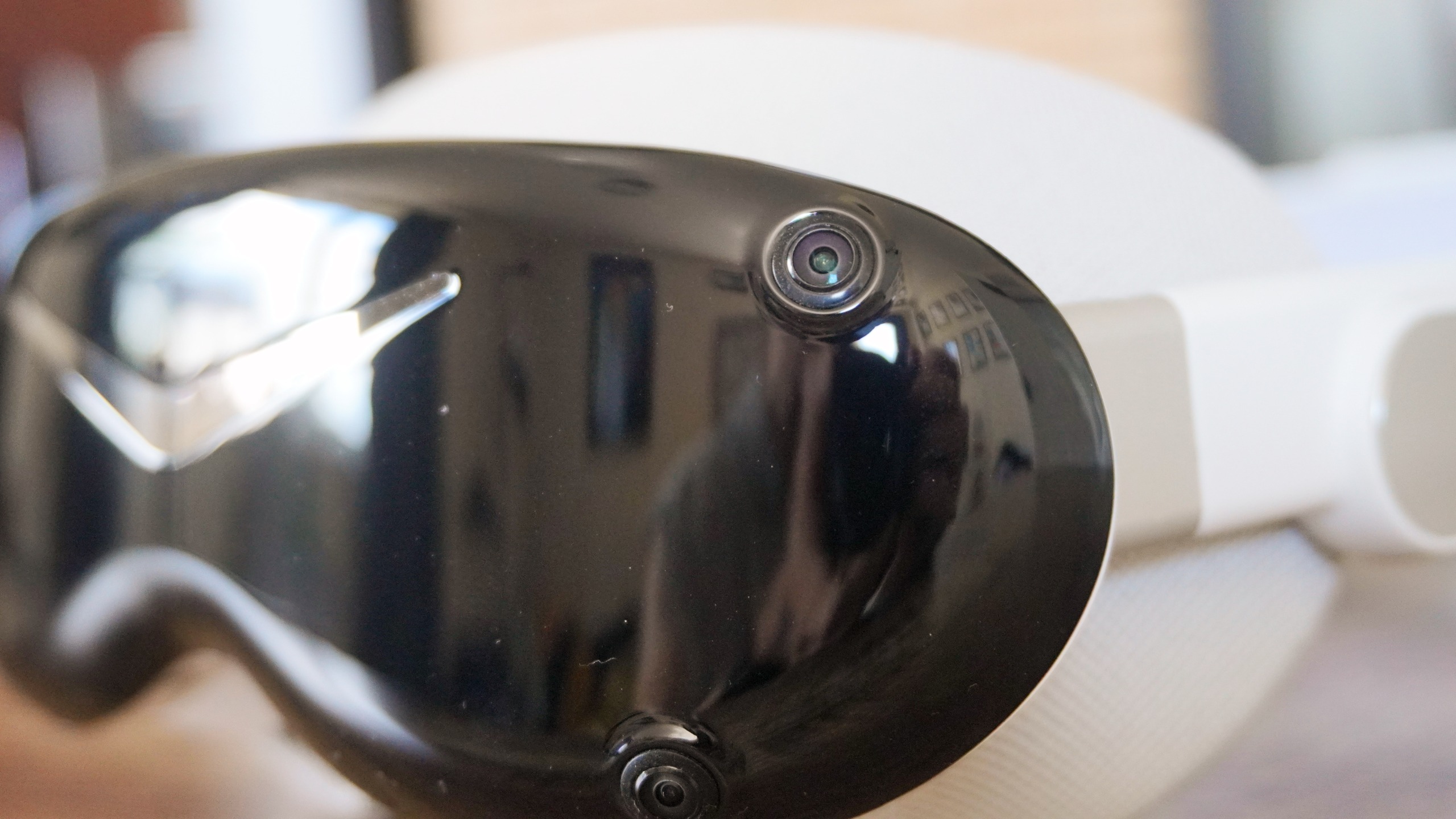
Then there’s the other nice-to-haves that really enrich the experience and make this one of the best ways to play (needed because that price is steep). First is the audio, which these tiny speakers are really impressive with strong bass production and spatial sound adding to the immersion.
The controllers have a nice ergonomic feel to them and I had no problem with tracking them. And shout-out to the gesture tracking, which may not be the best in gaming, but unlocks a more intuitive user interface experience when I was working or just watching videos.
And then, there’s full 120Hz eye tracking — following your line of sight 120 times per second. This enables something called dynamic foveated rendering, which cuts the amount your GPU has to work to render a massive virtual space around you by keeping things in your distant peripheral vision at a lower rendered quality.
In the games that support it, it’s an effect you don’t really see, and it means you can get away with higher resolution settings in these titles too.
Of course with this vast amount of tech inside, the headset visor itself can get hot, as well as the cable box attached to it. Luckily, these are a decent distance away from your face and with the dual integrated fans for active cooling, I never found myself feeling uncomfortable — neither was there any thermal throttling over the entire race.
So I hit the checkered flag in my race, played a few more games and started to really think about my experience using it. The rose-tinted spectacles started to come off a little when I remembered two key things.
(Image credit: Future)
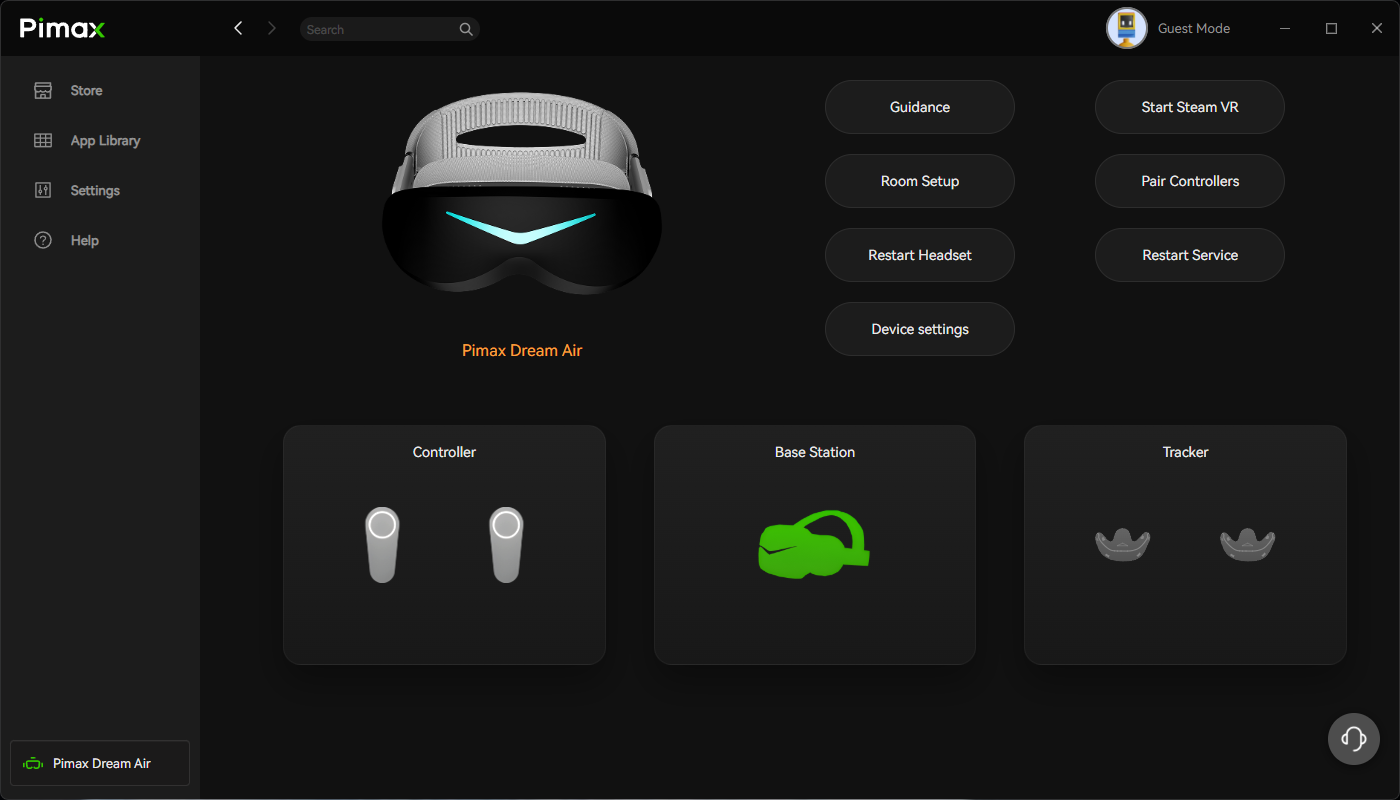
Now don’t get me wrong — the Pimax Play app does the job. The issue is it doesn’t do the job all the time.
Some of the UI decisions are a bit weird (such as having two different windows for headset settings from two different locations), and when you do alter particular settings (like stopping the PC from defaulting the audio source to the headset rather than speakers), there’s a 50/50 chance that checkbox actually does the job.
There were some frustrations and moments where I had to close the app through the task manager and reopen it or restart the headset service multiple times. Those kinks are smoothed out eventually, but the persistence requirement of it all did start to bug me.
(Image credit: Future)
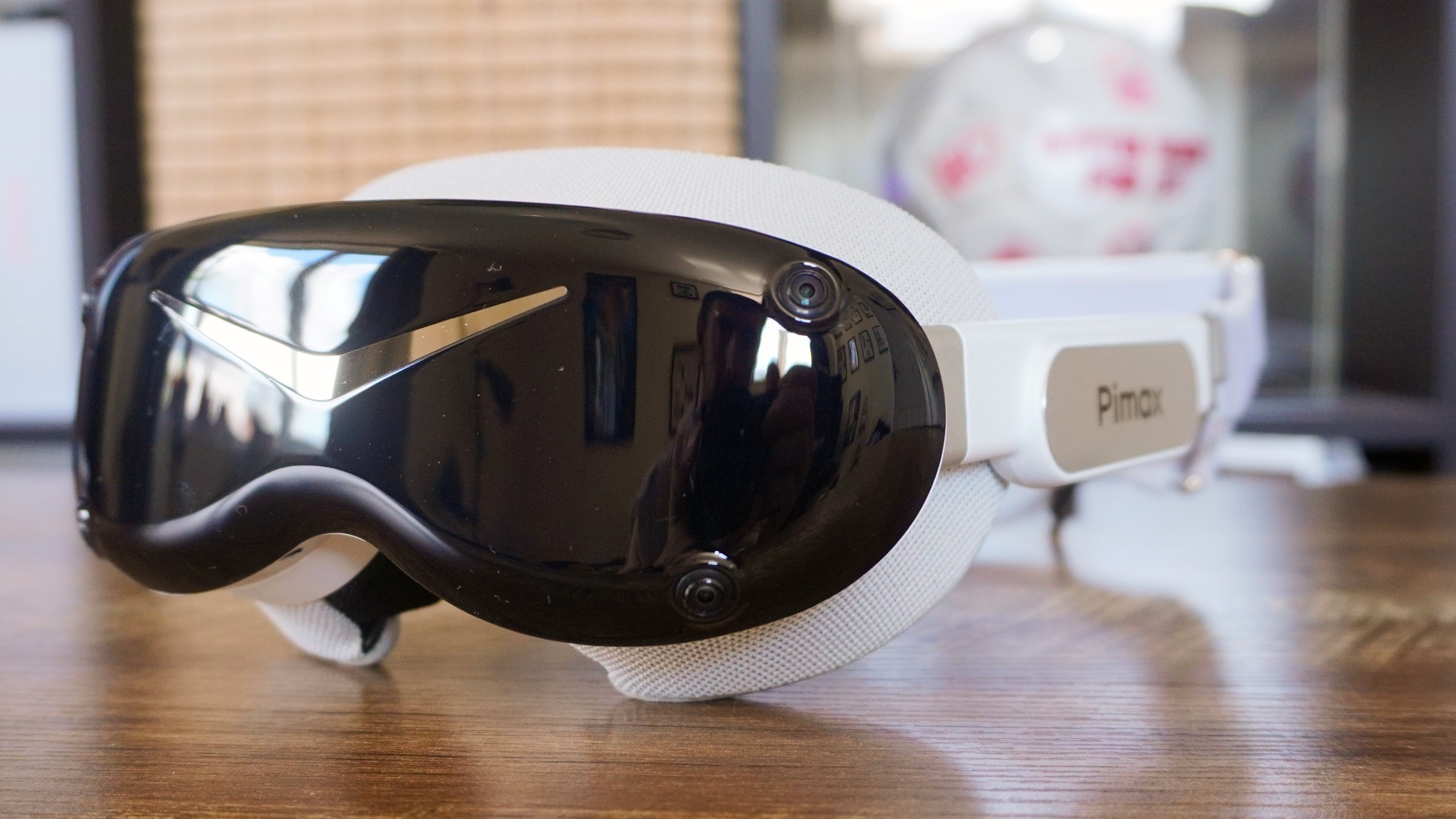
And then we get to the big one. The Pimax Dream Air starts at $1,999 for the model with Lighthouse tracking (sensors on poles you set up to track around you), and to get this SLAM model (cameras built into the headset tracking from the inside out) that takes the cost up to $2,299.
Make no mistake about it, this one is definitely for the serious enthusiasts. The quality of the experience and the build of the headset itself is going to be really enticing to those who chase that next-level of absorption into their sim games or VR titles.
But if you’re the kind of person who only casually flirts with VR every now and again, the Quest 3 + Link cable is definitely good enough.
I’ve tested my fair share of big, bulky PC VR headsets, and the Dream Air is the breath of fresh…well, air, needed to make this niche enjoyment of mine make sense. Sim racing is a pure joy on something so lightweight, and when you are up and moving around, those dimensions make gaming so much more accessible.
Throw in gorgeous display tech and surprisingly strong audio and things are looking good, but do watch out for the janky software and be prepared to pay a pretty price for it.
Pimax Dream Air: Price Comparison