
Having a strong Wi-Fi connection at home has become non-negotiable because nobody has time for lagging screens and constant buffering.
Whether you’re in a large house with rooms spaced far apart or a smaller apartment with compact spaces, a traditional router Wi-Fi setup no longer cuts it.
Mesh systems are now the go-to for Aussies looking to improve their Wi-Fi coverage, enabling faster connections in every room.
Know the news with the 7NEWS app: Download today Arrow
One name that keeps coming up? eero — Amazon’s very own mesh Wi-Fi system, designed to “eliminate dead zones and deliver fast, reliable connectivity”.
But are these devices actually worth it? We put them to the ultimate test, comparing one setup in a house with another in an apartment.
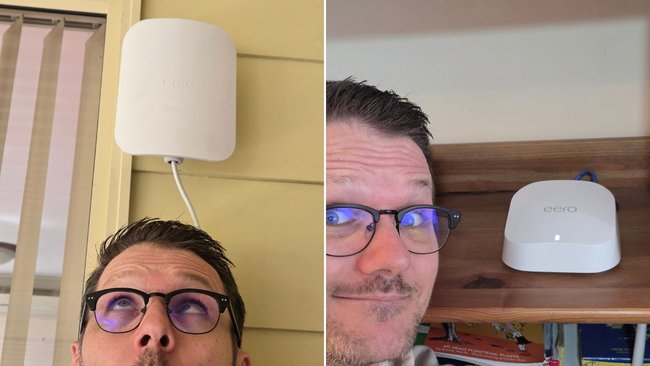 When you add more eero devices to the network, the connection gets stronger. Credit: Sonny Loudon/7YouSonny: The house
When we moved house, I was very excited to hear that we had fibre to the premises and plugged in my internet with a skip in my step and expectations of a high-speed connection.
But the connection to the house is only half the story.
Thicker walls and a different home layout meant that my dodgy modem that I got from my service provider was not able to give decent WiFi speeds to half the house. Enter eero.
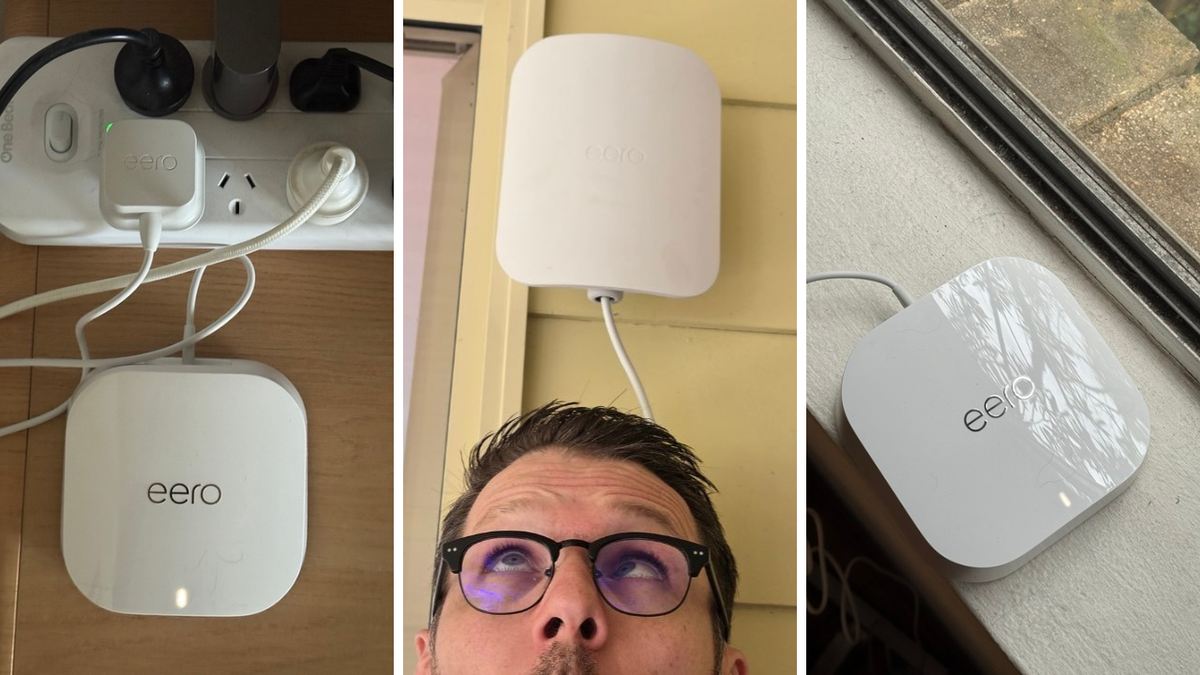
eero has a range of products with a clear goal — make home Wi-Fi great again. I got my hands on an eero 7 and eero Outdoor 7 and let’s just say the numbers speak for themselves.
The eero 7 acts as a hub of sorts to take the internet connection from your router and distribute it across your home.
When you add more eero devices to the network the connection gets stronger, more stable and covers a larger range.
This type of system is called a mesh router system and is a very good way to eliminate WiFi dead spots in your home.
With the eero Outdoor 7 I was also able to spread that better connection outside and up to the shed in the back corner of my yard.
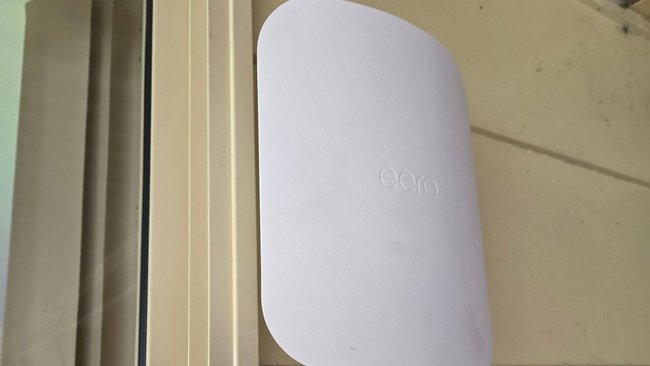 The Outdoor 7 took a matter of minutes to get up and running. Credit: Sonny Loudon/7YouSonny’s Results
Before and after the setup, I performed a series of speed tests at different locations around the house to see the level of improvement.
Location
Download Before
Download After
Upload Before
Upload After
Front Room
2.55Mbps
51.50Mbps
7.00Mbps
18.50Mbps
Living Room
41.90Mbps
53.40Mbps
17.90Mbps
17.90Mbps
Office
8.84Mbps
54.10Mbps
12.00Mbps
18.00Mbps
Shed
1.90Mbps
53.70Mbps
6.28Mbps
18.10Mbps
My internet service is a 50/20 plan, meaning the expected speeds are 50Mbps down and 20Mbps up. It’s nice to finally be taking full advantage of the fibre-to-the-premises connection and getting my money’s worth from my monthly internet bill.
The big thing for me, though, is the consistency. The living room was never really a problem, but walking eight metres into the front room was like stepping back in time to the days of dial-up!
I love that no matter where I am at home, the internet just works.
Through the eero app, you can manage devices, check your connection, set up custom firewall rules and so much more. I’ve barely scratched the surface of what’s possible, and with an eero Plus account, even more features can be unlocked.
Holly: The apartment
I had previously been relying on Google Nest to improve my home Wi-Fi, but it was becoming outdated and couldn’t seem to handle how many devices we had connected to it — one in every room.
eero seemed to solve these issues almost immediately.
My apartment has two bedrooms that are the furthest away from the router, meaning the connection struggles the most in these rooms.
But with the eero 7 devices plugged into the second bedroom and living space, I can now FaceTime, stream shows and scroll without buffering.
What I love most about this mesh system is its sleek look and feel — which hardly takes up any room and can be easily concealed on top of furniture, like bedside tables.
While I’m not the most tech-savvy person, it was incredibly easy to set up, install and download the app.
eero even makes suggestions on where to place the devices, analysing the connection strength to avoid randomly placing them in spots around the house.
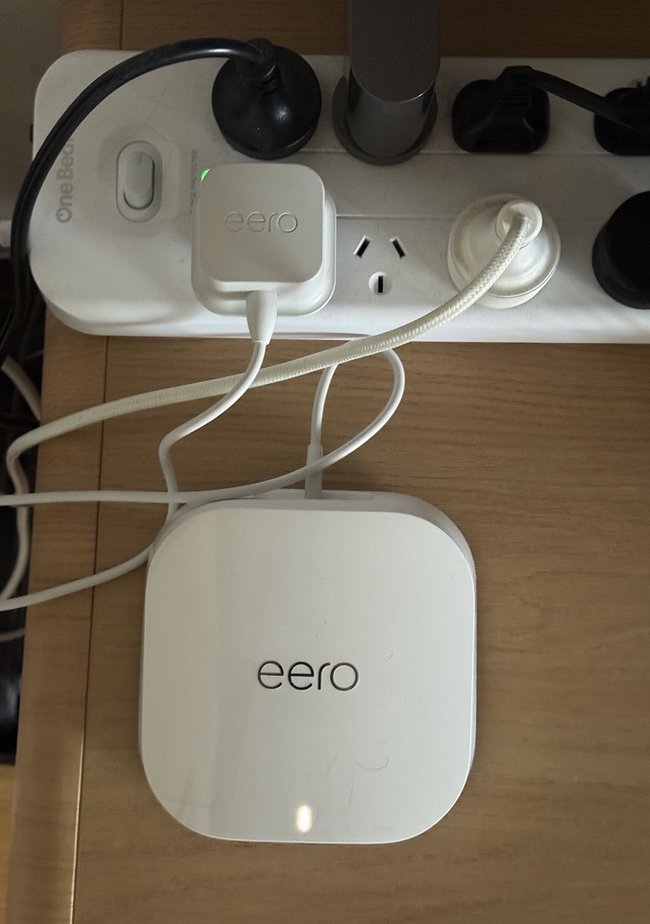 eero’s mesh system is sleek and minimal, easy to placing in spots around the apartment. Credit: eeroHolly’s results
While I don’t have a before-and-after comparison to share, my download and upload speeds remain incredibly fast.
My internet connection already delivers good speeds, but eero now ensures I can access that connection throughout the apartment.
This means that whichever room I’m in — the balcony or even the car space immediately below — I can still connect to the internet to scroll, watch and read.
It’s been a game-changer for my apartment, and I would highly recommend it to anyone fed up with lagging, buffering and losing connection.
For two very different homes, eero solved the same fundamental problem: inconsistent Wi-Fi coverage.
If you’re already getting fast internet next to your router, eero isn’t going to change the speed of your internet plan, but a mesh system can help to distribute that connection to each and every room.
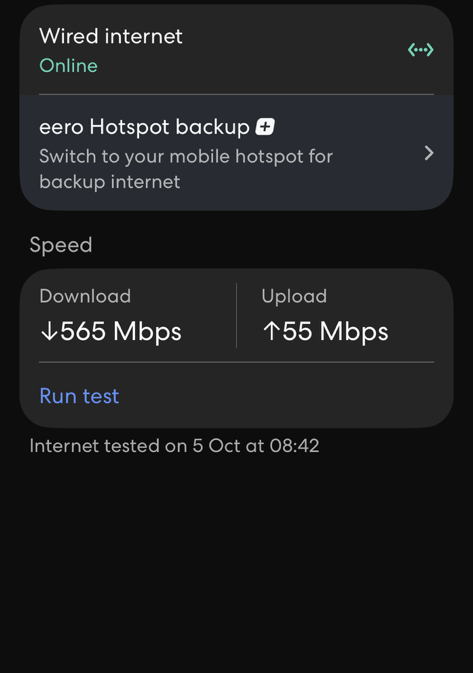 Holly’s internet maintained its fast connection, while the eero system extends to every room in the apartment. Credit: 7You