
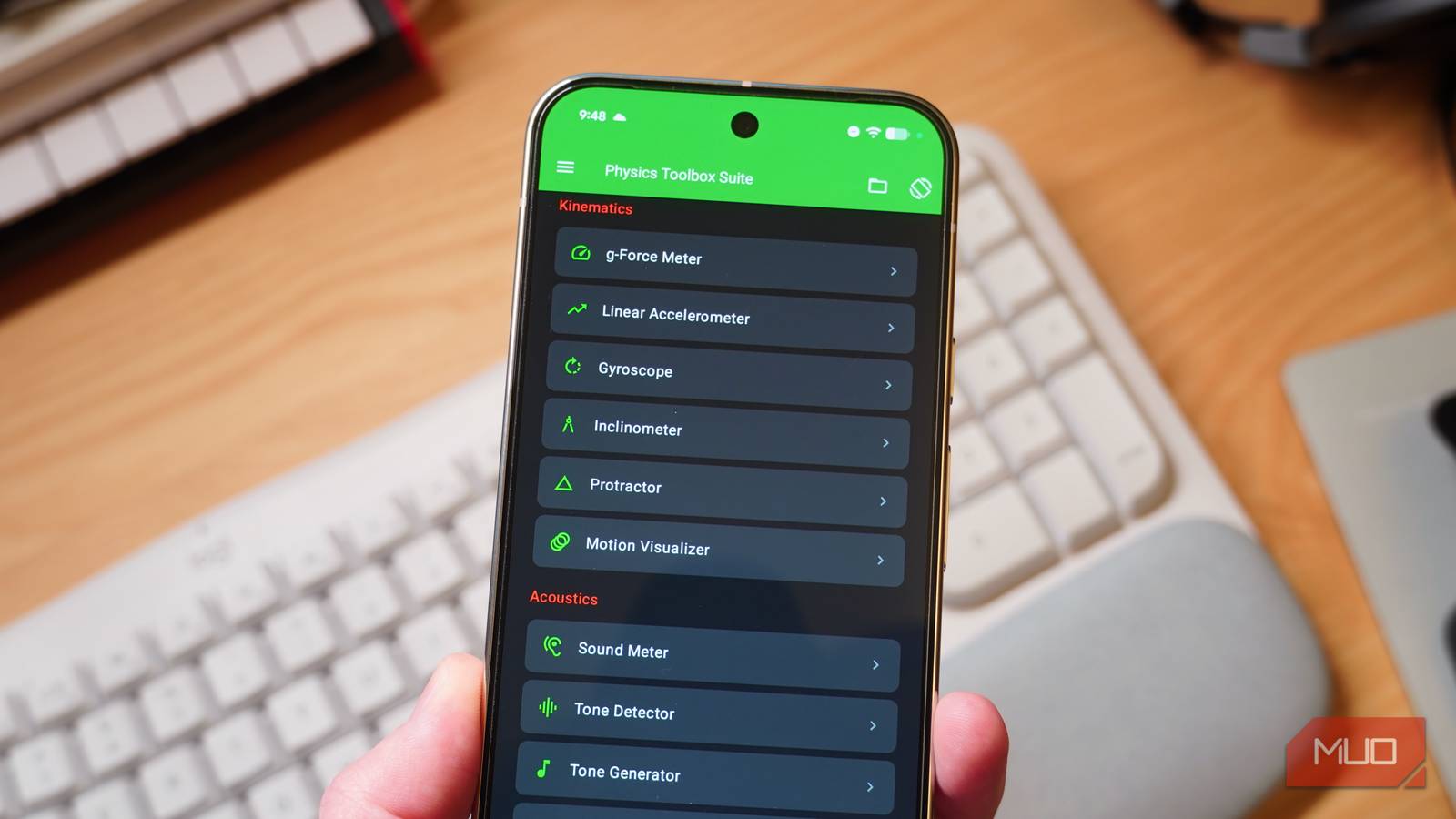
Most of us don’t care how our Android phones detect the direction we’re facing, cancel out background noise on calls, or 3D scan real-life objects. That’s fair, but those sensors can also help your phone do other interesting things too, like act as a makeshift tape measure, a basic metal detector, or a sound level meter. You don’t need any skills or obscure hardware to pull this off either. All it takes is downloading the right app.
Related
7 free apps that make an old Android phone worth keeping
Your dead phone is worth more than you think.
Measure objects and area
The tape measure that’s always with you
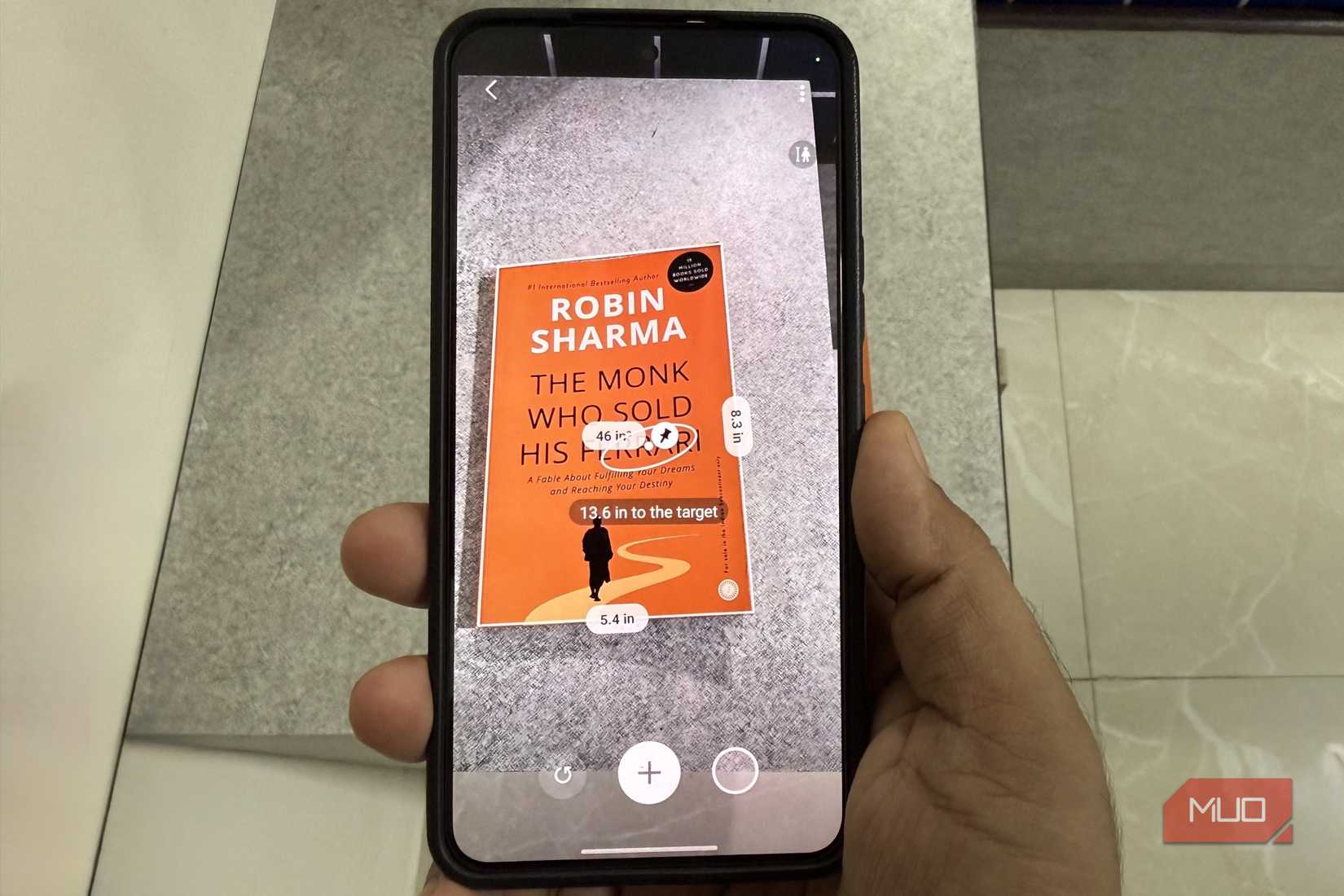
Image Credit: Pankil ShahCredit: Pankil Shah/MakeUseOf
That camera on your Android phone can do a lot more than take photos and scan documents — it can also measure things around you. To be fair, it’s actually not just the camera. Sensors like an accelerometer and gyroscope also help, and together they help your phone estimate things like distance, length, height, and even surface area.
You’ll need to download an app for this. On a Galaxy phone, you can get Samsung’s own Quick Measure app. For other Android phones, you can grab a third-party app like AR Ruler. Once you have the right app, measuring stuff is as simple as pointing your phone’s camera at something.
Your phone will detect flat surfaces automatically, and you can start measuring things right away. Choose a starting point and an ending point, and the app will calculate the length, height, or distance. Most measurement apps automatically detect usual shapes like squares, rectangles, and circles, so you won’t have to measure those manually.
Samsung’s Quick Measure app even calculates the distance between the camera and the object, which is great if you want to check how far your TV or monitor is from where you’re sitting. You can also save a photo with all the measurements overlaid for reference.
I’ve tried using it extensively, and it’s actually good enough for roughly calculating if a table will fit through the door, estimating the area of your room, checking the screen size, or even measuring your friend’s height. It’s reasonably accurate, but you obviously shouldn’t use it for anything where accuracy matters.
Beep beep, there’s metal nearby
This may sound bizarre, but your Android phone can double as a makeshift metal detector, and it’s all thanks to the magnetometer sensor. The real purpose of this sensor isn’t to detect metal, of course. It’s actually there to help your phone detect the earth’s magnetic field and show the compass in apps like Google Maps.
Apps like Physics Toolbox Suite can use the same sensor to detect metal near your phone. The catch is that it can only detect large objects, like speakers and cameras, and not smaller ones like a screw or a pen.
Inside the Physics Toolbox Suite, head to the Magnetometer section, and you’ll see three options laid out. By default, it shows real-time magnetic field strength across the X, Y, and Z axes as a live graph, but you can also switch to a digital readout or a 3D compass view for simpler readings.
From there, it’s just a matter of taking your phone close to a piece of metal, and you should see a spike in the graph or a jump in the reading, which basically indicates a metal object is nearby. Again, this isn’t a replacement for an actual metal detector by any means, but it’s a fun tool to try.
Turn your phone into a decibel meter
Settle the “it’s too loud” debate
Pankil Shah / MakeUseOfCredit: Pankil Shah / MakeUseOf
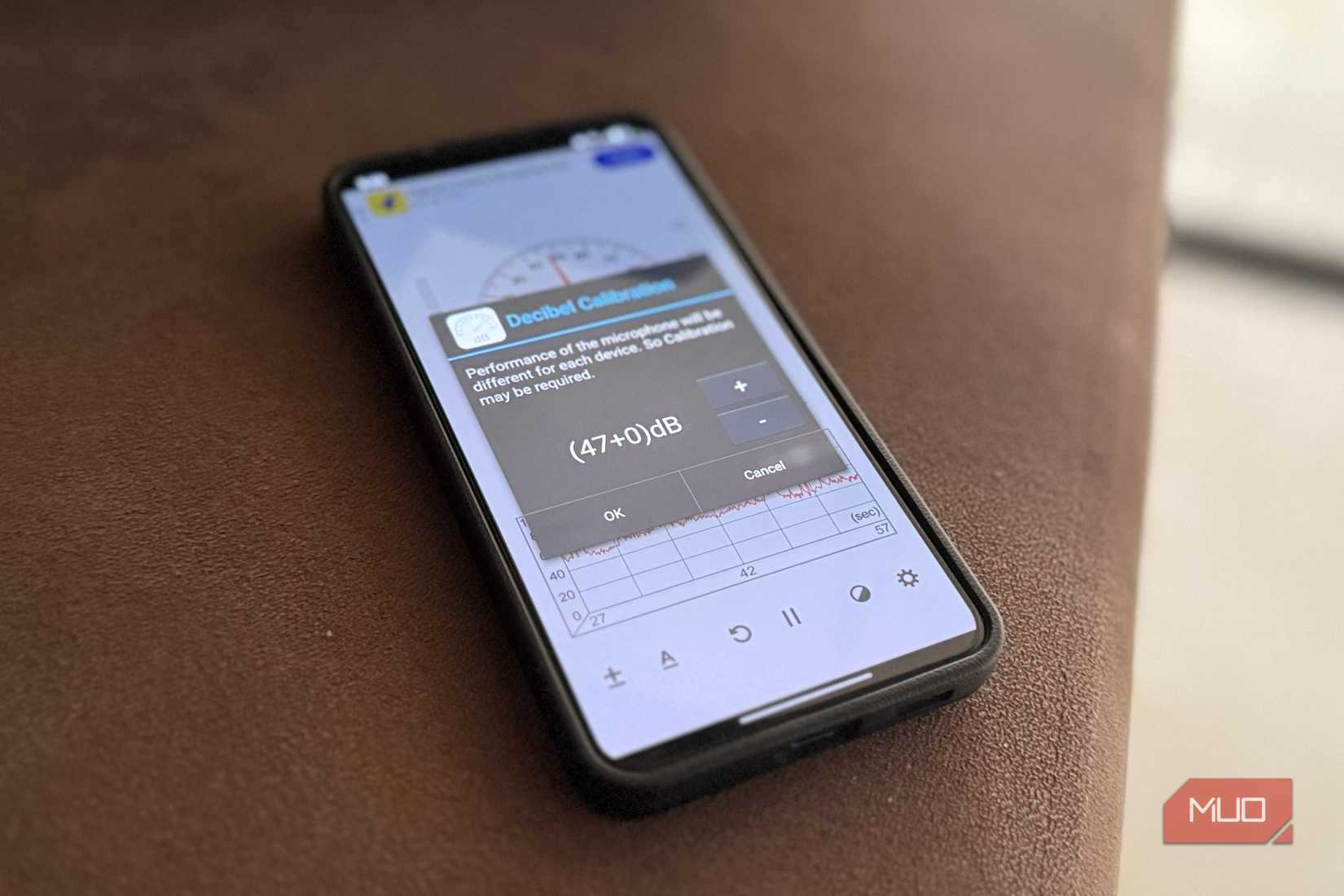
Your phone’s microphone can do a lot more than record voice. It can also double as a sound meter and measure how loud your surroundings actually are. This is by far the easiest thing on this list to measure, but you’ll still need an app for it. You can get a dedicated app like Sound Meter or use the sound meter option inside the Physics Toolbox Suite.
Either way, you simply have to open the app, and it’ll start measuring the sound in decibels. The app also shows a graph so you can record the noise levels around different parts of the house or room. It even shows you reference readings of different things, like a room, a library, a vacuum cleaner, power tools, a car horn, and loud music. That context makes it a lot easier to judge if your current environment is as loud as it feels.
I found this particularly handy when setting up my desk for recording voiceovers. When I first opened the Sound Meter app, the reading was 50 decibels, which is a lot for recording audio. Once I adjusted the fan speed and mic placement, I was able to get that reading down to 35 decibels.
There’s a lot more your phone can do…
These are just a few examples really. Your Android phone can replace as many as 35 different tools, including a light meter, accelerometer, compass, inclinometer, and barometer. The Physics Toolbox Suite bundles most of these tools, so you won’t have to download separate apps for each.