
This is sponsored content. It was created for our partner, Bark.
I have two young kids, and we’ve officially entered the phase of parenting where they’re constantly going somewhere without us. Soccer practice, after-school activities, playdates, bike rides around our ‘hood. While there’s an occasional drop-off where I’m expected to stay and hang with the other kid’s parents, for the most part, we are almost giving the freedom my husband and I had as kids in the early 1990s.
But naturally, we want to be able to reach them. What we don’t want is to hand them an iPhone that comes with the entire internet at their fingertips—social media, endless Youtube hours, and a million ways to get distracted before they’ve even mastered putting their dirty laundry in the hamper.
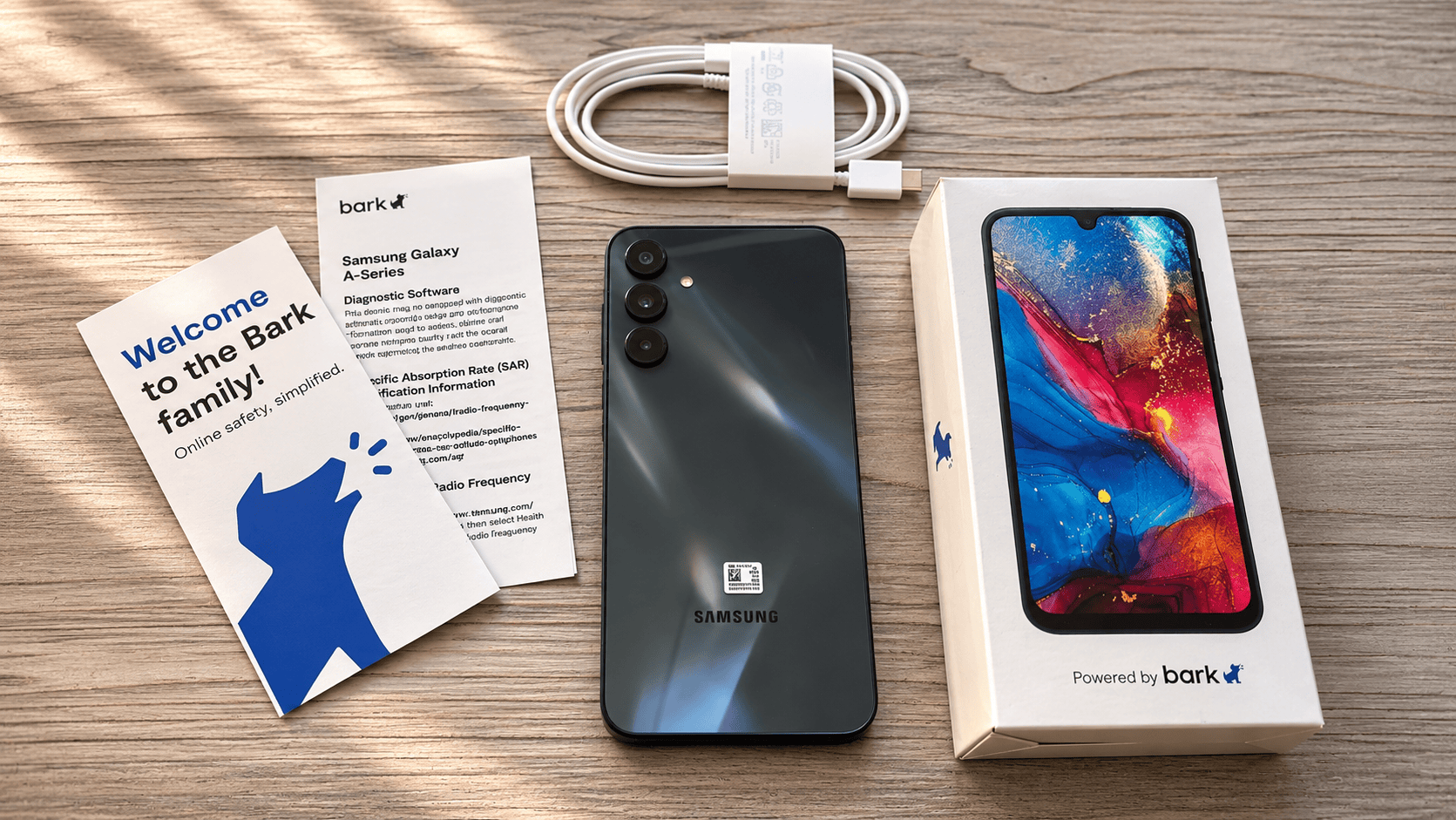
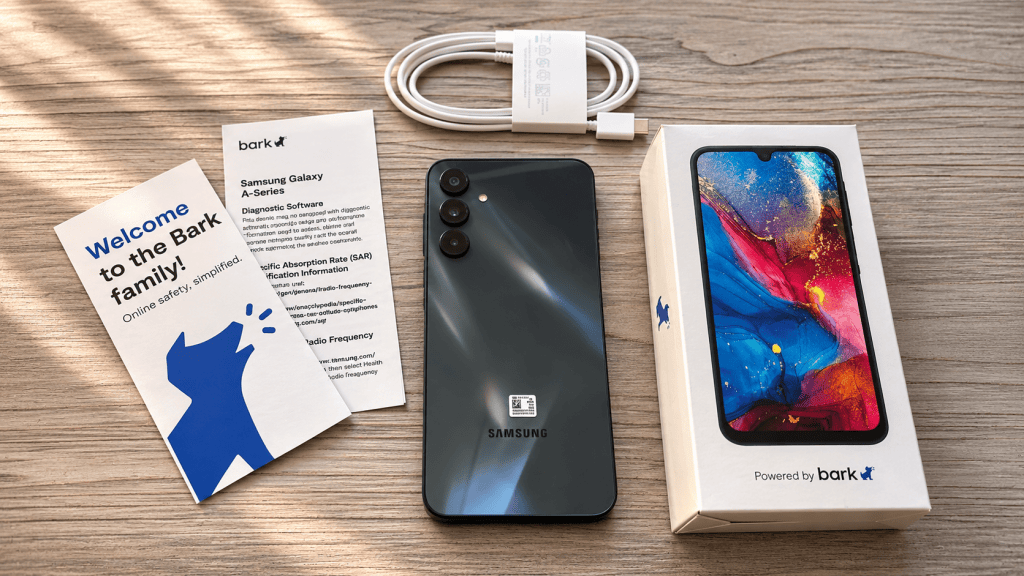
My first phone was a Nokia. It made calls, sent texts that required pressing the same button three times to get the right letter, and had Snake. And somehow, I survived. So when I ventured to get my gen-Alpha kid her first phone (a 2026 milestone!), I was delighted to know that the Bark Phone exists. It’s a legit Samsung smartphone designed to give kids the independence of having a phone without immediately handing them the keys to the digital kingdom.

Bark
A kid-friendly Samsung smartphone with built-in parental controls that lets parents decide how much digital freedom their kids get, from basic calls and texts to apps, games, and internet access.
The Dumbphone Renaissance Makes a Lot of Sense
VICE has covered the resurgence of dumbphones before, and it’s not hard to understand the appeal. Between doomscrolling, endless notifications, algorithmic brain rot, and the increasingly exhausting expectation that we should all be reachable 24/7, people are rediscovering the joy of a phone that just does phone things. The Bark Phone occupies an interesting middle ground for pre-teens and teens. It can function like a dumbphone when your child is younger, then gradually become a more capable smartphone as they get older.
Think of it as training wheels for the internet, minus the embarrassing training wheels.
One of the smartest things about the Bark Phone for kids is that it doesn’t scream “my parents monitor my phone.” The standard model is a Samsung Galaxy A16, while the Bark Phone Pro uses a Galaxy A37. Both look like regular Samsung smartphones, without giant rubber bumpers or obnoxious kid-friendly branding.
The regular Bark Phone costs $360, while the Bark Phone Pro costs $600. That pays for your device. You’ll also need a separate Bark wireless plan, which start as low as $29 per month. Don’t know which phone is right for your kid? The Pro adds more memory, faster performance, and better resistance to drops, scratches, water, and dust. Basically, it’s designed for older kids who are harder on their phones or use them more heavily. For younger kids, though, the standard version seems like plenty.
Bark
Bark Phone Pro vs. Bark Phone

Samsung A37
Device price$600
RAM6GB
Charging45W super fast
Water resistanceIP68
Front cameraSuper HDR
Screen glassGorilla Glass Victus+
ProcessorFaster octa-core

Samsung A16
Device price$360
RAM4GB
Charging25W fast
Water resistanceIP54
Front cameraStandard
Screen glassStandard
ProcessorSnapdragon 6 Gen 3
Both have a 6.7″ screen, 128GB of storage, a 5000mAh battery, and a 50MP triple-lens rear camera.
All the Smartphone Perks, Minus the Internet Rabbit Hole
Here’s where Bark starts to separate itself from a regular smartphone. Its $29-a-month Starter plan includes unlimited calling and texting, but no internet, app store, or games. That’s it. Your kid can reach you, you can reach them, and nobody’s spending three hours watching strangers unbox miniature food.
If you’re comfortable giving them a little more freedom, Bark offers plans starting at $39 a month for Wi-Fi-only internet access, with mobile data plans ranging from $49 to $79 a month.
You can approve or reject app downloads, manage who your child communicates with, block websites, and establish screen-time schedules.
You can also set limits for individual apps. So maybe your kid can use Spotify after school, but YouTube is off-limits during homework and everything shuts down at bedtime.
The bigger selling point is that Bark says these parental controls are built directly into the phone and can’t be removed or bypassed by kids. And unlike buying a completely different device every time your kid gets older, you can gradually unlock features on the same phone.
Bark also monitors texts, social media, photos, videos, and other supported content for potentially concerning material, including bullying, predatory behavior, and other online risks. Rather than requiring parents to manually read every conversation, Bark sends alerts when its software detects something potentially problematic.
There’s GPS location tracking, too, which is particularly appealing when your kid is bouncing between school, sports, and friends’ houses.
Parents can manage the phone from their own iPhone or Android device, including approving contacts and apps. They can even control whether their child is allowed to delete text messages.
Of course, monitoring raises its own questions about privacy and trust, especially as kids get older. The goal shouldn’t be to spy on every conversation. Ideally, it’s to create enough guardrails that kids can develop independence without being thrown into the deep end.
And no monitoring software can replace actual conversations about internet safety.
What Happened When I Handed My 10-Year-Old a Bark Phone
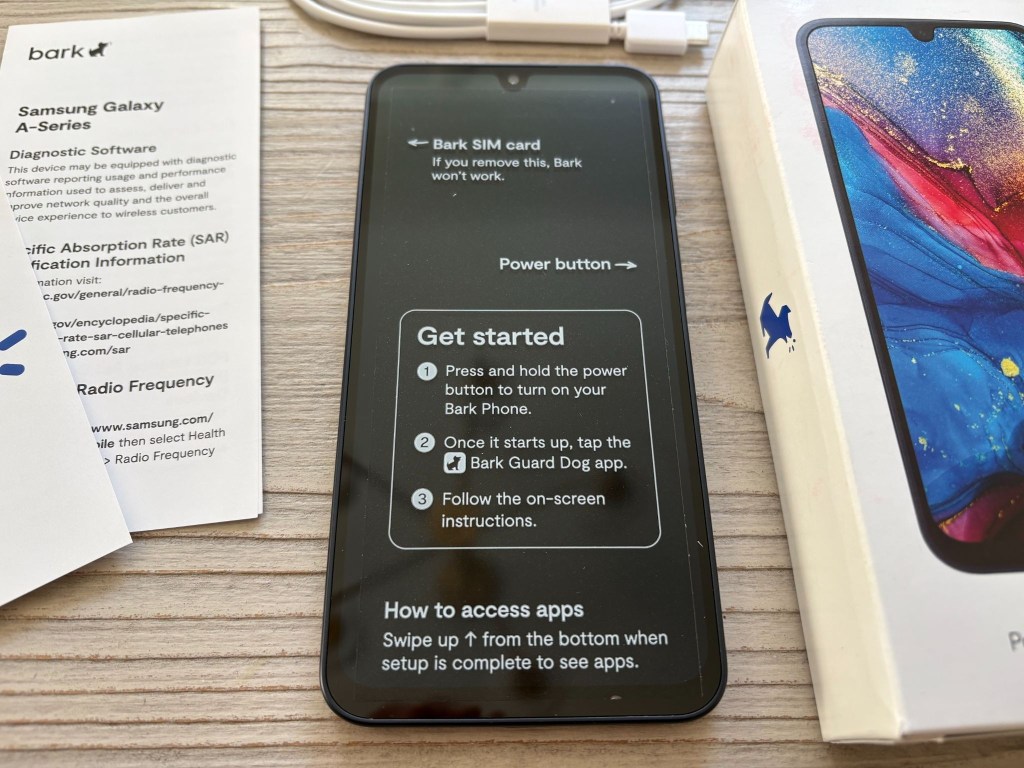
Setting Up Bark: Setting up the Bark Phone was pretty straightforward. I followed the activation instructions, connected it to the Bark parent app on my phone, and customized the settings for my daughter. From there, I could approve her contacts, decide which features she could access, and basically turn it into the modern-day Nokia I wish existed when I was a kid. Scratch that—this is like my everyday smartphone with parental controls that can grow with my kid.
Consider the Bark app a parent’s control center. You decide what you want your child to access, and the best part is, you don’t have to be tech savvy to figure it out. The whole point is that you don’t have to dig through various settings to tackle this mission.
Using Bark IRL: For a couple of days, I gave my 10-year-old daughter the Bark Phone to see how it would fit into our everyday lives. We kept things pretty basic: calling and texting Mom and Dad, plus a couple of friends from theater class whose numbers we approved so they could discuss rehearsals. I liked that I could control who she communicated with without hovering over every conversation. She got to feel like she had an actual phone, and I didn’t have to worry about random people contacting her. A win for both of us.
The real appeal was being able to send her off with a phone without opening up the entire internet. We let her bring it to a playdate so she could call when she was ready to be picked up. And because the Bark Phone has a camera, there’s still room for the fun stuff, like taking approximately 12 photos of a friend’s pet. That’s the kind of first-phone experience I’m looking for: a little independence, a way to stay connected, and none of the pressure to become a full-time content consumer before middle school.
If she were older, we probably would let her bring it to school, but set time limits (also doable on the app) where it can’t be used during school hours or when she has activities where she needs to be present. For our family, we are not comfortable with her using social media just yet, so that’ll stay off for the foreseeable future.
As far as size goes, the phone is standard, but for a small preteen hand, it’s large. You will want to get a case for extra protection. Since it’s a Samsung, there are plenty of cases out there.
A Little Freedom Without the Digital Chaos
So our final verdict is in. The Bark Phone is a solid compromise for parents who want to give their kids a little independence without handing over the entire internet. And I love that the phone can evolve with my daughter with us deciding when it’s time to loosen our phone rules. Eventually, we plan to add a few apps, like Duolingo (she started learning French on it when we were in Montreal and has been hooked ever since), along with some of the age-appropriate games she loves. I’m not against screen time when there’s something worthwhile happening on that screen. I just want to have a say in what that looks like. For now, she gets a phone that makes her feel like a big kid, and I get a little peace of mind. Everybody wins.
Bark
A kid-friendly Samsung smartphone with built-in parental controls that lets parents decide how much digital freedom their kids get, from basic calls and texts to apps, games, and internet access.