
Camera
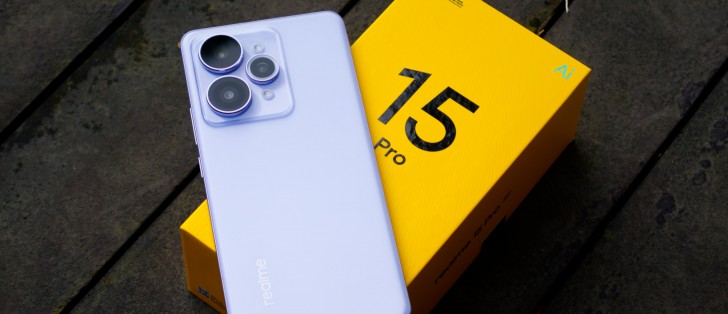
The Realme 15 Pro has a triple camera system on the back, consisting of a main 50MP Sony IMX896 f1.8 wide camera (top lens), a 50MP OmniVision OV50D f2.0 ultra-wide camera (right lens), and a depth sensor for portrait mode (bottom lens). On the front is another 50MP OmniVision OV50D f2.4 camera for selfies. There are no dedicated telephoto or macro cameras on this phone.
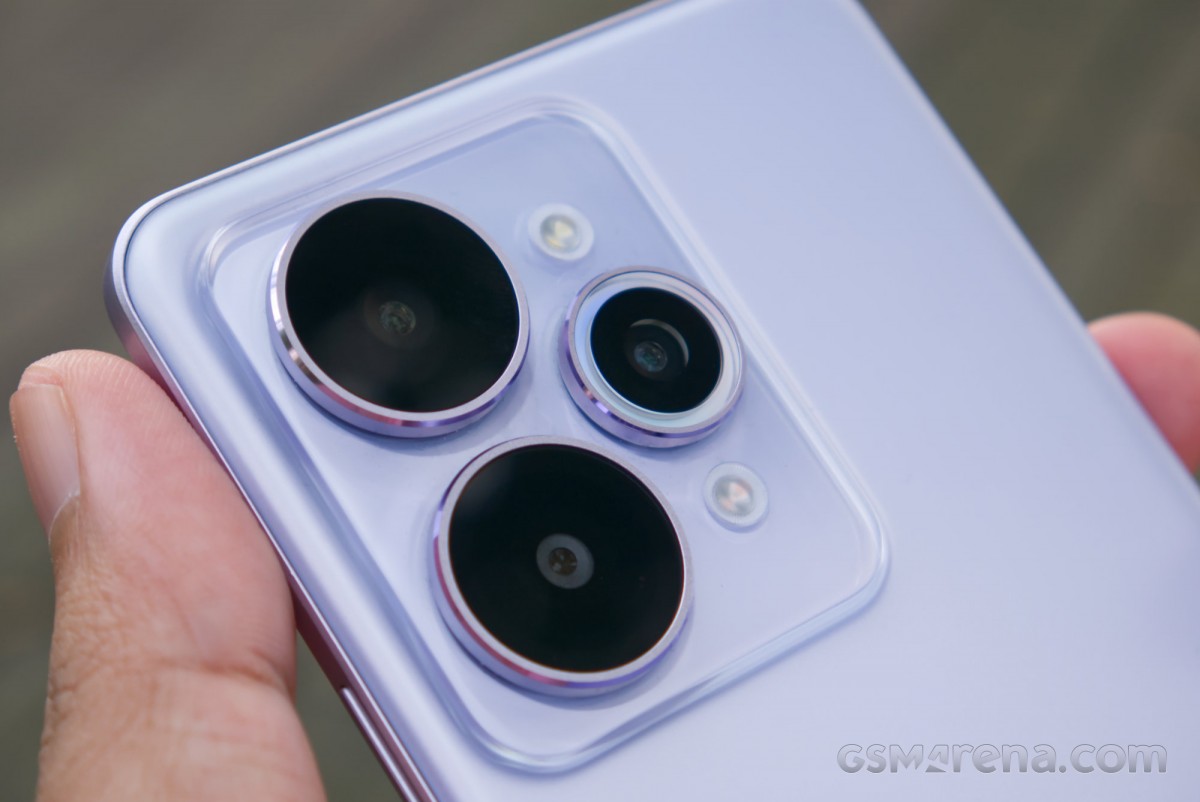
The camera system includes a dual LED flash system, with a white and an amber LED. The amber LED isn’t available by default in the standard flash mode, and you need to enable the fill light mode to get the dual-tone effect.
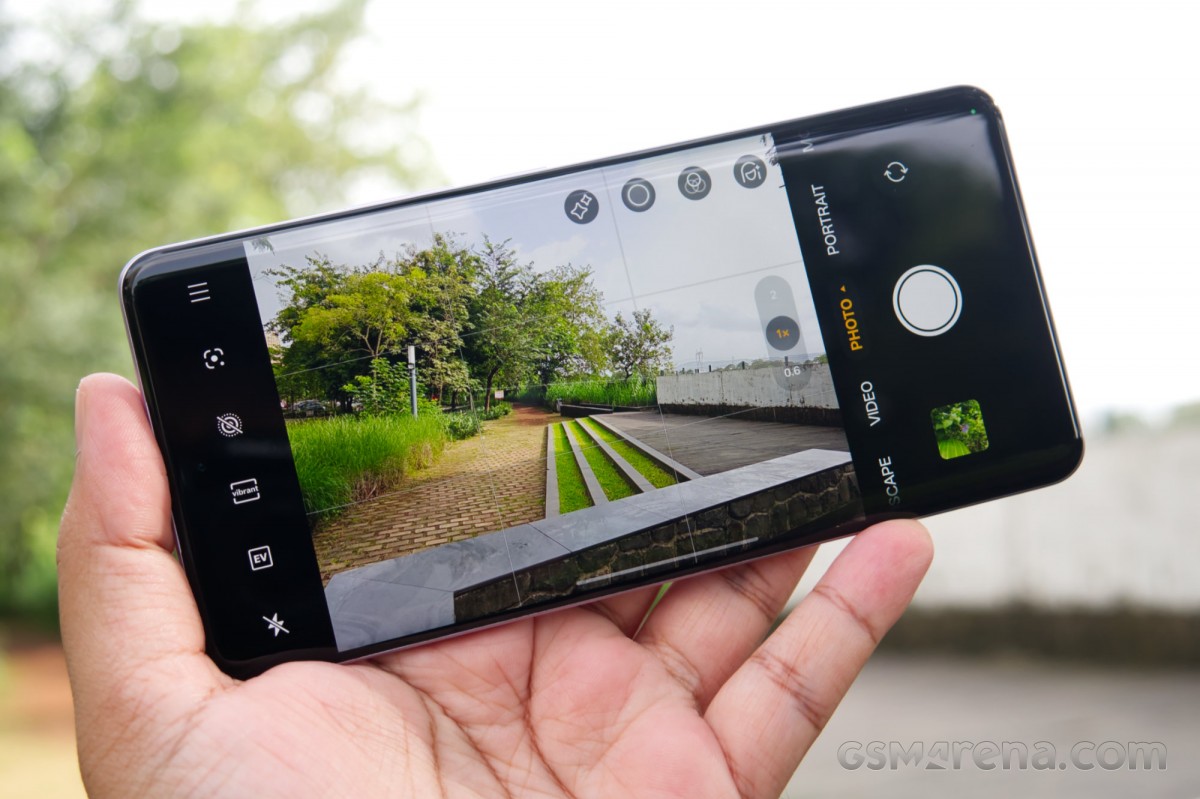
The camera app has loads of modes available that would probably require their own dedicated section. This also includes the aforementioned AI Landscape mode, which corrects perspective automatically and reduces haze. However, the most notable feature here is the two default color modes that you can choose to shoot with, called Vibrant and Crisp.
But before we get into that, let’s look at the basic image quality at hand here. Starting with the main camera, the Realme 15 Pro uses the same sensor as the Realme 14 Pro+. The color performance is good, but as with the previous generation model, the detail is somewhat lacking, as everything has a soft, waxy appearance.







Main camera
Closer inspection of the RAW files revealed that while the sensor can capture decent detail, it has a rather poor dynamic range. The software would have to work extra hard to achieve the intended exposure and dynamic range with this sensor. This would increase the noise in the shadows, so additional noise reduction is required, which ultimately obliterates the high-frequency detail and gives the images the said waxy look.
Using the 2x zoom toggle in the camera activates the digital zoom. The quality here is passable and perfectly usable for social media and such. However, it cannot replicate what you can achieve with a proper telephoto, especially once you go past the 2x factor.








2x digital zoom
The ultra-wide samples are also quite soft with visible noise in the shadows. However, like the 2x images, the quality here is usable, especially for viewing on the phone’s display. The photos look especially good on the phone’s display due to the ProXDR feature that cannot be replicated when viewing the images on a desktop. At least when it worked, because sometimes the phone would just forget to save images with the ProXDR metadata.






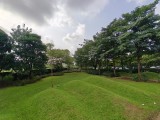

Ultra-wide camera
Unfortunately, the ultra-wide camera lacks autofocus, which doesn’t affect the ultra-wide performance much, but also means the camera cannot be used as a makeshift macro lens. As such, there is no macro functionality on this phone.
Now, for the two color options available, Vibrant and Crisp. These options are available in the standard Photo and Portrait modes, where you have to pick from one of the two.








Color Profile: Vibrant • Crisp
The Vibrant mode is seemingly the default, as that’s what the camera defaults to in appearance in other modes, where you don’t get the choice. It’s brightly exposed with enhanced saturation, as you’d expect, and what has generally been the default for Realme cameras. The Crisp mode chooses to go for a dark, underexposed image with more focus on highlights and contrast.
Unfortunately, there isn’t a lot of sophistication here. Crisp really does look like someone turned the exposure compensation on the Vibrant mode way down. It can also be very dark at times, so while the moody look may work for some shots, most pictures just come out looking underexposed.
On the other hand, the Vibrant mode at times just overshot the exposure and produced fully exposure-clipped images. We obviously don’t think this is intended, and it’s just another bug that Realme needs to fix with this firmware.
A quick note on the two-tone rear flash system. As mentioned previously, you need to enter the Fill light mode to activate the amber LED, and then you can manually choose the color temperature and brightness or just let the phone handle it.



No flash • Standard flash • Dual flash
Compared to the standard flash, the dual flash setup has more natural colors to the point where we are not really sure why this isn’t just the default but a separate option. If you must use the flash, this is the way to go. As an aside, both lights are enabled when you use the flashlight function on the phone so you get a rather warm light compared to other devices.
Looking at the front camera, we see that the same sensor that was struggling a bit with ultra-wide duties is doing perfectly fine here, with good colors and satisfactory detail. We noticed an odd bug with the 2x portrait mode where the camera would occasionally lightly overlay the original 1x image on top of the 2x image, which ended up looking quite creepy in some shots with unintended ghostly faces and patterns in the background.


Standard • Portrait mode
Video sample playlist
Finally, the Realme 15 Pro can record 4K 60fps videos from all three of its usable cameras.
You can check out the playlist below, which includes multiple video samples.
Starting with the main rear camera, the 4K 30fps footage looks quite good, with good color, details, and stabilization. However, the autofocus tends to hunt quite often, which makes the camera unsuitable for vlog-style recording as the focus keeps shifting.
The 4K 60fps videos also look good except for the part where the stabilization is clearly worse, with more side-to-side shaking, even though there was no difference in the stride while walking.
The 4K 30fps footage from the ultra-wide camera also looks quite good, and since there is no autofocus on this camera, you get none of those rapid focus shifts you get on the main camera.
Much like the wide camera, the 4K 60fps footage from the ultra-wide camera also shows more side-to-side movement as the EIS steps back at this more demanding resolution and frame rate combination.