
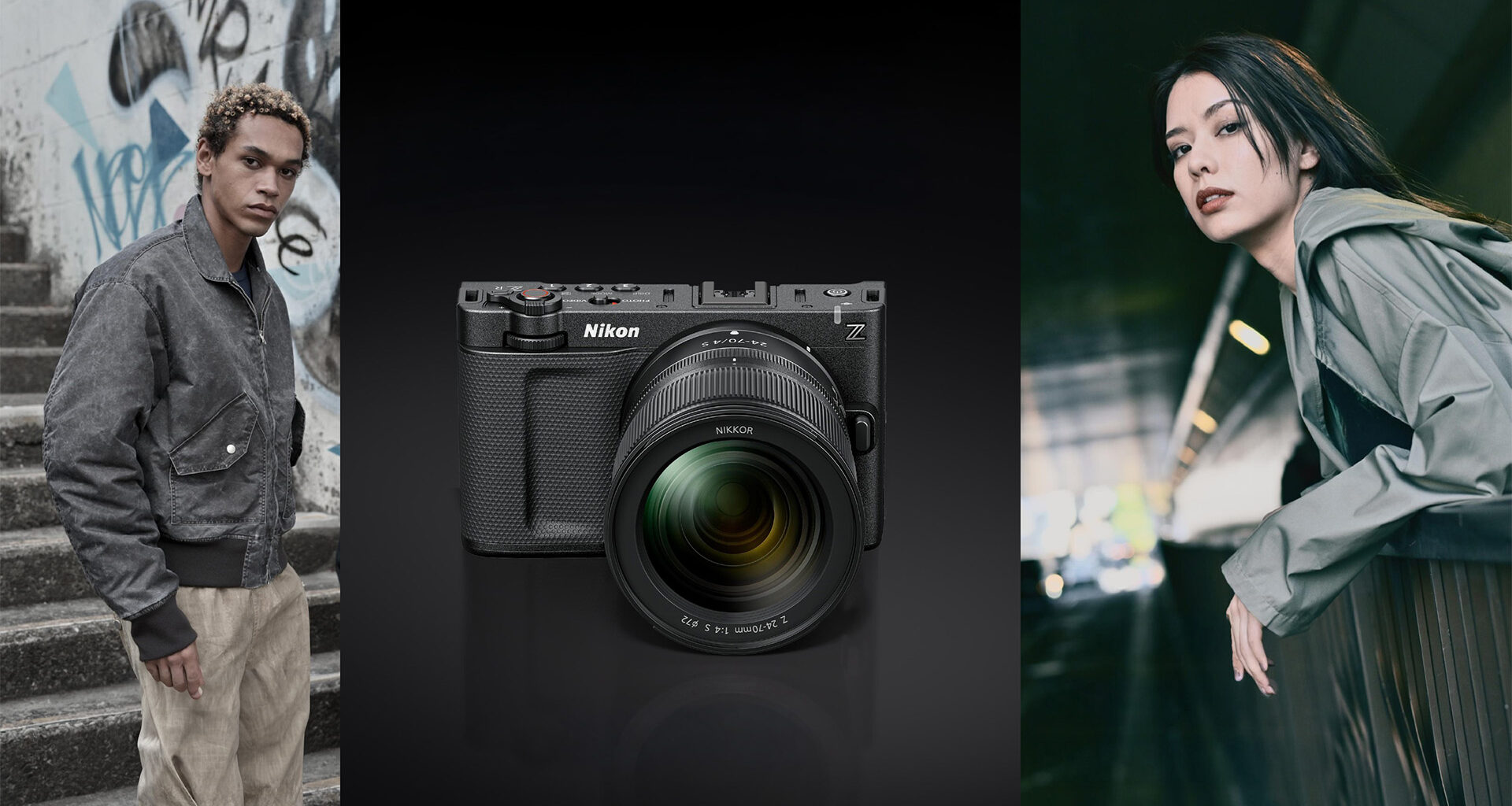
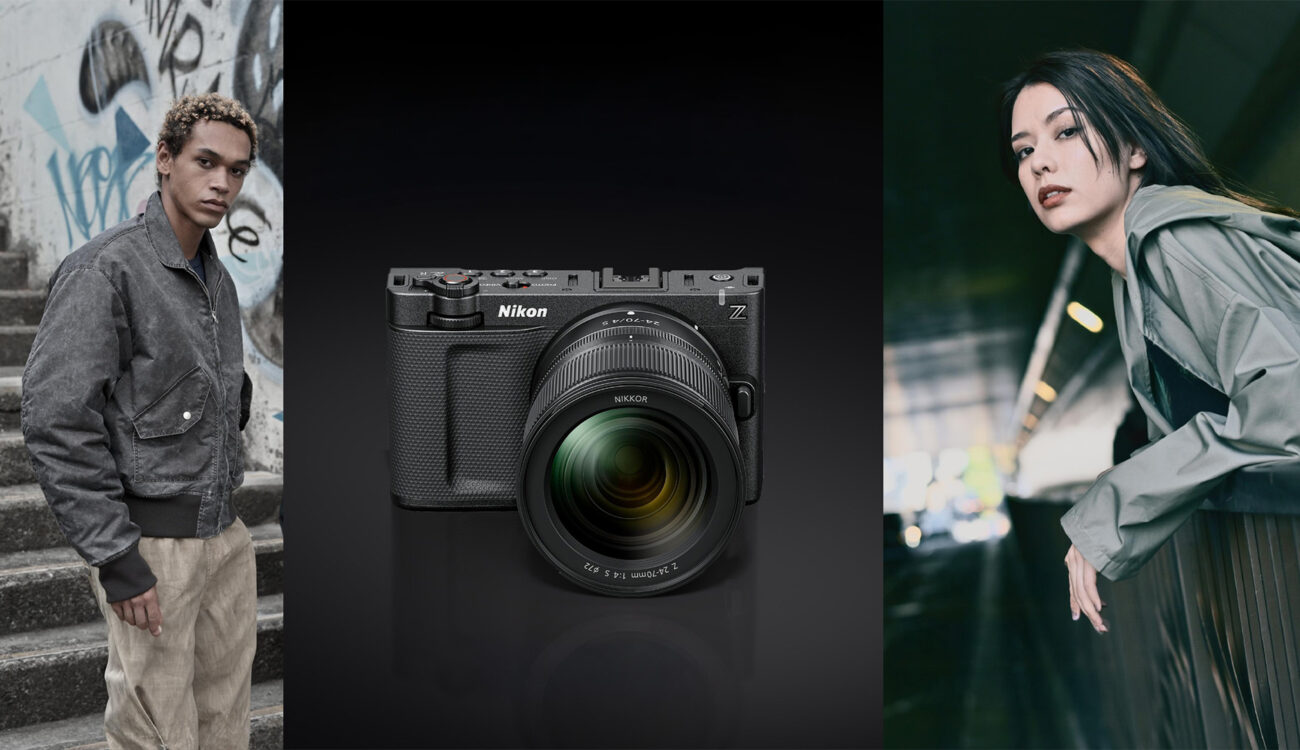
Nikon has released nine free Image Recipes developed in collaboration with RED, bringing cinema-inspired color profiles to the Nikon ZR, Z6 III, Z50 II, Z5 II, and Zf cameras via the Nikon Imaging Cloud.
The release marks another tangible outcome of Nikon’s acquisition of RED Digital Cinema in March 2024, following the launch of the cinema-focused Nikon ZR earlier this year. These Image Recipes function as baked-in picture profiles that emulate popular RED LUTs, allowing shooters to achieve cinematic looks directly in-camera without extensive post-production color grading. For those who need to turn around footage quickly or deliver non-Log material to clients, this approach offers a practical alternative to the full RAW or Log workflow.
What exactly are the Image Recipes?
The Image Recipes are essentially custom Picture Control profiles based on RED’s CineBias color science. Unlike traditional LUT files that can be applied in post-production, these profiles are applied in-camera during recording, producing fully baked-in footage. The approach is similar to how Sony’s S-Cinetone works on FX-series cameras, providing a ready-to-use cinematic aesthetic straight out of the camera.
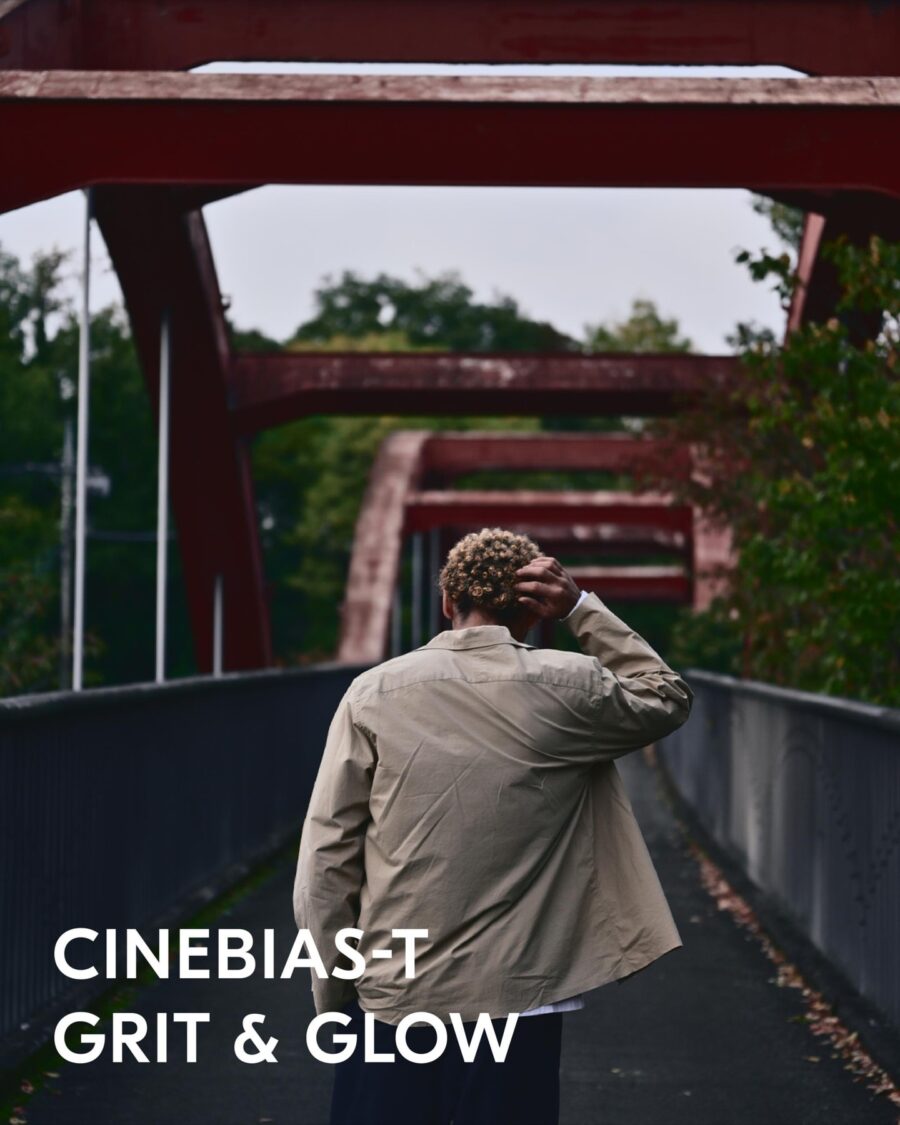
Nine recipes are included in the release: R1_CineBias offers a clean, cool, soft cinematic base look with subtly enhanced blues and greens while maintaining natural skin tones. R2_CineBias-T (Cool Atmosphere) wraps images in a gentle teal-green hue for a moody, introspective quality. R3_CineBias-C (Crisp Teal Contrast) delivers sharp, dramatic contrasts with a fresh, edgy feel. R4_CineBias-CC (Noir Vibes) creates an atmospheric teal tint with a moody, almost surreal aesthetic suitable for dystopian or dramatic storytelling. R5_CineBias WC (Grit & Glow) thrives on high contrast, blending deep shadows with vibrant highlights where oranges and reds pop with energy.
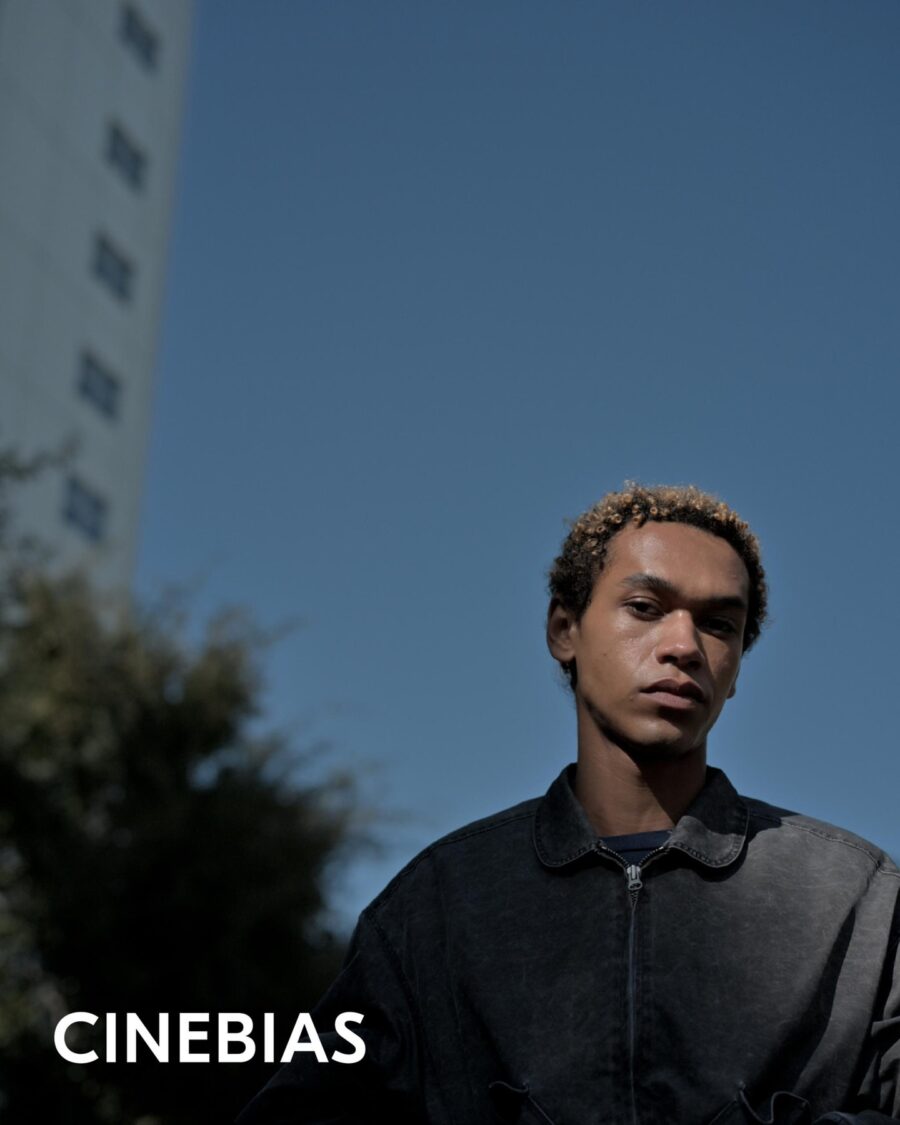
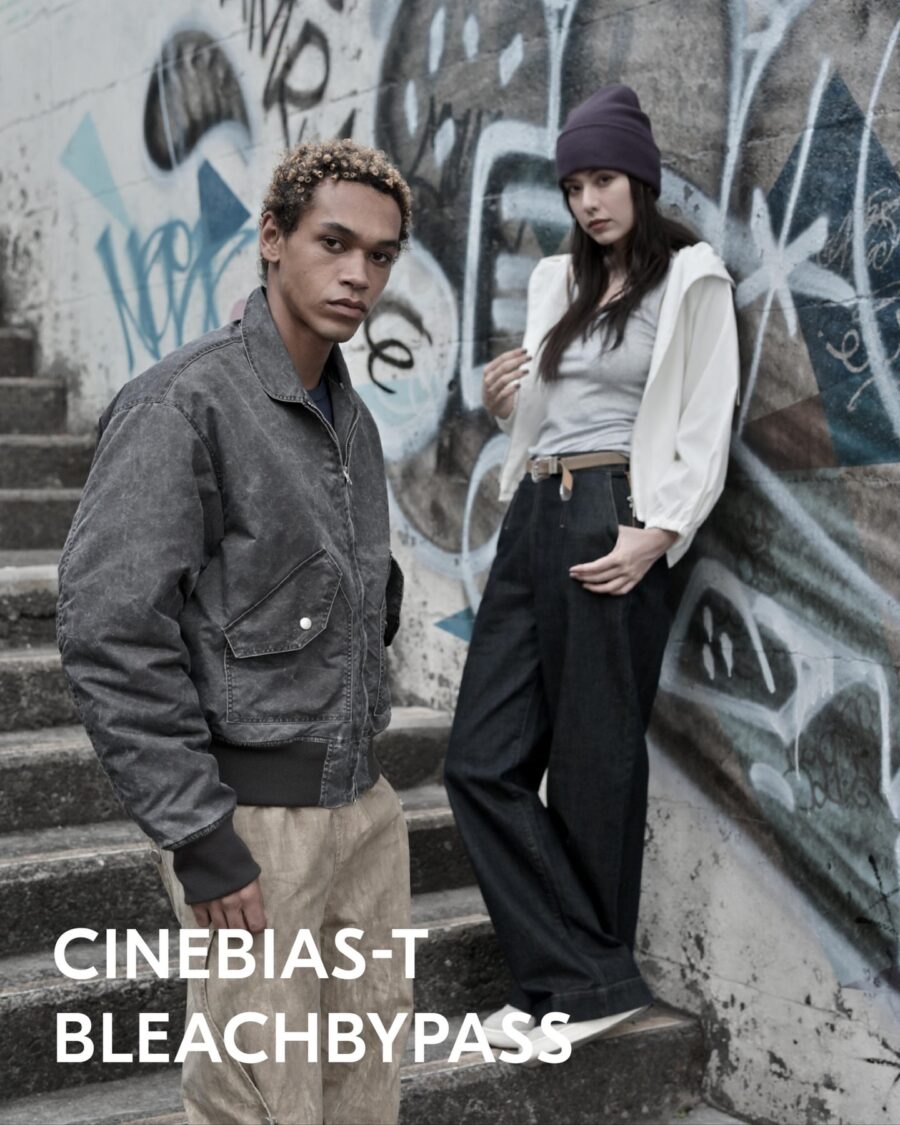
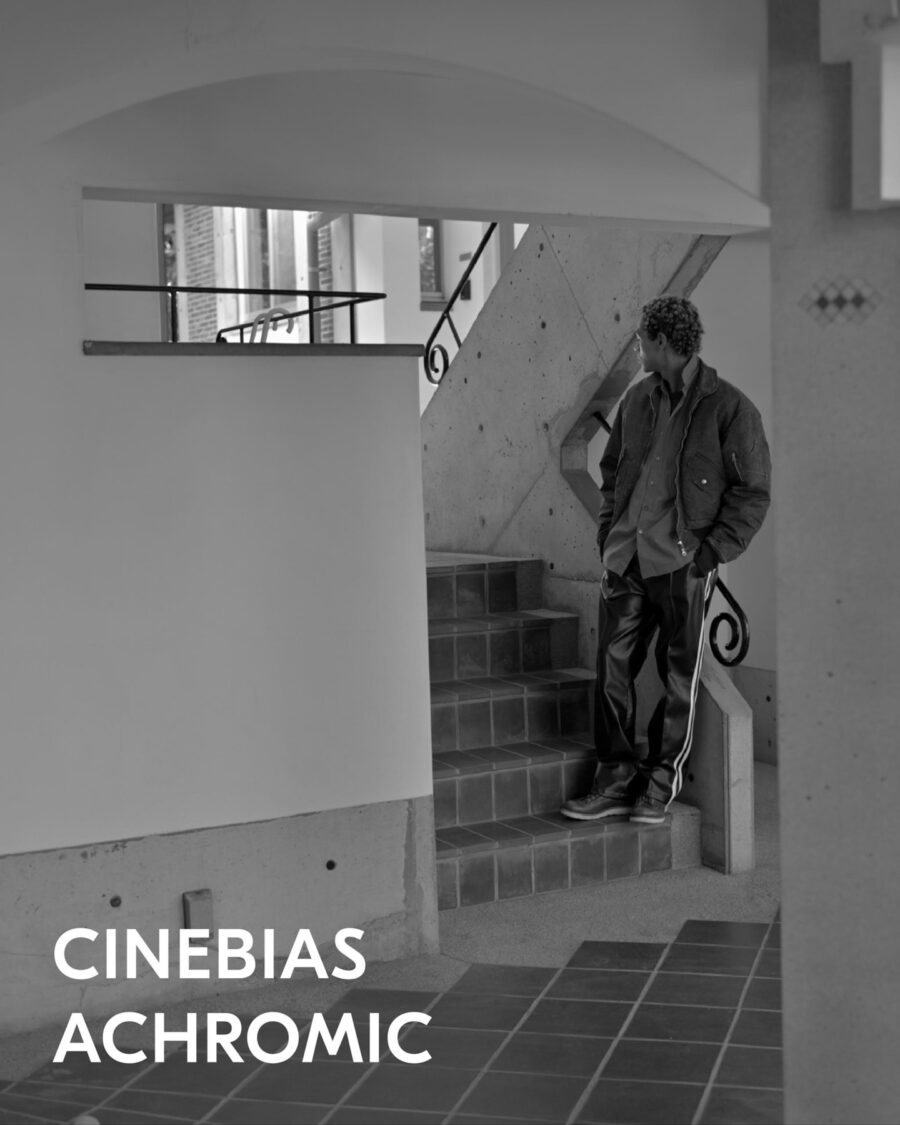
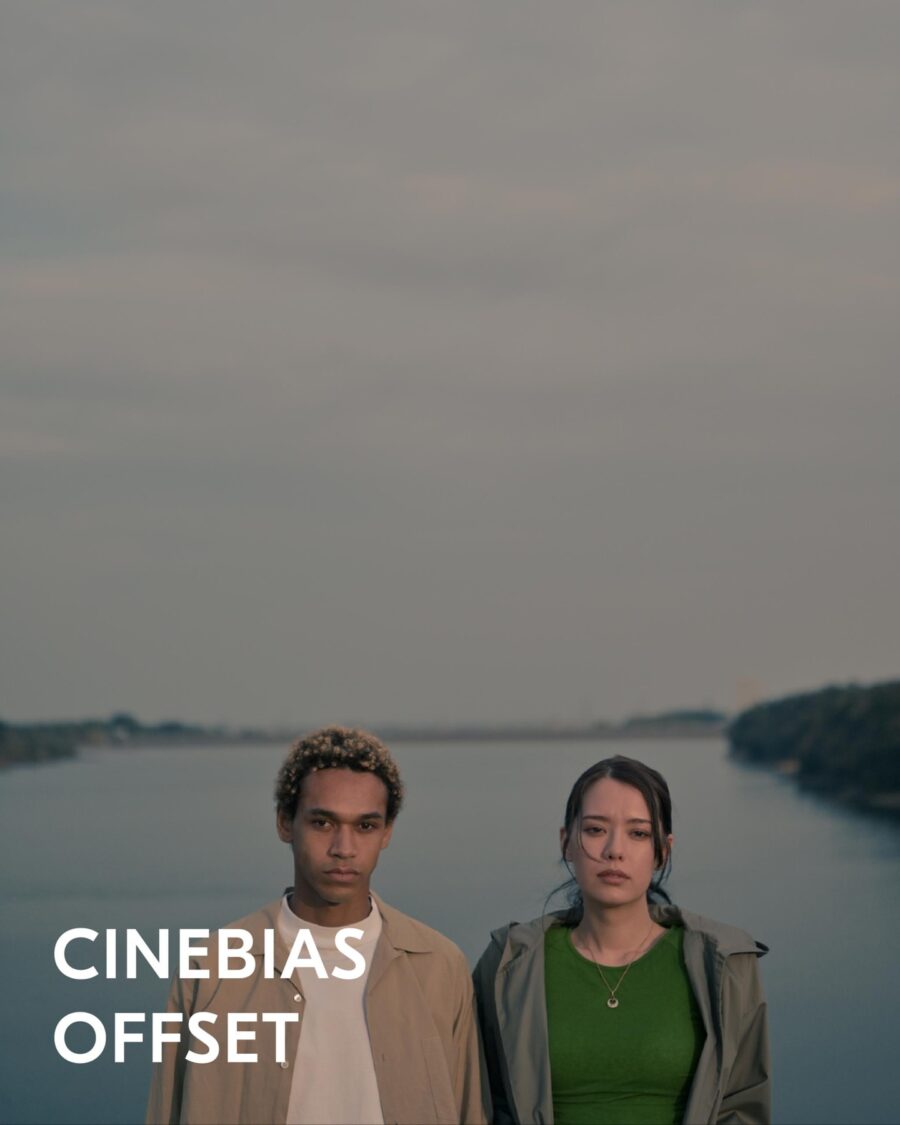
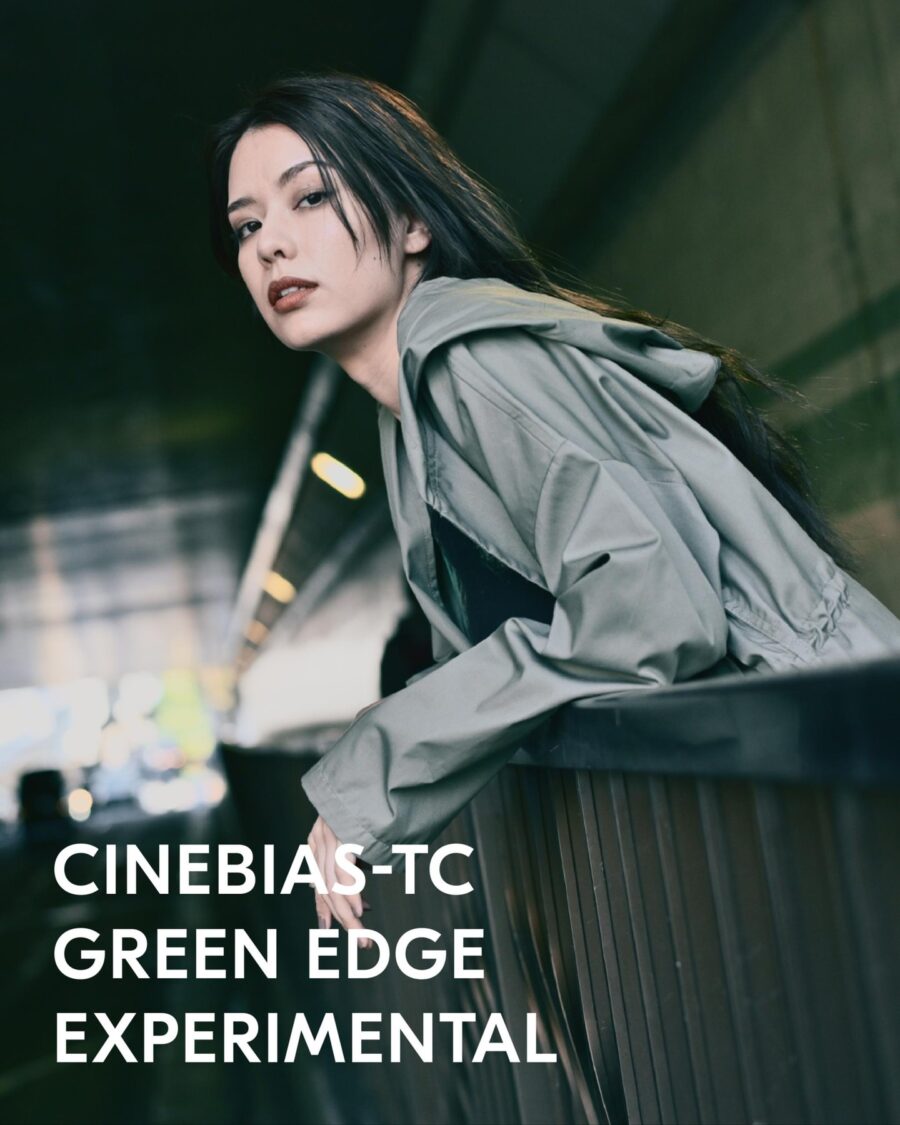
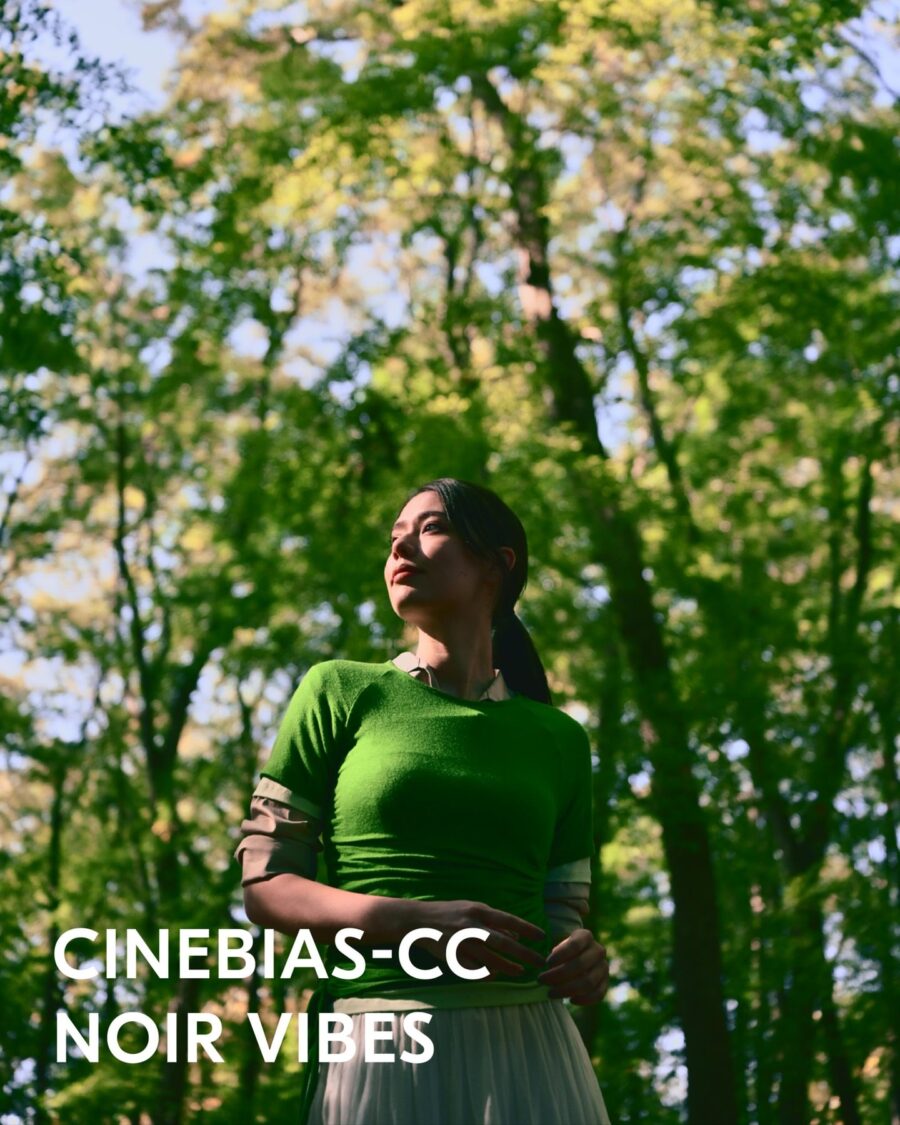
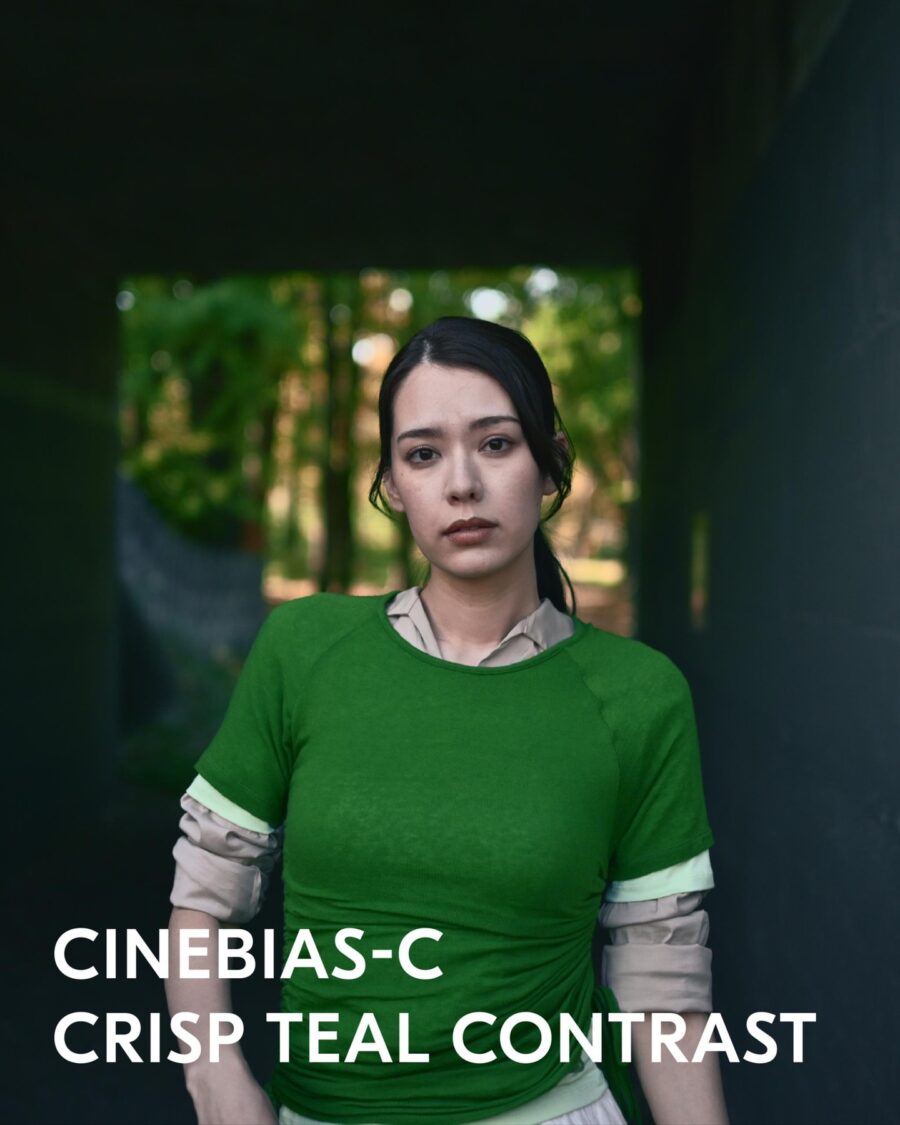
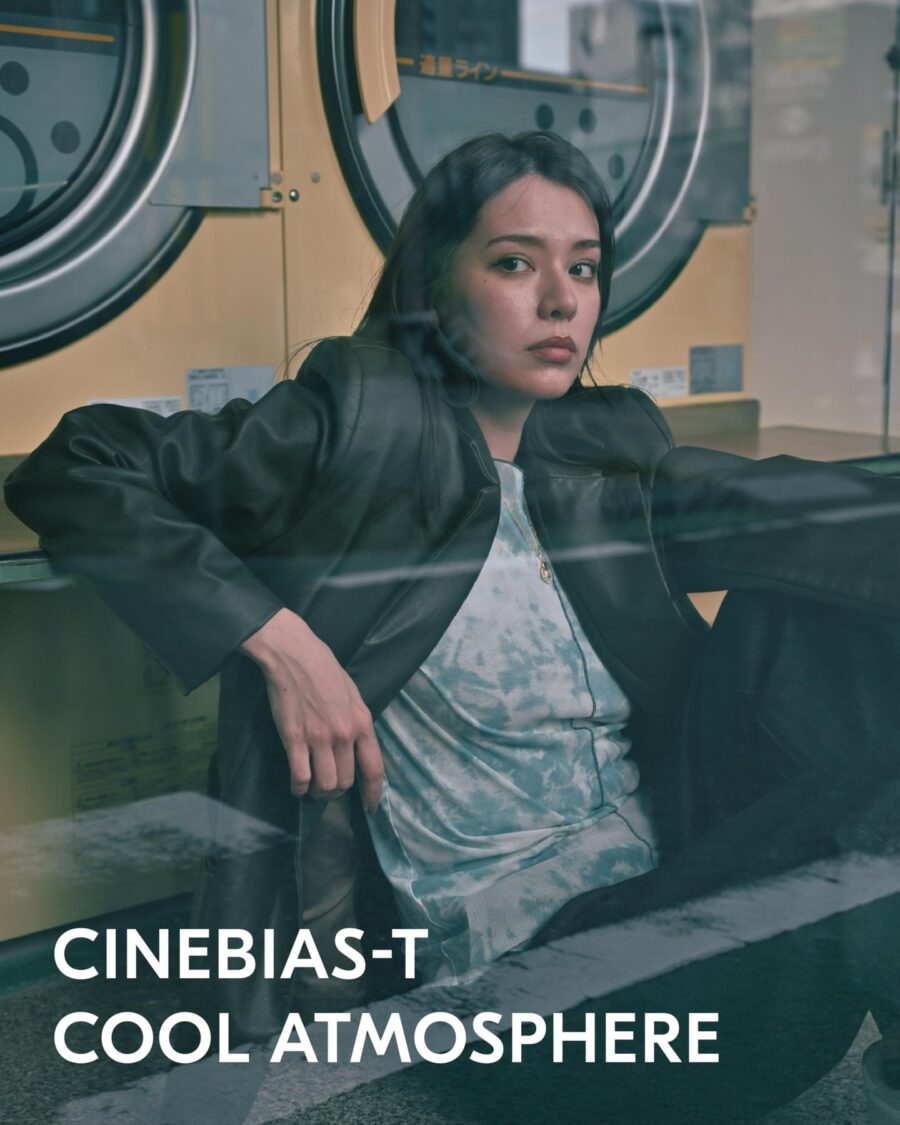
The remaining profiles push into more experimental territory. R6_CineBias-TC (Green Edge Experimental) features a strong greenish tint that dominates the color palette for an avant-garde flair. R7_CineBiasOffset provides a subtle, cinematic color grading with a cool, muted tone ideal for narrative work. R8_CineBias Achromic strips all color for a pure black-and-white aesthetic with balanced grayscale tones. R9_CineBias BleachBypass introduces a high-contrast, desaturated style reminiscent of classic film processing techniques.
Compatible cameras and technical requirements
The Image Recipes are available exclusively through the Nikon Imaging Cloud service and work only with cameras that support this platform. Currently, this includes the Nikon ZR, Z6 III, Z50 II, Z5 II, and Zf. Notably absent from this list are the flagship Z8 and Z9 cameras, which do not yet support the Imaging Cloud service. This is somewhat surprising given the significant video capabilities Nikon has built into these bodies, and users of those cameras will need to wait for future firmware support or rely on traditional LUT workflows.
The recipes can only be applied when recording in SDR tone mode and will not work with N-Log or HLG footage. Compatible codecs include ProRes 422 HQ 10-bit (MOV), H.265 10-bit (MOV), H.265 8-bit (MOV), and H.265 8-bit (MP4). For optimal results, Nikon recommends setting Active D-Lighting to “Extra high” or “Extra high 1” when using these profiles, as this preserves highlight details while achieving rich, cinema-like tonal gradations.
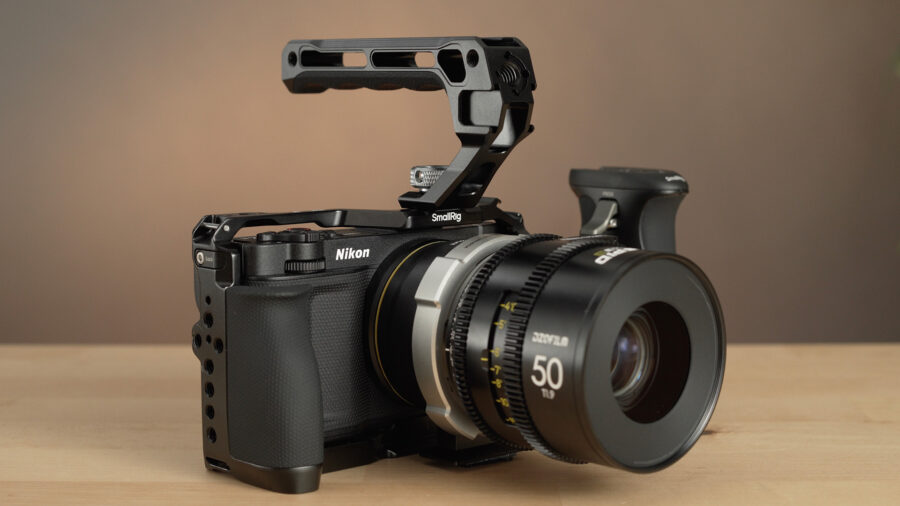 The Nikon ZR is just one of many Nikon cameras that support the Nikon Image Recipes. Image credit: CineDWorkflow implications
Once downloaded from the Nikon Imaging Cloud, the Image Recipes appear in the Set Picture Control menu as custom profiles. Because these are baked-in looks applied during recording, users sacrifice the editing latitude typically afforded by Log or RAW footage. This trade-off is intentional: the profiles are designed for shooters who prioritize fast turnaround times or who need to deliver ready-to-use footage without extensive color grading.
The lack of a strength or opacity slider means users must commit fully to each look. Some of the more aggressive color treatments, particularly the experimental profiles like Green Edge or Noir Vibes, may prove difficult to modify significantly in post-production. For projects requiring maximum flexibility, shooting in N-RAW, REDCODE RAW NE, or ProRes RAW remains the better choice, with color grading handled in software like DaVinci Resolve using RED’s standard LUT packages.
How this fits into the Nikon-RED ecosystem
The Image Recipes represent another step in Nikon’s integration of RED color science across its mirrorless camera lineup. Following the Nikon ZR release, which introduced REDCODE RAW NE internal recording and RED color science to a Nikon body, these profiles extend RED-inspired looks to more affordable cameras in the Z-mount system. For shooters working with both Nikon hybrids and RED cinema cameras on the same production, the shared color foundation could simplify matching footage across different camera bodies.
Four of the recipes (CineBias, CineBias Offset, Bleach Bypass, and Achromic) have been available previously as downloadable LUT files for N-Log footage. The new additions push the creative options further with more stylized looks that would require considerable effort to recreate manually in post.
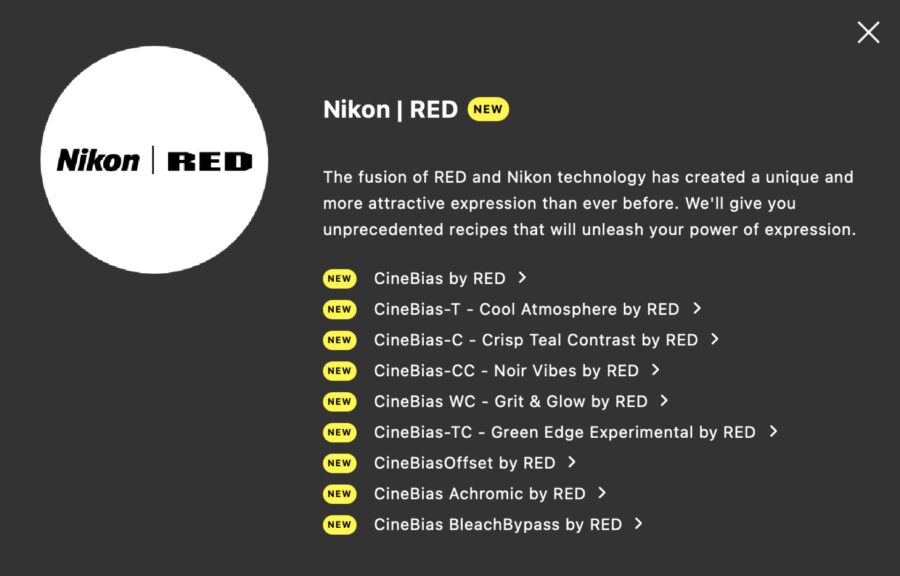 The full list of the current Nikon RED Image recipes from the Nikon Imaging Cloud website. Availability and pricing
The Nikon and RED Image Recipes are available as a free download through the Nikon Imaging Cloud service. Users will need to register for the service (which is free) and ensure their camera firmware supports cloud connectivity. The recipes work with both video and still photography, though they are primarily marketed toward video creators seeking cinematic aesthetics.
The free availability makes these profiles worth exploring for any Nikon shooter with a compatible camera, though the baked-in nature and lack of intensity control mean they require some commitment to use effectively.
Will you be trying these RED-inspired looks on your Nikon footage, or do you prefer the flexibility of grading Log material in post? Don’t hesitate to let us know in the comments below!