
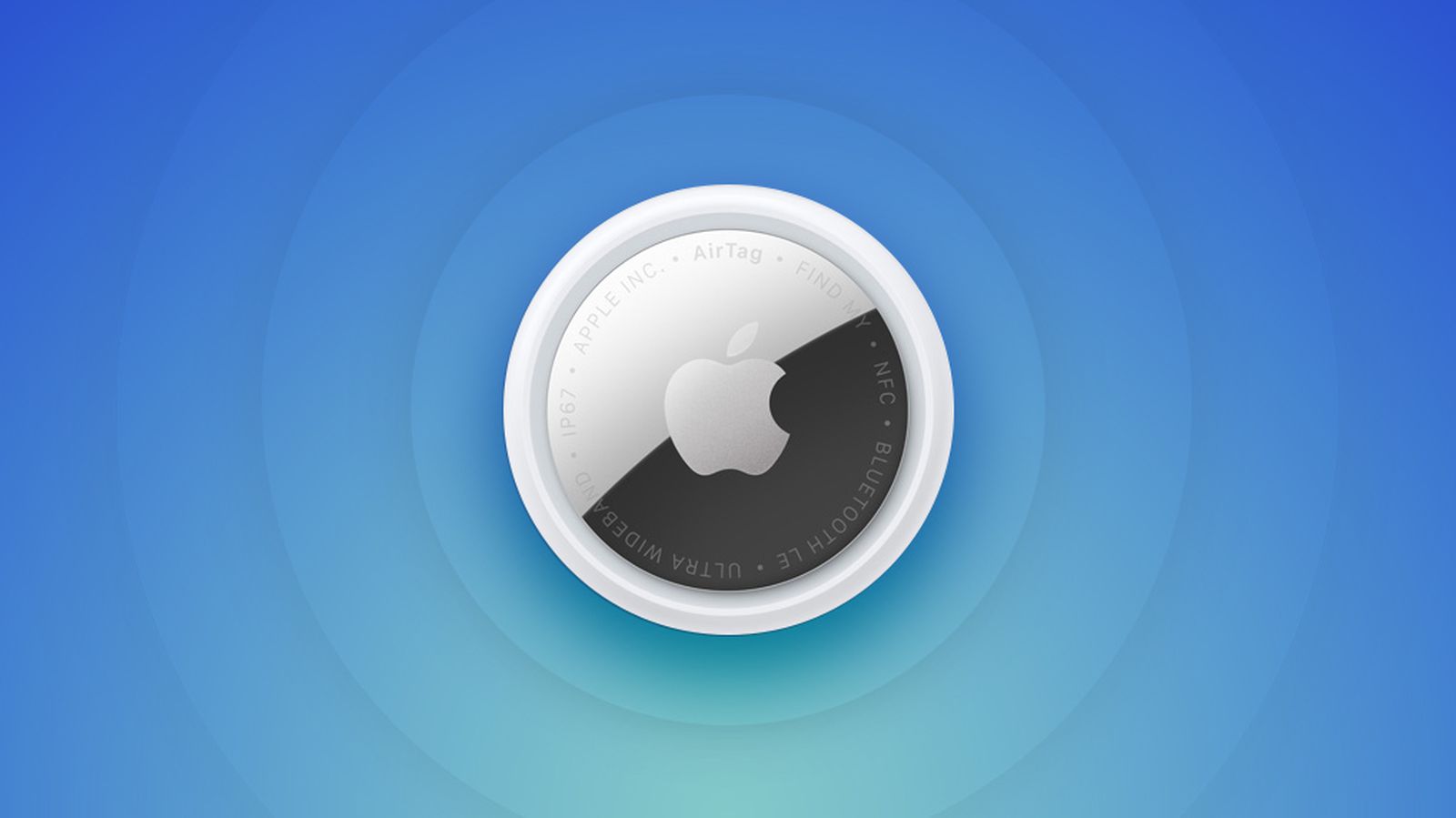
AirTags are added and managed in the Find My app under the “Items” tab. Like other Apple devices, each AirTag is displayed on a map in the Find My app so you can see its location. AirTags connect to your iOS and macOS devices over Bluetooth. The second-generation AirTags have upgraded Bluetooth with connectivity improvements.
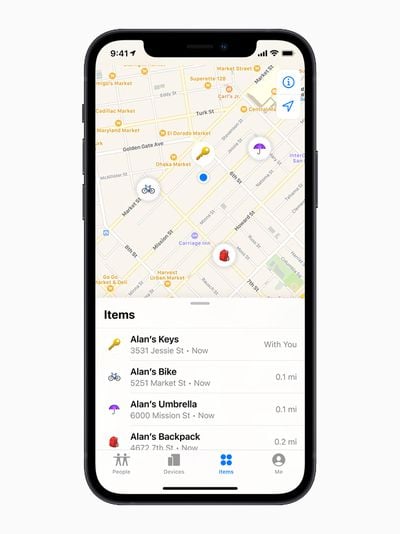
The original AirTag features an Ultra Wideband U1 chip, while the AirTag 2 has an upgraded U2 chip. With Ultra Wideband, you can see the AirTag’s precise location indoors or outdoors if it’s nearby, or see its last known location if it is not.
The second-generation UWB chip allows Precision Finding to work from 1.5x further away than before, which is the major upgrade the AirTag 2 offers over the original model.
There are built-in speakers to play a sound to find a lost AirTag in the house, and you can either play a sound through the Find My app or ask Siri to find an AirTag with a sound. The AirTag 2’s speaker is up to 50 percent louder than the speaker in the original AirTag, which makes it easier to find.
If an AirTag is lost or stolen, the Find My network can help you find it. The Find My network takes advantage of hundreds of millions of iPhone, iPad, and Mac devices to help you locate an AirTag, with the AirTag showing up on a map when it is located by someone else’s device.
In Lost Mode, an AirTag will automatically send out a notification when it’s detected by someone in the Find My network, and you can add your contact info so someone who finds your item can get in touch with you.
Apple is able to regularly update the AirTags firmware and has done so several times since the AirTags launched.
Precision Finding
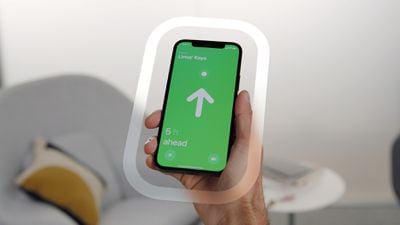
iPhones with a U1 or U2 chip can take advantage of Precision Finding, a feature that lets you see specific instructions on how to get to your lost AirTag. Precision finding combines AR, sound, and haptic feedback to help you out. Precision Finding works on the iPhone 11 and later.
For the AirTag 2, Precision Finding also works on the Apple Watch Series 9 and later and the Apple Watch Ultra 2 and later, because these watches have UWB chips. Precision Finding on Apple Watch is not available for the original AirTag.
Returning a Lost AirTag
If you come across a lost AirTag, or if someone comes across your lost AirTag, it can be scanned with any smartphone that’s equipped with NFC to bring up contact information.
This works on iPhones and Android devices, so if you find an item, give it a scan to locate the owner. If in Lost Mode, the AirTag will also relay its location back to the owner through the Find My network.