
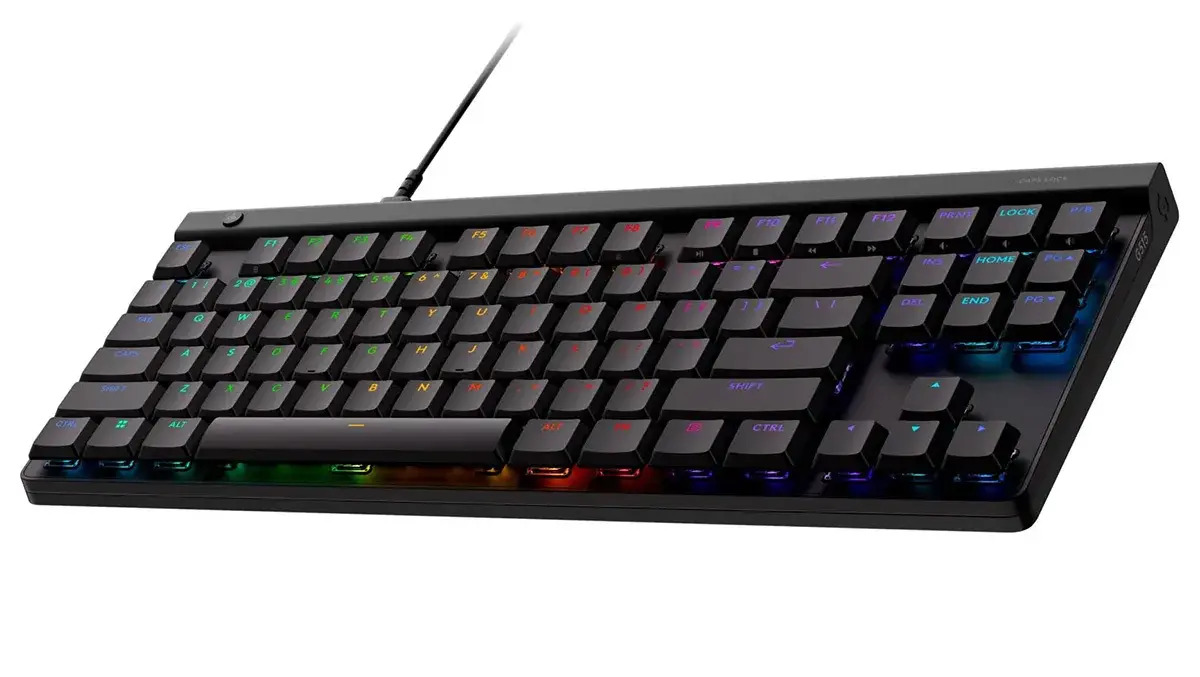
The Logitech G515 is a low-profile wired gaming keyboard in the smaller TKL (ten-key-less) form factor. Not only does it take up less desk space, but it can also be slipped into a bag to complement your gaming laptop or slid under your monitor, out of the way, when not in use.
For gamers, the G515 hands more desk real estate to your mouse and allows the keyboard to be positioned at an angle. This offers better ergonomic access to the WASD keys for competitive gaming.
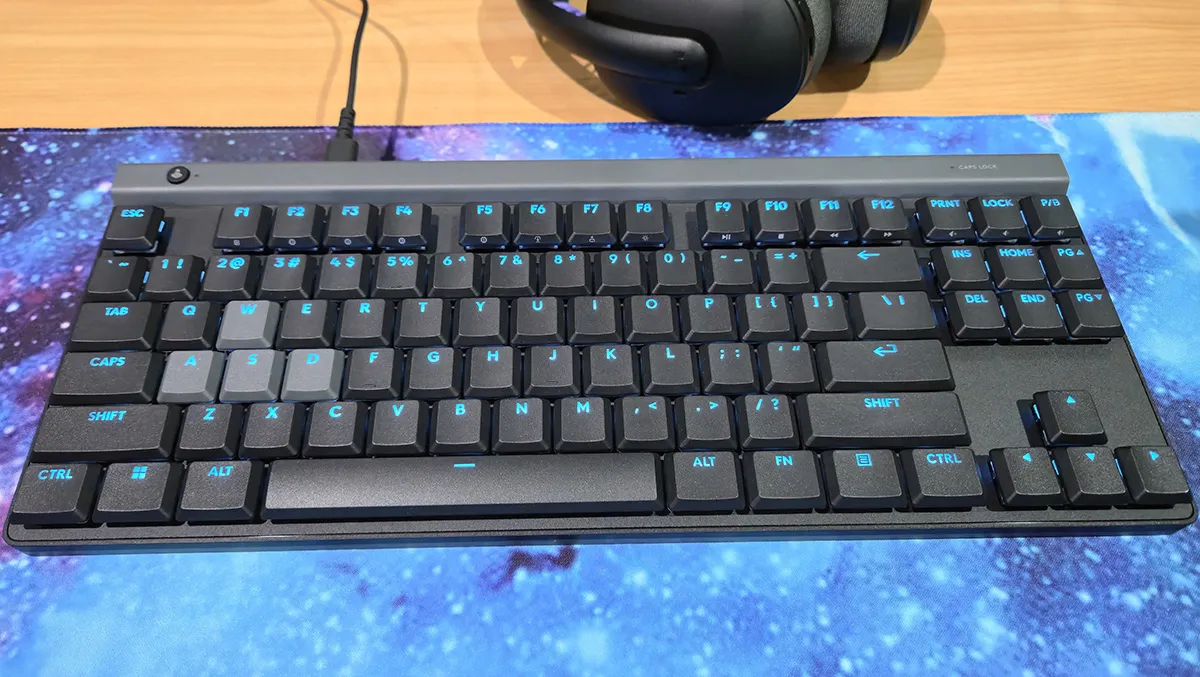
It has a conservative look in black, with grey WASD keys and a grey bar at the top. The keyboard is manufactured from 44% recycled material, which is good to see.
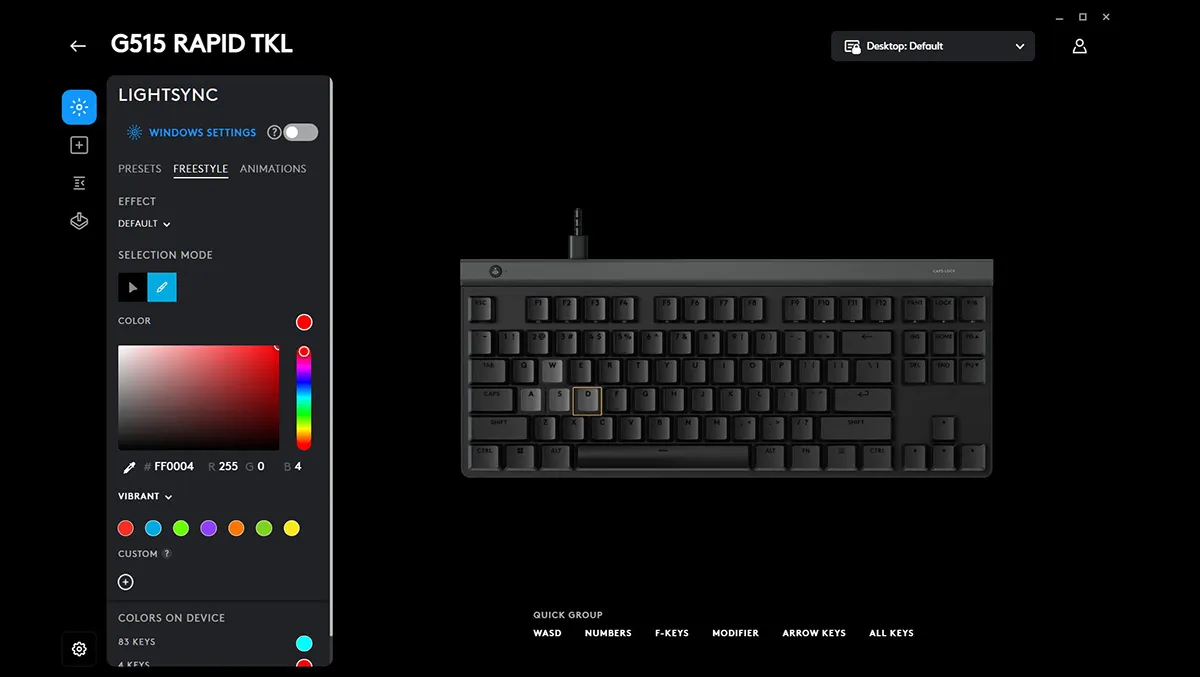
Out of the box, the default blue glow of the keys gives the keyboard a classy look. But, of course, like much of the keyboard’s operation, the RGB lighting is customisable in the Logitech G Hub desktop app, which is available as a free download from the Logitech website.
The Logitech G Hub allows users to take full advantage of the keyboard’s analogue keys, which have an actuation point of between 0.1mm and 2.5mm. Users can customise the actuation point – the distance a key needs to be pressed down before it is registered. The rapid trigger sensitivity, which is the distance a key needs to be lifted before the input is reset and the key can be registered again, can also be adjusted.
The multi-action feature allows keys to perform two functions, depending on how far they are depressed. A key priority can also be set, allowing the two keys to activate in a sequence according to the player’s chosen set-up. Keys can also be remapped and given custom assignments. The RGB lighting can be customised for each key, highlighting the controls for your games.
The Logitech G Hub can also be used to customise the keys that are disabled when the “game” button is depressed at the top left corner of the keyboard. The software also allows profiles to be stored using the onboard memory mode, accessed via the FN key on the keyboard.
I love how thin the keyboard is, making it rather portable at only 22mm high. But with the two-stage feet on the underside, I can still have the keyboard tilted at the angle that suits me.
The keys feel soft to press, but still very positive. It’s a quiet keyboard, as well. It feels very comfortable to type on, as well as responsive in games.
Resting my left hand on Shift, Space, and the WASD keys felt natural and comfortable, especially with the keyboard angled about 45 degrees on my desk. That setup paid off in Call of Duty: Black Ops 7, giving me a stronger competitive edge on PC than I get with an Xbox controller.
The G515 is also available as a wireless keyboard with Bluetooth and Logitech’s Lightspeed wireless tech. But I prefer a wired keyboard that doesn’t need charging or suffer from connection issues in the middle of your game.
The Logitech G515 Rapid TKL is a stylish and responsive gaming keyboard that offers great customisation in a small form factor, perfect for serious gamers and those with limited desk space. It’s light and compact enough to take with you as part of your gaming set-up or even your office, on the go.