
School holidays and other times when the kids are pretty much always around almost always leave parents with one choice: screens. Sure, you can get the kids to read or write or draw or colour, but there’s a good chance that when they get bored, they’re going to turn to a game or a phone or a tablet or a TV. It’s just part of life.
There’s nothing wrong with switching on a screen and letting the kids have at it, but overuse can be a bit of a problem, especially getting them off the screen you saddled them with in the first place.
It’s handy on a road trip or sitting at the airport waiting for a flight, or even simply just at home when the parents have to work.
Whether something creative and innocuous like Minecraft, an assortment of Apple Arcade games for kids, or simply watching Bluey or Ducktales on repeat, there’s clearly something as too much screen time, and that might not be what you want.
So what can you do then: what screen-free options do parents have if they want to keep kids entertained, but go sans-screen?
Yoto-to-go
Price: $149
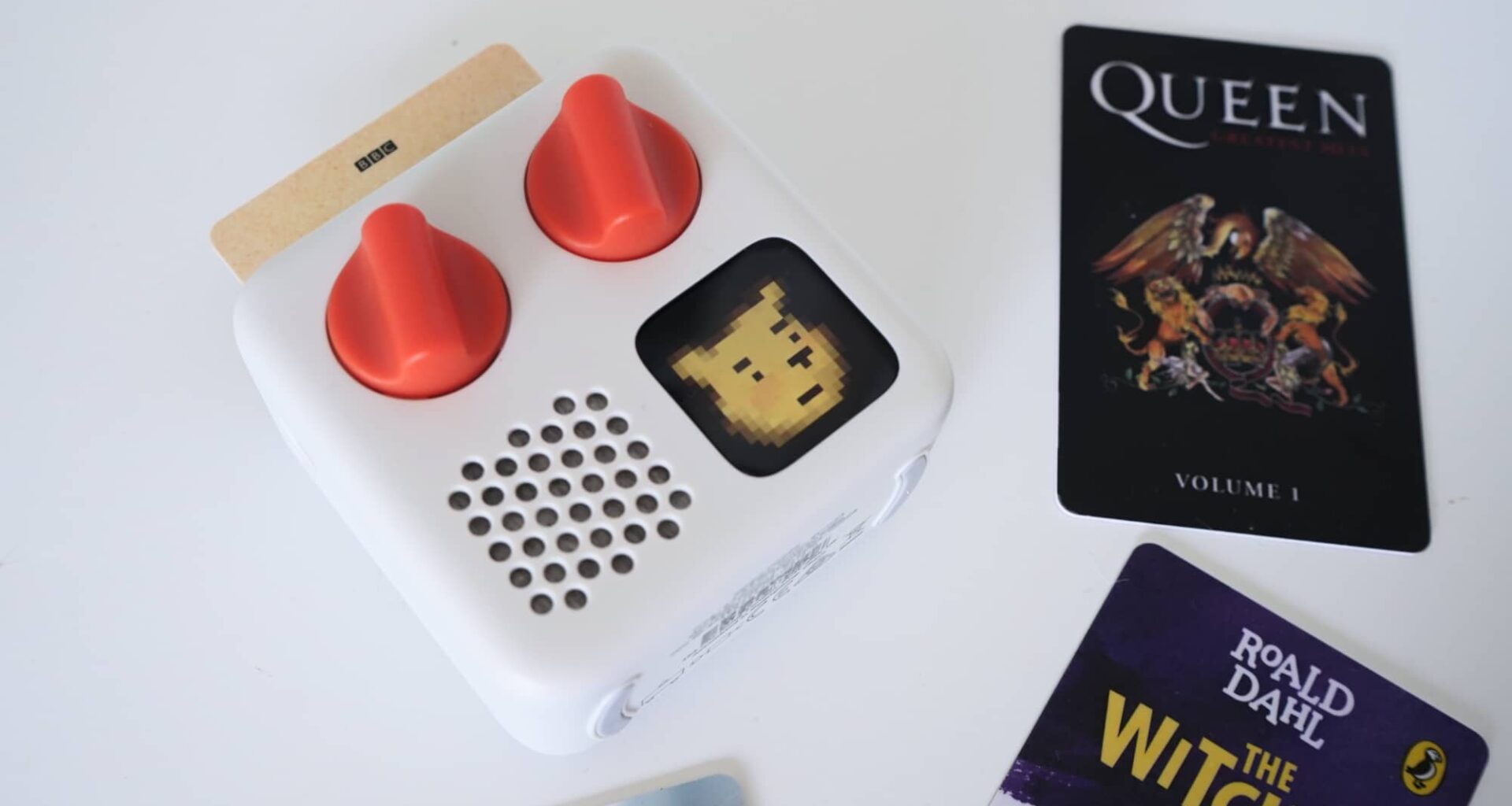
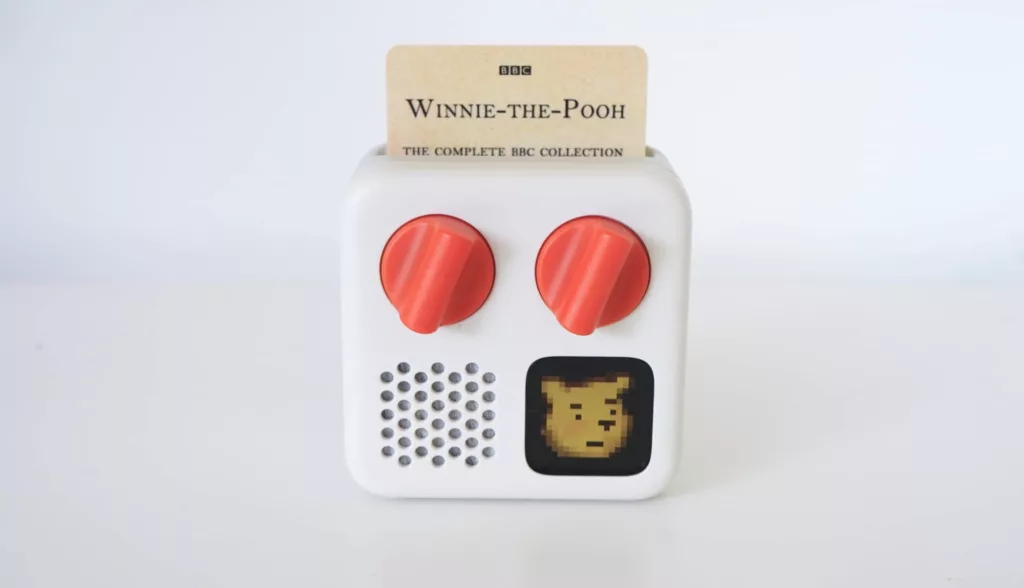
One of this journalist’s favourite options, the Yoto Mini provides screen-free entertainment in what is almost an evolution of cassette tapes. Remember those?
Yoto’s approach is to encase music and books and really anything else you want to record attached to a card. The idea sees you bring a card to a small media player with a speaker inside, but also being compatible with wired and wireless headphones.
Grab the card, slide it into the Yoto Mini (or the larger full-sized Yoto), and the player will download entertainment from the card, storing it for later. If that’s a book, it means kids get an audiobook experience they can listen to and even skip chapters on, and if it’s music, they can jump around tracks, as well.
And one of the best uses for the Yoto is its “make your own card” option, which allows you to attach files to a card. That means you can record your own stories, or get the grandparents to record their own, upload them, and pair them with a card.
It’s a great way to get the kids to listen to the parents, even if that’s not strictly what that means.
Lego Smart Play
Price: from $89
There’s little like Lego when it comes to using your imagination, but the latest addition to the Lego universe allows you to push the idea of Lego to a more digitally-focused era.
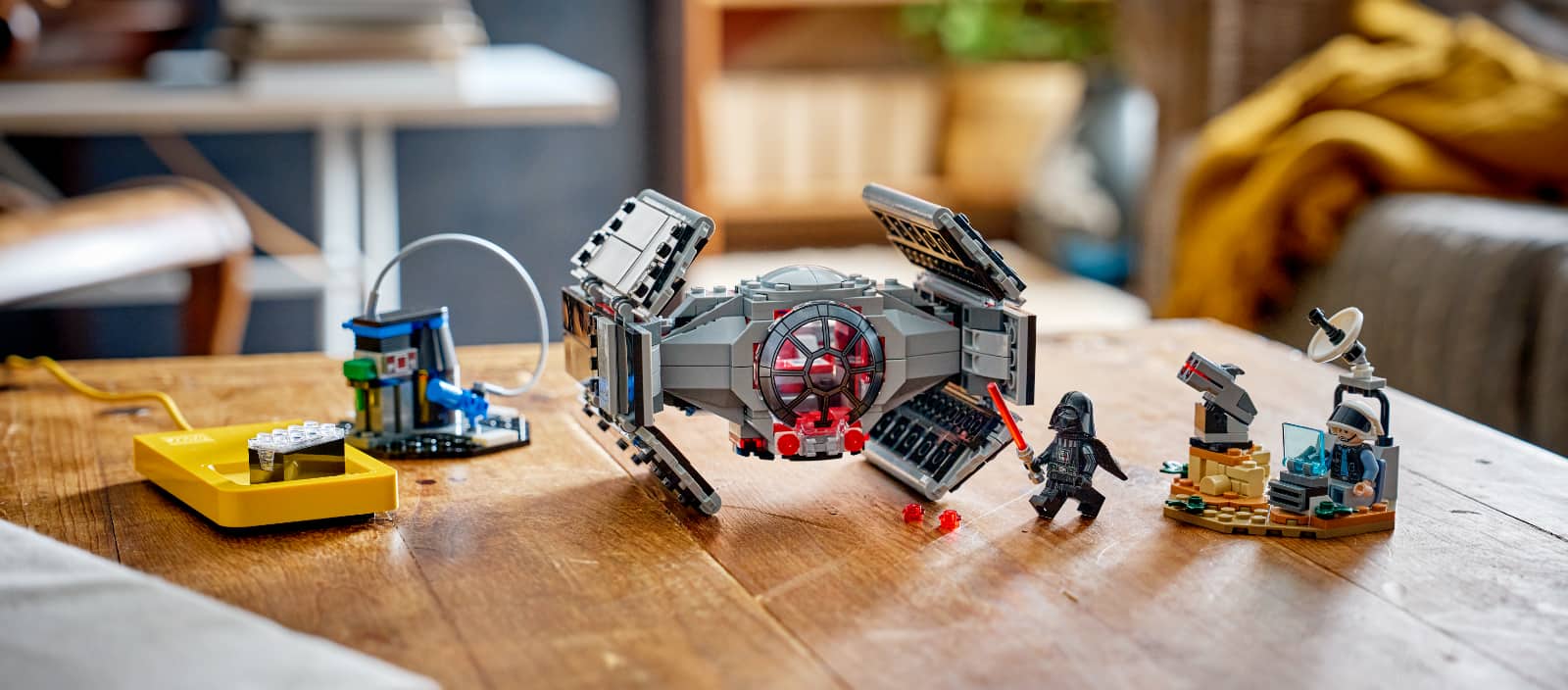
Lego Smart Play takes a special type of brick with lights and sounds, and matches it to specially-themed sets. Stick a Lego minifig of Darth Vader down on the smart brick, and he’ll make the sounds of the Star Wars villain, while attaching it to a ship lights it up and moving it makes it sound like it’s flying.
Smart Play’s smart brick is a unique take on Lego and technology that can be wirelessly charged, and adds an extra dimension to the idea of Lego’s imaginative play.
In its early stages, it’s not available in heaps of Lego sets, largely working for Star Wars sets initially. But over time, that could change, and right now it makes the assortment of Lego play that little bit more interesting overall.
Just be aware (with a bit of a PSA): there’s a difference between “Smart Play” and “Smart Play Compatible” in Lego terminology. Smart Play kits come with the Lego Smart Play brick and charger, while Smart Play Compatible kits don’t come with the brick, but work with the special brick. You want at least one Smart Play brick to play with the Smart Play Compatible kits.
Kobo and a library
Price: from $250
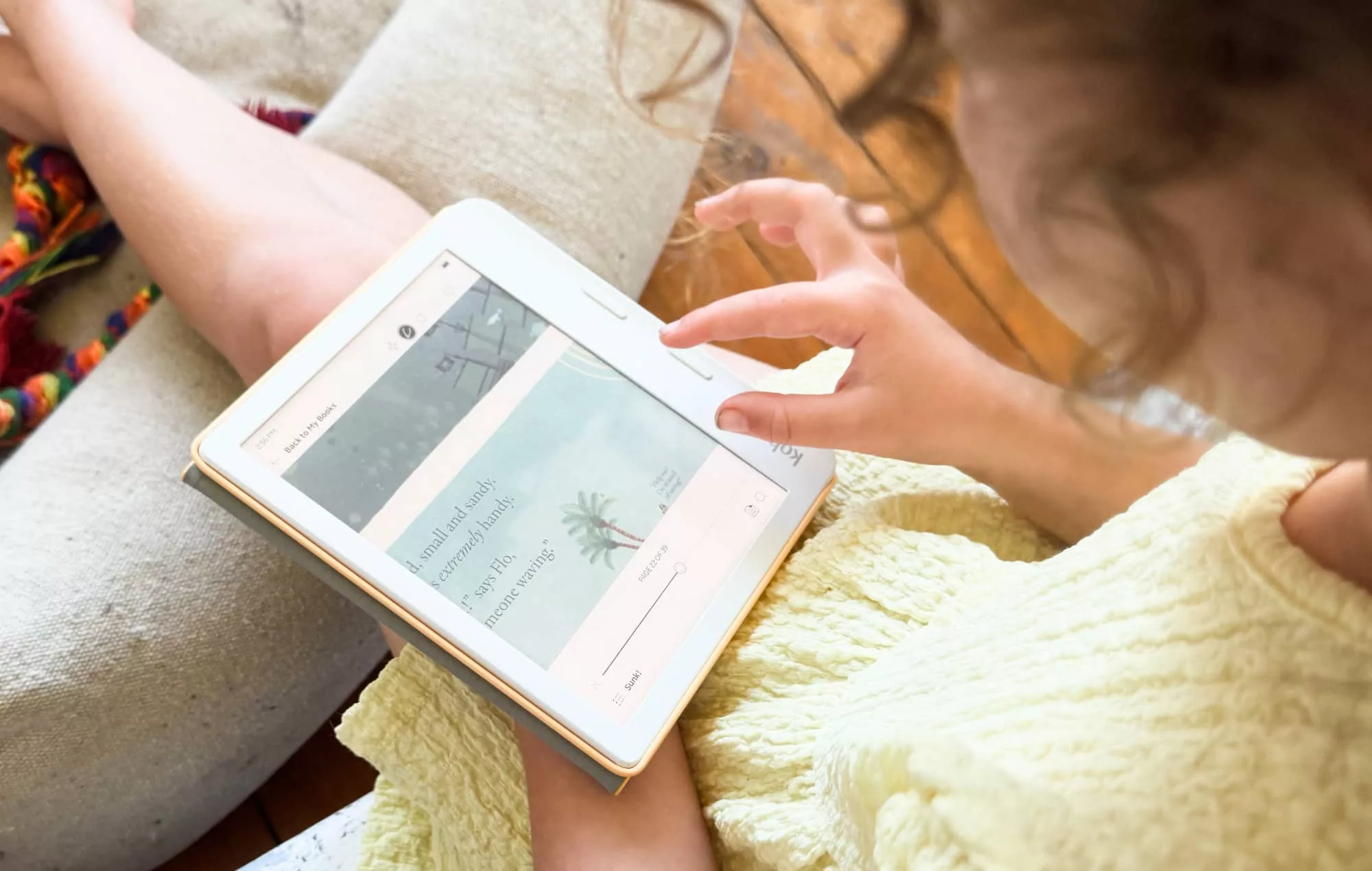
This one doesn’t follow our whole “screen-free” vibe strictly, given that a Kobo eBook reader does technically have a screen. However, a Kobo screen (like a Kindle’s) is specifically made to read, rather than watch movies, this is more like a screen that acts a bit like a slow burn of sorts.
And instead of having your kids borrow movies, we’re suggesting they tap into Libby and Overdrive, what’s also known as the way to log into your local library.
In Australia, lots of libraries provide digital access, making downloadable versions of books and magazines available online, provided you have a library card. Many even provide temporary cards if you’re not a member, making it an easy option.
You might even be able to get it working on an iPad, iPhone, or Android tablet to try it out, before settling on the different approach that is a Kobo. Colour options or even the classic monochrome eReader, a Kobo is a great way to borrow books from home. Sorry Kindle owners; Amazon’s Kindle lacks access to libraries in Australia.
Roli Piano M
Price: $249 USD
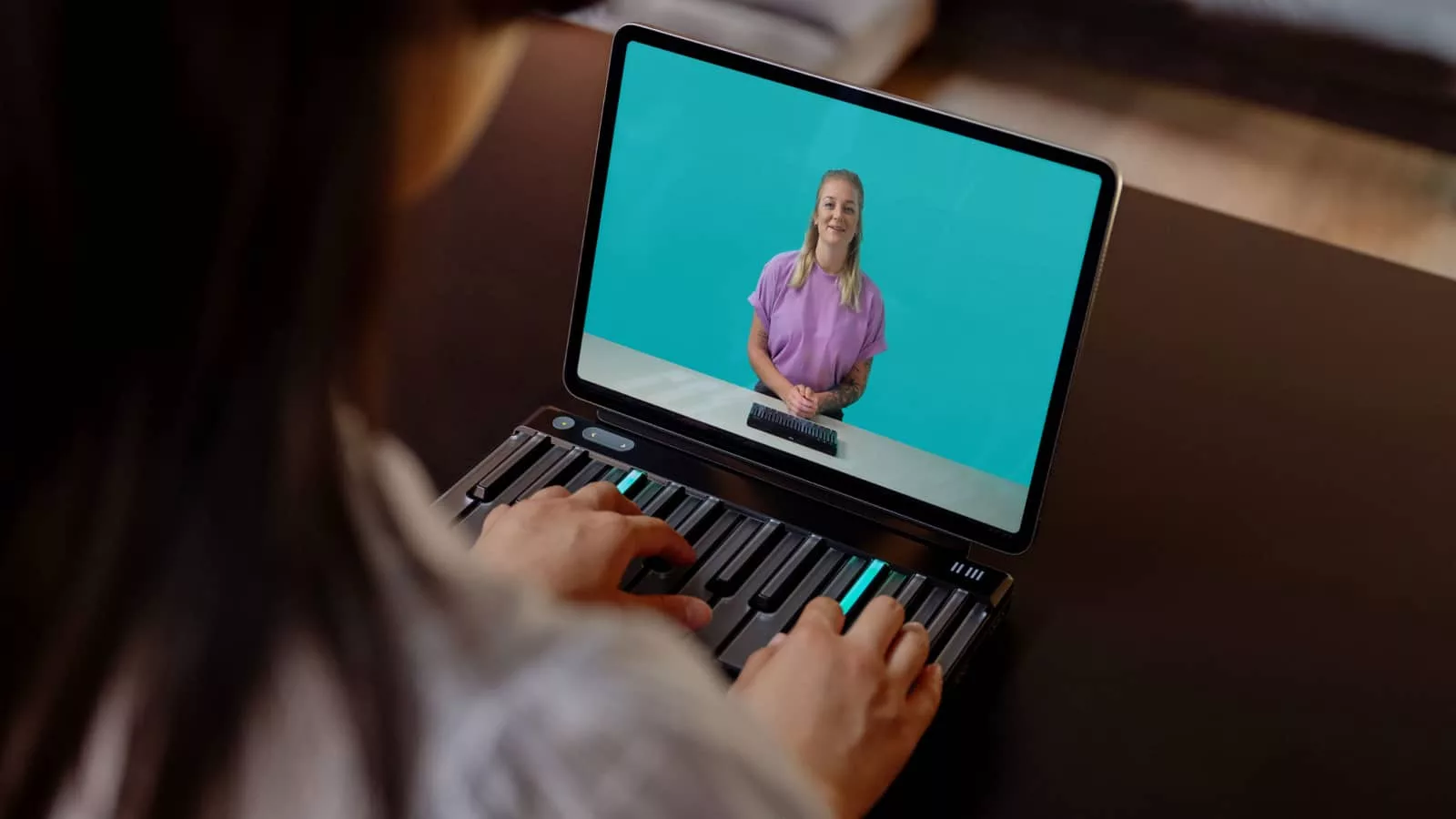
Reading isn’t the only way to go screen-free when it comes to education, or even edutainment. There’s also learning to play an instrument, something piano makers have worked out how to be screen-free on by lighting up parts of an instrument.
In the world of piano, Roli has come up with a clever approach for its flexible pianos. While the Seaboard is more about playing music by finding the notes in between the notes — a nod to jazz, and something musicians might have longed for in the past — Roli’s Piano M is a little different. It’s a learning piano.
You still technically need a screen for this one; a tablet is there for feedback and song selection, but the Piano M lights up the keys as you play, and as you learn to play.
Clearly, the size of the Piano M makes it less suitable for travelling, though it’s not so big that you wouldn’t be able to carry it should you want to. It’s just not the same as a compact media player or eReader.
It’s a piano, folks, even if it’s not a full set of piano keys.
Amazon Echo Dot and a music subscription
Price: from $99
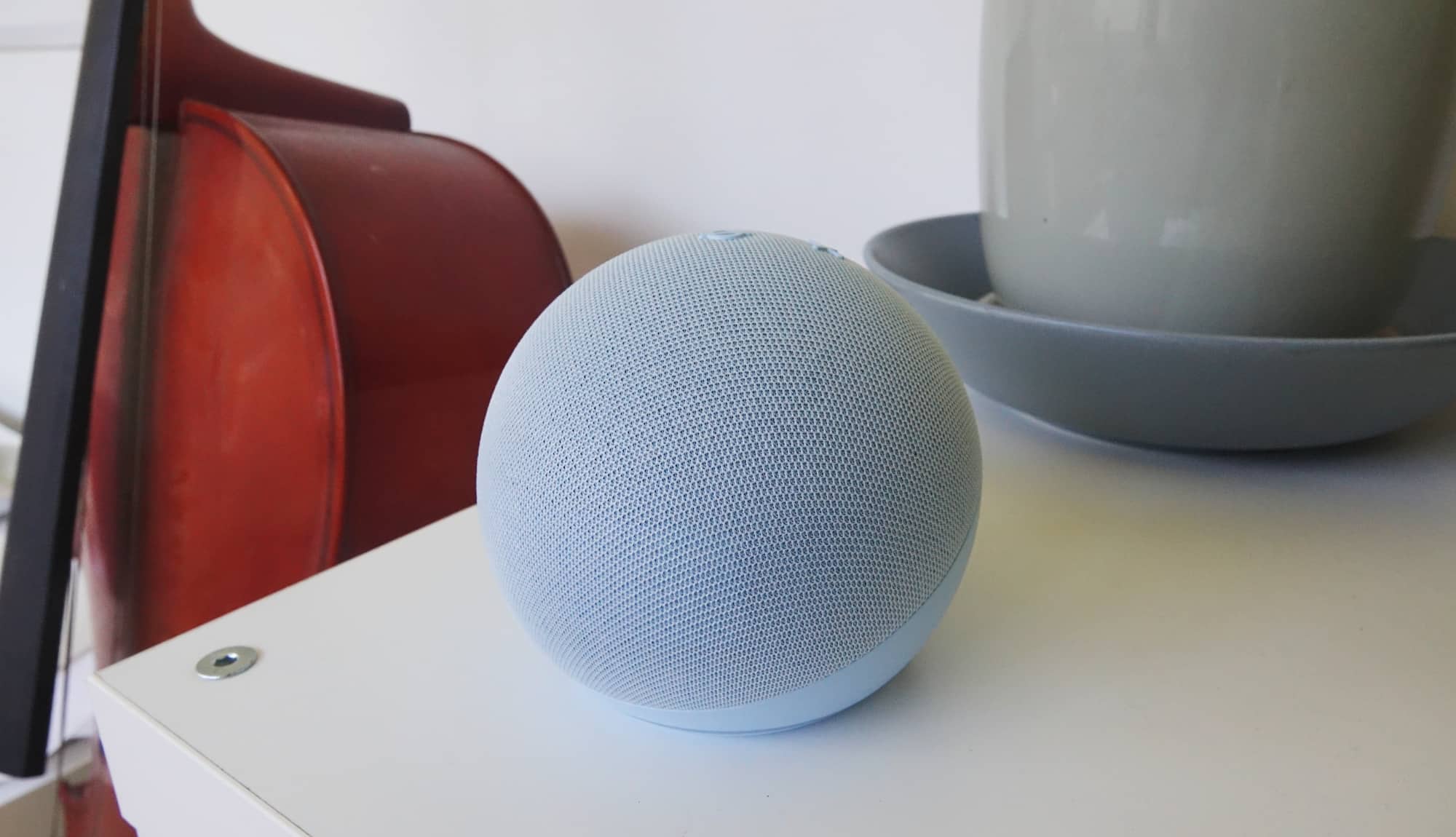
The piano is likely going to stay at home, and so, too, would a specific speaker, such as the Echo Dot with Clock and a music subscription.
Grab Amazon Music, Spotify, or even a subscription to Apple Music if you need to, and then pair it with one of the Amazon Echo speakers, big or small. We suggest the Echo Dot with Clock and variation on that theme solely because it’s compact, sounds decent, and provides a clever little retro clock should the kids try to work out the time.
Armed with a music service, the kids can simply command their speaker to play songs, and since and dance their little hearts out. No screen needed, just dancing. It’s easy.
Toniebox for the little-ones
Price: from $199
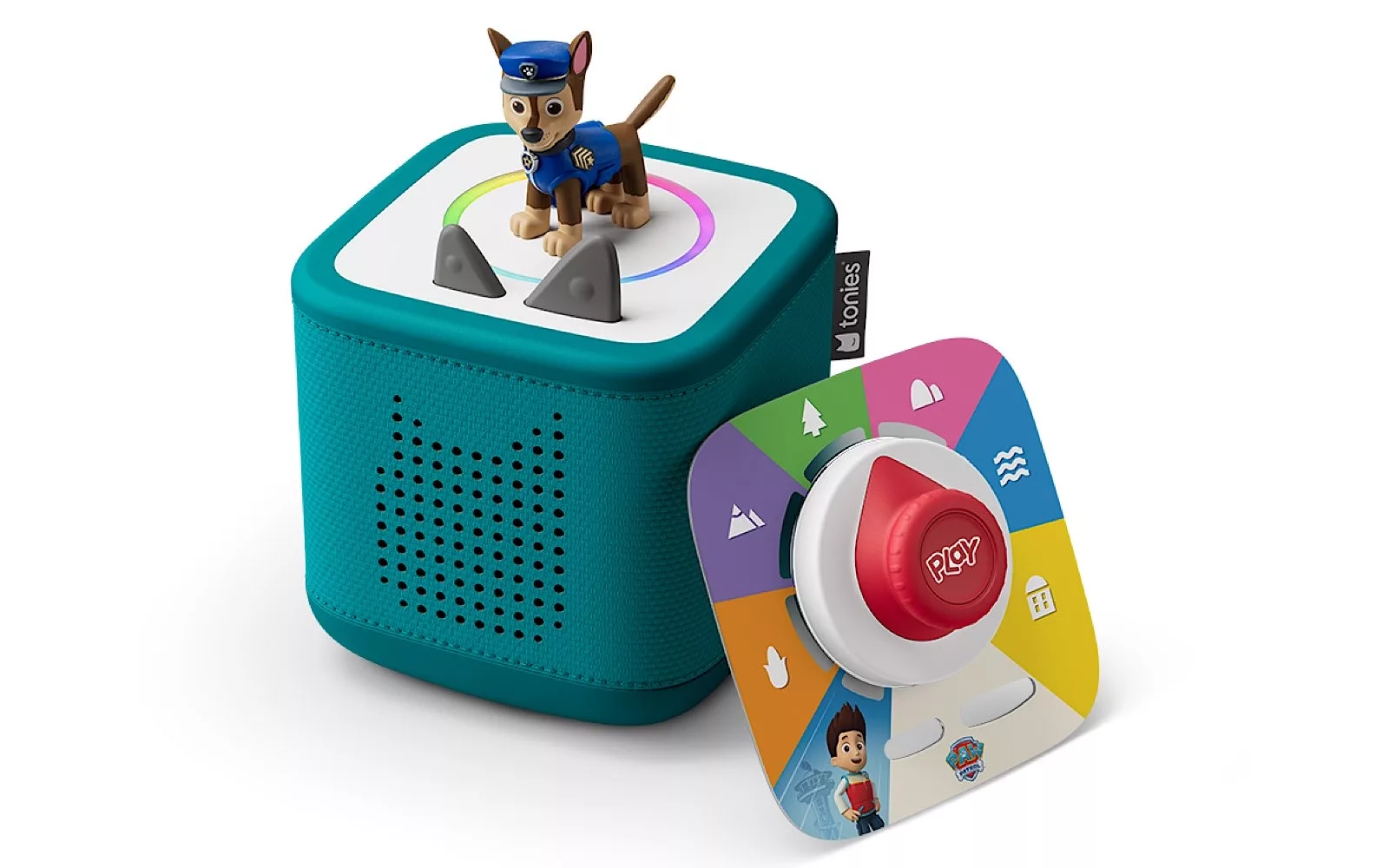
If the kids you’re buying for are a little younger and would struggle to say “Hey Alexa” every time, or even get confused by a card in the Yoto player, consider the Toniebox instead.
This is like a Yoto, except to trigger the themes and songs and books and such, kids will place a toy on top of the speaker, downloading the media to the player. From there, the controls are tactile — squeeze an ear to change the volume, or tap the side to control tracks — with an assortment of listening depending on the toys being used.
The little toys — also called “Tonies” — don’t tend to deliver a sound experience quite as good as what we’ve seen on Yoto. Listen to Disney movies, and you’ll almost always get recreations as opposed to the original soundtrack. But little kids won’t mind, and it just might keep them screen-free for that little bit longer.
You might be able to find the newer Tonie 2 system around easily which includes support for more toy and games options, but if you land on the older first-get Toniebox, it’s still just as compatible with the standard toys and sound packs.