
Summary
Microsoft’s Copilot key replaced the Right Ctrl/Context Menu on some PCs, disrupting keyboard workflows.
Microsoft admits the Copilot key hurts assistive tech and shortcuts.
A future Windows 11 update will let you remap the Copilot key to Right Ctrl or Context Menu.
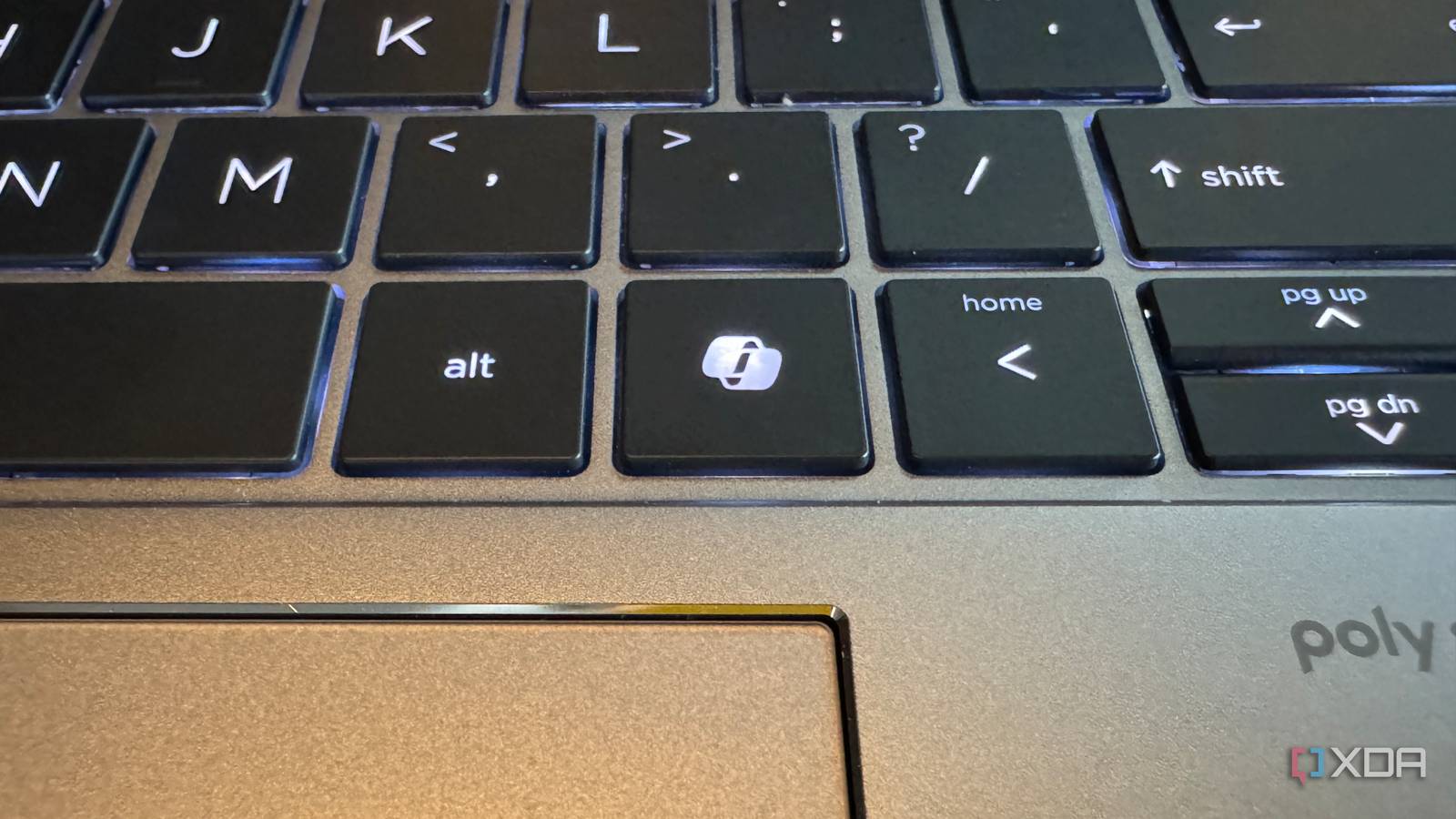
Back when Microsoft was going all-in on Copilot, we saw an update to the Windows keyboard for the first time in years. The update took the Right Ctrl key and turned it into a Copilot key. That way, you always have easy access to Microsoft’s AI assistant; just give the Copilot key a press, and it’ll pop up.
Fast forward to today, and Microsoft is going through a major AI hangover. It had a wake-up call around the end of 2025 that maybe, just maybe, people didn’t want Microsoft to sacrifice Windows 11’s quality in the name of AI. In response, the company launched Windows K2, an internal initiative to roll back unnecessary Copilot integrations while also fixing some of Windows 11’s biggest issues. Now, Microsoft has announced it’s finally giving us the ability to revert the Copilot key to its old functionality.
Related
Microsoft spent two months overhauling Windows, and yes, that includes cutting Copilot
Things are looking promising.
Microsoft admits that the Copilot key was breaking people’s workflows
It’ll allow you to reclaim your Right Ctrl key in a future update
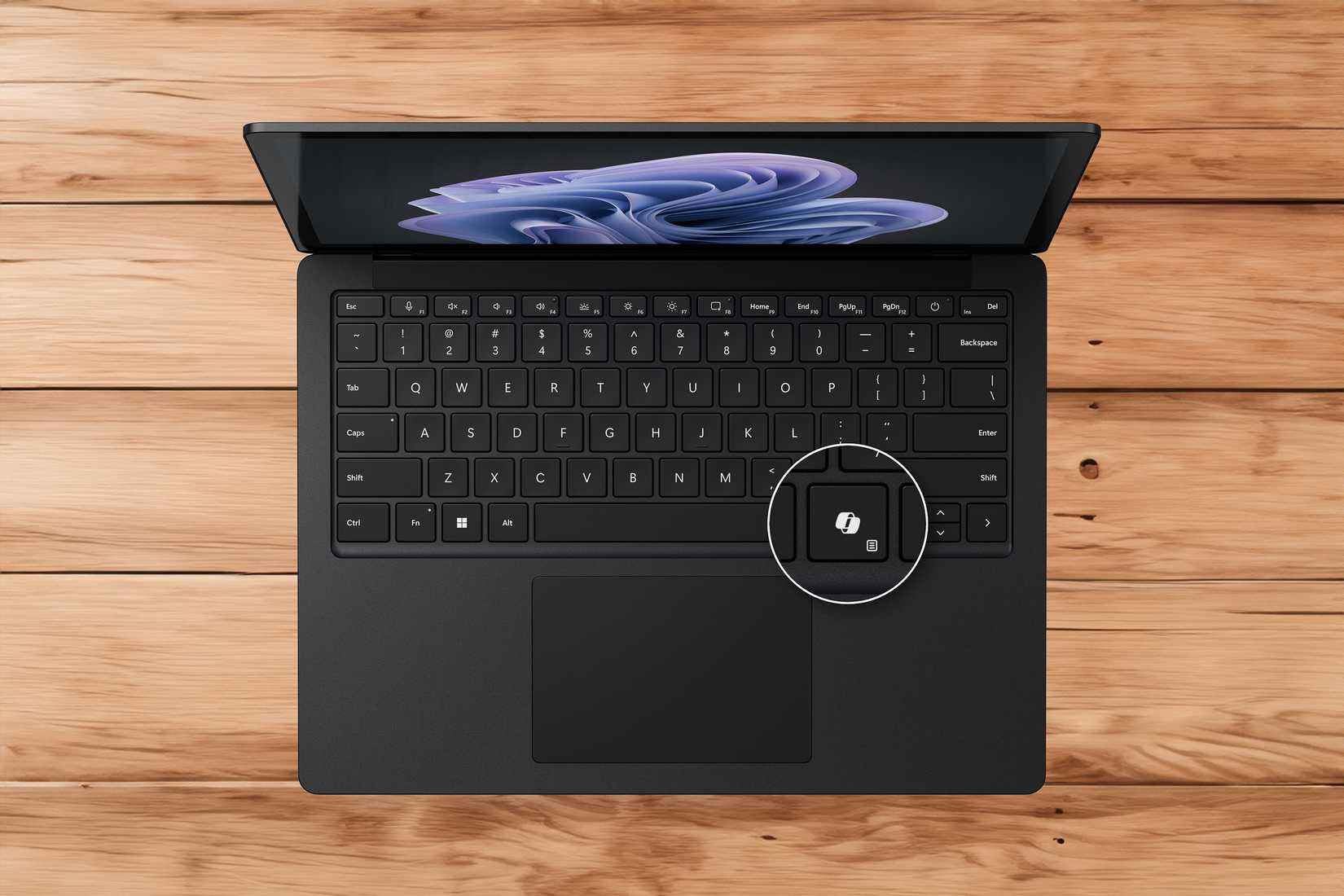
As spotted by Windows Central, Microsoft has published some new documentation on its website titled “Understand updates to the Copilot key on Windows devices.” In it, the company lays out how the Copilot key came to be, the problems it faced, and what Microsoft is doing to fix it.
As it turns out, changing a keyboard staple to a Copilot-only key had its problems:
Starting in 2024, hardware manufactures released new Windows 11 devices that include a dedicated Copilot key that provides quick access to Copilot experiences in Windows. This Copilot key sometimes replaces the Right Ctrl key or Context Menu key on select devices.
Customers who rely on the Right Ctrl key or Context menu key for keyboard shortcuts or assistive technologies (such as screen readers) experienced some challenges to their workflows when using these devices.
To remedy this, Microsoft says it will push a Windows 11 update “later this year.” The update will add a new setting to the Settings > Bluetooth & devices > Keyboard screen that will let you remap the Copilot key to either the Context Menu key or the Right Ctrl key. Microsoft doesn’t say when the update will arrive, but I’m sure anyone who found their workflows ruined by the addition of the Copilot key will be looking forward to its release.
Related
Microsoft is reportedly scrapping a Copilot feature that never made it out of the gate
Plus, a few AI features that didn’t get the Copilot branding