
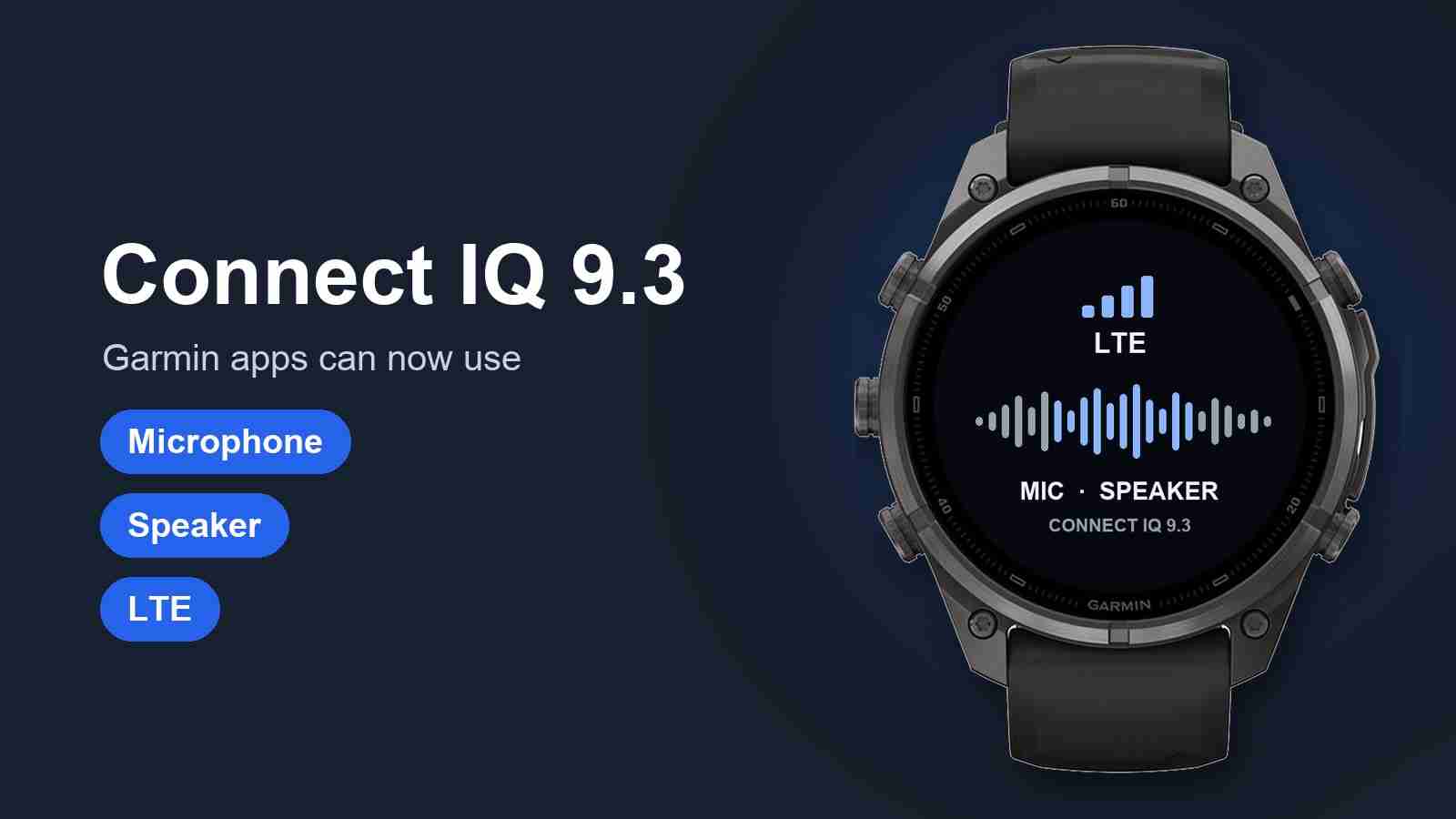
Garmin has posted Connect IQ SDK 9.3.0, the newest version of the toolkit developers use to build apps, watch faces, and data fields for Garmin watches and Edge bike computers. For the first time, Garmin’s developer documentation describes ways for third-party apps to record from the microphone, play sound through the watch, and turn on LTE on the watches that have it.
Everything below comes from Garmin’s own API documentation, which was updated on October 19, 2026. These are tools for developers, so nothing changes on your watch until app makers update their apps to use them.
Microphone
A new audio capture feature lets an app record from the watch’s microphone. Apps can record in WAV or Ogg, as uncompressed audio or compressed Opus, at 8 to 44.1 kHz, in mono or stereo. Garmin also offers a filter for noise reduction and echo cancellation, and the app receives the audio in chunks as it records, so it can process speech while you are still talking.
There are limits. An app has to ask for a new microphone permission. Recording only works while the app is open on screen, and Garmin’s docs list an error for recording attempted in the background. The audio tools are for watch apps, glances, and audio apps. Watch faces cannot use them.
Speaker
A matching audio output feature lets apps play sound. The sound can be a clip packed into the app, audio the app puts together while it runs, or a stream the app feeds piece by piece, for example audio downloaded from the app’s own service. Apps get play, pause, resume, seek, and volume controls from 0 to 100, plus updates on playback position and state. Playback needs its own permission.
The docs do not say whether an app can choose between the watch speaker and Bluetooth headphones, and there is no text-to-speech tool. An app that wants to talk to you has to supply the recorded or generated audio itself.
LTE
Apps can now check and control LTE. One call reports whether LTE can be used, and if not, why: it is turned off, the watch is in airplane mode, LTE is not available in the region, the modem is on standby, it is still searching, or it is running in reduced frequency mode. Two more calls turn the LTE connection on and off, with optional updates when the connection changes.
Garmin lists the LTE status check for the Fenix 8 Pro (47mm, 51mm, and MicroLED, plus Quatix 8 Pro), the Fenix 9 and Fenix 9 Pro, and the MARQ (Gen 3) models. The SDK lets developers include these calls in an app for any watch on the newest API level, including models without LTE, so apps are expected to check whether LTE is actually available before relying on it.
The new controls let an app switch on LTE itself. Garmin’s notes say an LTE connection that an app turns on shuts off when the app closes or becomes inactive, or after five minutes without a web or image request, and that the app should turn it off when it is done. That timer only makes sense if web and image requests travel over the connection, which would let apps reach the internet with the phone left at home.
Garmin has not spelled that out. The documentation for web requests still says they work over Wi-Fi or a phone connected over Bluetooth, and the SDK 9.3 release notes do not mention LTE at all. The SDK’s older release notes do show web requests running over LTE before. That was during the sync mode used by music and bulk download apps on watches like the Forerunner 945 LTE, which only runs when the watch starts a sync. What appears to be new is an app turning on LTE itself while it is open. ScaleLinkby Garmin Rumors
Sync your smart scale to Garmin ConnectScaleLink sends Renpho, Wyze, Eufy and Withings weigh-ins to Garmin automatically. Free for 7 days.
Images and sounds loaded at runtime
A new dynamic resource feature turns data an app already has into a usable image (PNG, JPEG, or the first frame of a GIF), a sound, or saved content such as a FIT or GPX file. An app could download new artwork or audio and use it right away, without an update from the Connect IQ Store. The docs do not say whether watch faces can use it.
Web requests also got two changes. Apps can now send a request body with their own content type, and they can receive raw binary files instead of only text and JSON.
Which devices get the audio tools
Garmin lists the new audio features for these models:
Line
Models
Fenix
Fenix 8 (all sizes, Solar, Pro, and MicroLED), Fenix 8 Pro, Fenix 9 and Fenix 9 Pro (all sizes, including Pro Solar), Fenix E
Forerunner
Forerunner 70, 170, 170 Music, 570, and 970
Venu and vívoactive
Venu 4, Venu X1, vívoactive 6, D2 Air X15
Other
Enduro 3, Enduro 4, MARQ (Gen 3), D2 Mach 2, D2 Mach 2 Pro, Approach S72
Having the API does not mean every listed watch has a microphone or speaker. Apps are expected to check what the watch supports before using them.
The Edge 1060, which Garmin launched this week with a microphone, is not on Garmin’s list for the audio features. It runs the same Connect IQ API level, 6.0, as the listed watches.
What else came with Connect IQ 9 this year
SDK 9.3 builds on earlier Connect IQ 9 releases. Garmin’s release notes and docs list these additions this year:
Your zones and FTP: apps can read heart rate zones, power zones, FTP, and the current sport profile from the watch (SDK 9.1).
More workout step types: data fields that run structured workouts can use steps that end on heart rate, calories, power, reps, or training stress, or stay open ended (SDK 9.1).
QR codes: apps can create a QR code and draw it on the screen (SDK 9.1).
Sleep schedule: apps can read your upcoming sleep and wake times (SDK 9.1).
Phone app messages: apps get notified when a message from the phone fails because the watch is out of memory or storage, and Garmin says the link to phone apps is faster (SDK 9.1).
Longer text entry: text typed on the watch can now be 256 characters, up from 32 (SDK 9.2).
Sleep Score on watch faces: watch faces can show your Sleep Score as a complication, from 0 to 100 (SDK 9.2).
SatIQ modes: apps that record GPS can use Garmin’s four SatIQ settings: Normal, Extended Battery, Max Battery, and Max Accuracy (SDK 9.3).
The SatIQ change is about GPS accuracy and battery life. Nothing in the docs gives apps access to satellite messaging or inReach.
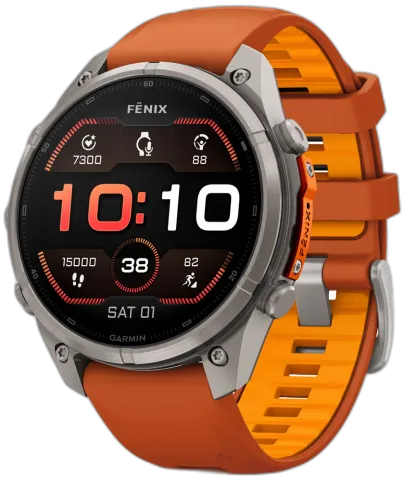
Garmin Fenix 9 Pro (47 mm)
47 mm AMOLED Pro with a full titanium case, speaker and mic, and dive features.
$1,099.99
Get on Amazon
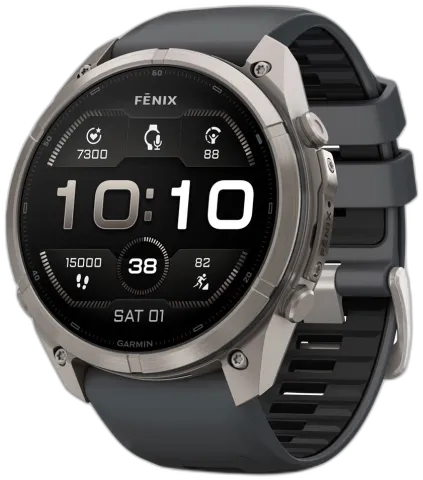
Garmin Fenix 9 Pro (51 mm)
51 mm AMOLED Pro with a 1.5-inch display, full titanium case, speaker and mic, and dive features.
$1,199.99
Get on Amazon
8% off
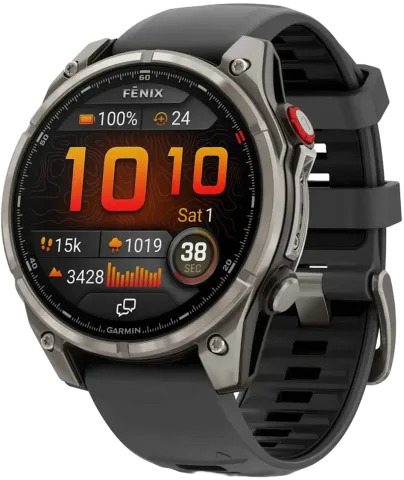
Garmin Fenix 8 Pro (47 mm)
47 mm AMOLED with built-in LTE and satellite connectivity, a speaker and mic, and dive features.
$1,099.99
$1,199.99
Get on Amazon
8% off
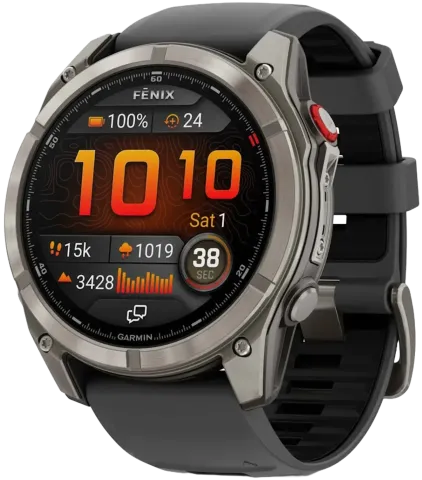
Garmin Fenix 8 Pro (51 mm)
51 mm AMOLED with built-in LTE and satellite connectivity, a speaker and mic, and dive features.
$1,190
$1,299.99
Get on Amazon
Related: Fenix 9 features that skip the Fenix 8 · Garmin launches the Edge 1060 · Connect IQ 8.1