
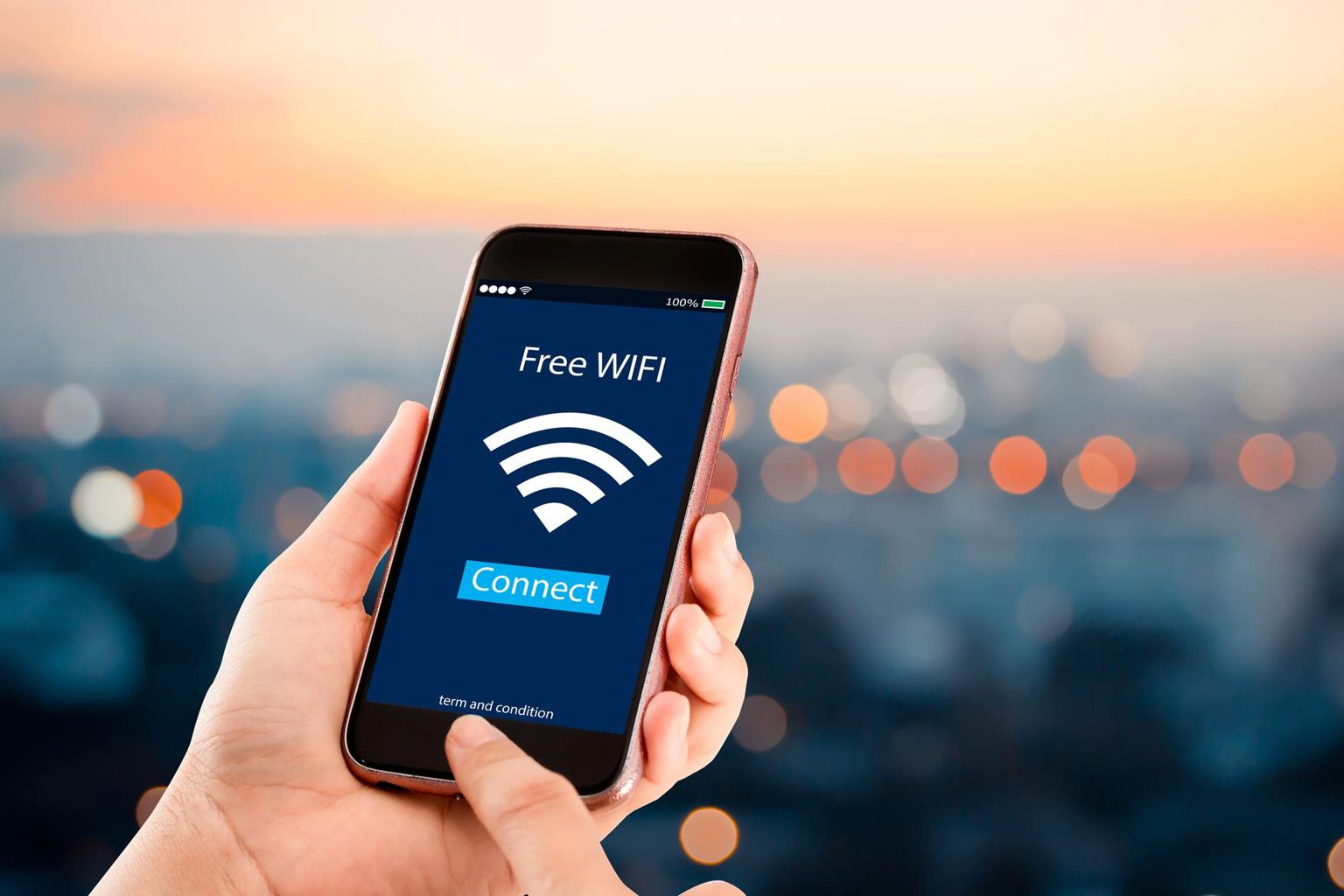
Ever forgotten your Wi-Fi password and felt completely stuck? You’re not alone. In today’s ultra-connected world, access to the internet isn’t just a convenience—it’s a necessity for staying in touch, working remotely, and enjoying entertainment.
But what if you need to jump on a network and don’t have the password? No need to panic. There are clever, easy methods that let you access Wi-Fi without ever typing in a password. They’re perfect when you’ve misplaced your credentials or want to help a friend connect without giving out sensitive info.
Here are two tried-and-true techniques that actually work—practical hacks you’ll want to keep in your back pocket.
How QR codes let you share Wi-Fi safely and quicklyScientists detect polar vortex shifts driving parts of the US into a deep freezeMichael Schumacher, an emotional message from the clinic: “It was beautiful” — we will remember him forever
One of the most effective ways to get on a Wi-Fi network without the password is by using a QR code sharing feature. This isn’t some complicated hack—it’s built into most modern smartphones, designed to keep your network secure while simplifying access.
Here’s the magic: a smartphone already connected to the Wi-Fi network can generate a unique QR code. When you scan this code with another phone, it connects automatically—no password typing required. What’s beautiful about this is that it doesn’t reveal the actual password, so you can share access without compromising security.
To do this, grab a phone that’s already connected to the Wi-Fi network. Go to Settings > Connections (or Network & Internet) > Wi-Fi. Find the network’s name and tap on it or the gear icon next to it. There, look for an option labeled something like “QR Code” or “Share” with a QR code icon. Tap it to generate the QR code.
Now, simply scan the QR code with the camera app or a QR reader on your phone. Instantly, your phone will join the network—not through guessing passwords or digging through complicated menus, but with one quick scan.
I remember when my friend visited and forgot the network password. Instead of awkwardly texting the owner or searching through sticky notes, we whipped out the QR code on my phone. It was instant, hassle-free, and gave us both peace of mind that the password wasn’t being shared widely.
The WPS button method for quick connection
If your router supports it, the Wi-Fi Protected Setup (WPS) button is another neat shortcut to access your network without typing a password.
Here’s how it works: your phone and router can establish a secure connection by pressing the WPS button on your router and then selecting the WPS option on your phone. The router’s location and the exact button style vary depending on the model, but it’s usually marked “WPS” or has a double-arrow icon.
To connect via WPS, go to your phone’s network settings, select the Wi-Fi option, and look for a “Connect via WPS” or “WPS Push Button” option. Then, hit the WPS button on the router within about two minutes. Your phone will then connect automatically without needing a password.
I once struggled to get a guest’s smart TV online during a family weekend. The WPS method saved the day. With a quick press of the router’s button and a couple of taps on the TV interface, we were streaming movies in no time—without pulling out the password folder or looking for little slips of paper.
Why these methods are worth knowingForget the US and China: the tiny country may have found a way to harness energy from the MoonMore than 1,500 feet under Antarctica’s ice, scientists discovered creatures surprisingly similar to lobsters
The idea of connecting to Wi-Fi without a password might sound like a security risk, but these techniques are designed to keep your network protected while offering convenient access.
QR codes and WPS functionality allow you to share your internet securely with guests, devices, or family members without the hassle or risk of exposing your real password. This is especially useful in households with multiple users, offices, or even for temporary access during events.
Plus, these solutions are built into the operating systems of most Android and iOS devices, so you don’t need special apps or technical know-how. It’s about working smarter, not harder, when it comes to connecting online.
I’ve seen too many people waste time hunting for Wi-Fi passwords, resetting routers, or even compromising their network’s security by sharing passwords in chats or sticky notes. Having these simple tools in your digital toolbox turns that frustration into a smooth experience.
What’s your experience with Wi-Fi hacks? Have you tried QR code sharing or WPS buttons before? Share your thoughts or tricks below—and don’t forget to pass this on to anyone who might find it useful!