
UPDATE: This issue seems to have been reverted by Microsoft now, as it does seem to be working as it was previously. Still, Microsoft could get around all of these issues by creating a Family Plan for Xbox and PC Game Pass as was previously promised. As Xbox moves to a more Windows-like environment next gen, more of these types of issues are likely to crop up. Changing user on Xbox is a lot easier than changing user on Windows, for example. The original article continues below.
UPDATE (2): Microsoft has emailed us a statement on the issue: “Xbox identified a bug which temporarily affected Xbox child accounts, including the ability to sign-in and use PC Game Pass. Xbox has since identified the issue and rolled out a fix. Players that are still affected should check the Microsoft Store to make sure the Xbox App and Gaming Services are up to date.”
For years, parents have been able to let their kids sign into Windows 11 with their own Microsoft accounts, while the parent with the active Game Pass subscription stayed signed into the Microsoft Store. The child could then use their own Xbox profile in the Xbox app.
This setup meant kids had proper screen-time limits, content restrictions, and activity reporting through Microsoft Family Safety. It also meant each child had their own saves, achievements, and identity in games, which is how most families expect things to work on PC.
A recent Xbox app and Store update appears to have shut this down (via Reddit). Windows, the Microsoft Store, and the Xbox app must now use the same account. If they do not match, PC Game Pass titles simply will not launch.
You may like
Parental controls disabled, cloud saves overwritten, and families left without warning
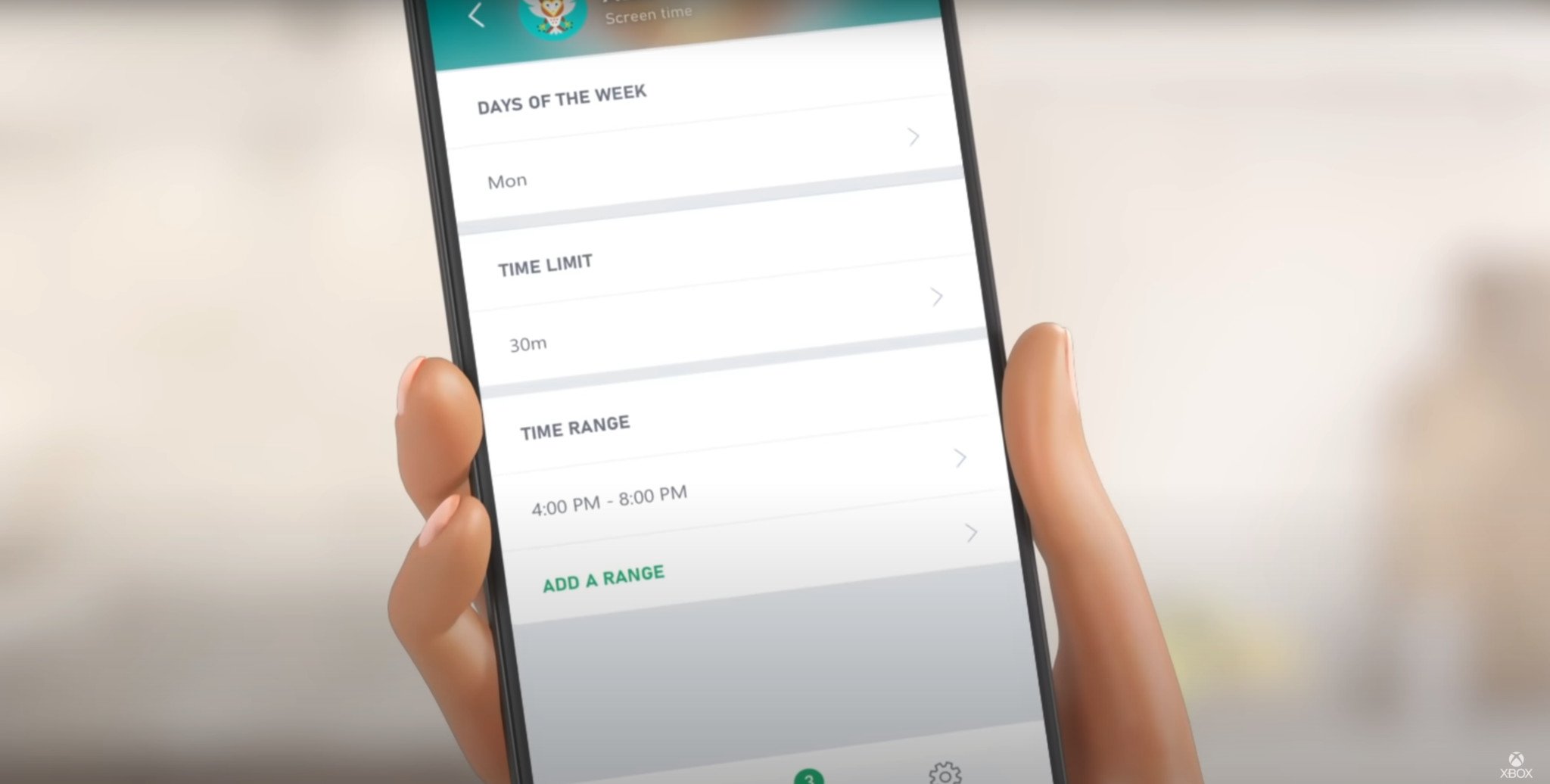
Xbox Family Settings App (Image credit: Xbox)
Microsoft’s Family Safety tools only work when a child is signed into Windows with their own Microsoft account. That is how the system applies time limits, content filters, and app restrictions.
Under this new behaviour, the reported workaround from Microsoft support is to sign into Windows using the parent’s account instead. Once you do that, the PC treats the session as an adult user.
At that point, every parental control disappears. There are no screen-time limits, no content filters, and more. Meaning you lose the ability to manage what your child can access or how long they play.
Even if the child then signs into the Xbox app with their own profile, the PC still considers them an adult because the Windows login belongs to the parent.
On PC, Game Pass save data is tied to the Windows account and Microsoft Store login, not just the Xbox profile. So, when a different Windows user opens a game, the system treats it as a new player and generates a fresh save file.
That blank save then gets synced to the cloud and overwrites the original progress. In reported cases, that meant losing a 100% Hollow Knight completion and long-term progress in Deep Rock Galactic. Once the cloud has synced over the old data, there is no official recovery option.
Some users say Microsoft support confirmed the change is intentional and under review, although there has been no public announcement or formal communication from Microsoft about discontinuing this setup. Right now, though, it appears to be enforced and functioning as such.
What affected parents can do now
Before doing anything else, it’s worth backing up any local save files on your child’s Windows account. The easiest approach is to copy the WGS save folder linked to their profile. That way, you avoid another cloud sync wiping more progress if the system tries to create a new save again.
If you’re dealing with lost progress already, check the game first. Some titles have a built-in option to restore saves from the main menu, and some developers have been known to help recover data on a case-by-case basis.
Going forward, the only safe way to keep Microsoft’s parental controls in place is to let children continue using their own Windows account. Signing them into Windows with your account removes all restrictions and puts their data at risk.
If you want to stick with Game Pass on PC and still keep time limits, content filters, and profile control, your child will almost certainly need their own Game Pass subscription under this new setup.
FAQDoes this affect Xbox consoles?
No. Console sharing through “Home Xbox” still works as normal. This change only affects PC Game Pass on Windows.
Why did kids lose their save data?
PC saves are tied to the Windows and Store login. When the system sees a different Windows account, it creates a new save and syncs it to the cloud, overwriting the old one.
Can you still share PC Game Pass across different accounts on the same PC?
Not in the way many families were using. Windows, the Microsoft Store, and the Xbox app now need to use the same Microsoft account for Game Pass access. If they do not match, games will not launch.
Can you keep parental controls with Game Pass on PC now?
Only if your child signs into Windows with their own Microsoft account. If you sign in for them using your account, parental controls are removed.

Follow Windows Central on Google News to keep our latest news, insights, and features at the top of your feeds!