
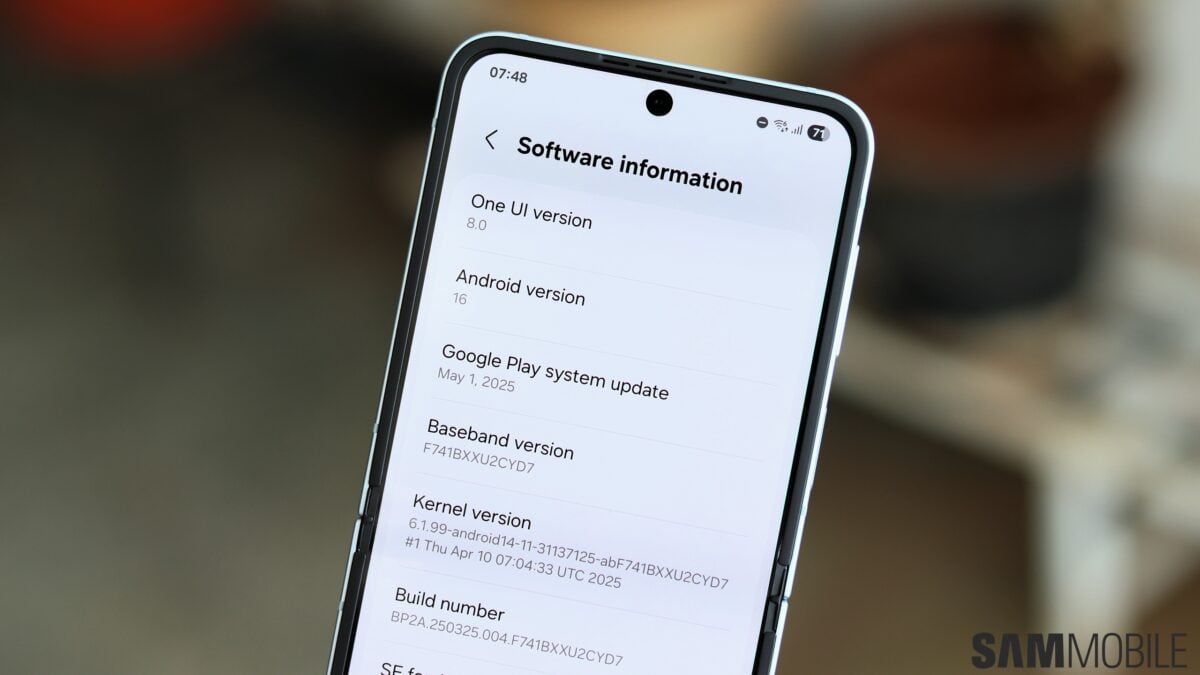
Several users have recently complained about One UI 8 Adaptive Clock not working. This feature was introduced with the latest iteration of Samsung’s software. It’s a dynamic user interface element that harmonizes with the wallpaper and blends in with the objects.
Users may find that the feature isn’t working as well as it’s supposed to. Samsung has highlighted an easy fix for the matter, it just requires updating the LockStar Good Lock app.
A simple app update should do the trick
Adaptive Clock is meant to be dynamic so that every element of the clock down to the individual numbers can stretch or contract independently to not obstruct any key detail on your wallpaper, such as a loved one or a pet.
The feature works as intended but some may find that it doesn’t do what it’s supposed to do. In response to complaints about One UI 8 Adaptive Clock not working, Samsung has posted a simple fix that will return the UI element’s dynamic behavior.
The company has advised that users update the LockStar Good Lock app on their device to version 7.0.1.10. This particular version has been around for a few months now so those who haven’t updated yet may find themselves running into this Adaptive Clock problem.
LockStar can easily be updated through the Good Lock app or alternatively, through the Galaxy Store. As long as your wallpaper has a clearly defined outline that this feature can detect, Adaptive Clock should work without fail once LockStar is updated.
