
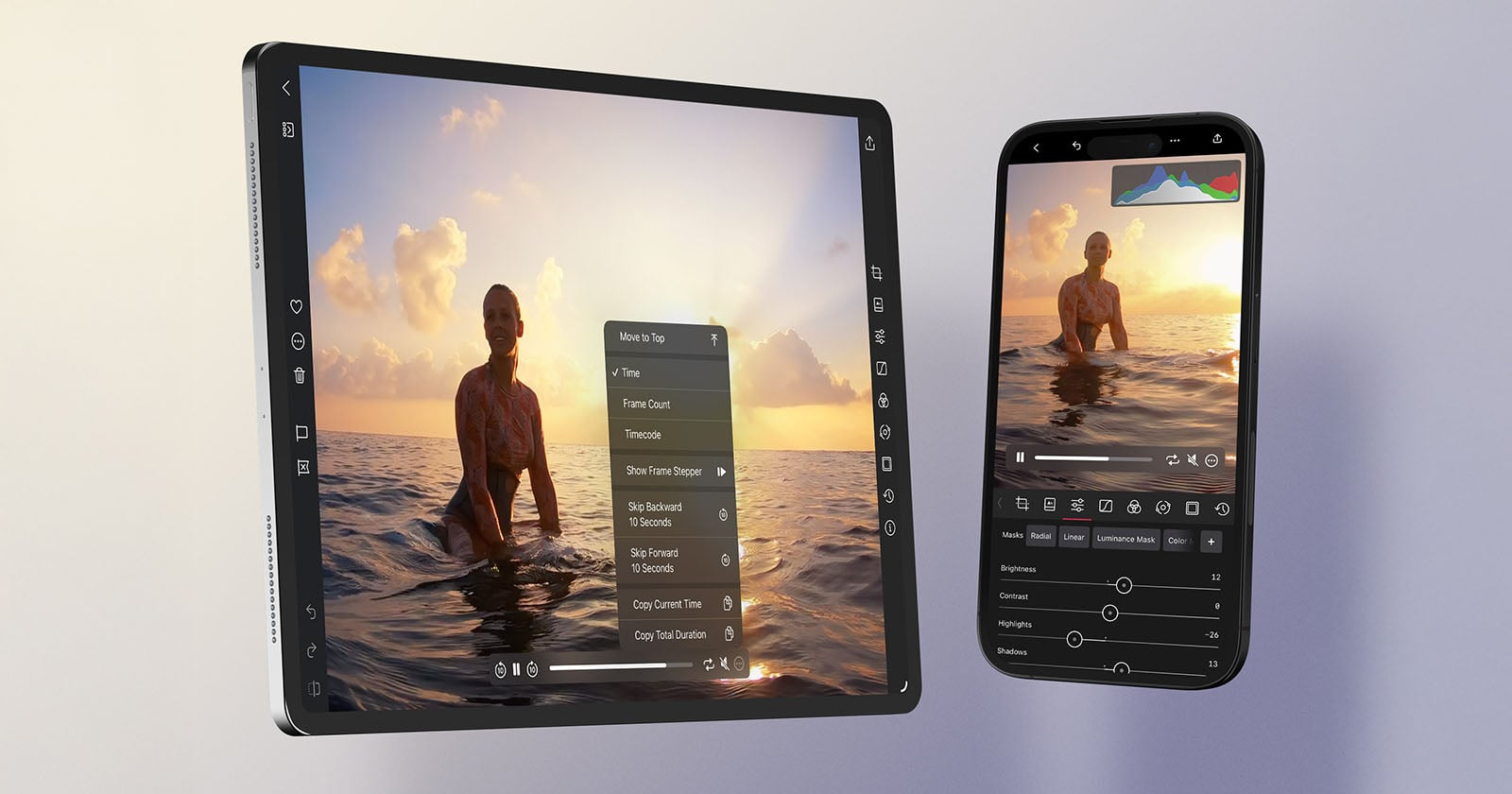
Editing app Darkroom has launched version 7, marking one of the most extensive technical overhauls in its 10-year history. At its core is a fully rebuilt rendering engine designed to deliver faster performance, smoother navigation, and a more reliable editing environment across photos and video for iOS and iPadOS.
As mobile photography has shifted toward higher resolutions, larger RAW files, and more demanding video formats, the Darkroom says that its team rebuilt the software to keep pace. With higher frame rates, improved responsiveness, and a display system engineered for accuracy, Darkroom 7 aims to feel both familiar and fundamentally more capable. The update not only improves today’s workflows but establishes a foundation intended to support the next decade of image and video editing features.
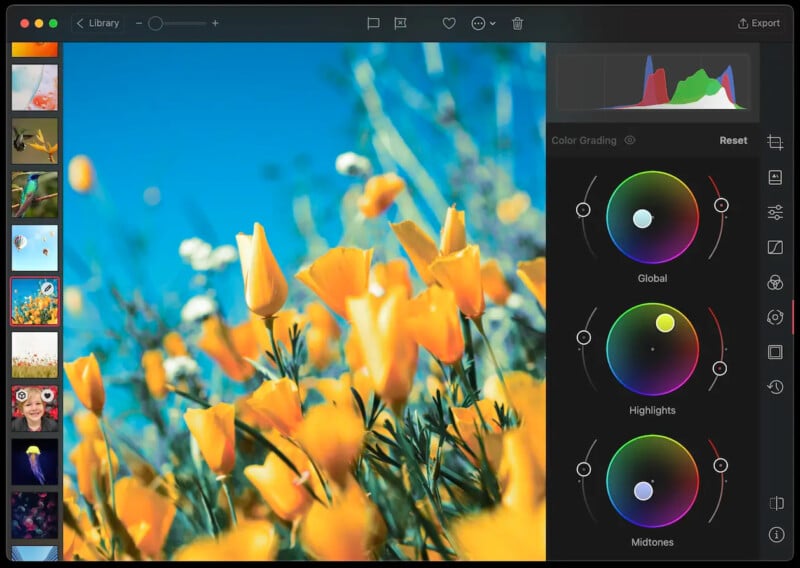
Key Improvements at a Glance
While much of the work sits beneath the surface, several upgrades are immediately noticeable, notably the New Bloom and Halation tools that introduce analog-inspired glow and atmosphere. Video editing receives high-performance scrubbing, detailed playback controls, and a real-time histogram, while Highlight and Shadow Recovery have been enhanced, viewing options are more flexible, and nearly every interaction from sliders to masking has been rebuilt for smoothness.
The result is an editing experience that promises to feel more fluid, more predictable, and better equipped for professional-grade work on mobile and desktop.
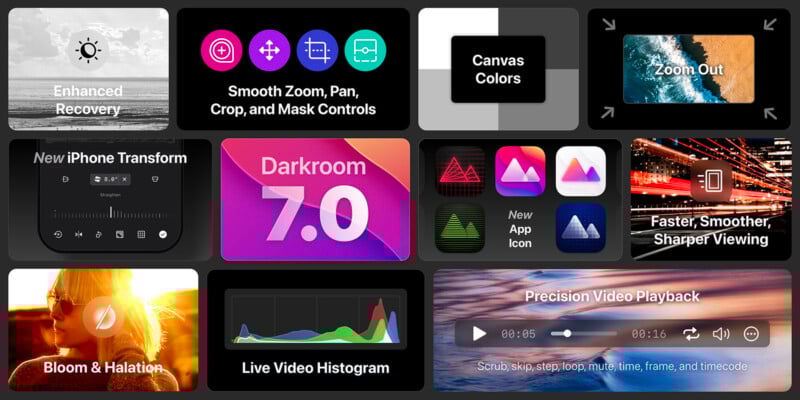
Bloom and Halation for Darkroom+
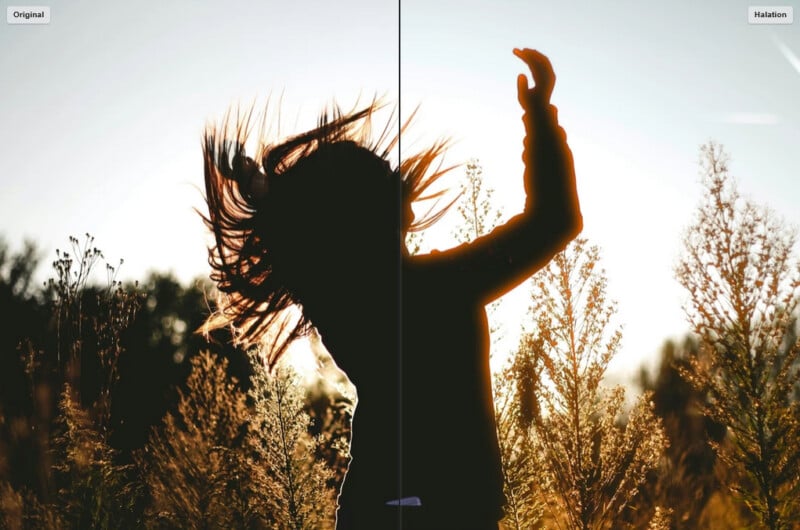
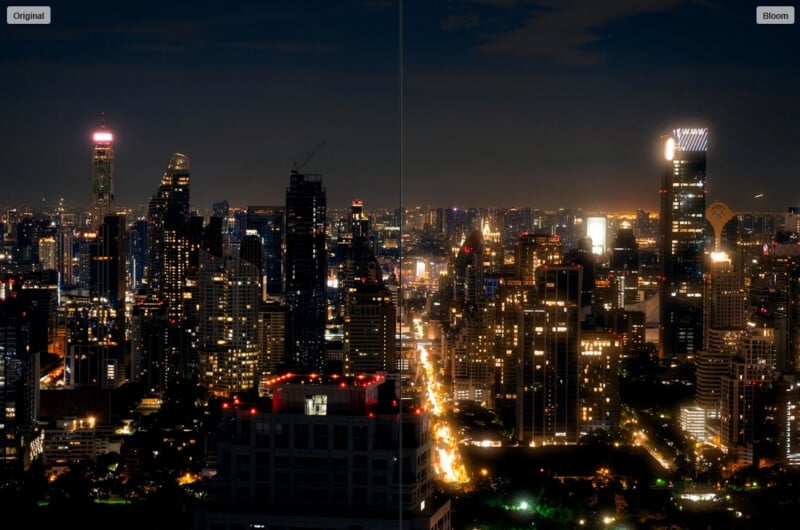
Darkroom 7 introduces two expressive tools inspired by classic analog imaging. Bloom adds a soft, luminous glow that spreads highlights gently across a scene, ideal for portraits, nightscapes, or any image that benefits from a dreamy character. Halation mimics film-era light leakage around high-contrast edges, bringing cinematic warmth or vintage texture to scenes with strong light sources such as street lamps, backlit silhouettes, or sunsets.
Improved Video Editing and Real-Time Histogram
Darkroom first added video support in 2020, and version 7 strengthens that commitment. The new engine delivers smoother playback across slow motion, ProRes, and 8K footage, and edits now occur in real time at native frame rates when supported by the device.
Playback controls have been redesigned with time-coded scrubbing and movable control placement on Mac. The histogram is now hardware-accelerated and updates instantly during playback and adjustments, accurately reflecting all crop and transform operations.
More Powerful Highlight and Shadow Recovery
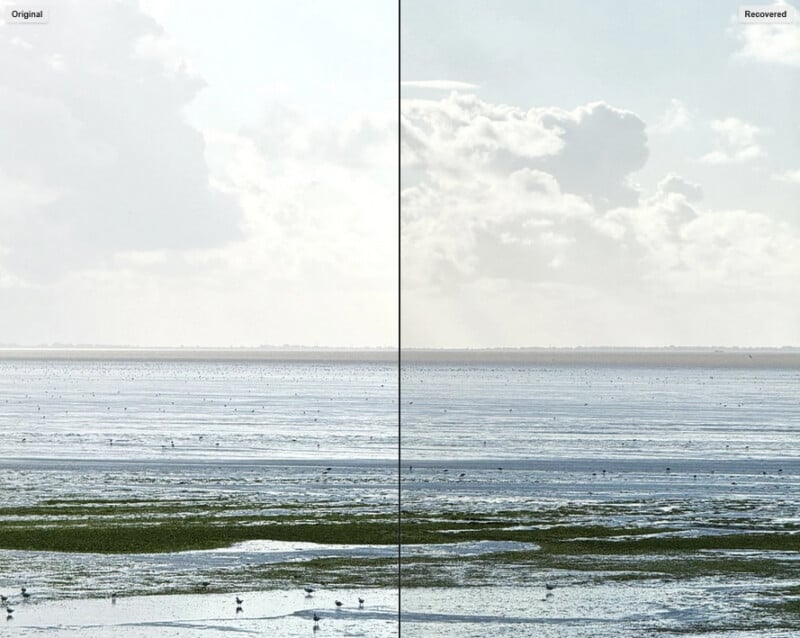
Highlight and Shadow tools have been refined through the shift to linear color space, allowing Darkroom to access the full depth of image data during adjustments. This change enables greater detail recovery at both extremes, particularly when working with RAW files, and ensures fully lossless correction with more natural tonal transitions.
Enhanced Viewing Experience
Darkroom 7 brings several upgrades to how users view and evaluate their work. You can now zoom out beyond the frame to gain a macro perspective, or zoom in without limit all the way to the pixel level. Canvas background colors are customizable, giving editors more control over their working environment.
Thumbnails and previews now render at maximum quality at all times, reducing softness and eliminating the visual glitches that could appear when working with large RAW files. Photos and videos load significantly faster, improving browsing and culling.
More Responsive and Precise Controls
The rewritten engine improves responsiveness across all interactive tools. Sliders for demanding adjustments like Clarity and Highlights respond instantly, even during close-up editing. The Crop and Mask tools have been redesigned to maintain consistent alignment when zooming or panning, eliminating the jitter that could appear in previous versions.
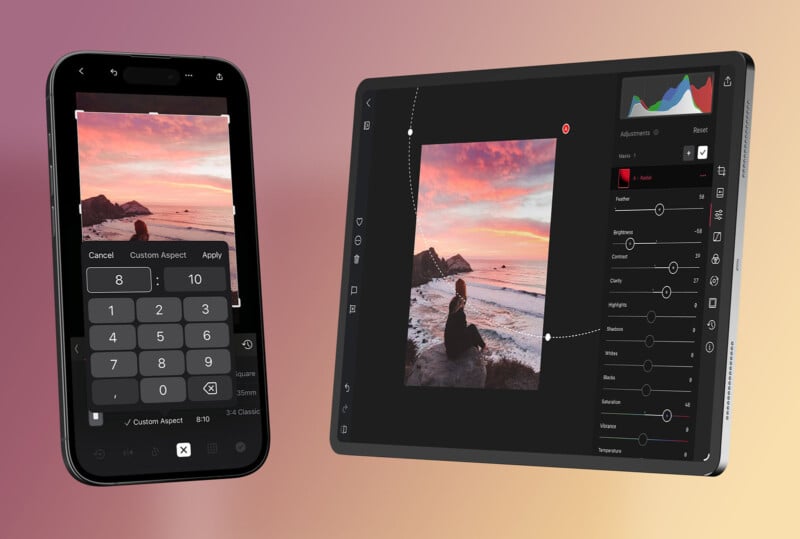
The crop tool on iOS now matches the macOS version, with custom aspect ratios, enhanced grid overlays, and automatic grid hiding when idle.
Brand Update for Version 7
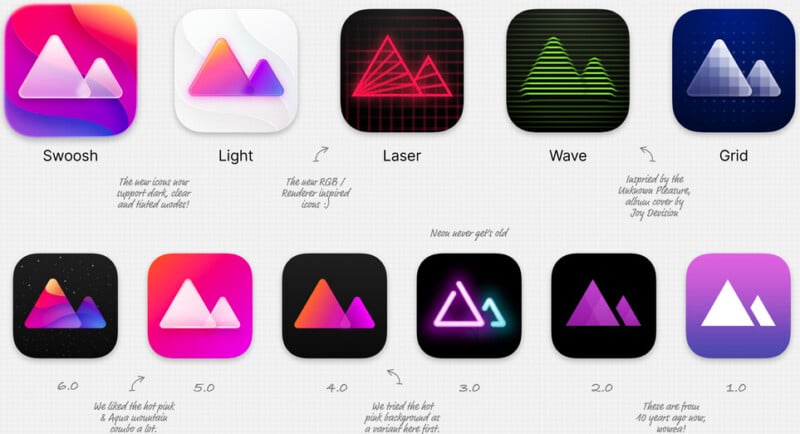
With such a significant technical release, Darkroom has refreshed its visual identity. The new icon design uses Apple’s Liquid Glass shaders to create dimensional color and depth, drawing on aesthetic elements from previous versions. Darkroom+ members also receive access to three new variant icons called Laser, Wave, and Grid, each inspired by a facet of modern image processing.
A New Foundation for Future Features
According to the team, rebuilding the engine was unavoidable as workarounds began to accumulate on the previous system. The overhaul now removes those limits and opens the door for more machine learning applications, deeper video editing tools, stronger color controls, and entirely new capabilities that were previously not feasible.
While minor behavioral differences may appear when working with older edits or larger files, the team is actively refining the engine and encourages users to share feedback. The update is rolling out gradually to ensure stability.
Darkroom also says that this latest update no longer supports Intel Macs, due to reliance on Apple Silicon-specific hardware acceleration. Apple has announced it will discontinue Intel Mac support in macOS 27 next year, and Darkroom is aligning its development roadmap accordingly.
Compatibility and Availability
Darkroom 7 is free for all users, while Bloom and Halation require a Darkroom+ membership to export edited images. Darkroom notes that if the update has not yet appeared, it may be due to the phased rollout intended to minimize disruption and quickly resolve any issues before wider distribution.
Darkroom+ costs $9.99 per month or $39.99 per year.
Image credits: Darkroom