
Updated Dec. 16 with further details of unrequested changes in iOS 26.2.
Apple released the latest iPhone update, iOS 26.2 — unprecedentedly on a Friday — and while early reports suggest it’s a stable release, it’s not without controversy. Some users are reporting that the update turns on automatic software updates without them asking for it. On the other hand, some users are finding the reverse problem. More on that later.
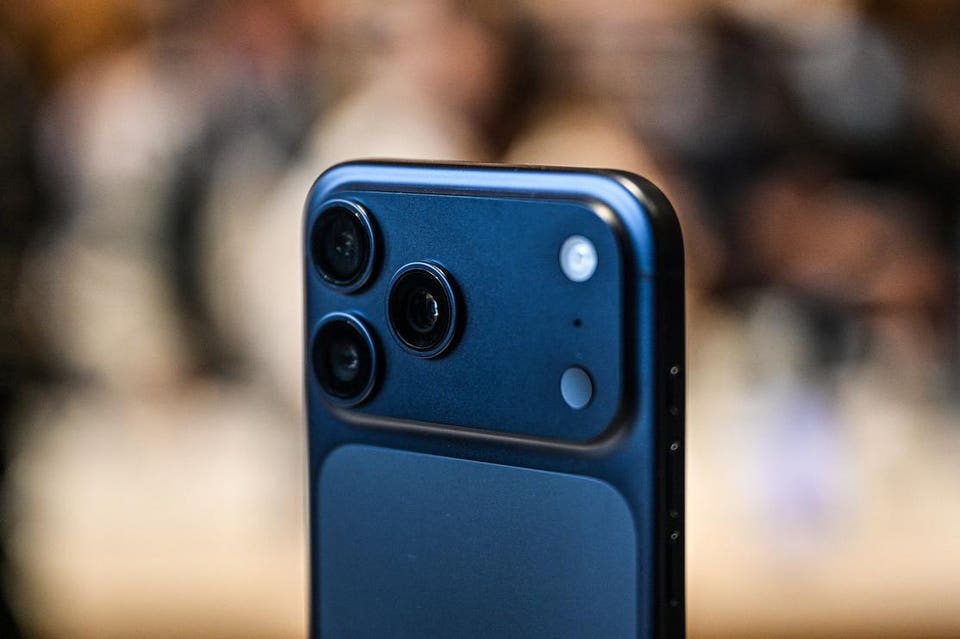
Apple iPhone 17 Pro
AFP via Getty Images
“At the Software Update Complete stage where you normally tap on continue to get to the Home Screen, there might be an extra little bit of information,” MacRumors reported.
ForbesiOS 18.7.3 Release Date: Mystery Of iPhone Update Still MissingBy David Phelan
“Some users are seeing a warning that future updates will be automatically downloaded and installed, with the option toggled on automatically if the Continue button is tapped. There’s a subtle ‘Only Download Automatically’ option that does not opt you into automatic updates if you’re paying attention, but it’s easy to miss,” it went on.
Many people already have automatic downloads turned on, and in that case there’s no message when the new software is installed.
Why this matters is that people might not want to download and install updates as soon as they go live, preferring to wait and see what the reactions of other users are, in case there are reports of problems arising.
If you’ve installed iOS 26, the simplest and perhaps safest action is to check. Just open Settings, go to Software Updates and you’ll see a panel marked Automatic Updates. If this says On, then at the next update, it will be downloaded and installed automatically.
Click the panel and on the next screen tap the switch marked Automatically Install. When it grays out, you’ll see an option below marked Automatically Install.
There’s another entry on the page which specifies System Settings and the words Automatically Install. Below this is an explanation: “System files improve iPhone functionality without changing the software version. iPhone may reserve storage space to ensure updates can be installed.”
You can choose whether to have this option on or off.
It’s worth saying that having automatic updates turned on doesn’t necessarily mean that your iPhone will be updated the second the software is released. It takes a little time for the update to reach you.
So, if you’re the kind of person who likes their iPhone to be updated straight away, you may find that even with the setting turned on for both download and update that you are updating manually because you’ve thought of it before the phone has got round to it.
And this is not an issue to do with the thorny issue of when you switch from iOS 18 to iOS 26: this unexpected change seems to be restricted to iOS 26. In other words, Apple has not made this change to force people to go to iOS 26. Though that doesn’t mean such a change won’t happen at a later stage.
When iOS 26.2 launched, Apple also released iOS 18.7.3, so users who want to avoid iOS 26 for longer can stick with that. The problem is that for many users, iOS 18.7.3 isn’t showing up just yet. I think it could be here soon, perhaps on Tuesday, Dec. 16, but the only way to find out right now is to look at the update settings — or check back here, I’ll be reporting on when it’s finally generally available.
There are other changes in iOS 26.2 and it’s not just this one which is subtle and unexpected. For instance, in Accessibility and Audio & Visual, there’s a new way to receive alerts in a visual manner. Previously this setting was called LED Flash for Alerts, because it enabled the rear LED to tell you there was an notification. It’s now just called Flash for Alerts because it adds an extra way to see these. You can now make the iPhone display flash when an alert comes in, which is handy if the phone is lying face up. A third setting allows you to flash the LED and the screen at the same time.
There’s also a new setting in the Emergency SOS section of Settings. When you’re making an emergency call by pressing and holding the side button and either volume button, you can also choose to call quietly instead of the countdown and alarm that sounds during emergency calls. There are plenty of situations where this could be preferable. Like the unrequested change above, this is something Apple did not promote as part of the changes in iOS 26.2.
ForbesApple iOS 26.2 New iPhone Software: Should You Upgrade?By David Phelan