
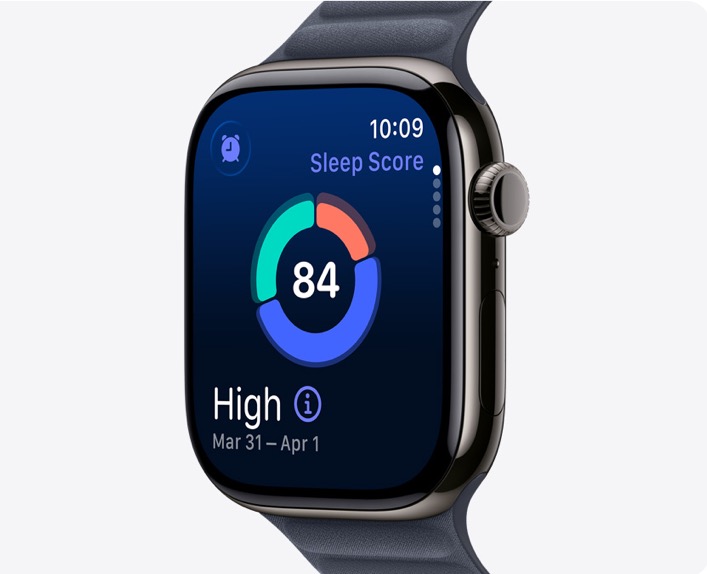
For many Apple Watch users, the promise of a gentle haptic vibration on the wrist is a welcome alternative to a blaring bedside alarm when using the wearable’s Sleep Tracking feature. However, some users are discovering a frustrating downside: it is too easy to turn off the alarm while still asleep.
The Problem: Silent Oversleeping
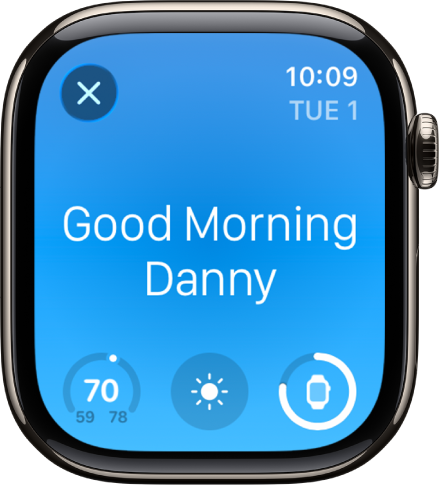
When you set a Sleep Schedule in the Health app on iPhone, the system defaults to waking you up via your Apple Watch when it’s worn during sleep. The watch uses quiet “taps” on your wrist (haptics).
While this is designed to be a peaceful start to the day, some users find they are subconsciously tapping the watch face to silence the alarm without ever fully waking up. Because the iPhone remains silent when the watch is worn, there is no secondary backup to ensure you actually get out of bed. Have an important meeting or an exam first thing? Yeah, you might want to set up a backup alarm.
A History of Sleep Tracking
Apple officially introduced native Sleep Tracking with watchOS 7 in 2020. Before this, users had to rely on third-party apps to monitor their rest.
To get the new Sleep Score in watchOS 26?
You need an Apple Watch Series 6 or later, Apple Watch SE (2nd generation or later), and all Apple Watch Ultra
The watch must be worn to bed with at least 30% battery life (or you will receive a reminder to charge it before sleep).
The Workaround: How to Ensure You Wake Up
Until Apple adds a feature to trigger both devices simultaneously, there is a simple manual fix. You can bypass the Sleep Schedule’s “silent” alarm by creating a traditional one.
Open the Clock app on your iPhone.
Tap Alarms and create a new, independent alarm.
Set your desired days and a loud ringtone.
The Trick: Set this alarm for one minute before your Sleep Schedule wake-up time.
This ensures your phone will make noise regardless of what you do with your watch in your sleep.
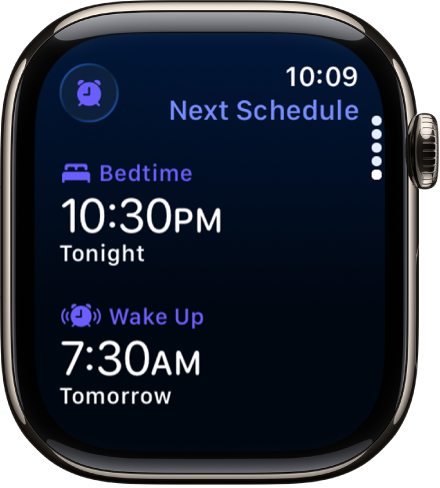
“Subconsciously in my sleep, I just tap this to turn it off. That has caused me to oversleep,” said one annoyed iPhone in Canada reader who recently started sleep tracking with his Apple Watch. “Apple should add an option for the iPhone alarm…to go off at the same time as the Apple Watch.”
Many Apple Watch users agree that sleep tracking should trigger a backup alarm on the iPhone. However, with Apple currently focused on integrating Google’s Gemini just to make Siri actually smart, a fix for this specific alarm flaw likely isn’t at the top of their priority list. For now, the best course of action is for frustrated users to submit feedback directly to Apple and hope for a future software update.