
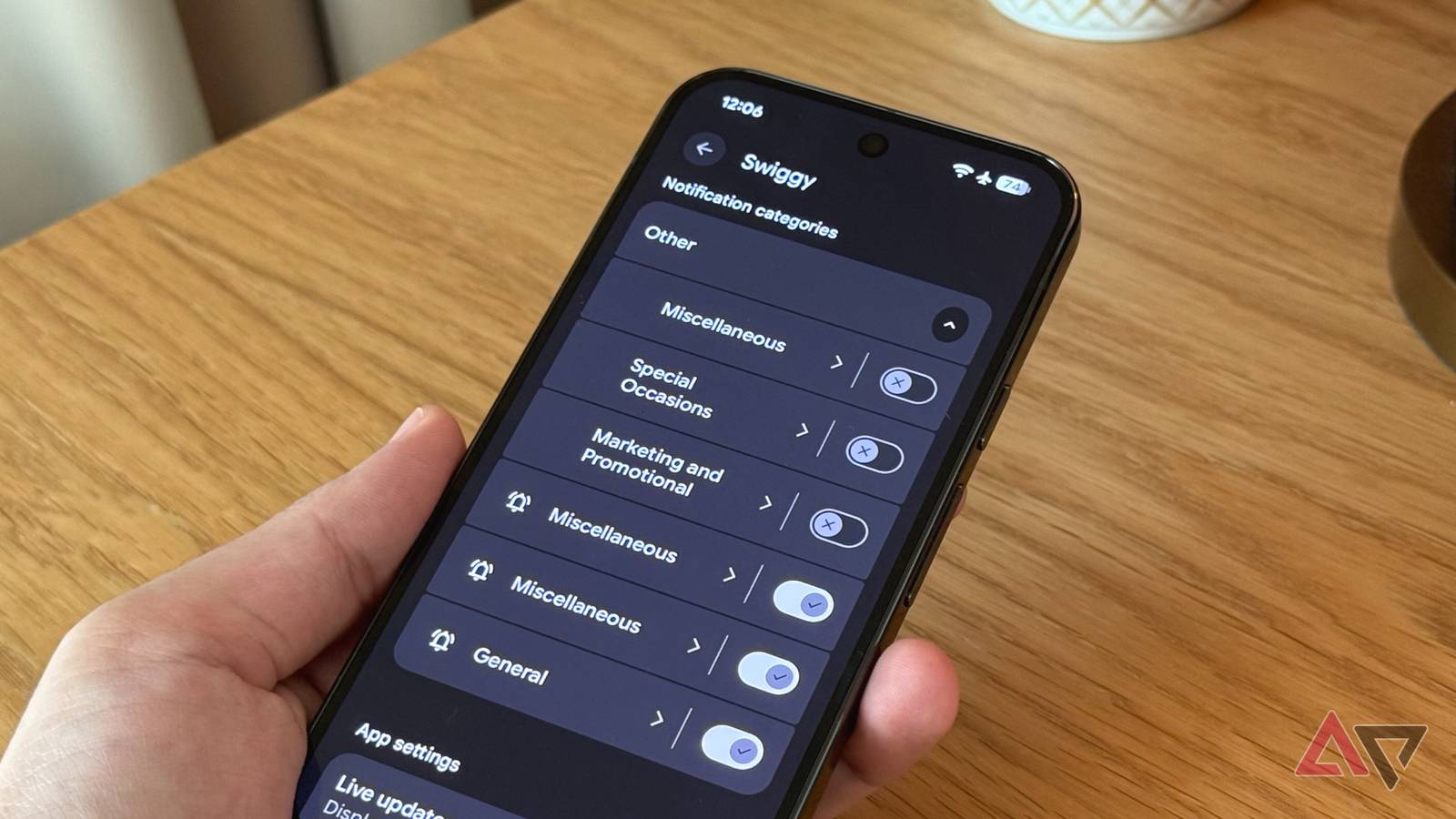
So, you’re ready to upgrade your smartphone to one of the best new Android phones, and don’t know what to do with the old one?
We’ve all been there, something I know all too well, with my spare wardrobe full of old smartphones. There’s sentimental value to old phones. These are, or were, your most personal companions.
However, you don’t want them to go to waste, either. Well, there’s a solution for these lingering devices. Actually, there are a few.
Here are some of the best ways to repurpose your old Android phones to breathe new life into the aging hardware.
Related
7 Android settings that made my phone last longer — and track less
Simple tweaks, big gains
5
One old phone, four camera ideas
Turn your old phone into a multipurpose camera you can leave in your bag or suitcase
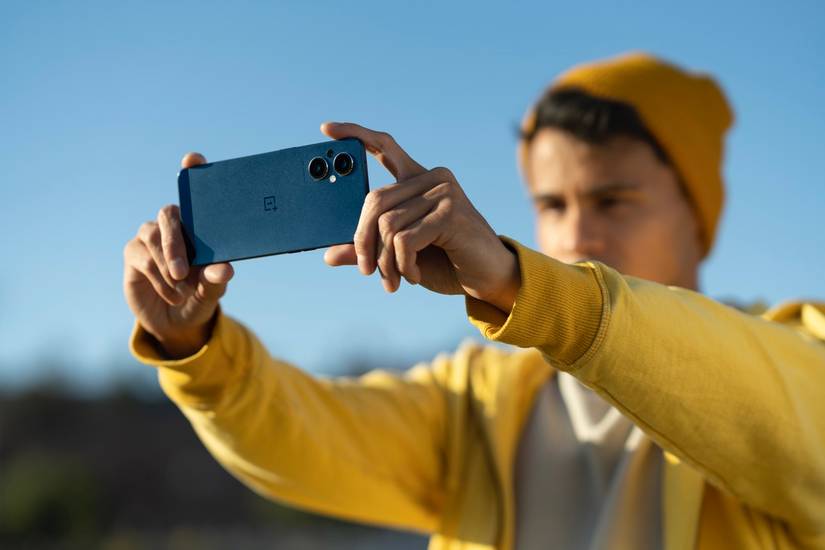
One of the most common online advice for repurposing your old smartphone is to convert it into a camera.
And as it turns out, there are quite a few ways to use the camera on your old Android phone for newfangled use cases.
Install a capable, and cheap, security camera wherever you need one
For example, apps like AlfredCamera will let you repurpose your old smartphone as a security camera.
The free version of the app is enough to get you started and gives you features like a livestream as well as motion detection. You will, however, have to make do with ads.
Pony up for the subscription fee, and it’ll turn your smartphone into a bona fide security camera complete with HD recording, 4x zoom, 14-day cloud storage, detection zones, and more.
But that’s not the only camera-based use case for your smartphone.
Droid Dashcam can turn your old Android phone into a dashcam for your car. The app includes some in-app purchases to unlock full functionality.
It makes it a cinch to record video with GPS-based speed markers, timestamps, background recording, and the ability to lock videos in the case of impact.
Like a real dashcam, the app can automatically delete old video files when running short on storage.
The only detriment to using a phone as a dashcam would be the sheer size, but it can serve in a pinch if you don’t feel like spending money on new hardware or if you need a dashcam for a rental car.
Upgrade the nursery with a baby monitor you can set up in minutes
There are also plenty of Android apps that can work as baby monitors; the aptly named BabyCam app does just that.
Set up your old smartphone at a comfortable angle, plug in a charging cable, and install the app on your old phone as well as your current phone. That’s it.
Now, you can keep an eye on your young one, listen in, and even use the app to save a cute photo or video of your toddler.
Give your low-res webcam a glow up
DroidCam is one of the best solutions on hand to convert your smartphone into a webcam.
The app lets you zoom, supports portrait mode, and can be used wirelessly as well. Moreover, it supports resolutions as high as 1080p, ensuring that your video stream is as high-quality as possible.
4
Transform your old phone into a dedicated music player
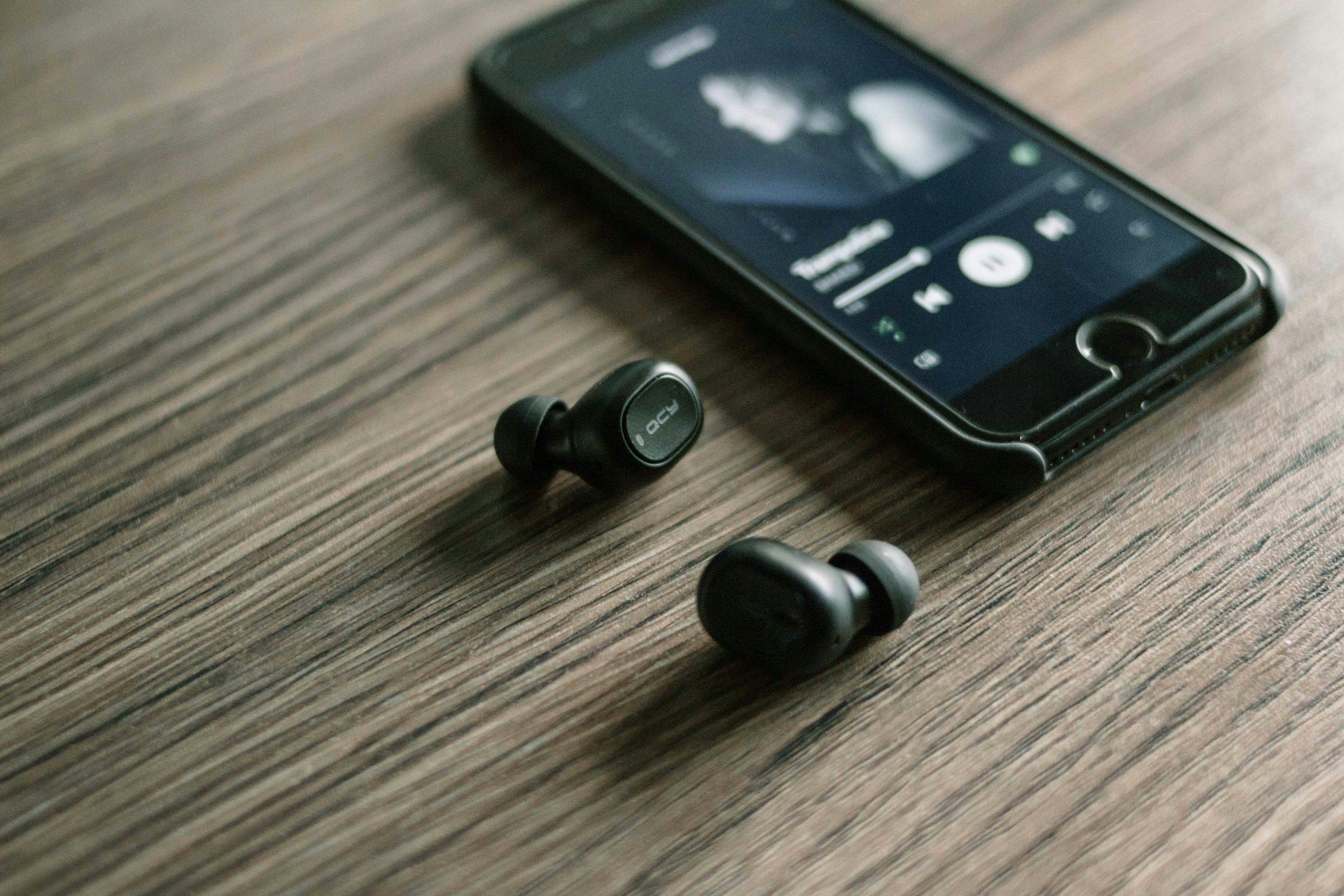
One of my personal favorite use cases for an old Android phone is to use it as a dedicated music and audiobook player. It sits on my bedside table and every night before I’m ready to crash, I end up listening to an hour or so of my favorite podcast or book.
I also keep the phone up to date with some of my favorite playlists. Now, you might be wondering why I wouldn’t just use my phone for this? Well, the answer to that is convenience.
Having my playlists preloaded on the phone means that whenever I step out for a run, I simply grab the phone and head out. Same for travel. I don’t have to dedicate precious storage on my main phone to storing offline playlists.
Moreover, a phone dedicated to music playback is very convenient to hand over at house parties.
Instead of lending my main phone to guests, everyone has access to my music phone to switch out the best Spotify playlists or radio streams.
It’s a first-world solution to a first-world problem, but it sure is convenient.
3
Turn your phone into a two-factor authentication (2FA) device
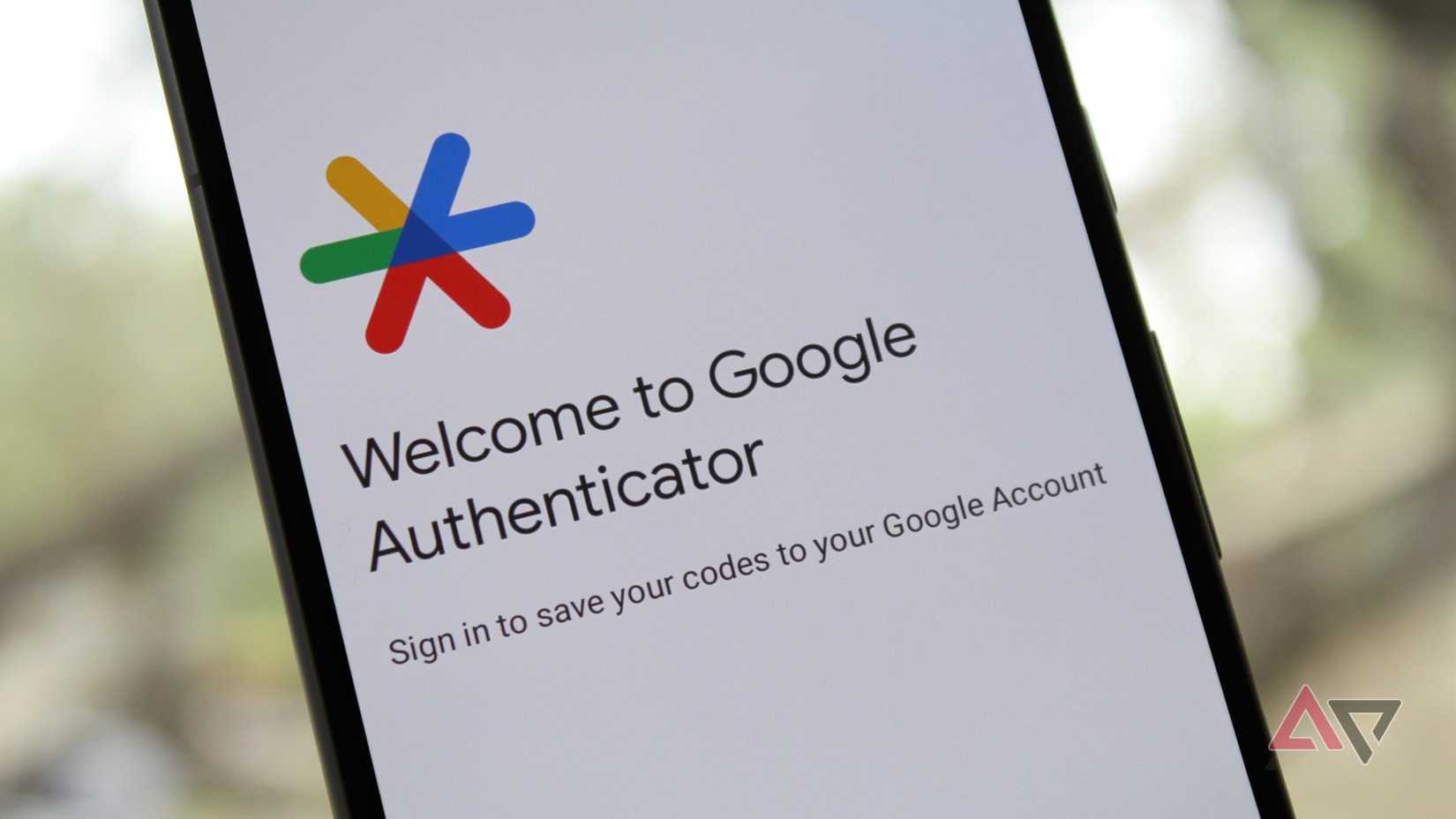
Two-factor authentication is one of the most secure ways to keep your online services protected from unwanted access.
But unless you use an authenticator like Authy that maintains an online backup of your codes, the only copy of your codes is the one on your phone. If you lose your phone or end up breaking it, you’re out of luck.
I use a spare phone as a secondary authenticator. With TOTP Authenticator set up on my spare phone, I know I always have a second way to log in.
Additionally, I keep a list of backup codes securely on the phone. This phone stays disconnected from the internet and switched off in my drawer, and I hope I never have to use it.
2
Score a new emulation console without spending a dime
Credit: Lucas Gouveia / Android Police
I can’t stand microtransactions. My interests lie in vintage retro gaming. Moreover, I prefer playing games in their original format. Please give me the SNES version of Chrono Trigger over the HD remaster.
One of my favorite use cases for older smartphones is to use them as a dedicated emulation console.
Any phone made in the last few years can comfortably play games all the way up to the PlayStation Portable with upscaling. You can even play PlayStation 2 titles on your phone if it’s powerful enough.
I tend to pair my phone with my PlayStation DualSense 5 controller for full-sized controls, but you can pick up a telescopic controller like the Razor Kishi to create your own retro-themed Nintendo Switch.
1
Use your phone as a DIY digital photo frame to show off your best shots
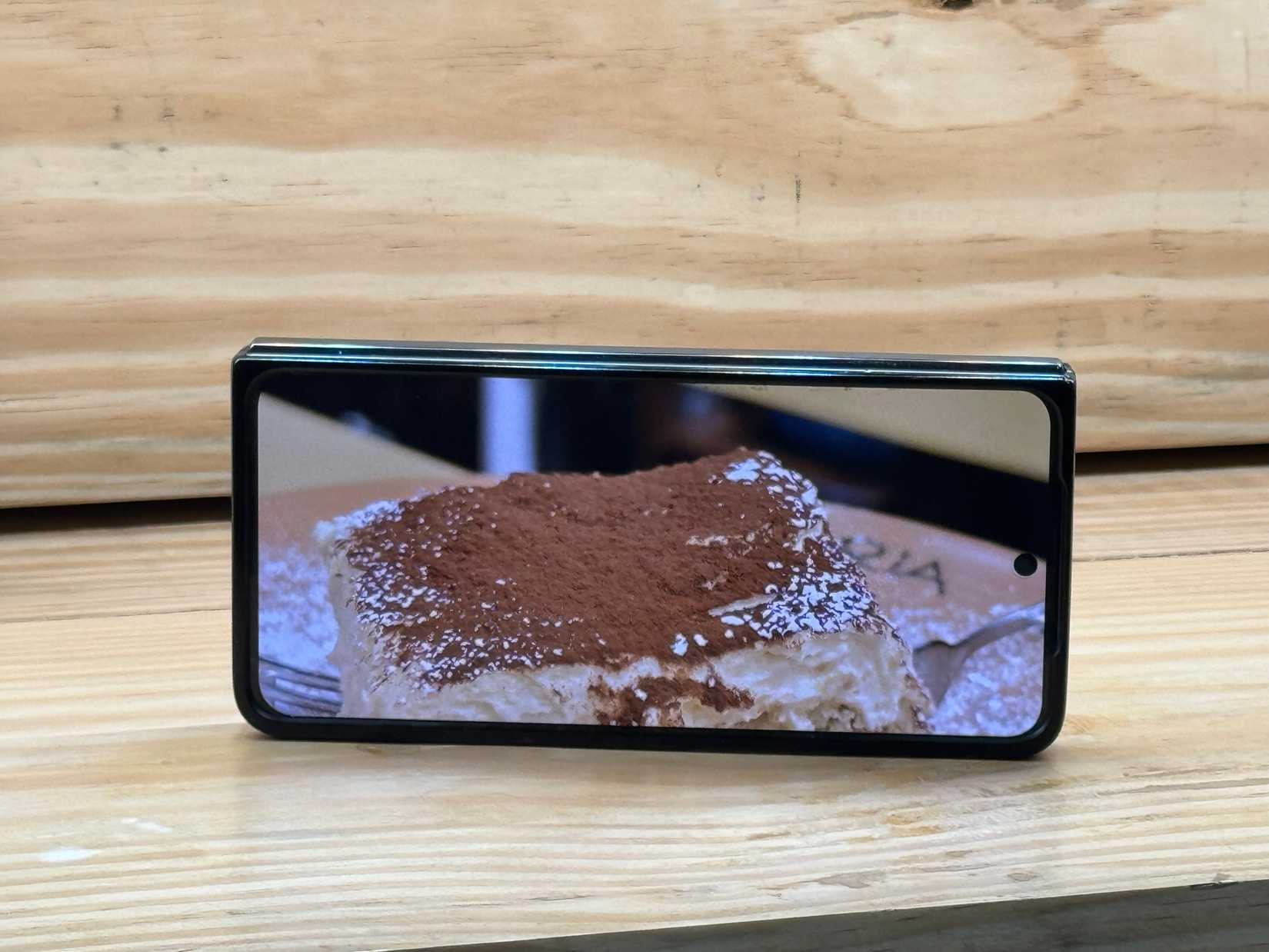
Before the Apple iPhone’s Standby Mode, there was the Fotoo app. Paired with a desk stand, I still use it on older Android phones and tablets to turn them into a digital photo frame.
The app works with both local and cloud storage and can show off your favorite photos in all their glory.
Additionally, there are a lot of options here, including the ability to display the date, time, and weather as an overlay.
It’s possible to customize things like the photo order, transitions and play background music, too, if you prefer a bit of ambiance with your memories.
It’s a cinch to set the app to launch on boot, making sure it’s ready to go whenever you start your phone.
Bonus: Your go-to outdoor phone
I’ve had my fair share of falls as an avid marathon runner and hiking enthusiast.
However, I’m not very confident in my foldable smartphone’s ability to withstand unexpected slides down a rocky path, nor am I ready to commit to a rugged phone just yet.
That’s where my old smartphone comes in handy. When I’m out for a run, I’ll pop in my SIM card to have easy access to streaming music or make calls in an emergency.
It’s not as if I’ll be checking social media while running.
For shorter hikes, I keep my favorite social media apps handy. I’ll usually have a couple of playlists pre-downloaded, too.
Give your old phone a new life
Smartphones have come a long way, and a phone from a couple of years ago is still competent enough to take good photos in bright light. And if I do drop it, it’s not a huge loss.
While those are a couple of ways I tend to use my old Android phones, there are many more to discover. For example, you could use your old phone as a smart TV remote. Or, perhaps, run a 3D printing server on it. The possibilities are endless.