
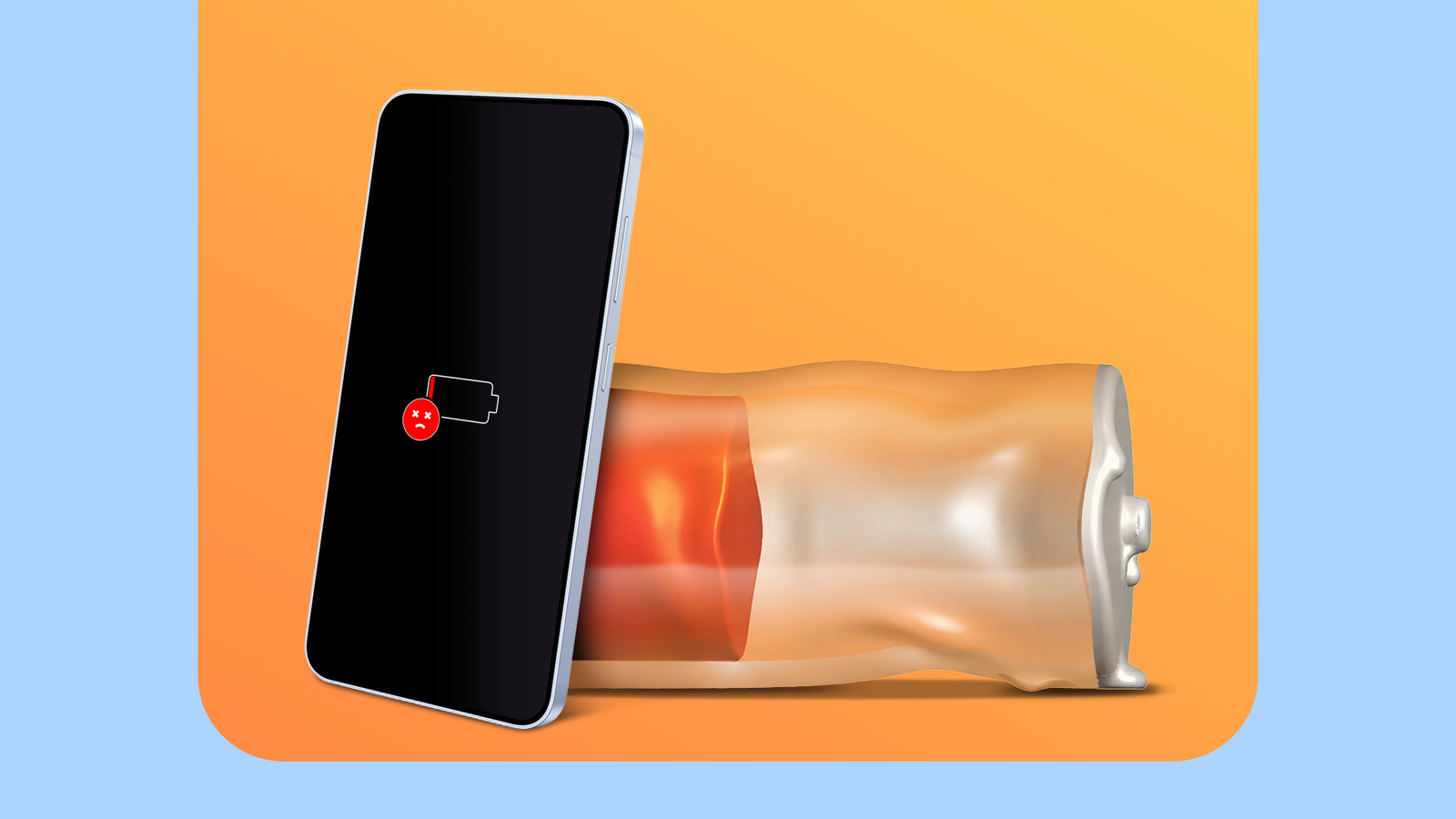
You may not know it, but your phone could be dying faster than it should be. Conserving your battery in the short and long term can be extremely important to maintaining device health, but are you doing it right?
Apart from the obvious variables, like high screen brightness and long hours of video streaming, there is more that goes into your battery getting depleted and your battery life being shortened. Here are some minor yet important factors to consider if you want to maximize your overall battery health.
Prevent exposure to extreme temperatures
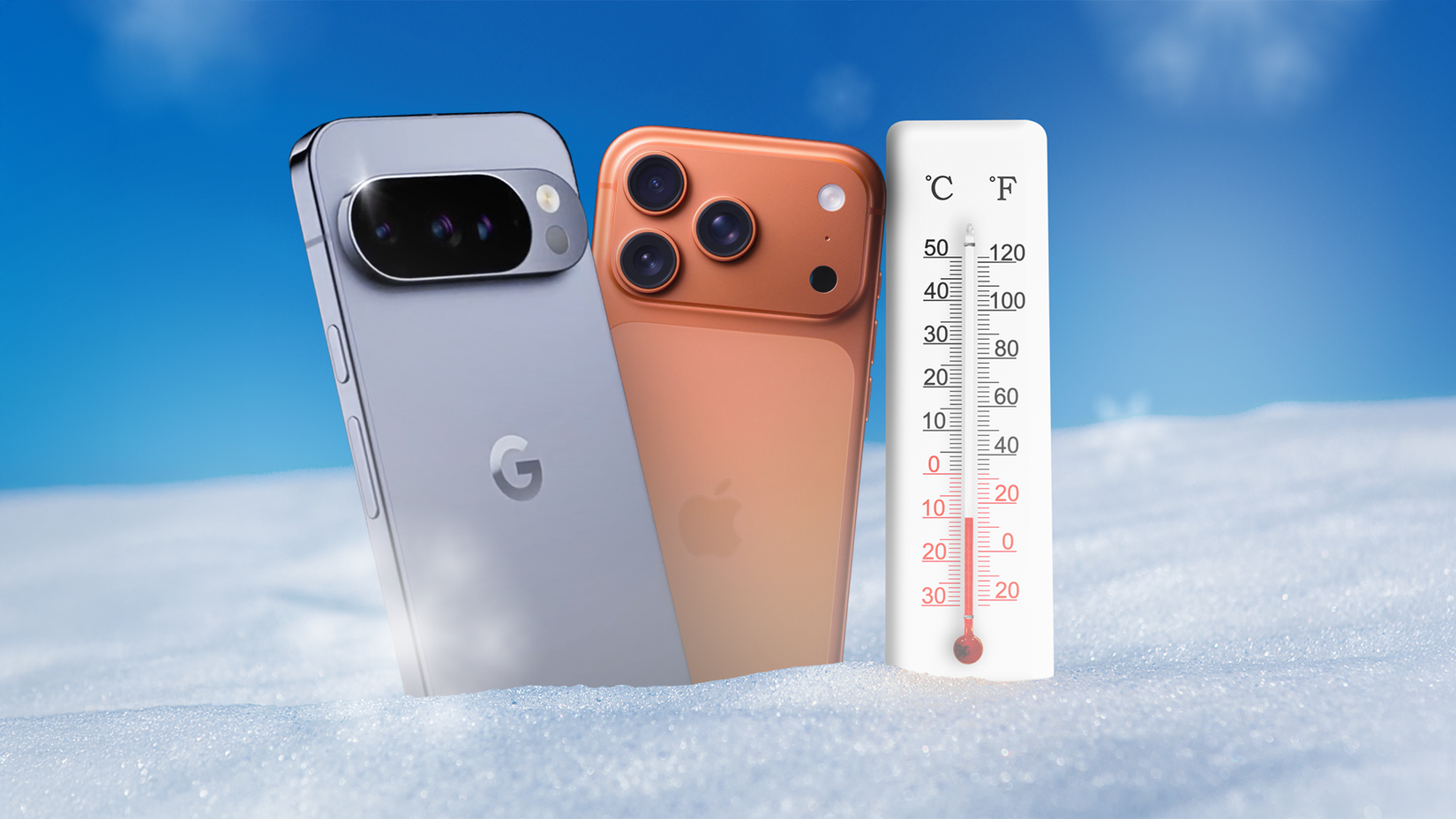
Whether it’s hot or cold, extreme weather and temperatures can hurt your battery’s lifespan. Direct exposure to extreme temperatures can, in the short term, drain your phone’s battery, and it’s always good to be prepared for any weather-related issues with sturdy protective cases and dry, warm protective pockets.
The operating range for your device’s ideal ambient temperature conditions varies, but generally falls between 0° and 35°C. Don’t worry if you aren’t aware that your phone is not operating under these conditions; usually, you get a warning when the device gets too warm or too cold.
As much as possible, it is recommended that you do not expose your device directly to such extreme conditions: on top of battery issues, this can cause physical damage. Otherwise, make sure you’re equipped with a handy power bank and use your device’s low power settings to prepare for battery drain.
Credit: Lucas Gouveia/How-To Geek | Tomas Ragina/Shutterstock
Use your original power adapter
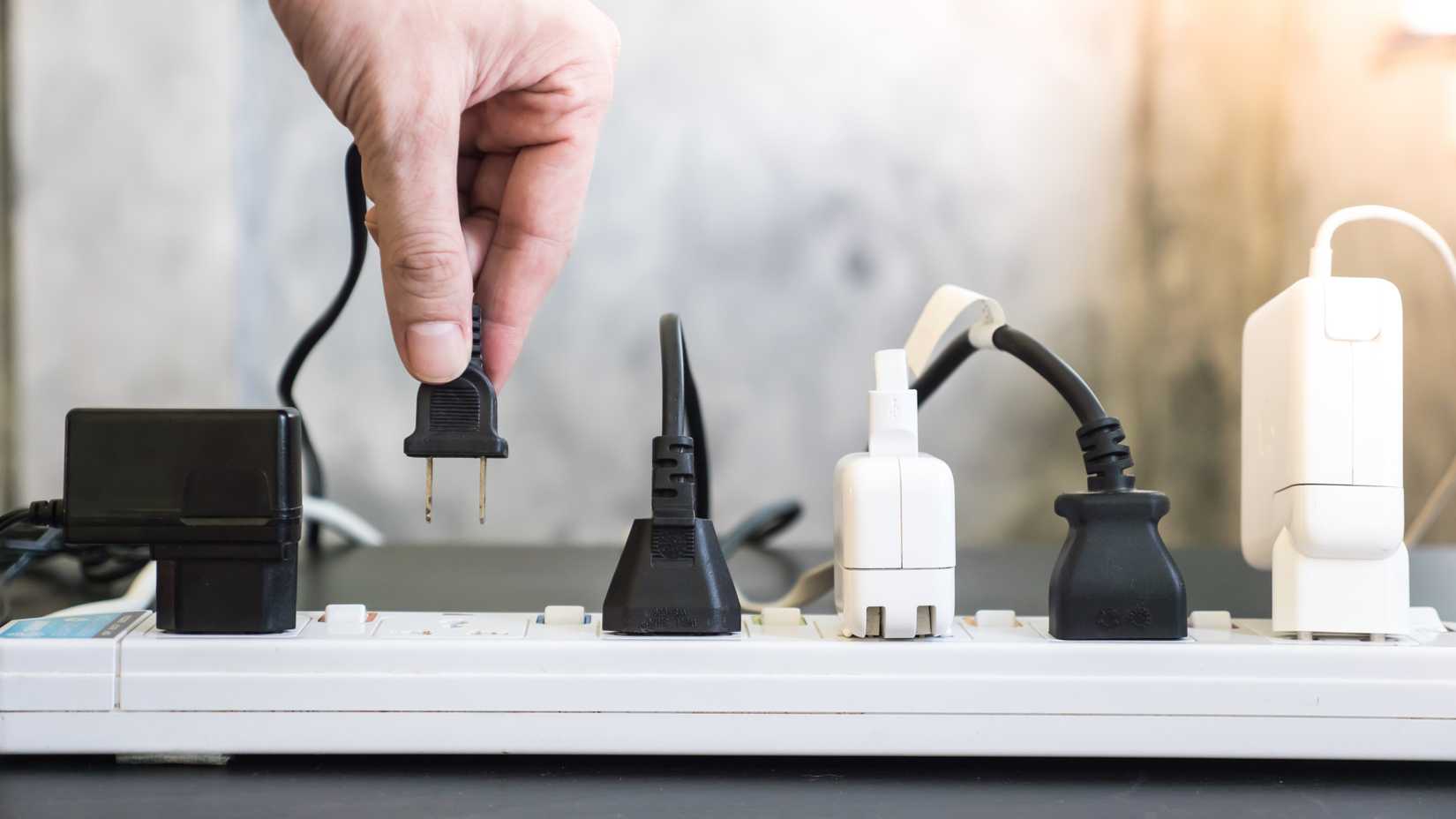
A general rule of thumb when it comes to protecting battery life in the long run is to try to stick to the original power adapter and/or wire that came with your phone. This protects your device’s battery through optimal charging as well as preventing incorrect voltage/wattage from causing unnecessary damage.
Credit: Momentum studios/Shutterstock.com
This is, of course, not always possible, in the case of loss, damage, or theft. To be on the safer side, try to repurchase your phone manufacturer’s original adapter/wire (which is possible online and in-person for several major brands), or you can consult a service provider near you to browse reliable options.
Related
Extremely Fast Charging Doesn’t Ruin Your Battery (But This Does)
As it turns out, charging speed isn’t the enemy.
Disable VPN when not in use
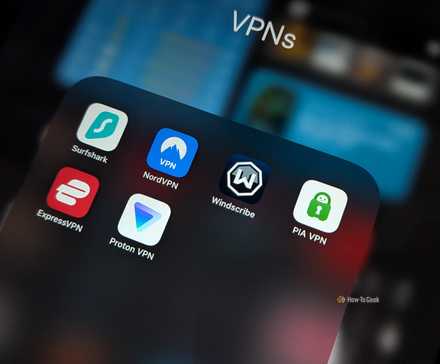
This was a major problem that I didn’t notice, but it was a major contributor to battery drain. If you use a VPN service on your phone, remember to disconnect if you don’t need it. While I do use it for long hours regularly, enabling my VPN for an entire day has significantly reduced my battery percentage.

Credit: Lucas Gouveia/How-To Geek
This is because VPNs work actively to maintain a constant network connection and protect your digital identity, and while you may not notice the slight battery loss in the short term, it can definitely add up. Now, I use VPN on my iPhone and disconnect it when I don’t actively use it, and I have noticed my battery lasts significantly longer throughout the day.
Related
Want to know which VPN is the best for you? We have some great recommendations.
Monitor battery usage for apps
A good way to keep an eye on your battery life and check for what may be causing unnecessary drain is to monitor your phone’s app usage.
For iPhones, go to Settings > Battery > Daily Usage to see your top battery users. This shows if a certain app is using more battery than the average of your last week, which can indicate any streaming, connectivity, or other issues to address. The setting also shows how much battery an app uses as part of background activity, so you can monitor it better. Further, tap on “View All Battery Usage” under “Daily Usage” to get a general idea of your daily and weekly battery use, app battery use, and other factors that are draining your battery.
For Android, you can find similar information by going to Settings > Battery > Battery Usage.
You can also check for any connectivity issues you may be facing, since this can marginally increase battery drain, check which apps constantly use your location services, and disable Background Refresh for your iPhone.
Charge your device smartly
There is a lot of discourse about maintaining a certain battery percentage for your phone, and at what percentage you should make sure to charge it.
The key is to charge your device smartly: while it’s difficult to pinpoint exactly what battery percentage you should maintain consistently (given factors like device age, battery health, etc.), a rule of thumb to follow is to avoid using your phone under extreme conditions consistently.
This means that letting your battery drop to below 10% regularly, then using your phone until it goes dead, is not a favorable way to go about it. Using Low Power Mode won’t hurt your battery — in fact, it helps preserve the battery in the short run — but try to get your phone charged above 20% just to be on the safer side.
Credit: Lucas Gouveia/How-To Geek | blackzheep/Shutterstock
I like to maintain my battery percentage between 20% and 80% daily, since this works best at making my battery last longer throughout the day, and it is generally a recommended range to maintain for maximizing battery health.
Figuring out small mistakes that are draining your battery can go a long way in extending your battery life and preventing your phone from dying faster than it should. To keep your device safe, you can always go in for a checkup with a trusted service provider and fix urgent issues if required.