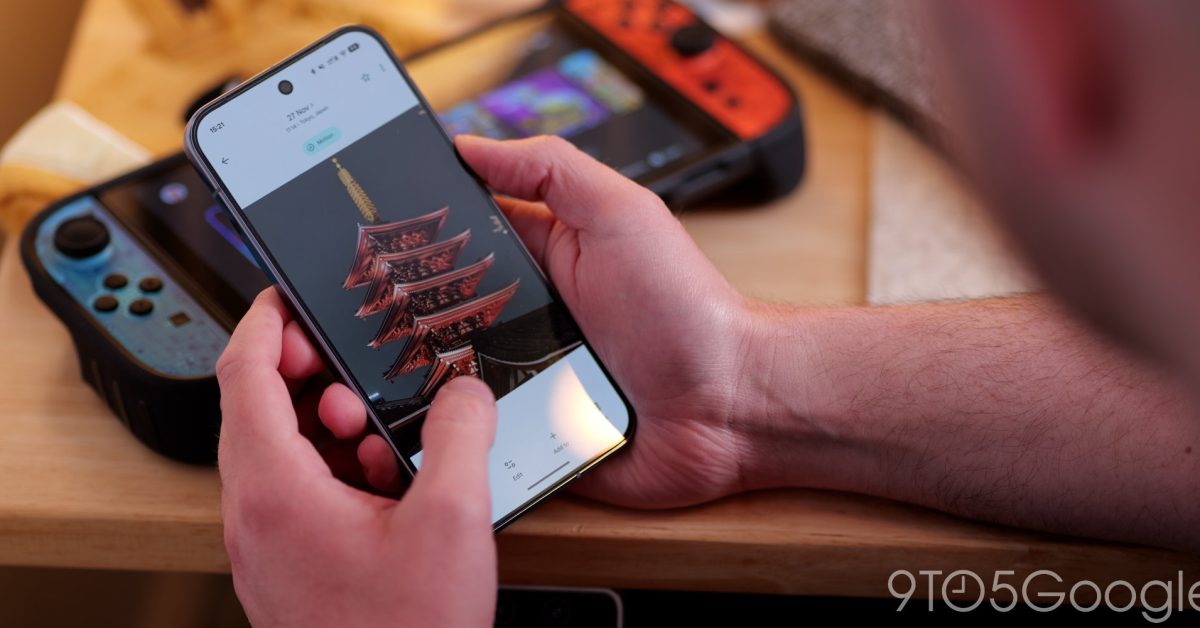
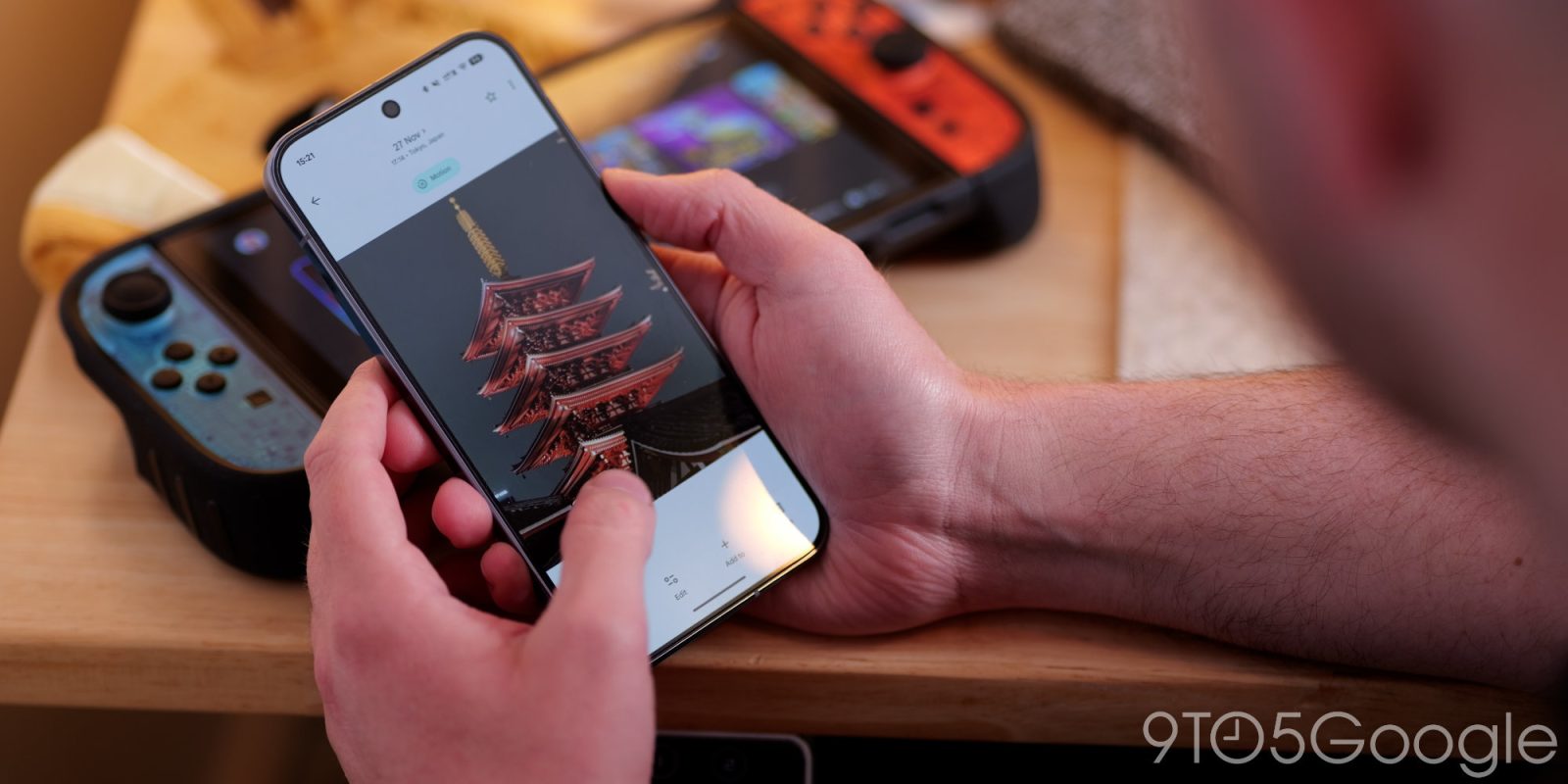
After rolling out to iOS in August, Google Photos for Android now lets you create stickers from your images.
This lets you “effortlessly turn people, pets, or objects in your favorite images into unique, personalized stickers.” Google points out how there’s “no need for special tools or extra apps,” with this feature launching on Android as Pixel Studio winds down.
On your Android device, open the Google Photos app.
Select a photo.
A shimmer effect outlines the subject of the photo that you can turn into a sticker.
Press and hold the subject to create a sticker.
Select an action:
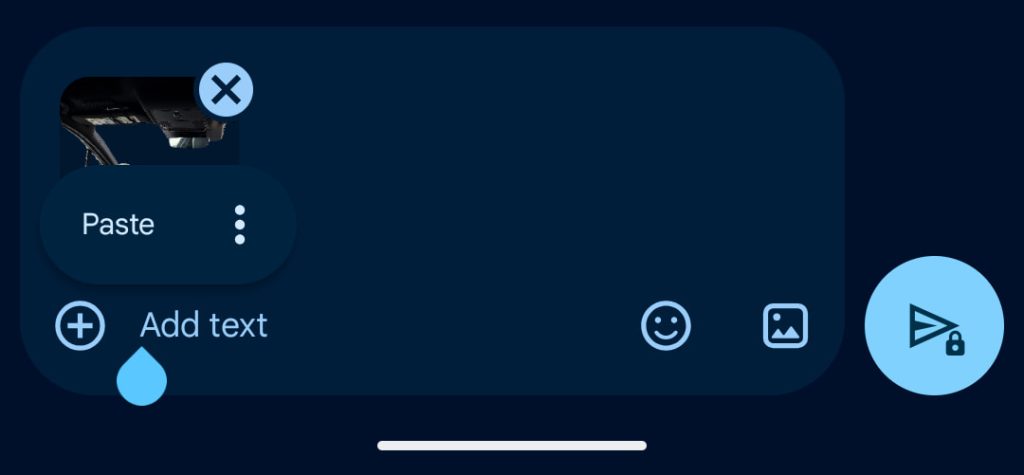
To copy the sticker: Tap Copy.
To share the sticker: Tap Share.
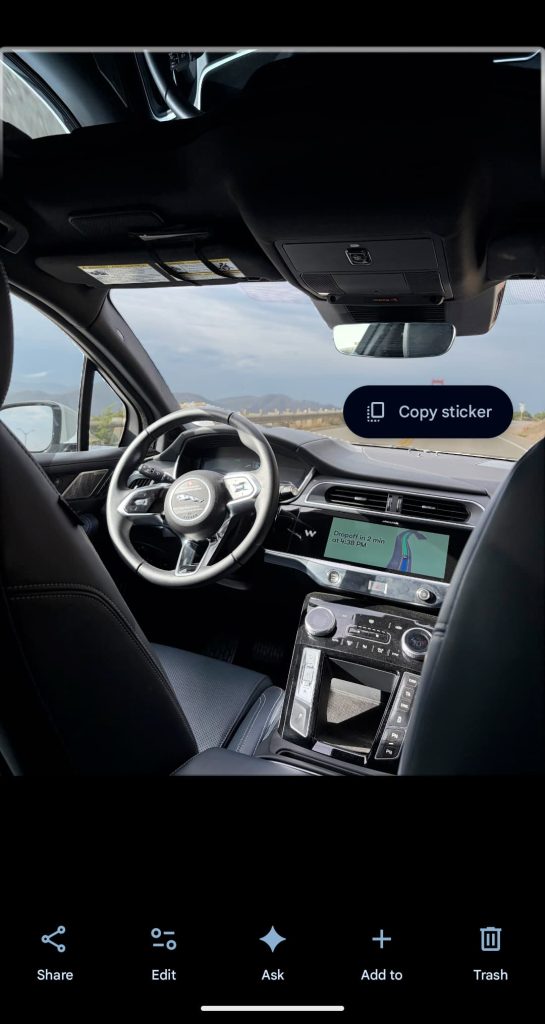
Google recommends that you use photos “with a subject that’s clearly defined in the foreground.”
You can then effortlessly share and use these unique stickers through different apps such as WhatsApp and Instagram for more personalized, expressive, and engaging conversations.
Sticker creation is available on “most Android devices with the latest update and at least 4 GB RAM.” Google Photos 7.64 is widely available.
Advertisement – scroll for more content
A future update (as seen on iOS) will offer a history for quick reuse by going to Collections > Stickers.
More on Google Photos:


FTC: We use income earning auto affiliate links. More.