
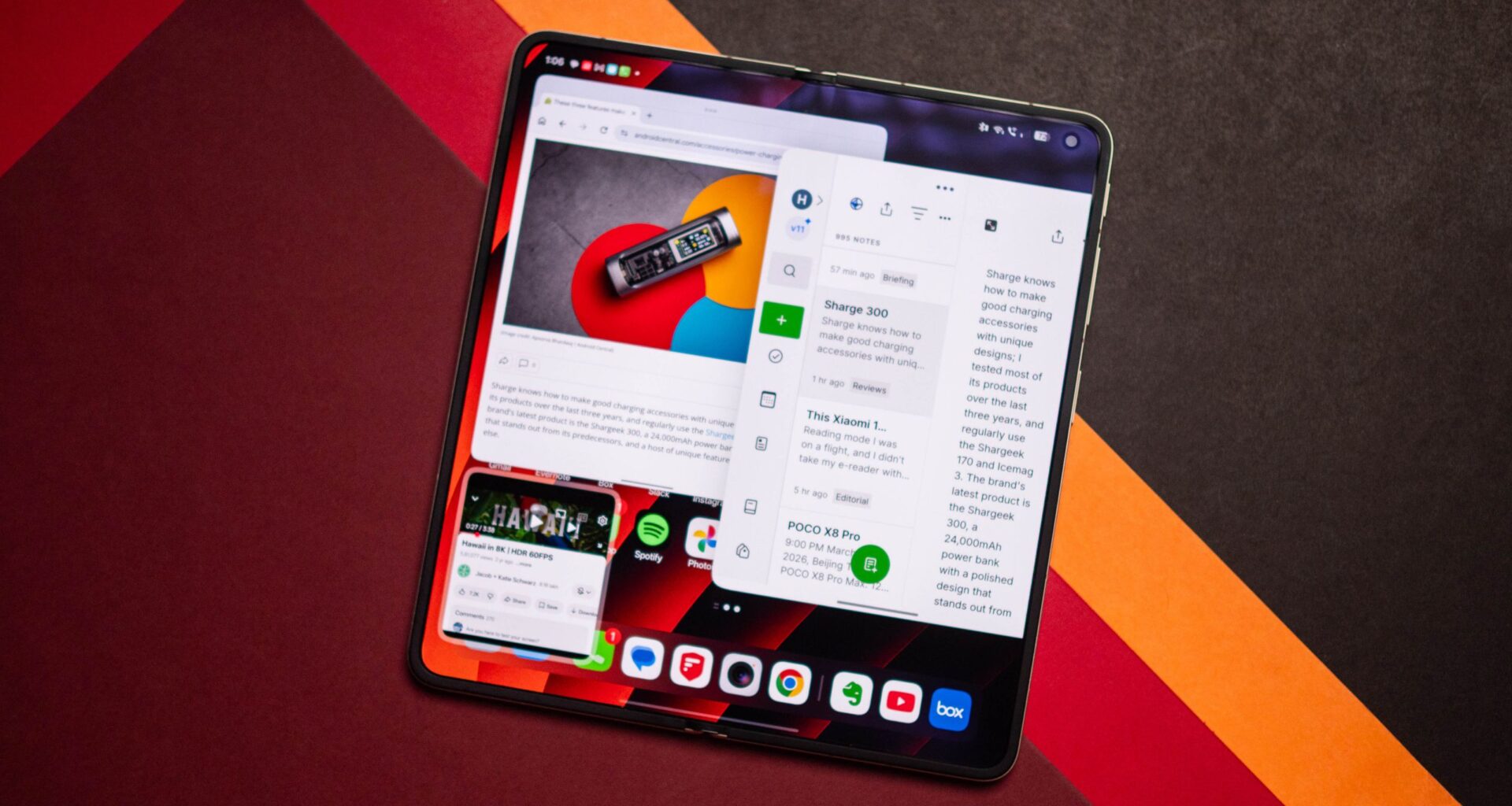
Foldables are great at multitasking, and I like the fact that I can take a tablet-sized device anywhere I want. One of the biggest use cases is split-window multitasking that lets you use two apps side-by-side, and I do this all the time on my foldables. OPPO always did a good job with multitasking on its foldables, and the Boundless View mode undoubtedly served as the inspiration for Google to introduce the Bubbles windowed mode in Android 17.
With the Find N6, OPPO is taking things to a whole new level. The foldable has a brand-new multitasking mode called Free-Flow Window, and it essentially makes the Find N6 a productivity powerhouse. The feature lets you use four apps simultaneously, giving you the ability to adjust the size of each window as you see fit.
Article continues below What is Free-Flow Window, and why is it so great?
(Image credit: Apoorva Bhardwaj / Android Central)
OPPO says Free-Flow Window is highly useful if you’re cross-referencing documents or taking notes while attending a video call. You can have up to four apps together on the home screen, and they’re all active, allowing you to seamlessly switch between them as needed.
I used Free-Flow Window constantly over the last two weeks to jot down notes in the middle of product briefings, and to fill out a visa application while copying data from a document stored in Google Drive — which was active alongside Chrome. Honestly, a lot of the use cases that Free-Flow Window enables are similar to what you can do on a desktop, and the mode allowed me to fully take advantage of the real estate of the 8.12-inch inner panel.
The best part is that you can easily resize each window with minimal effort, and you can also switch focus to different windows, close an app, copy text, images, and data from one app to another without any hassle. The utility this mode offers is unmatched, and I was able to do a decent amount of mundane administrative tasks on the Find N6 without having to switch to my Windows machine.
How to enable Free-Flow Window
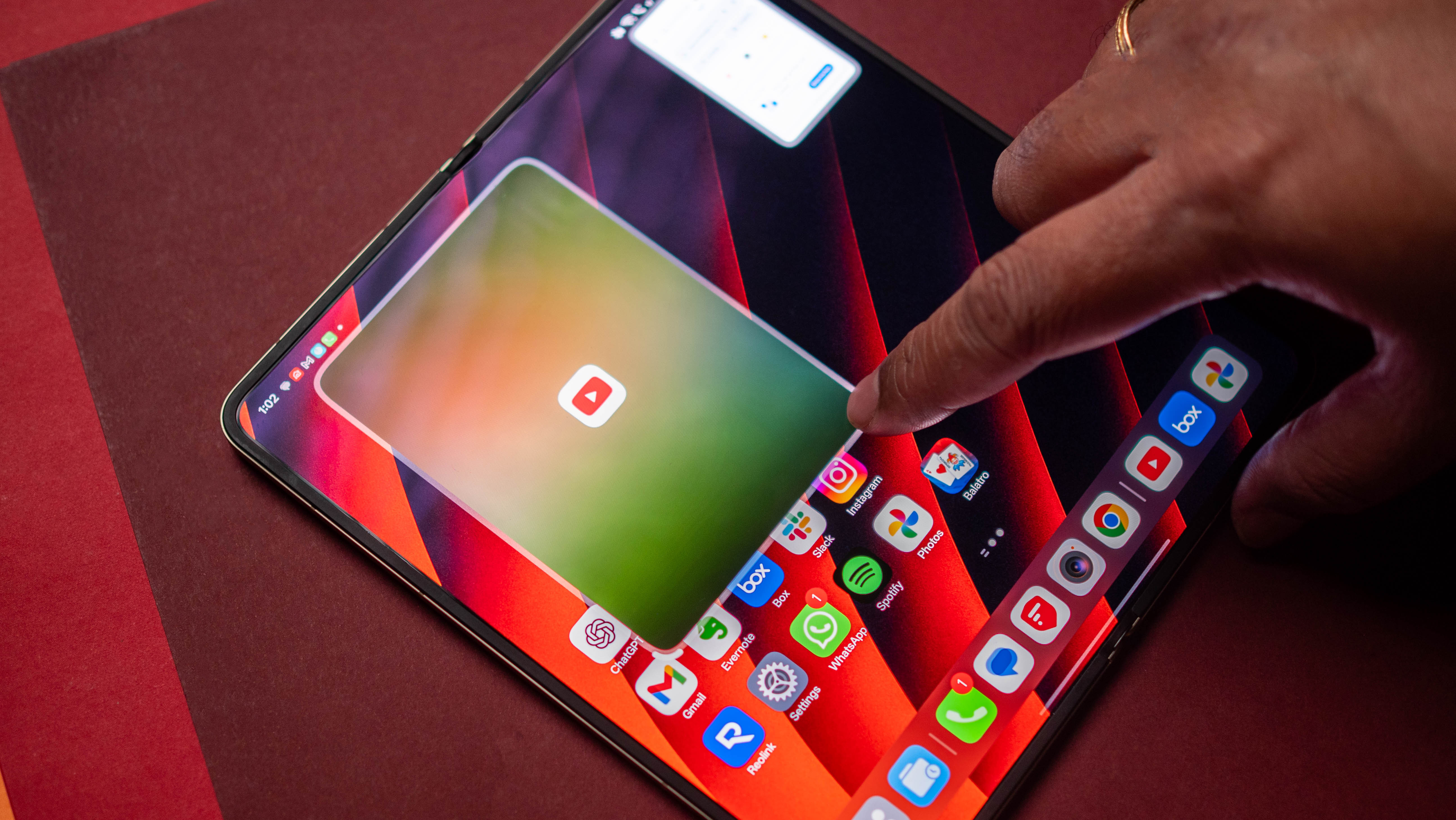
As Free-Flow Window essentially lets you launch floating windows, there are several ways to trigger the mode. The easiest method is to use gestures; OPPO always does a good job in this area, and a four-finger pinch in gesture lets you turn an active app into a floating window.
You can also activate a floating window through an inward corner swipe from either bottom of the screen, but you’ll need to disable the digital assistant to do so — otherwise, you’ll just launch Gemini. The method I used the most is via the action menu:
While an app is active, pull up the overview menu.Select the three dots at the top.Choose Floating window.
Doing so will instantly launch a floating window, and you can do the same with any app you want to use in this mode. Multitasking is just one area where the Find N6 stands out; the rest of the software is among the best you’ll find on a foldable.
Then there’s the design; the Find N6 has a creaseless inner panel that’s unlike any other foldable, and there’s a huge difference using it alongside the Galaxy Z Fold 7 and Pixel 10 Pro Fold. OPPO has a distinct edge in this area, and it’s unlikely other brands will be able to deliver something like this on their own products in 2026.
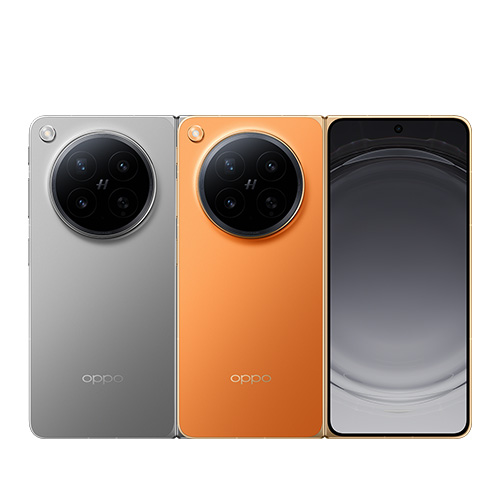
With a creaseless design and the best multitasking features of any foldable, the Find N6 stands tall in this category.