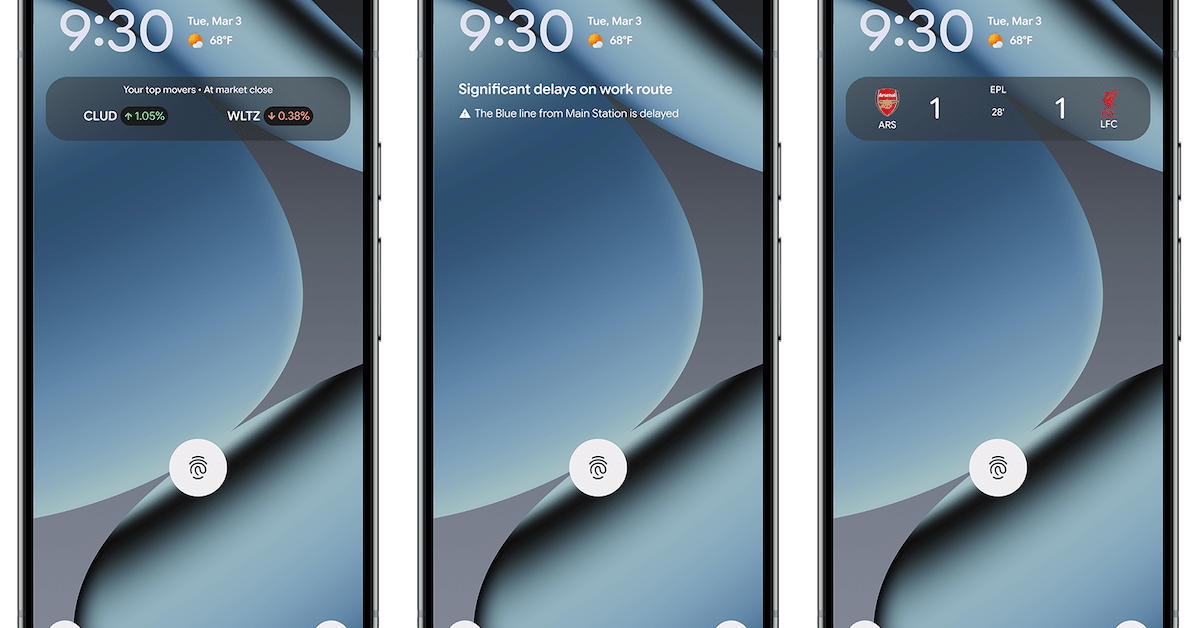
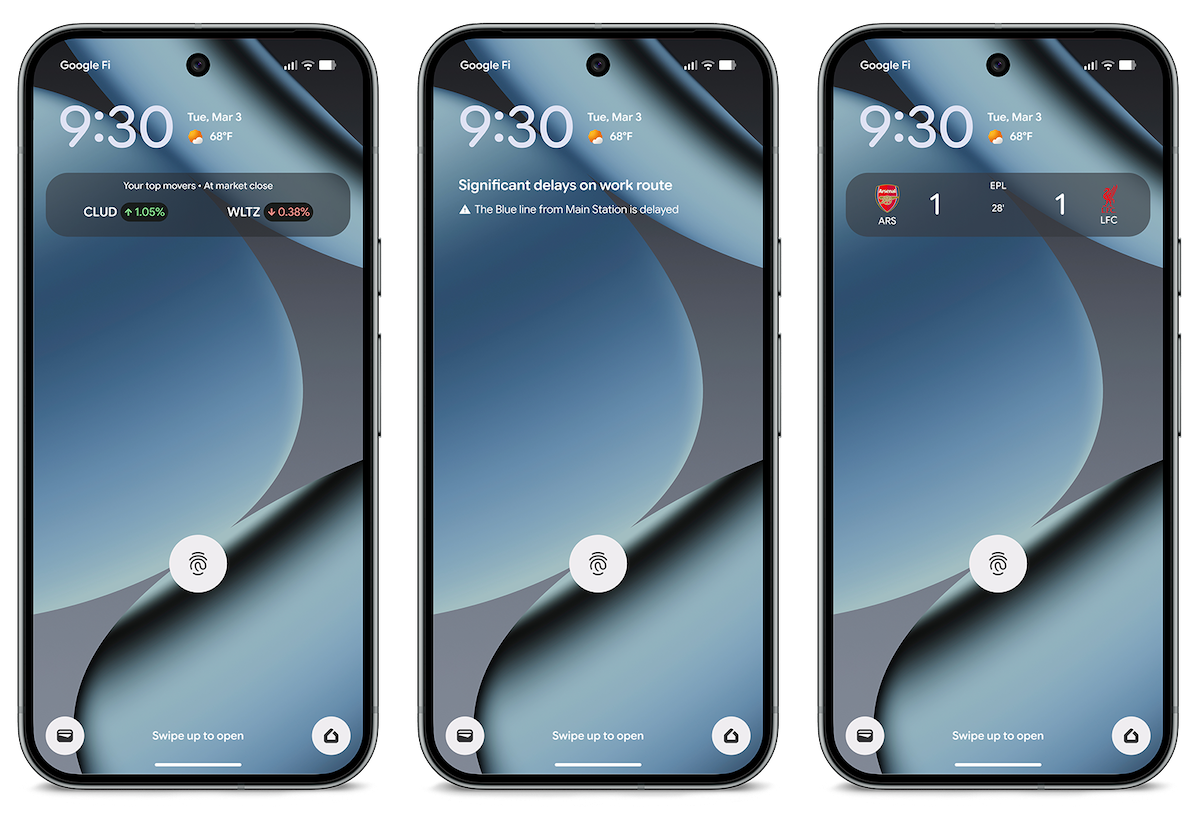
After announcing with the March 2026 Feature Drop, Google is now widely rolling out Transit mode to “turn on helpful settings while you’re on the train” and real-time commute updates in At a Glance.
Once available, go to Settings > Modes for a new “Transit” mode alongside Do Not Disturb, Bedtime, and Driving.
The ability to control Notification filters (People, Apps, and Alarms) and Display settings matches other modes. What’s unique with Transit is how it can turn on automatically.
Under “App settings,” you can set “Volume settings during transit” to Sound on, Vibrate only, or Silent, while you can have Bluetooth always turn on while commuting to pair headphones.
Advertisement – scroll for more content
At the very bottom, tap “Set up commute notifications” to “Stay ahead of your commute with real-time updates on departure times, delays, and alternative routes.” (See the middle screenshot in the cover image above.) These updates appear in At a Glance on your lockscreen and at the top of your homescreen.
The set-up process involves confirming your home and work addresses, as well as making sure your Google Maps Timeline (Location history) is enabled along with precise Background location for the Maps app.
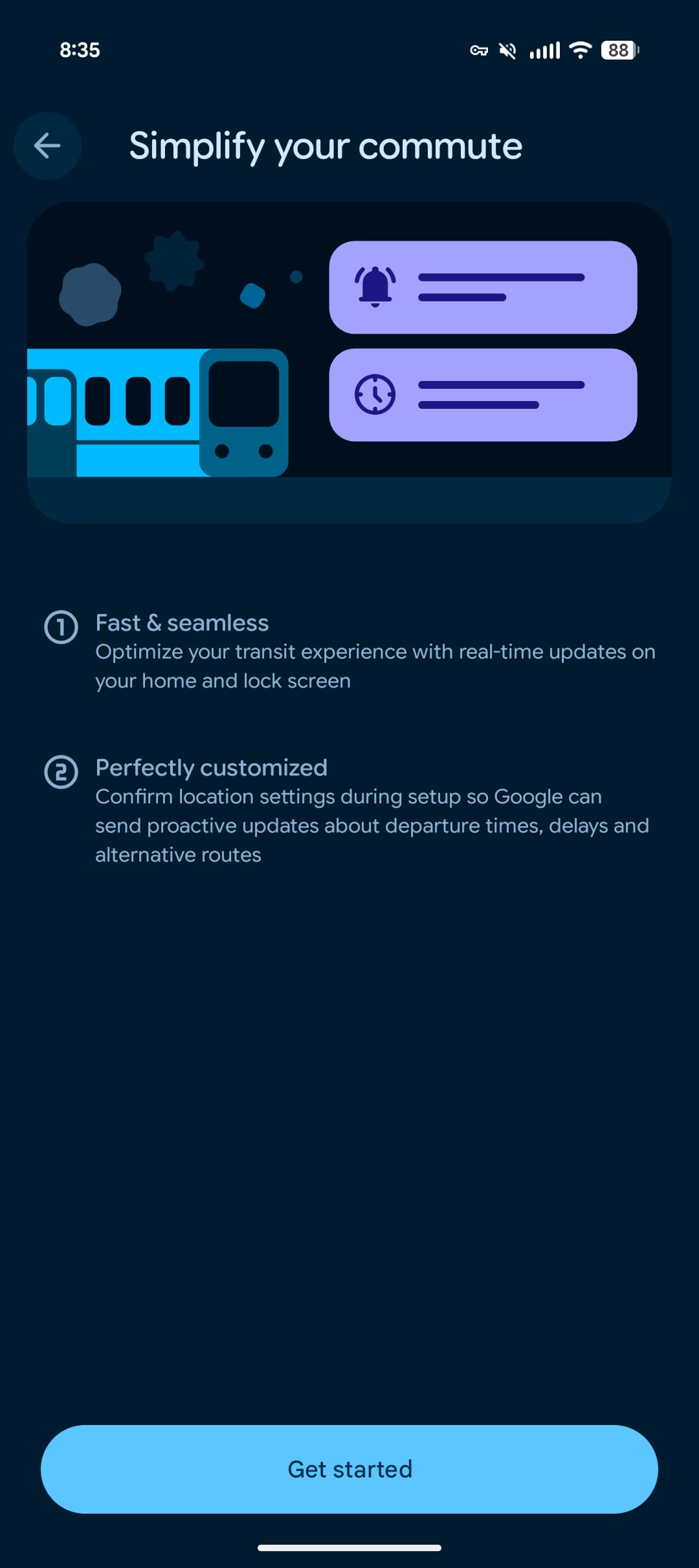
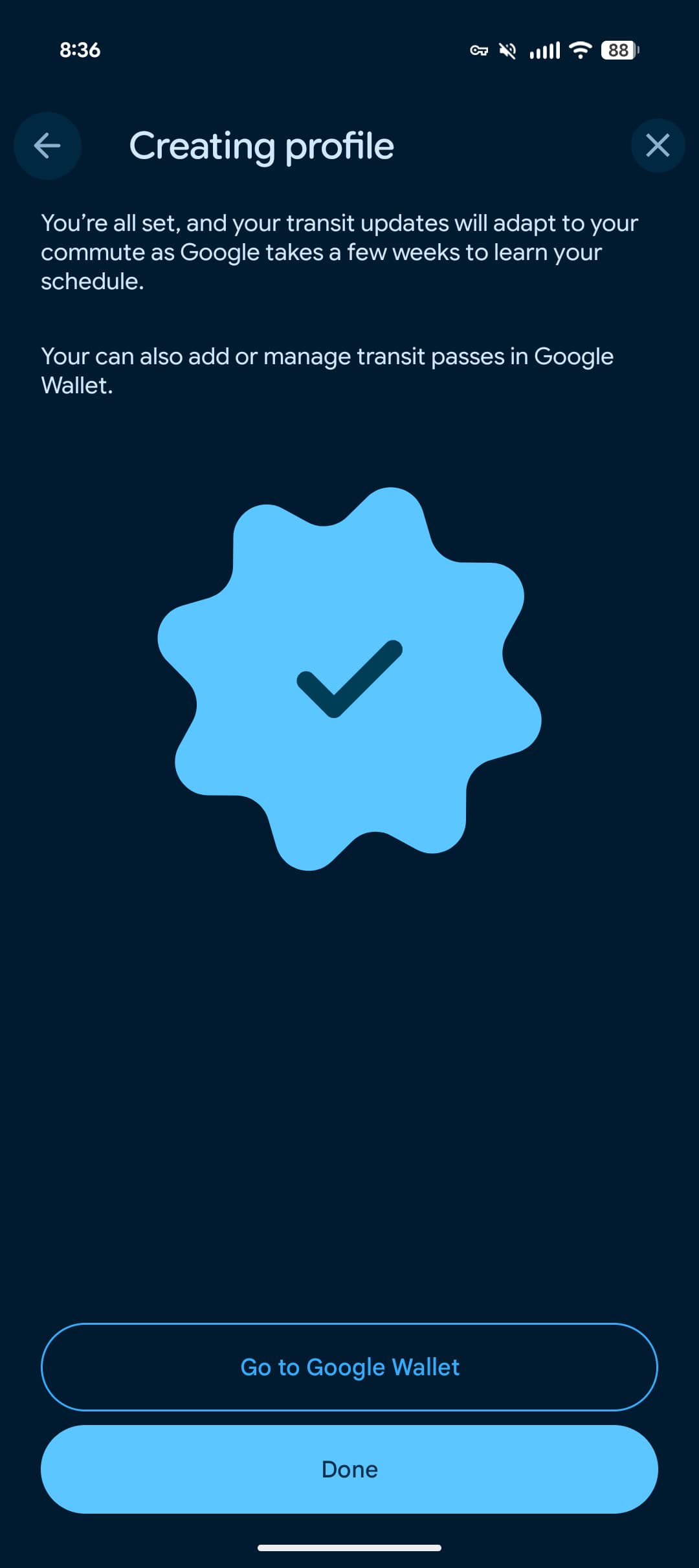
Google says it takes “2–3 weeks for commute info to appear after initial setup” as Google Maps “needs time to learn your commute patterns.”
As of today, we’re seeing this widely rolled out on Android 16 QPR3 (March 2026) and the Android 17 Beta in the US. This capability should be “available globally except [in] Europe and the UK” for the Pixel 7 and newer.


FTC: We use income earning auto affiliate links. More.