
Summary
Windows Console gains Terminal features in Canary: new Direct3D rendering, regex search, bold fonts, and more.
It also includes clipboard OSC52, paste fixes, accessibility rewrites, Sixel images, and better snap/input reliability.
There’s also a ~10x scrolling speed and optional Direct3D (UseDx) rendering.
Sometimes, it feels like Windows’ open-source community does a better job with the OS than Microsoft. We’ve already seen this plenty with PowerToys, which is adding features that Windows should have had from the start. Besides that, there’s also the open-source Windows Terminal, which shares a codebase with the built-in Windows Console and gets shiny new features from the community.
Well, it seems the community has done an excellent job lately, as Microsoft has decided to merge some features from the open-source Windows Terminal codebase into Windows Console. It’ll be a little while until you see them, but don’t fret; they’re on the way.
Related
Windows 11’s new Canary feature makes setting up power plans a lot easier
Global settings actually become global.
Microsoft officially adds several open-source features to Windows Console
Good work to everyone involved
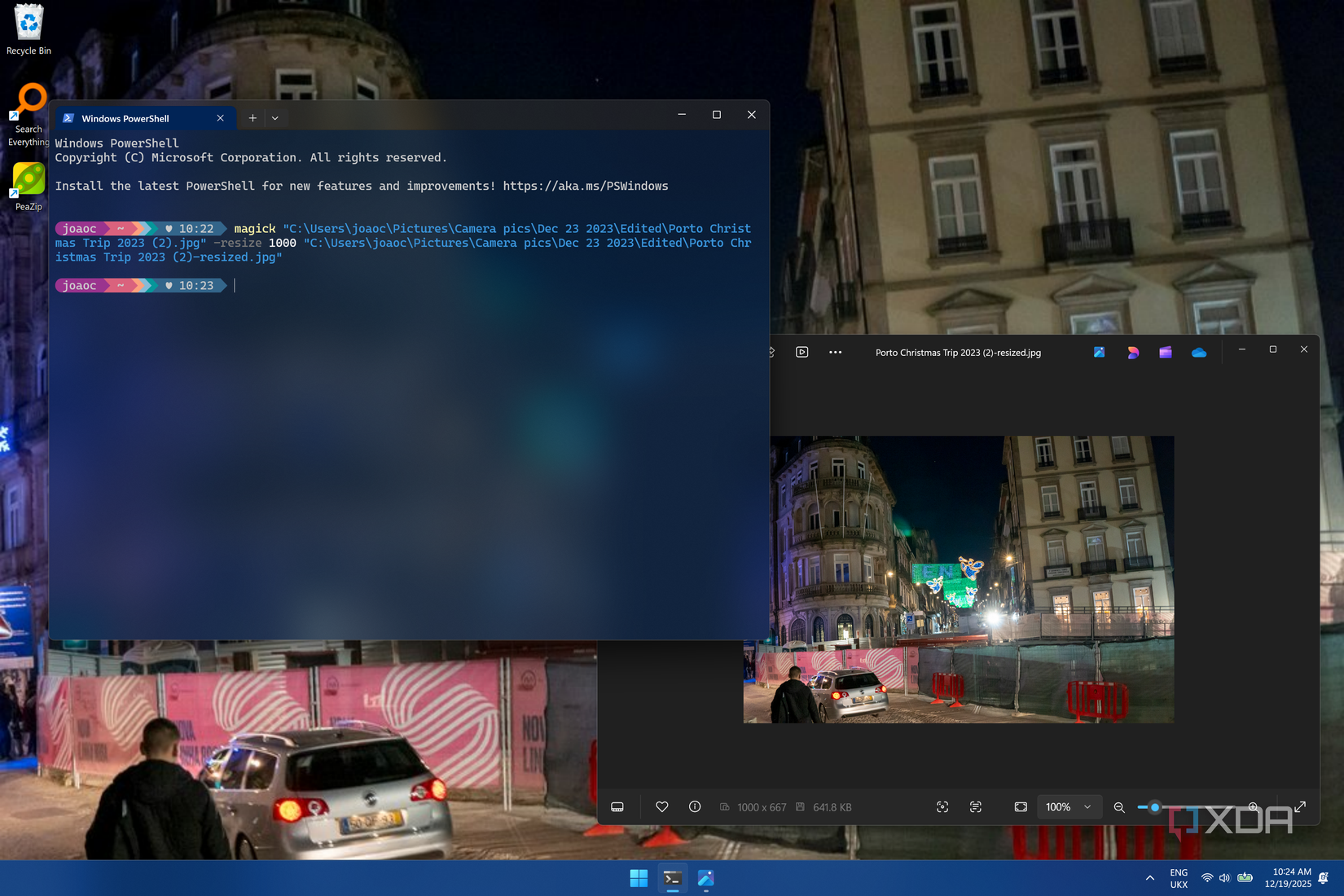
Over on the Windows Blogs, Microsoft has announced the release of Canary build 29558.1000. The biggest change of this build involves bringing features from the open-source Windows Terminal codebase as built-in features within the Windows Console. You can imagine Windows Terminal as the shiny, polished dashboard, while Windows Console is the engine underneath; sometimes, features from the dashboard are merged into the engine.
In Canary build 29558.1000, Microsoft has added the following tools to Windows Console:
Optional new Atlas/Direct3D rendering path (UseDx): available behind a registry key (HKCU\Console, DWORD UseDx=1). (GitHub #19848)
Regular Expression search: the Find dialog now supports regular expressions. (GitHub #17316)
Bold font rendering: the original rendering engine now supports bold fonts. (GitHub #19441)
Paste reliability improvement: resolves a longstanding issue where some pasted characters could be dropped when the output code page couldn’t represent them. (GitHub #19511)
Accessibility improvements: rewritten legacy MSAA integration and parts of UI Automation support. (GitHub #19344)
Snap-on-input behavior: now only enabled by default when VT processing is enabled.
More reliable snap on input/output in WSL and PowerShell. (GitHub #19247, #17453)
Clipboard enhancements: supports OSC 52 (Manipulate Selection Data) for writing selection data to the clipboard. (GitHub #18949)
Graphical content: adds support for Sixel-based images.
Alt + Numpad + clipboard text fix: avoids mistranslating Codepage 936 text when generating Alt + Numpad events for clipboard content. (GitHub #17635)
Performance: scrolling text performance improvements (up to ~10x in some scenarios). (GitHub #16333)
Rectangular selection: fixes rectangular copy via Edit > Mark. (GitHub #16197)
It’s worth noting that the Canary channel is the very first stage of public testing for Windows builds, so it will be quite a while until this update goes through the Dev, Beta, and Release Preview builds and onto everyone’s computer. However, it’s still cool to see the open source community’s hard work being brought into Windows proper.
Related
In an ideal world, PoweToys would include many other modules that the open-source community has already cornered. Here are some of them!