
Joe Maring / Android Authority
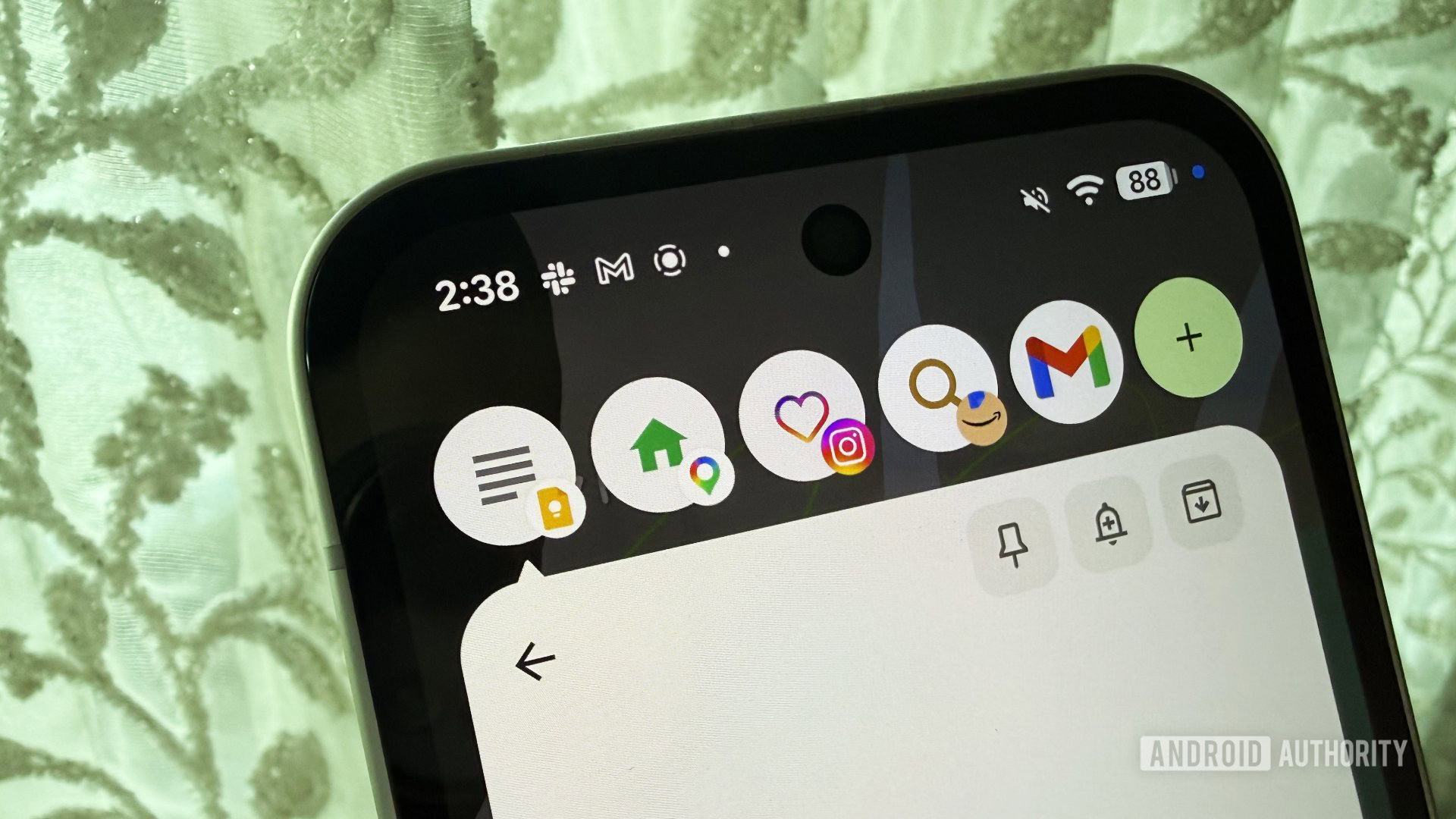
Last year, I switched to a Pixel 10 Pro after six years with Samsung, and while I love my Pixel and have no intention of going back, there are things I miss from the Samsung experience. Pop-up windows are one of the features I miss the most, and to my surprise and delight, Google’s version — app bubbles — are available to test in Android 17 Beta 3.
My happiness is immeasurable, and my day is made. At least it would be if I hadn’t already found a major annoyance with Google’s new multitasking feature.
Are you excited for Android 17’s app bubbles?
56 votes
Yes
39%
No
32%
I don’t know until I try them
29%
App bubbles are my favorite new Android feature
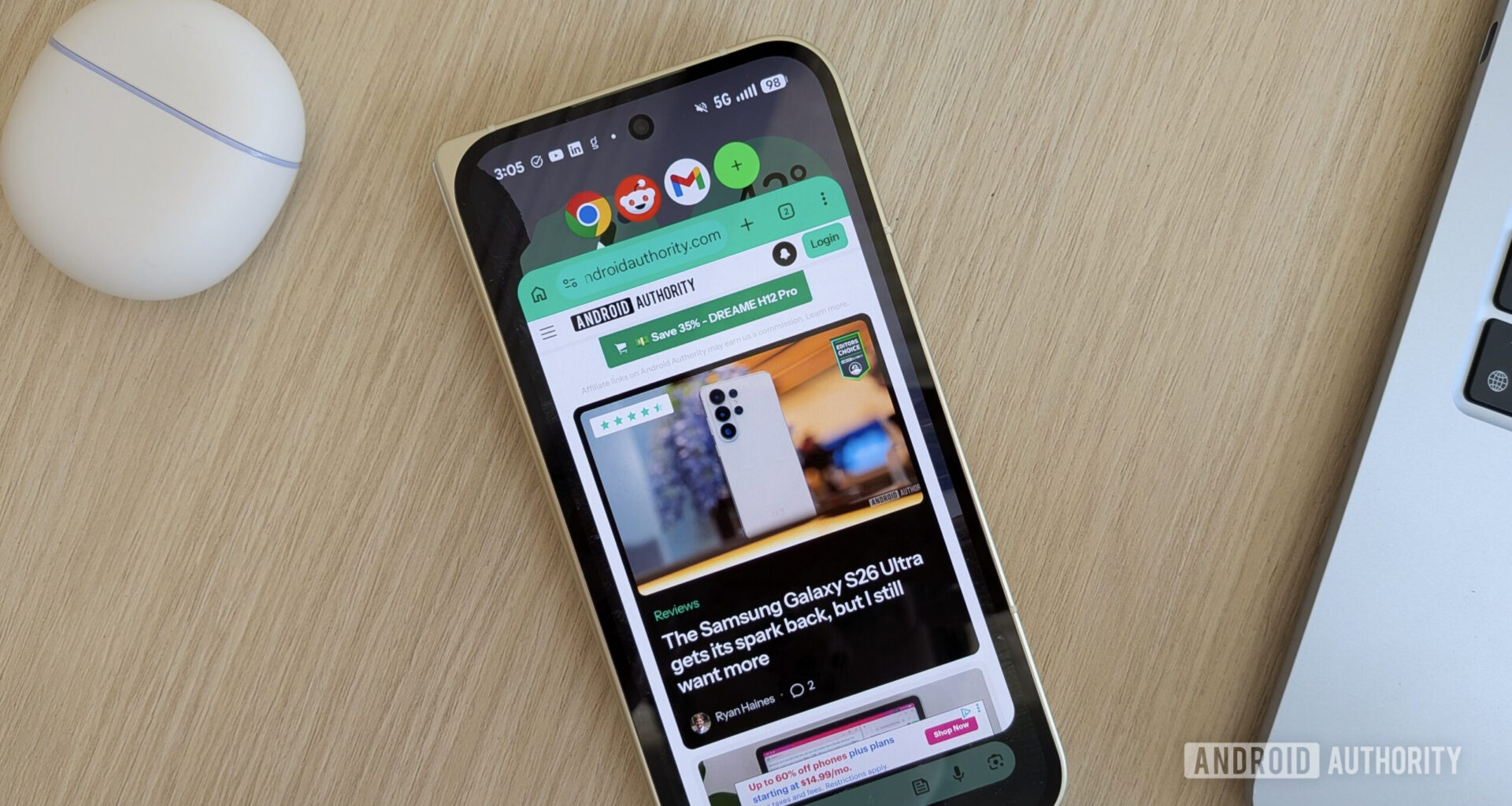
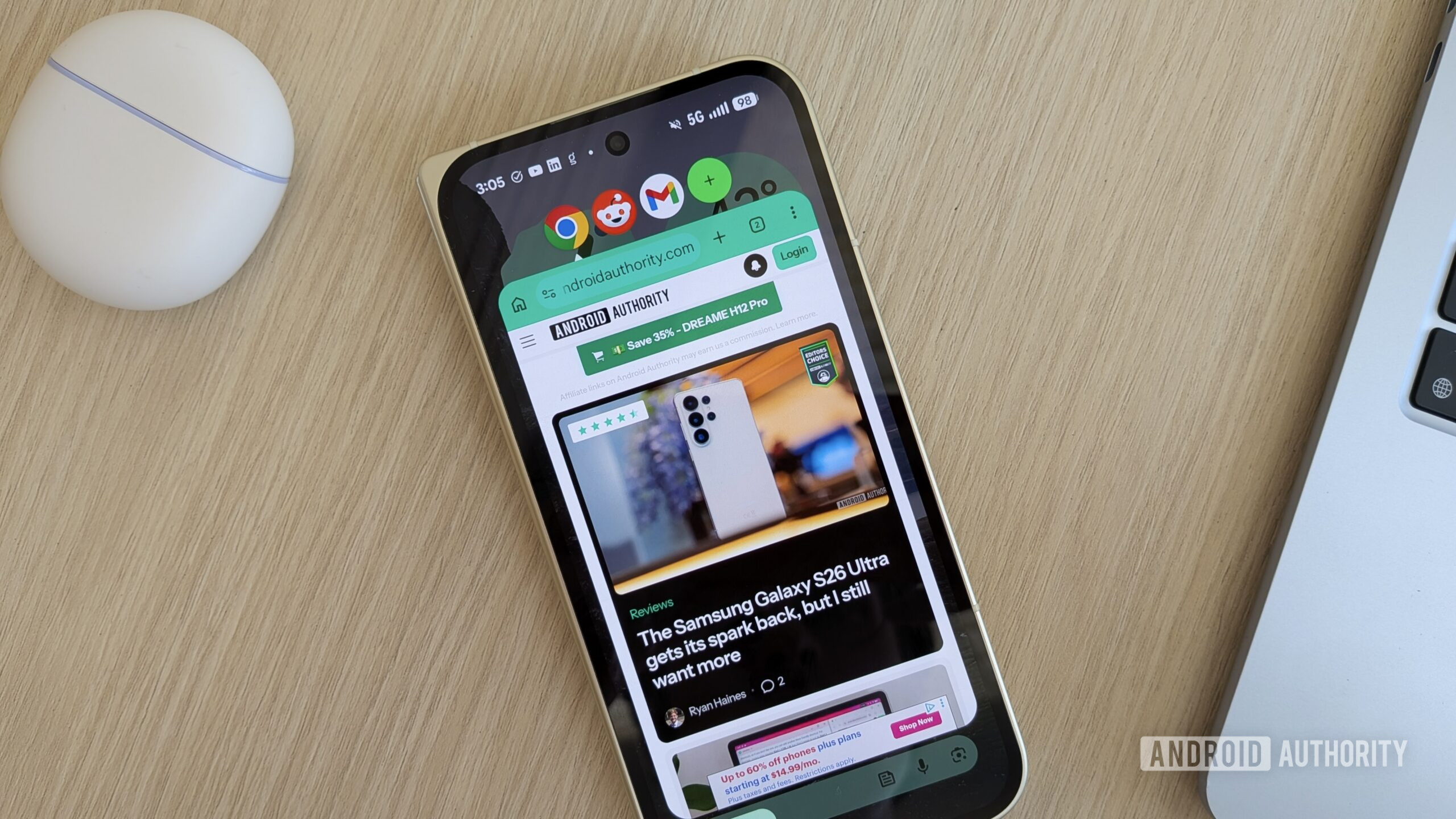
An app bubble is what its name suggests — a movable, collapsible bubble that contains an app. If you’ve used Android’s chat bubbles, app bubbles will feel very familiar. Android 17 lets you open any app on your phone or tablet in a small window that you can dismiss and summon without leaving the app you’re already in. There are so many ways a feature like this comes in handy, from easily accessing notes and shopping lists while browsing to jumping between apps while copying and pasting.
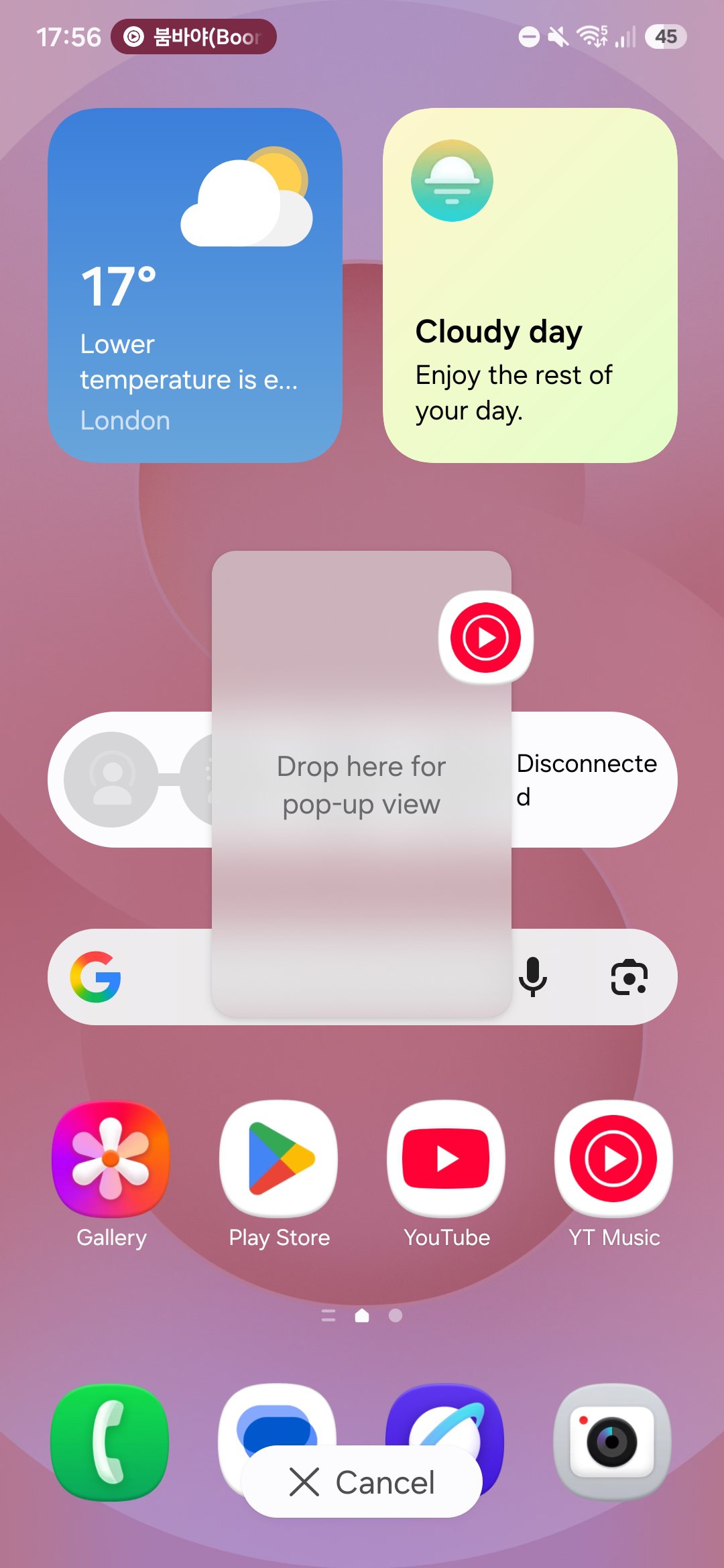
I use app bubbles the most while listening to media. Now, I can keep my music or podcast app open as a bubble and easily dismiss it to get back to what I’m doing without any fuss, just like I did with One UI. I know it’s a small thing, but this is how I’ve been using my phone since 2019 with my Galaxy S10 Plus, so being able to do the same with my Pixel is a big deal for me.
Unfortunately, they’re far from perfect
 Android 17
  One UI 8.5
 One UI 8.5
If app bubbles are so great, what’s the problem? I’m glad you asked.
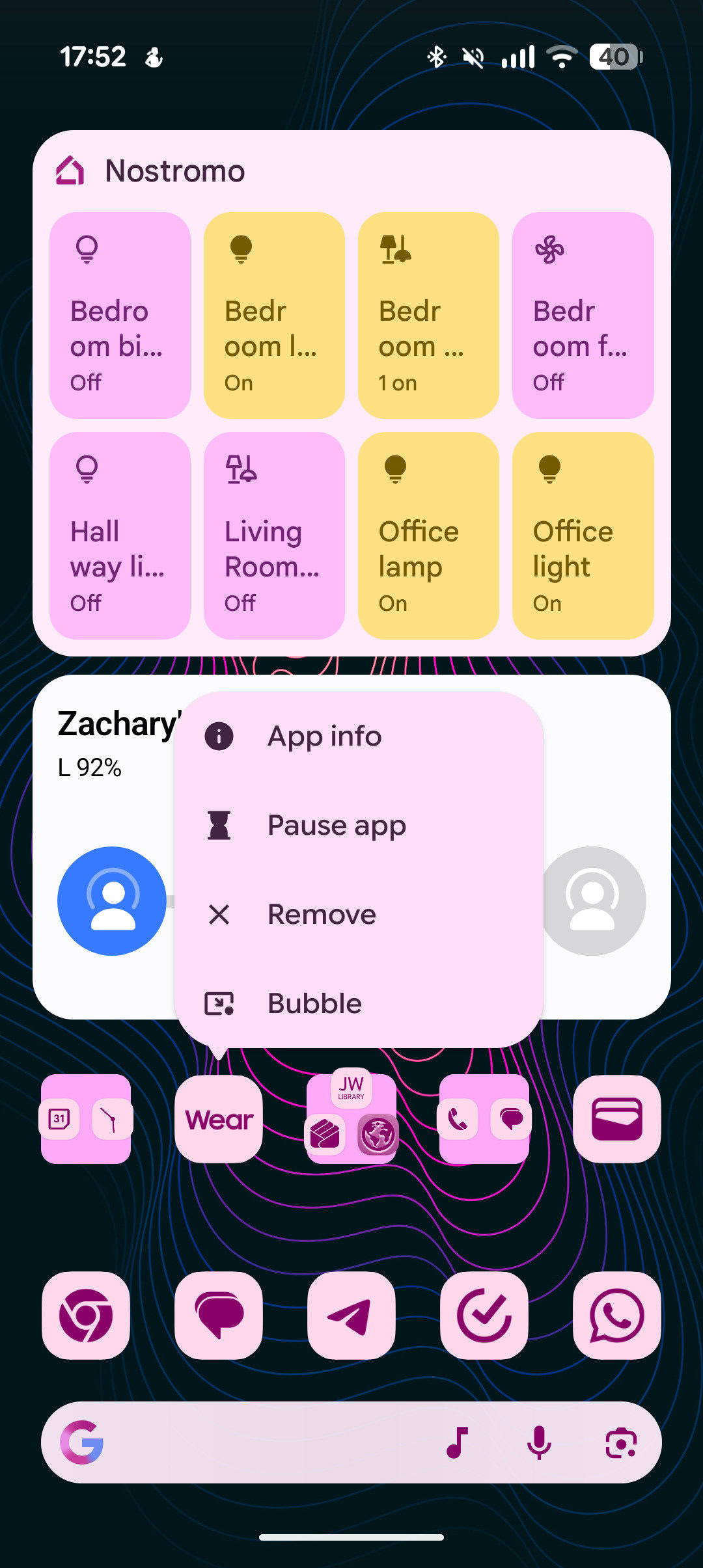
There’s only one way to open an app in a bubble in Android 17 Beta 3: go to your home screen or app drawer, long-press the app icon, and tap the bubble icon. If you need to leave whatever app you’re already in to open an app bubble, you haven’t saved yourself any inconvenience versus opening the app normally.
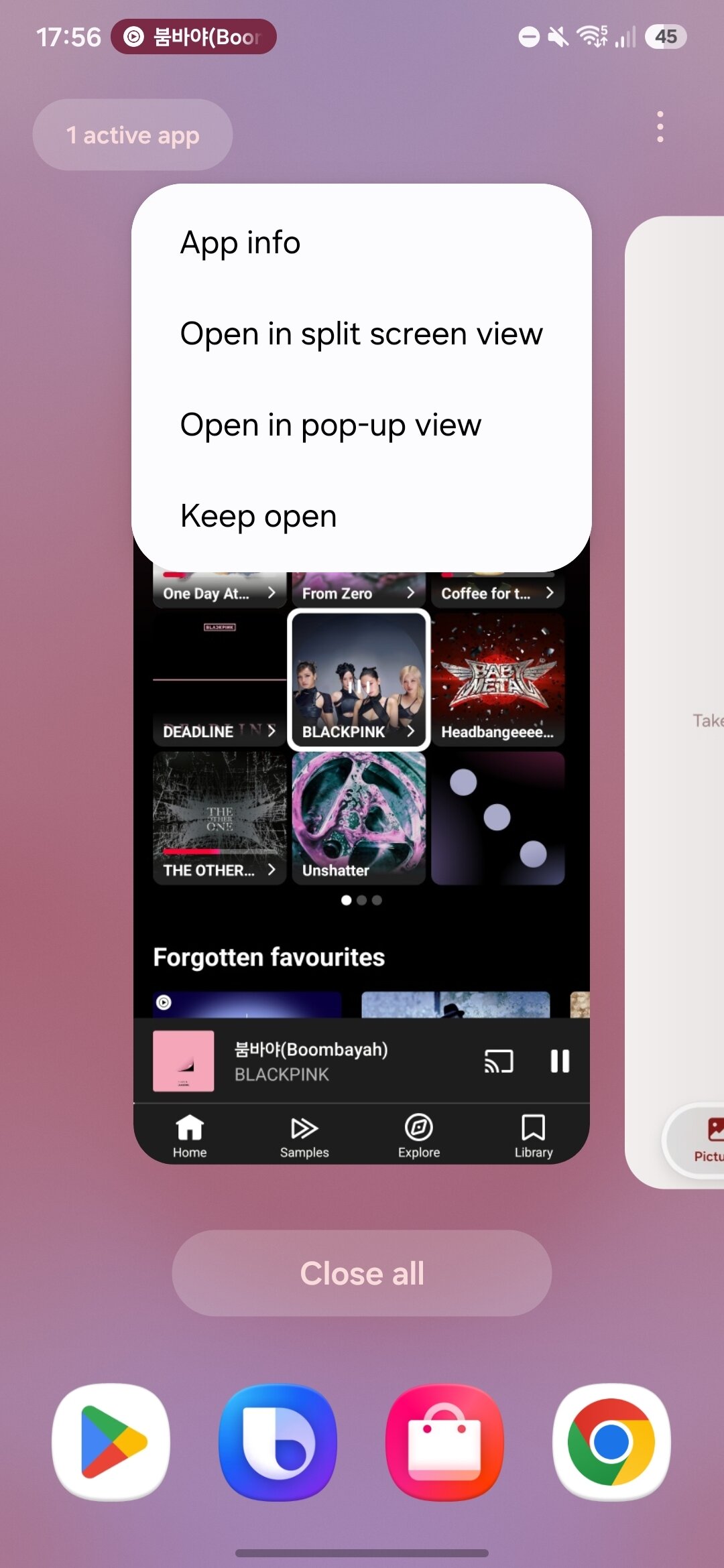
One UI, meanwhile, has plenty of ways to launch a pop-up window. There’s an option on the overview screen, you can swipe down on a notification as it appears at the top of your screen, long-press and drag any notification down into a pop-up window, use the Edge Panel, and more. Only having one way to open a bubble adds friction to using the feature and makes it easier to forget it exists. Even worse, app bubbles only get clunkier when you want to take an app that’s already bubbled and make it full-screen again.
If you’ve got YouTube Music open as an app bubble and you would like to go back to having it open as a normal app, the first thing you’ll try will just stop your music. Dismissing an app bubble closes the app entirely, just as it would if you’d swiped it away from the overview menu.
To put the app back to normal without ruining your music, you have to minimize the bubble, go back to your home screen or app drawer, and tap the app icon normally. That will remove the bubble and open the app full-screen without interruption. Bubbles can’t be resized or separated from each other, either, so you can’t have two of them on the screen at once or resize them so you can still see something important in the main app you have full-screen.
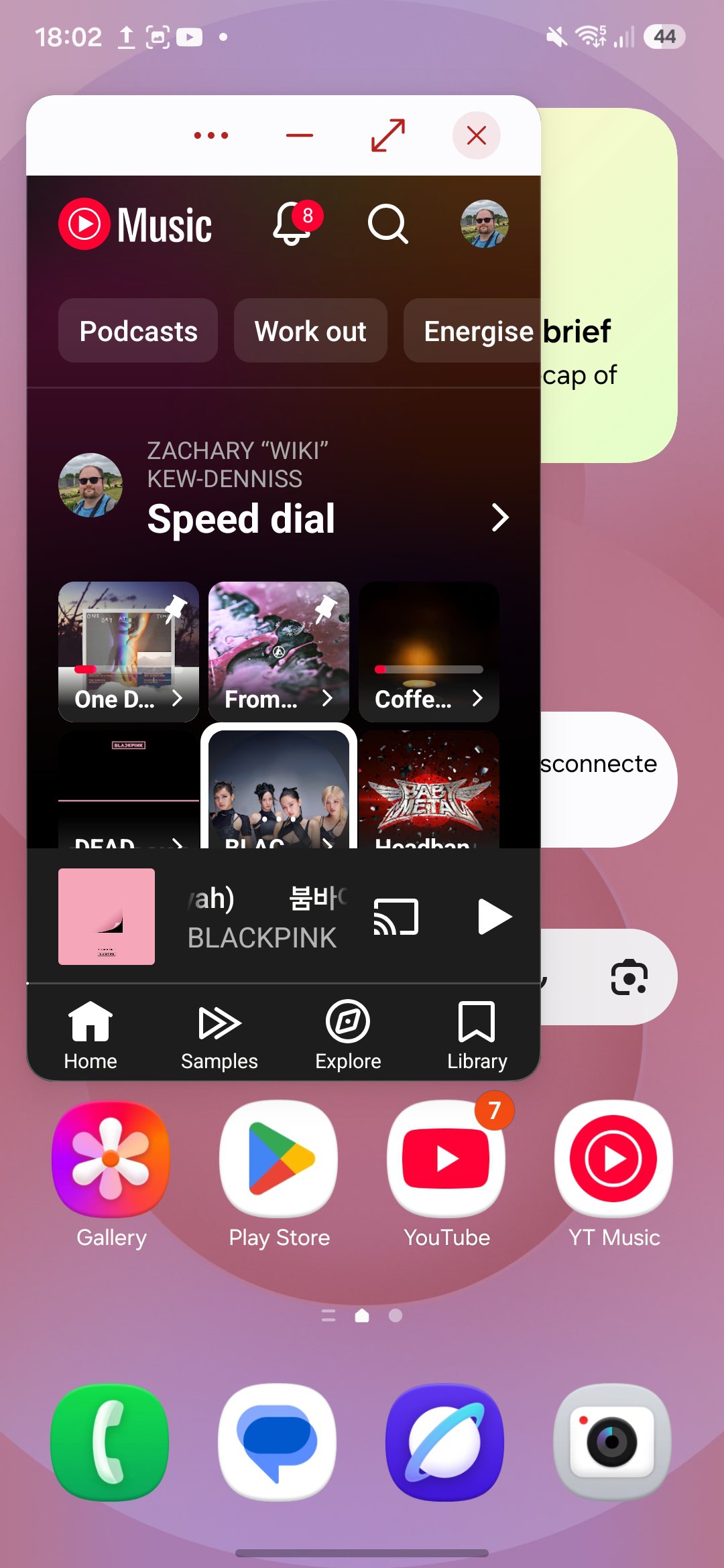
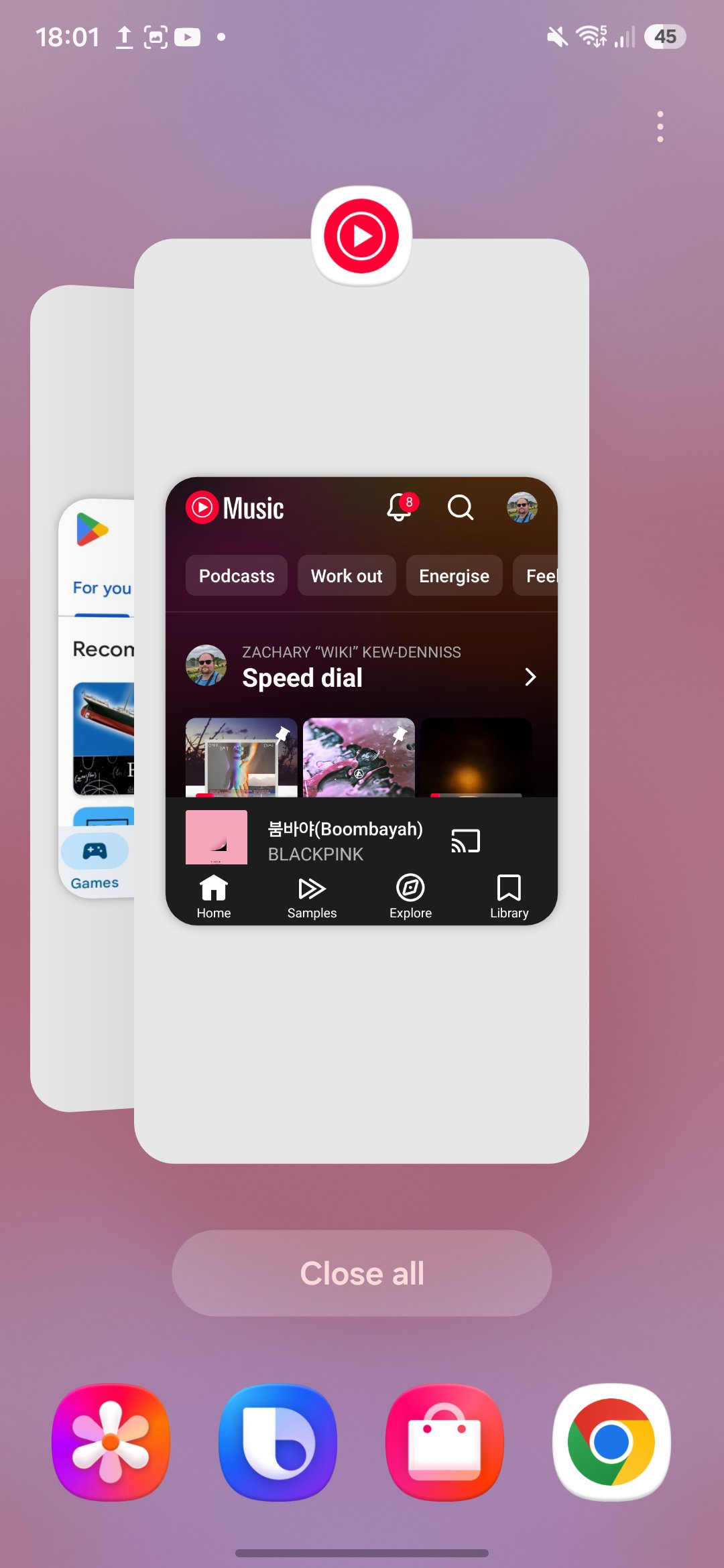
Samsung’s pop-up windows don’t have these problems. Pop-up windows can be resized, moved around the screen, and displayed alongside other windows. They also show up in the overview screen, can be opened full-screen with a single button in the window’s top bar, and tapping the “X” to dismiss the pop-up doesn’t close the app; it just puts it into the background so it can keep running and be found in the overview screen.
I’m not trying to dismiss Google’s efforts with app bubbles. Despite my criticism, this is still my favorite feature of any recent Android release, and I joined the Android 17 Beta just to use it. I can’t pretend the feature is perfect, though, and the only way app bubbles will improve is with feedback.
Adamya Sharma / Android Authority
Android 17 is still in the early testing phase. Everything we see in it right now, bubbles included, is subject to change before the stable release, and I hope some of these clunky pain points can be addressed by then.
Don’t want to miss the best from Android Authority?


Thank you for being part of our community. Read our Comment Policy before posting.