
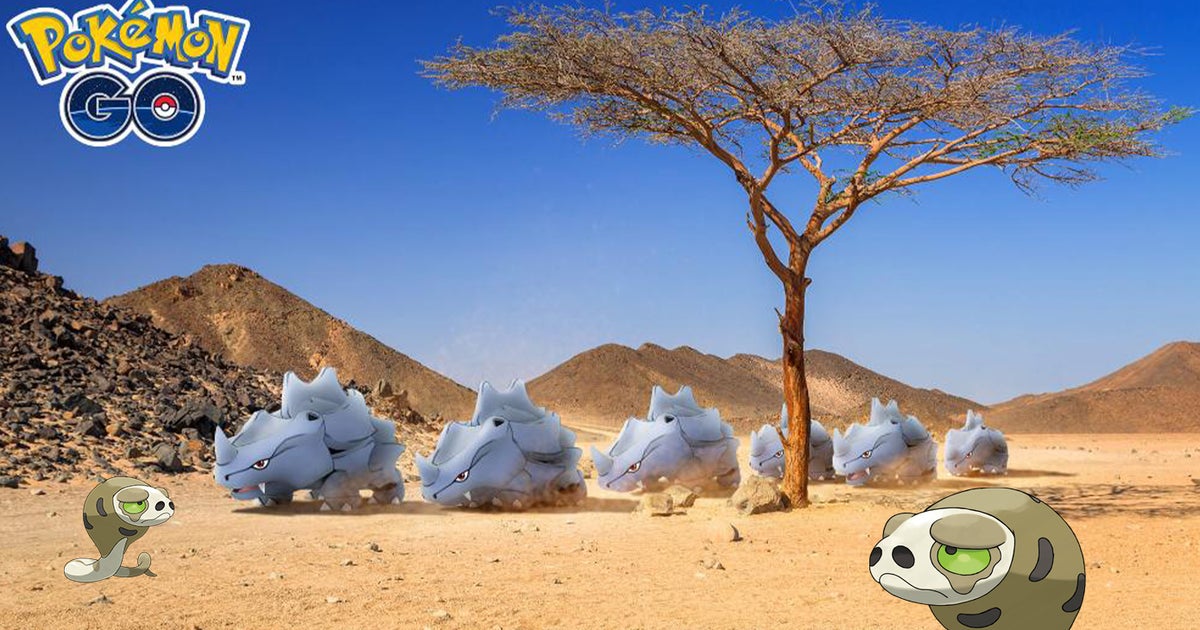
The desert biome refers to an area in Pokémon Go which lines up with real world geography. In this case, a desert. (Unsurprisingly.) Since deserts aren’t the most common occurrences worldwide, you might find it hard to visit one and catch the Pokémon living within it. Don’t worry though, down below I’ve taken a closer look at the Pokémon Go desert biome and how to find specific biomes in Pokémon Go.
On this page:
To see this content please enable targeting cookies.
Manage cookie settings
Pokémon Go desert biome explained
If you’re searching for a desert biome, then there’s a good chance you’re wanting to catch a Silicobra in Pokémon Go. The good news is that, thanks to players over on The Silph Road subreddit, we know that Silicobra can also appear in scrubland / park biomes. Though it does appear to be a rare spawn and could only be occurring due to the 2026 Sustainability Week event.
Going back to the desert biome itself, it’s exactly what the name suggests – a biome that occurs in a desert. The first true bit of attention this biome got within the Pokémon Go community was with the release of Silicobra and it stands out amongst the other biomes for being quite hard to find worldwide. (Since you know, not every country has a desert.)
This does leave us with a question: how do I know what biomes are in my local area?
The Sustainability Week event is currently running and it’s brought Silicobra to Pokémon Go! Don’t forget about the Pressure Rising Special Research quest.
There’s a lot to do in Pokémon Go outside of the current event! From the Go Battle League, Remote Trading, PokéStop Showcase, Routes and Max Battles. Don’t forget to catch rare Pokémon while you’re at it.
Biome map: How to find specific biomes in Pokémon Go
While there’s no official biome map for Pokémon, there are a number of unofficial methods you can use to find biome locations thanks to the game drawing its data from OpenStreetMap.
My personal favourite is Overpass-Turbo. This is a map where you can run queries to identify the biomes in your local area, such as ‘beach’, ‘grassland’ or ‘scrub’. I recommend having the map zoomed in on the area you wish to check to speed up the process. Though, be prepared to possibly receive an error message if the servers are busy. If this occurs you’ll have to try later!
Here’s a link to Overpass-Turbo with the biome searching code already prepared. It’s set to ‘beach’ but you can switch it out for something else like ‘scrub’ or ‘grassland’. Just make sure to click ‘Run’ or else nothing will happen.
The other possible map you can use is this unofficial Pikmin Bloom map. Now, as you can tell from the name, this doesn’t have anything to do with Pokémon, but, since Pikmin Bloom was also made by Niantic, it draws up the same OpenStreetMap data. Alongside this, some of Pikmin Bloom’s biomes line up with Pokémon Gos. You can therefore use this map to identify beaches, forests and water sources.
Best of luck finding the desert biome in Pokémon Go!