
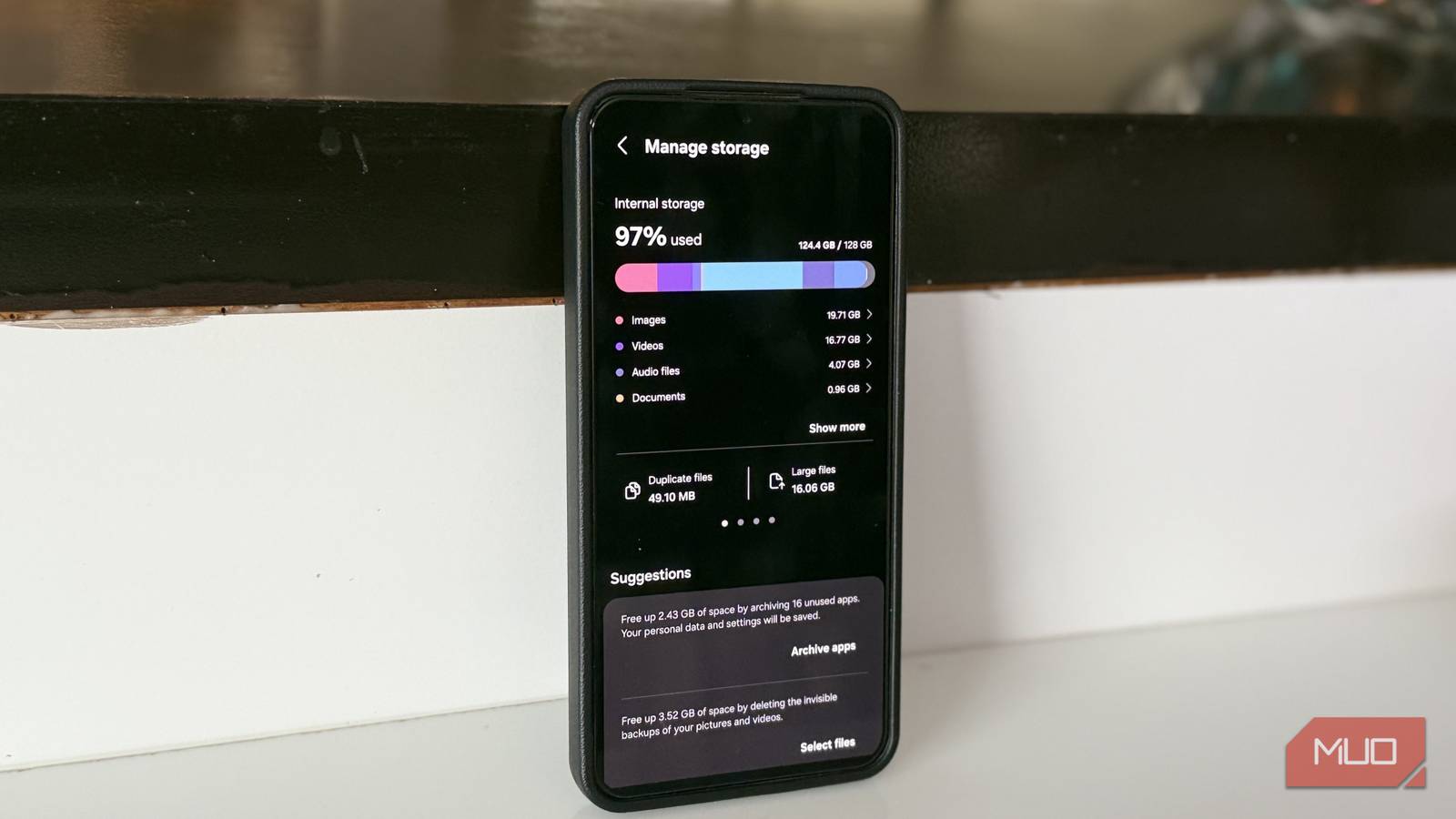
Every time my phone showed a low storage warning, I would follow my usual routine. First, I’d open up my gallery and delete a few photos and videos. Then, I’d try to uninstall a few apps that I haven’t used in a while. And this would work for some time. My phone would get a little breathing room, stop showing low storage alerts, and I would move on. Unfortunately, this would come back every few days. No matter how many photos and files I deleted, something was filling up that space.
Later on, I realized that I was focusing on the obvious culprits that I could see but completely missing the things that were actually eating up space on my phone.
App cache and data
The biggest storage hogs weren’t my files
Since I was actively deleting apps on my phone every now and then, I first decided to check how much space my apps are actually using. It didn’t just focus on the installation size, but their actual footprint. Once I did that, I found out that some of my apps, like Spotify, TikTok, and Instagram, weren’t just taking a few megabytes, as I expected. Rather, they were eating up multiple gigabytes. The reason? App cache and stored data.
Every time we watch a video or stream a song, it all gets temporarily saved in the cache. This makes the app feel faster. However, this temporary data can accumulate into a few gigabytes in no time. Therefore, it’s important to clear the app cache and data regularly. Go to Settings -> Apps, pick the app that’s taking unnecessary space, tap Storage, and then hit the Clear cache or Clear data button.
Messaging apps
They were secretly filling my storage
Digvijay Kumar / MakeUseOfCredit: Digvijay Kumar / MakeUseOf
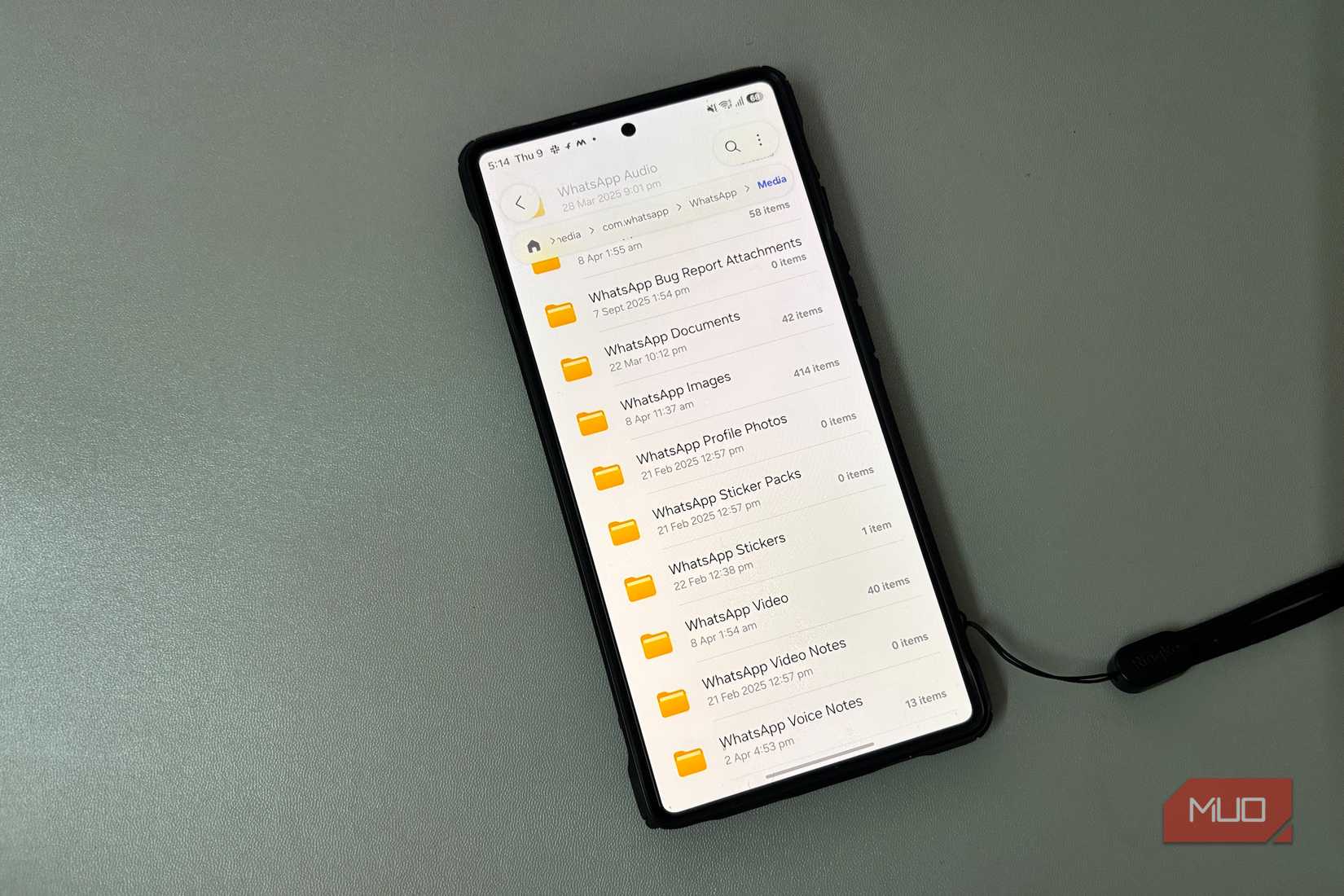
Next, I checked my messaging apps, mainly WhatsApp and Telegram. This is where things got frustrating. These messaging apps were automatically downloading everything for me. Be it photos, videos, documents, voice notes, or memes, everything was being saved locally on my phone. Even worse, it was also saving duplicates across chats and conversations I hadn’t opened in months. Frankly, I wasn’t even concerned about it until I had to deal with storage full notifications.
Together, these unnecessary files added several gigabytes of clutter that I didn’t even remember downloading on my phone. So, I went to the app’s settings and turned off the auto-download option. Now, I’m relying on the built-in storage tools from the apps. This immediately helped me free up space on my phone.
Deleted photos weren’t actually gone
I deleted hundreds of photos and got nothing back

This one really annoyed me. A couple of times, I would open the gallery and delete a couple of photos and videos on my phone. Obviously, I would expect it to free up some space. However, this didn’t happen. In fact, nothing changed. That’s when I remembered checking out the trash folder in Google Photos.
When you delete photos on your phone, they aren’t actually removed. Rather, they are moved to a separate “Recently Deleted” folder, where they sit for some weeks before getting permanently deleted. The thing is that these recently deleted items still take up storage space. They are still on your device after all. I decided to empty the trash folder and saw a difference immediately.
Downloads folder was a mess
It was packed with junk
I won’t deny that I haven’t opened my Downloads folder in months. When I did, though, it explained a lot. It was packed with duplicate images, old PDFs, random screenshots, and APK files that I installed and forgot about. It’s worth knowing that several apps and browsers like Chrome often save things in the background without telling you. Unless you pay attention, they just pile up.
I did not use a cleaning app because Android already offers a built-in version. I used the Files app to get rid of these junk files and leftover installations. It easily identified old screenshots, junk files, cache, leftover installations, and unused apps. With a clear breakdown, I could easily decide what I actually wanted to remove from my device.
Offline content
It took more space than I realized
Credit: Brandon Miniman / MakeUseOf
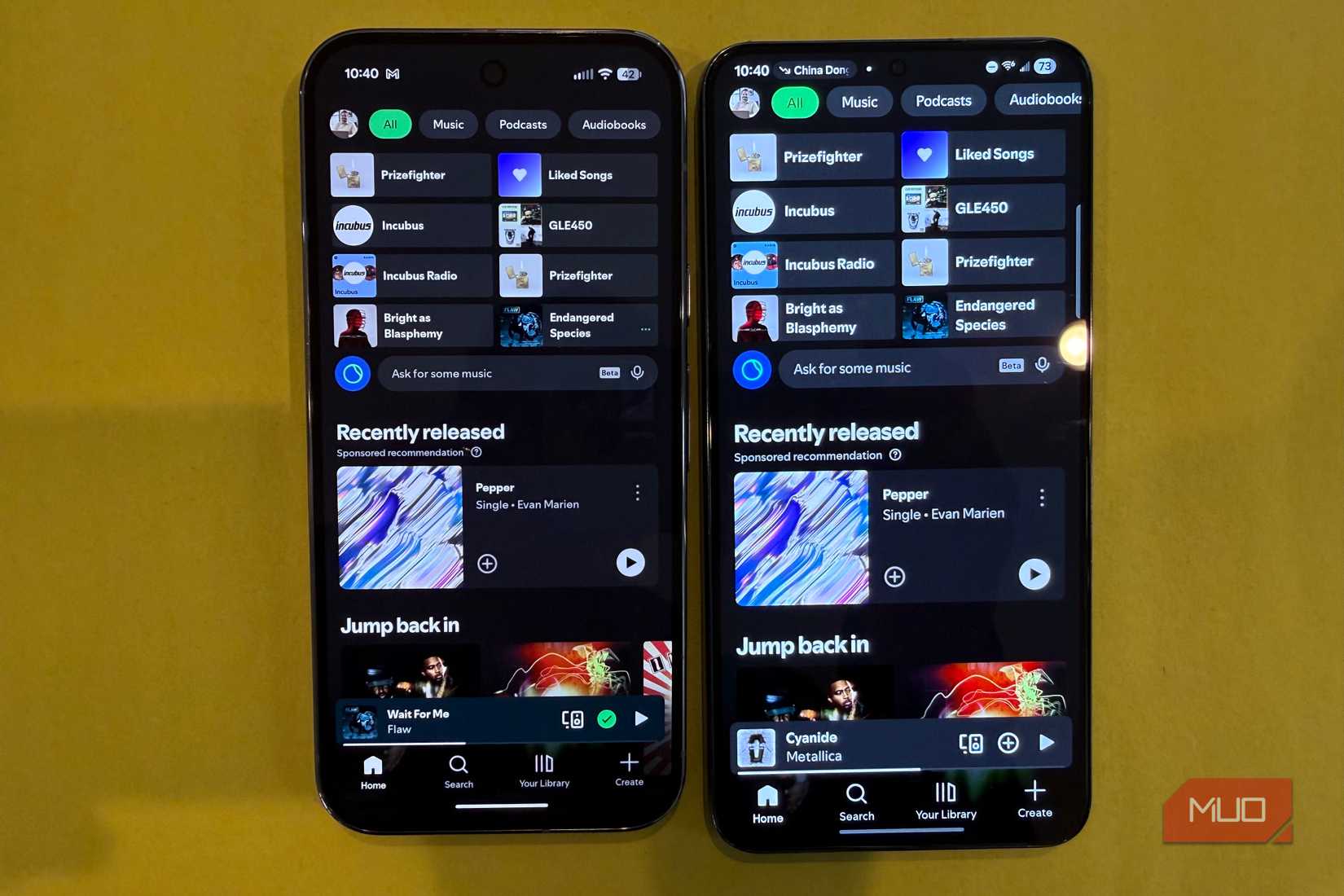
The final thing I had to deal with was offline content. Frankly speaking, I download a lot of content on my phone. I need everything for my journeys: YouTube videos, offline music, and Netflix shows at my fingertips. Saving them offline made all the sense at that time. I would soon forget that they are still on my phone, eating up unnecessary storage space.
The problem is that you aren’t reminded of what you have downloaded. So, it stays out of sight and out of mind naturally. When I checked mine, I had several GBs wasted on offline content from YouTube and Netflix, particularly. I hadn’t touched them in weeks now. When I deleted them, it freed up my storage space instantly.
My storage problem finally stopped coming back
I realized that my storage wasn’t filling up because of the files I was actively managing. Instead, it was filling up because of the things that were happening in the background. Cached data, automatically downloaded media, offline content, and forgotten downloads were responsible. Once I tackled them, the cycle finally stopped. Now, I don’t constantly delete files to maintain space on my phone. I just keep my eye on the real culprits. Now, the phone’s storage stays under control without much effort and aggressive deletions.