
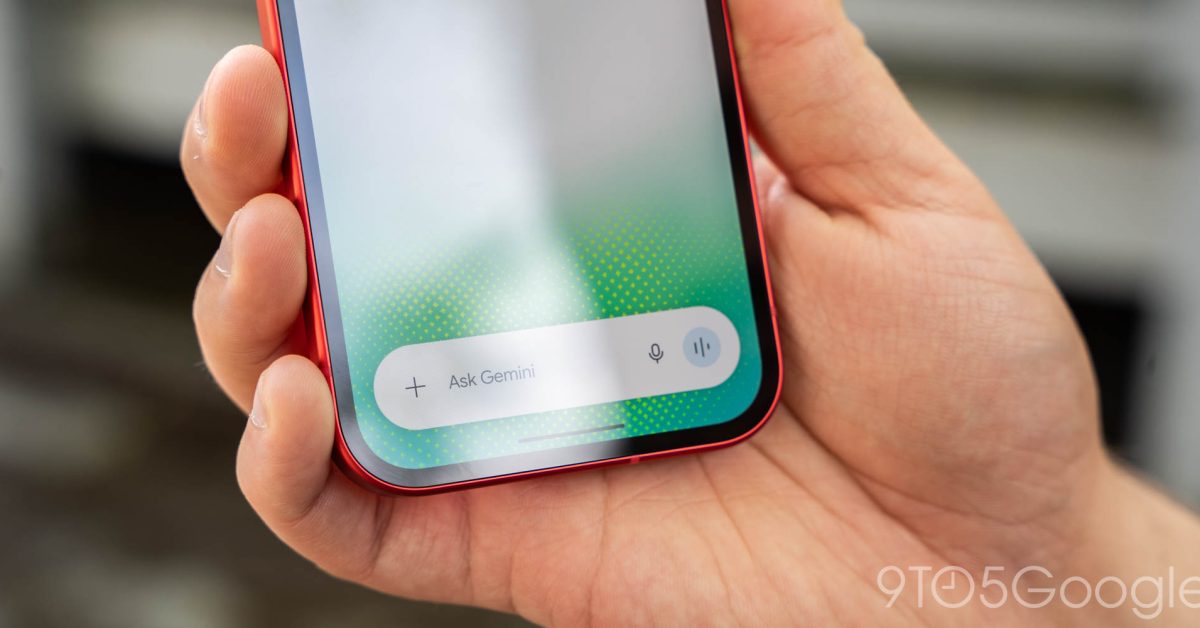
Following last week’s Neural Expressive redesign, the Gemini app is rolling out new voices for the main chat experience and Gemini Live.
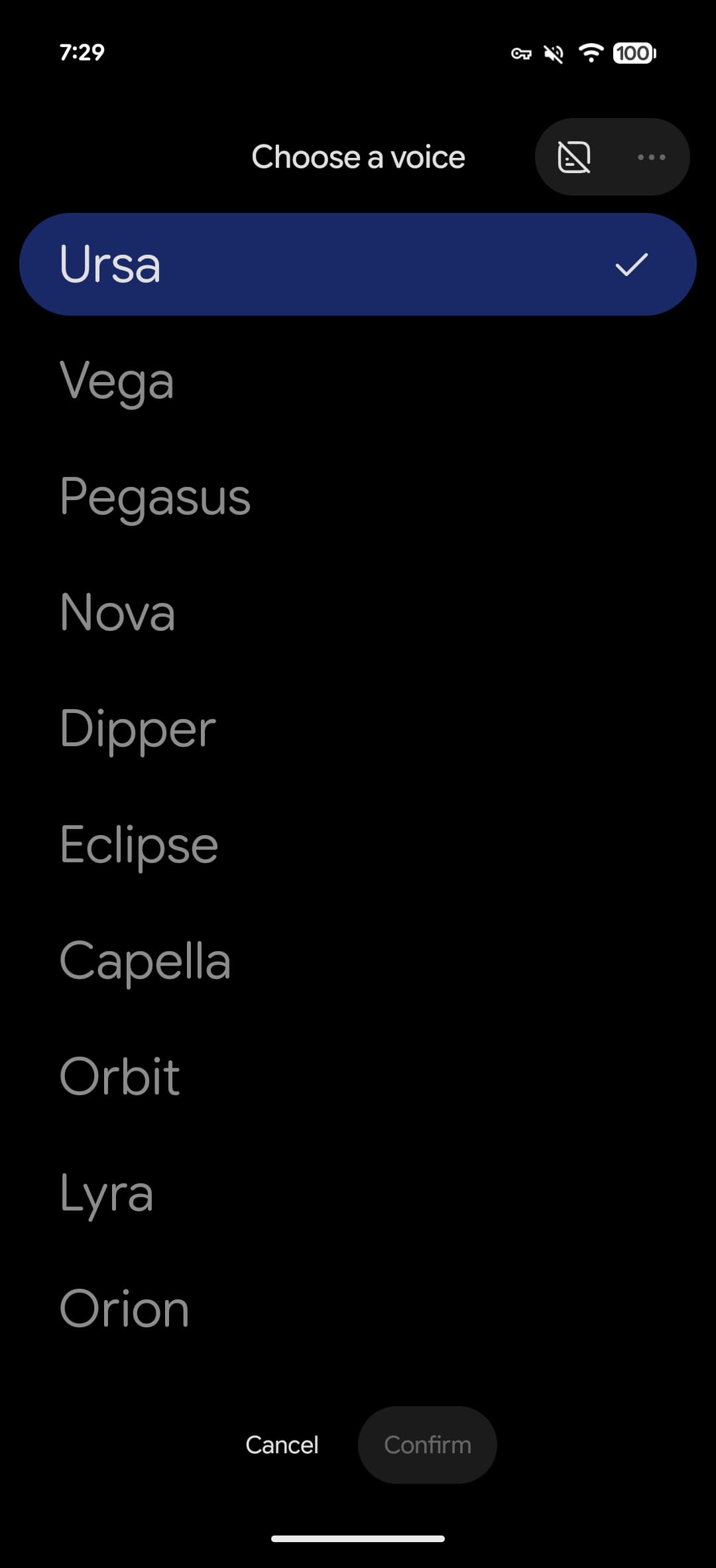
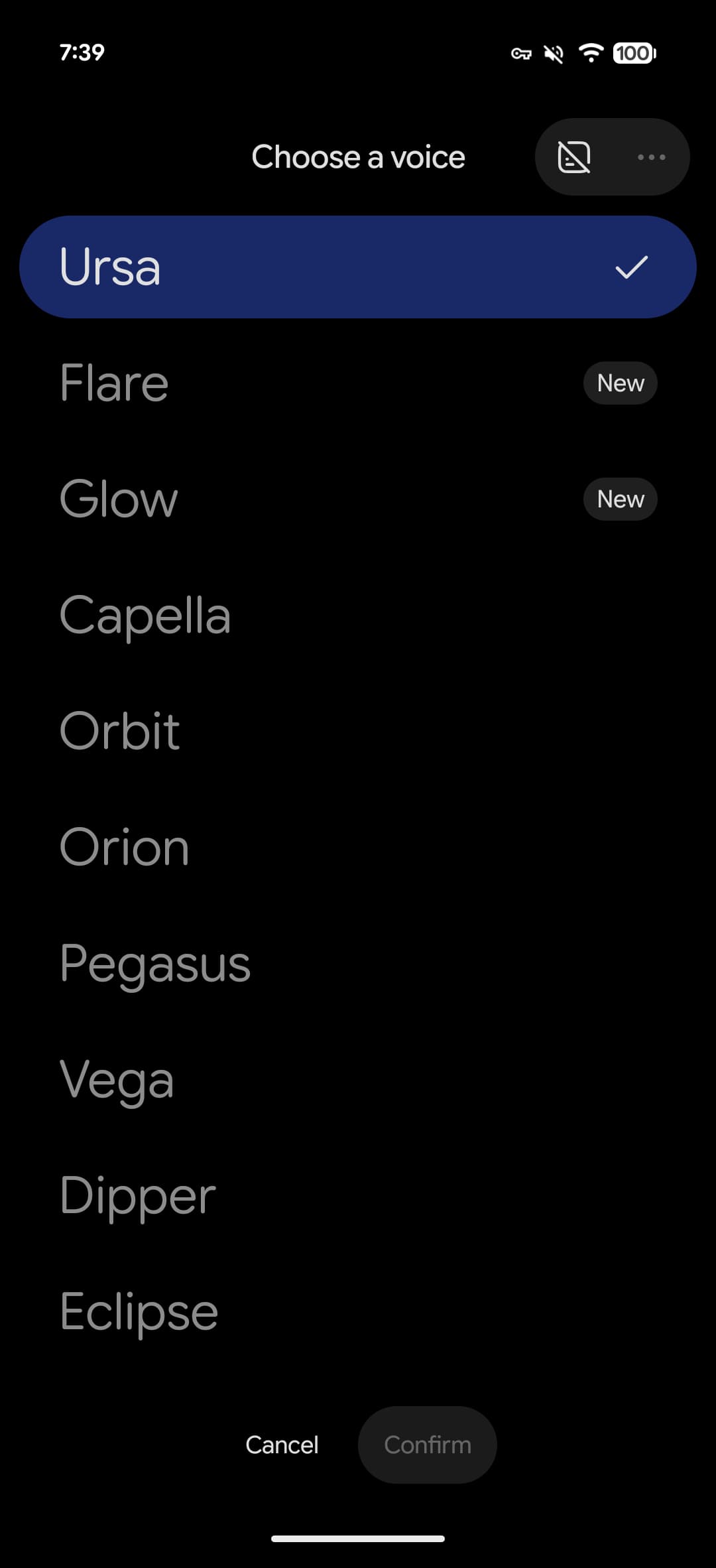
Go to Gemini Settings > Gemini’s voice for a redesigned voice picker. Instead of a carousel, you get a list. “Flare” and “Glow” are two new additions that replace Nova (Calm • Mid-range voice) and Lyra (Bright • Higher voice).
Ursa: Engaged • Mid-range voice
Vega: Bright • Higher voice
Pegasus: Engaged • Deeper voice
Dipper: Engaged • Deeper voice
Eclipse: Energetic • Mid-range voice
Capella: British Accent • Higher voice
Orbit: Energetic • Deeper voice
Orion: Bright • Deeper voice
Gemini has removed the voice descriptions with this redesign.
Flare
Advertisement – scroll for more content
Glow
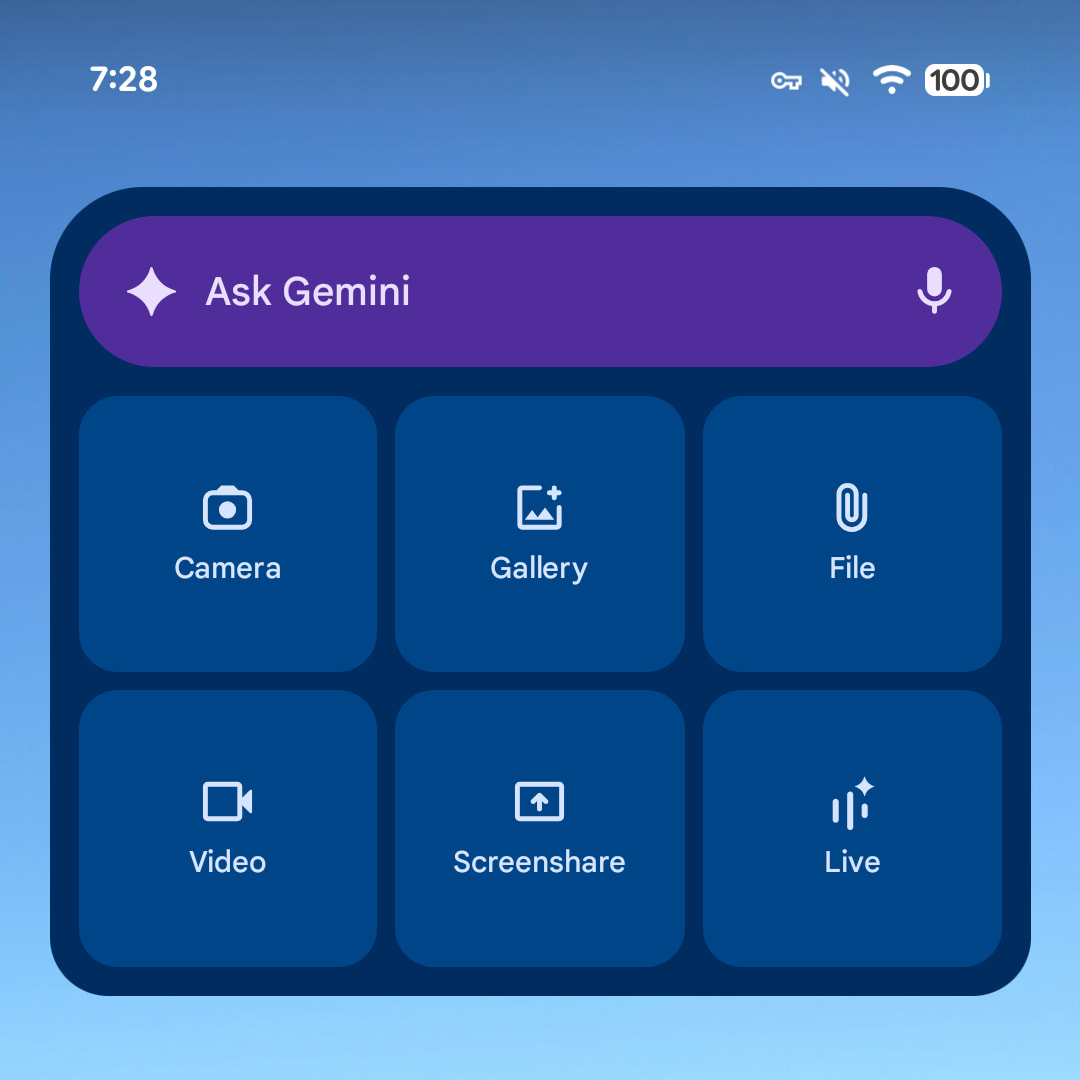
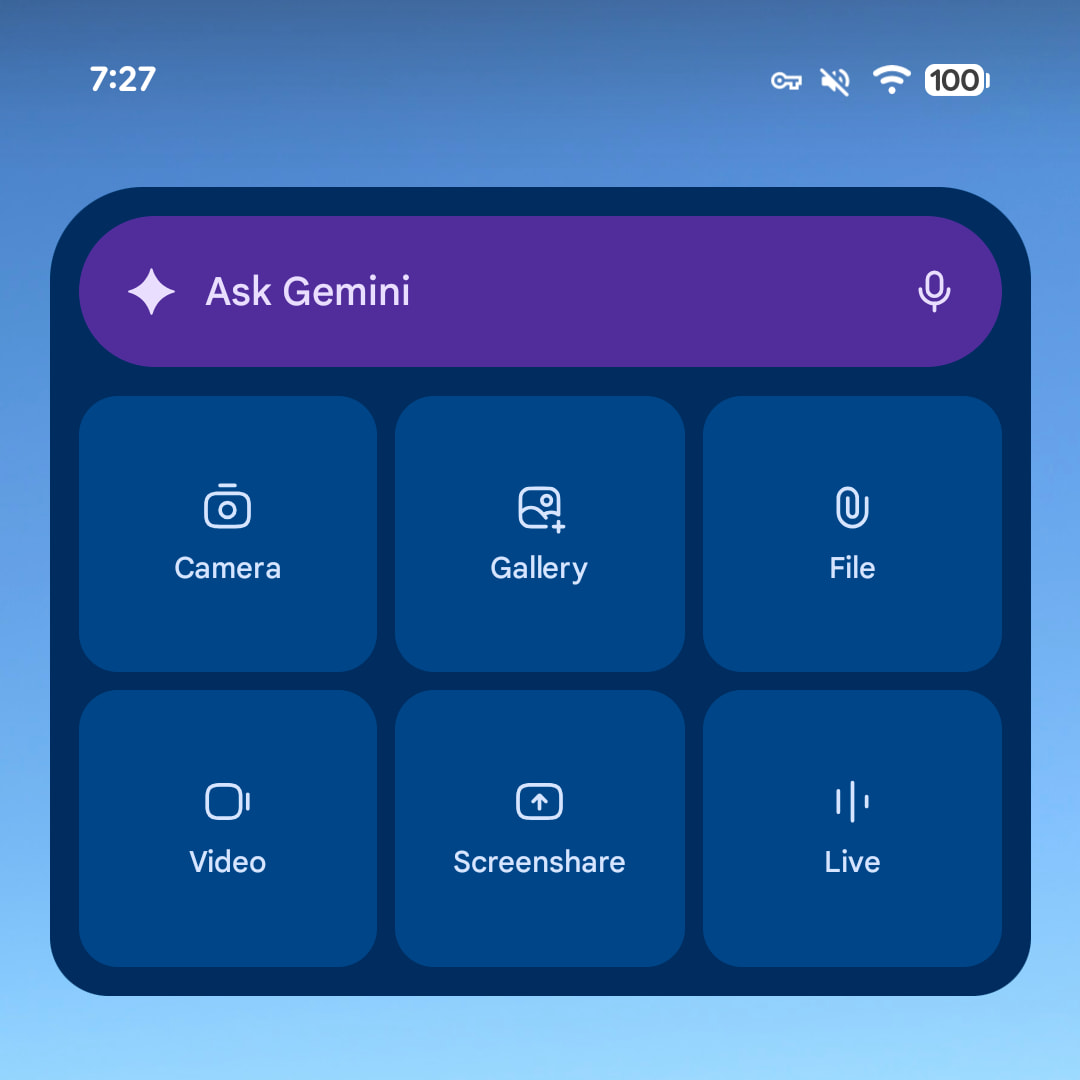
Meanwhile, the widget layouts are unchanged from before, but all icons have been refreshed. Neural Expressive makes use of thin outlines for the Microphone, Camera, Gallery, File, Video, Screenshare, and Live. This is rolling out via a server-side update with the latest version (1.0.913571982) of the Gemini “app”/homescreen shortcut.
On a related note, Google app 17.26 this week updates the Drive icon in the ‘plus’ menu to the latest style.
Old vs. new
More on Gemini app:

FTC: We use income earning auto affiliate links. More.