
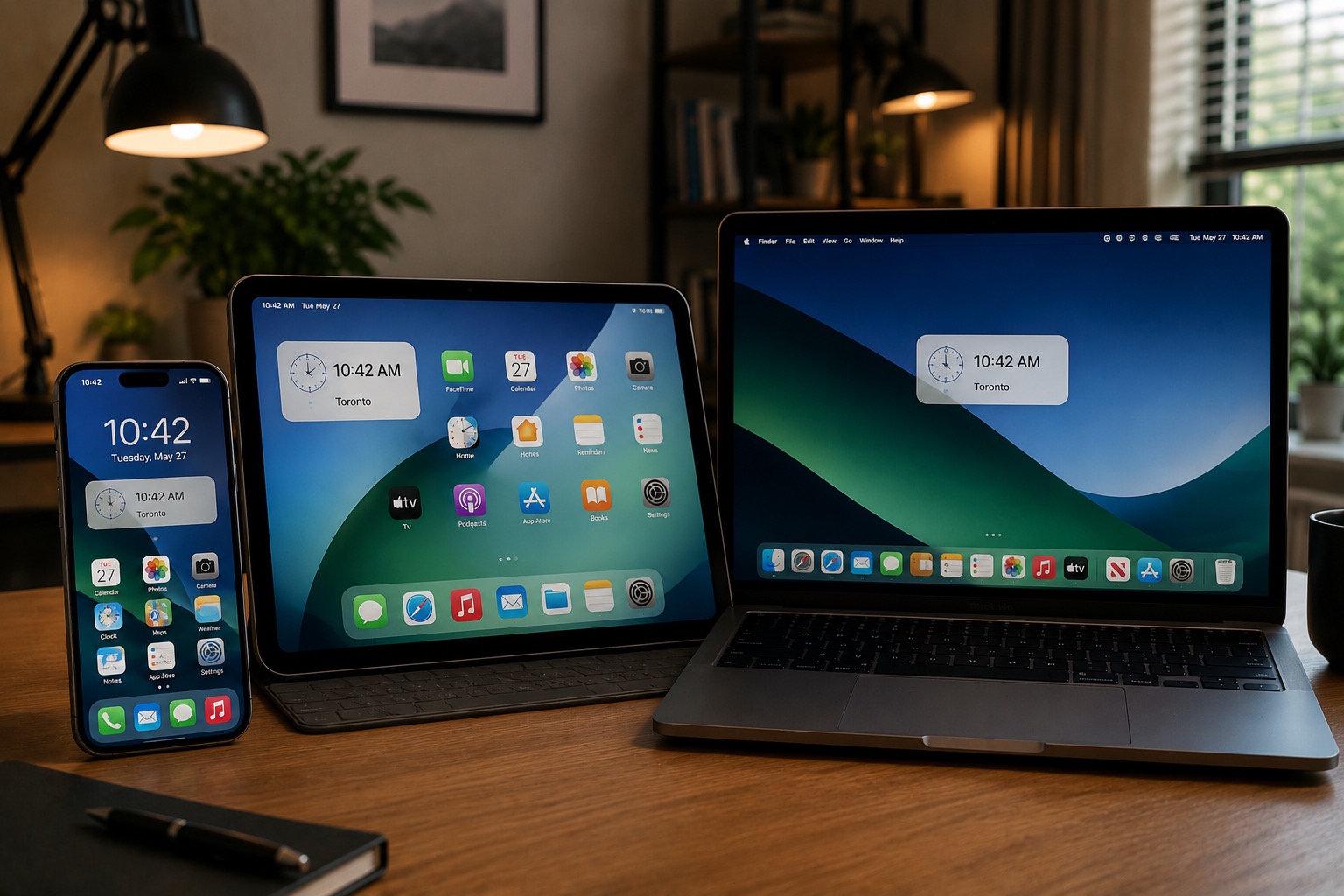
If you woke up Wednesday to a notification on your iPhone saying “Updated Time Zone Information Available,” you’re not alone and there’s nothing wrong with your phone. The notification likely also showed up on your Mac, iPad and Apple TV as well.
Apple pushed out an over-the-air time zone update overnight for Canadian users. The prompt asks you to restart to apply new time zone definitions. Tap “restart” to apply it now or “not now” to deal with it later. It will stay staged in the background until your next manual restart either way.
The reason this is happening now comes down to recent provincial legislation. Both B.C. and Alberta have moved to adopt permanent Daylight Saving Time, and that change has been causing real headaches for some iPhone users, including random time zone jumps, calendar sync issues and clock glitches. We covered one of the weirder ones earlier this year when some B.C. users found their phones randomly switching to Edmonton time and then snapping back again after the iOS 26.4.2 update.
This update fixes that.
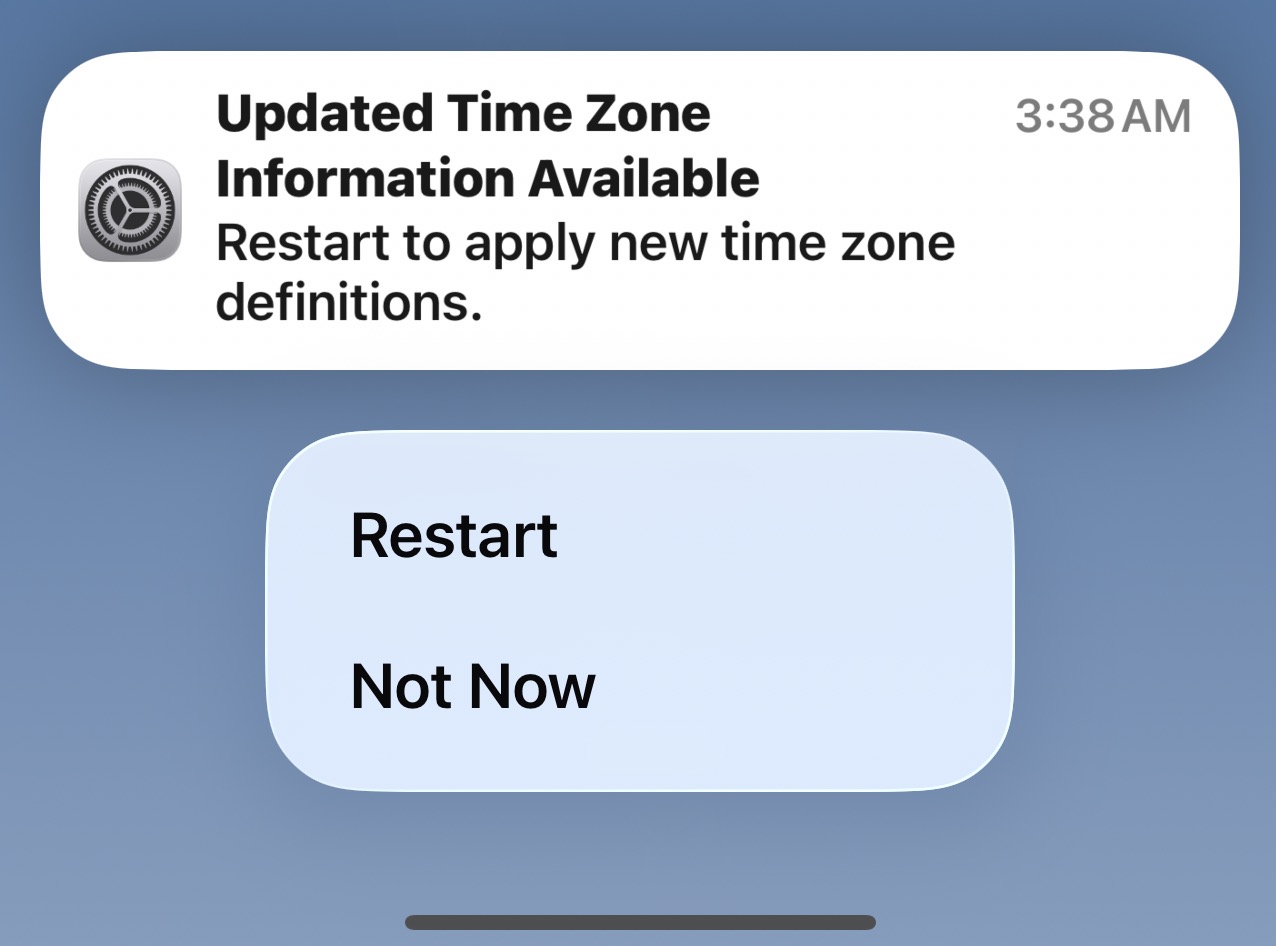
Image source: iPhone in Canada
To make sure everything stays in sync going forward, head to Settings > General > Date & Time and confirm that Set Automatically is turned on. That way any future time zone updates from Apple will hit your device without you having to do anything.
Did you get this notification on your Apple devices today? The notification actuallly popped up on our Apple TV on Tuesday afternoon.