
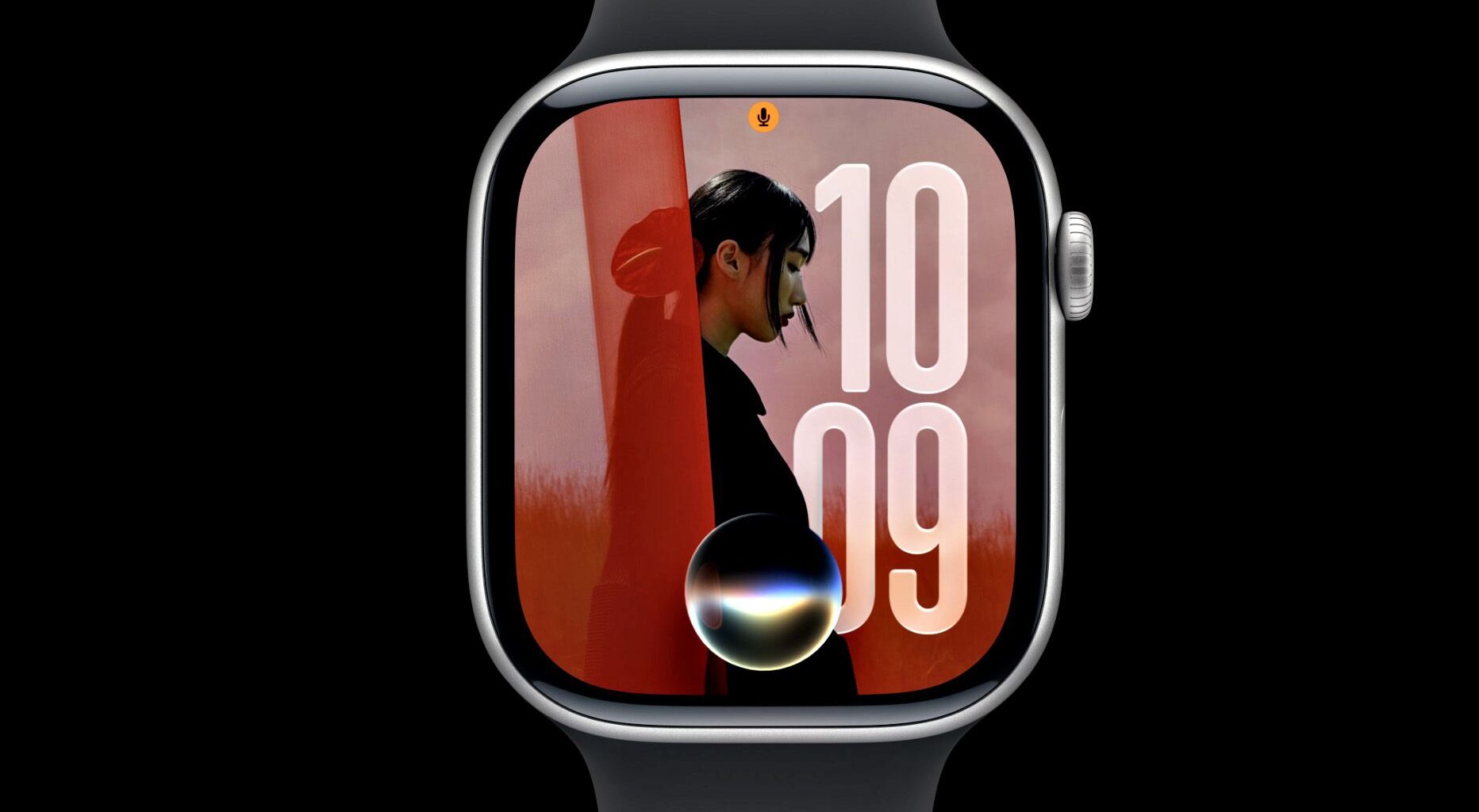
Apple’s Worldwide Developers Conference (WWDC) just kicked off, and there’s a lot to unpack, including all sorts of new Apple Watch features coming later this year via watchOS 27.
Many of these new features and enhancements are powered by Apple Intelligence, including a new Siri AI personal assistant. However, there are some noteworthy limitations to watchOS 27.
Here’s everything you need to know about Apple’s forthcoming Apple Watch operating system, watchOS 27, including all the upgrades, launch timeframe, and compatibility.
Latest Videos From watchOS 27: Key upgrades Only five Apple Watch models will support watchOS 27: Apple Watch Series 10, Apple Watch Series 11, Apple Watch Ultra 2, Apple Watch Ultra 3, and Apple Watch SE 3watchOS 27 delivers a more powerful Siri AI voice assistantA dedicated Siri AI app in watchOS 27 lets you access all conversations, even those started on another deviceA new single-tap gesture lets you open Smart Stack widgetsImproved motivational guidance in Workout Buddy based on past and present fitness dataSupport for tracking perimenopause and menopause in the Health appNew Dynamic App Grid for quick access to most-used appsWallet app now supports custom passes for anything with a QR code; users can pin a pass to the Smart Stack for quick accesswatchOS 27: Apple Watch compatibility and release date
(Image credit: Dan Bracaglia/Tom’s Guide)
While the latest iOS 27 software will be supported by a record number of iPhone models, going as far back as the iPhone 11, the newest watchOS 27 release is one of Apple’s least compatible.
The following Apple Watch models will support watchOS 27: Apple Watch Series 10, Apple Watch Series 11, Apple Watch Ultra 2, Apple Watch Ultra 3, and Apple Watch SE 3.
You may like
Additionally, to use any of the watchOS 27 Apple Intelligence features on your Apple Watch, it will also need to be paired with an iPhone 15 Pro, Pro Max, or newer.
While developers can access watchOS 27 starting this week, the rest of us will need to wait at least a month for the beta to drop. The full release, meanwhile, is set for the fall, when we’ll likely see a new Apple Watch Series 12 and possibly an Apple Watch Ultra 4.
watchOS 27: Apple Intelligence updates
(Image credit: Apple)
The most noteworthy new features introduced in watchOS 27 revolve around Apple Intelligence, which is now partially powered by Google’s Gemini AI.
For starters, watchOS 27 will support a custom-tailored version of Siri AI designed for smaller screens. This long-awaited update to Apple’s much-maligned voice assistant should prove far more useful than today’s Siri.
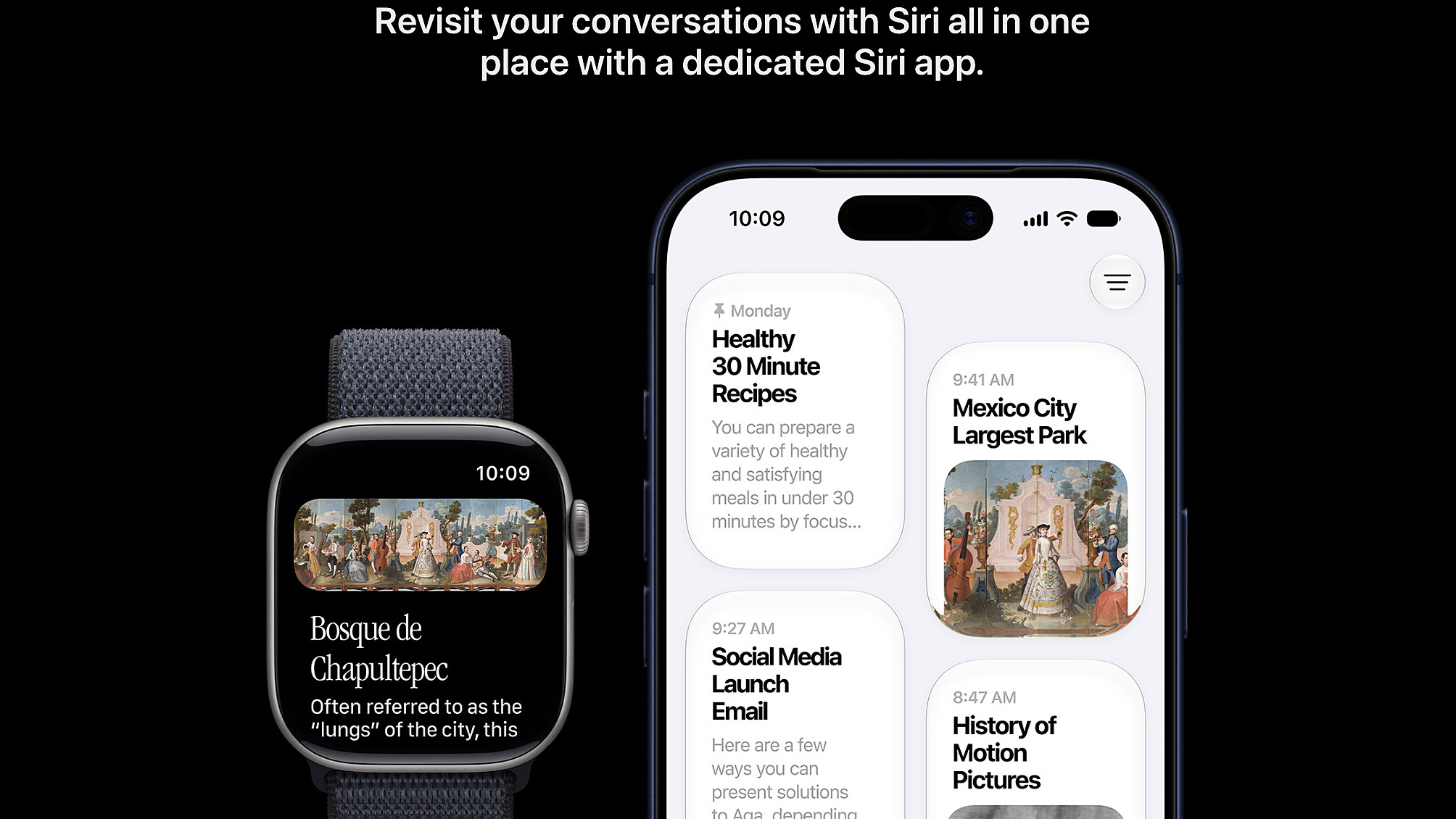
Siri AI will use personal context from supported apps, along with broad world knowledge, to answer questions and take actions. Better yet, all your Siri AI chats are saved to iCloud and accessible on any supported device.
What to read next
AI processing in watchOS 27 is handled by private cloud computing rather than on-device. Apple is emphasizing the fact that search queries are completely private, inaccessible even to Apple, and especially to third parties.
Users can call upon Siri AI via voice or access the feature via a new standalone app in the watch’s redesigned app grid.
In addition to needing one of the latest/best Apple Watch models to access all of these Apple Intelligence features, you’ll also need your paired Apple Intelligence-capable iPhone nearby.
watchOS 27: New health and fitness features
(Image credit: Apple)
Not a whole lot has changed in terms of health and fitness features in watchOS 27. The two biggest improvements are related to women’s health tracking and Workout Buddy.
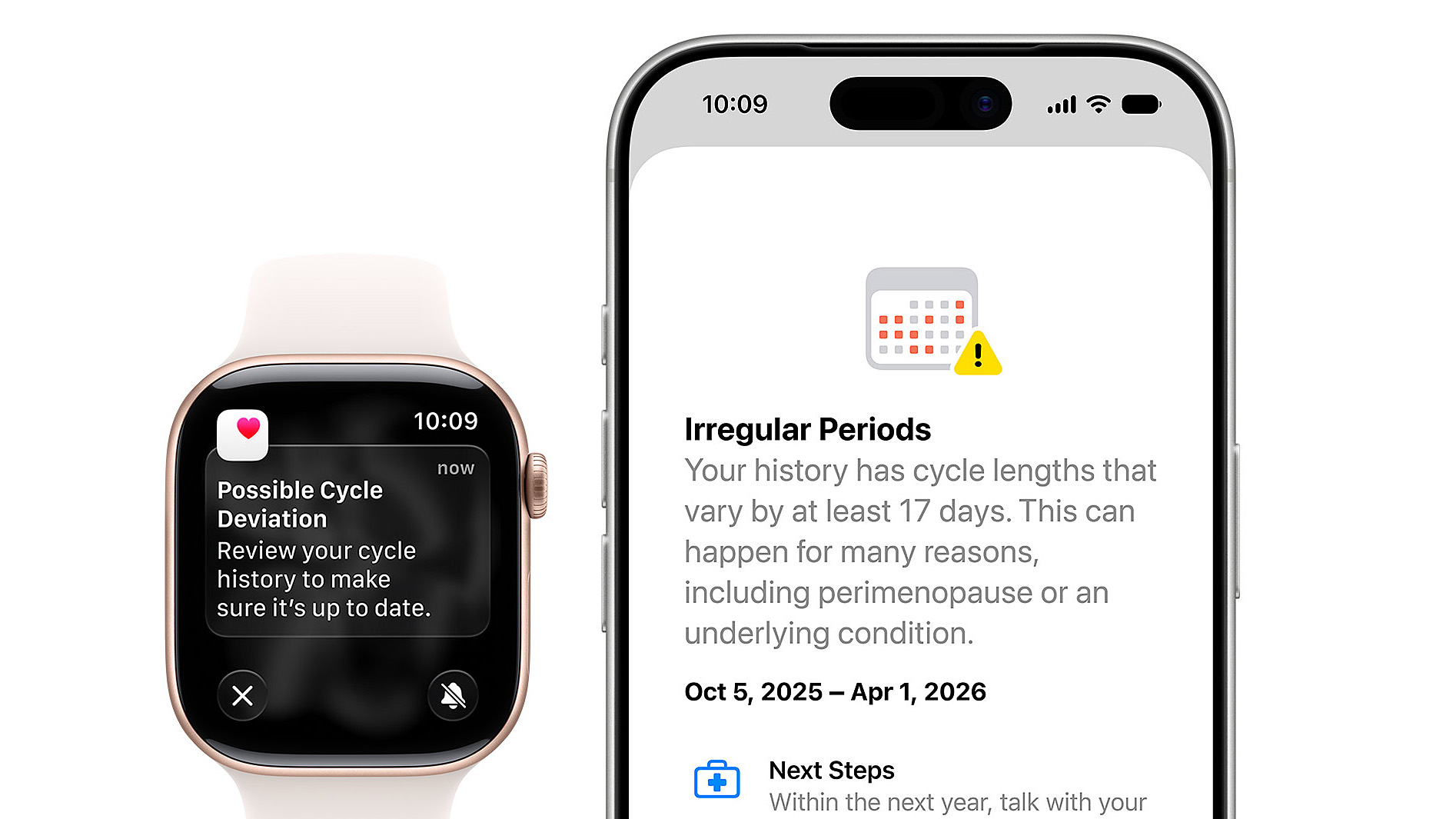
First, the Apple Watch Health app’s period tracking function now alerts users to potential signs of perimenopause and menopause. It can also be used to log symptoms and monitor trends.
When it comes to working out, Apple’s personalized fitness coach, Workout Buddy, has been tuned to deliver more useful/data-backed motivational insights and messages based on insights from current and past workouts.
watchOS 27 also promises improved distance accuracy when tracking indoor workouts, along with better step count syncing between your Apple Watch and iPhone.
watchOS 27: Design improvements
(Image credit: Apple)
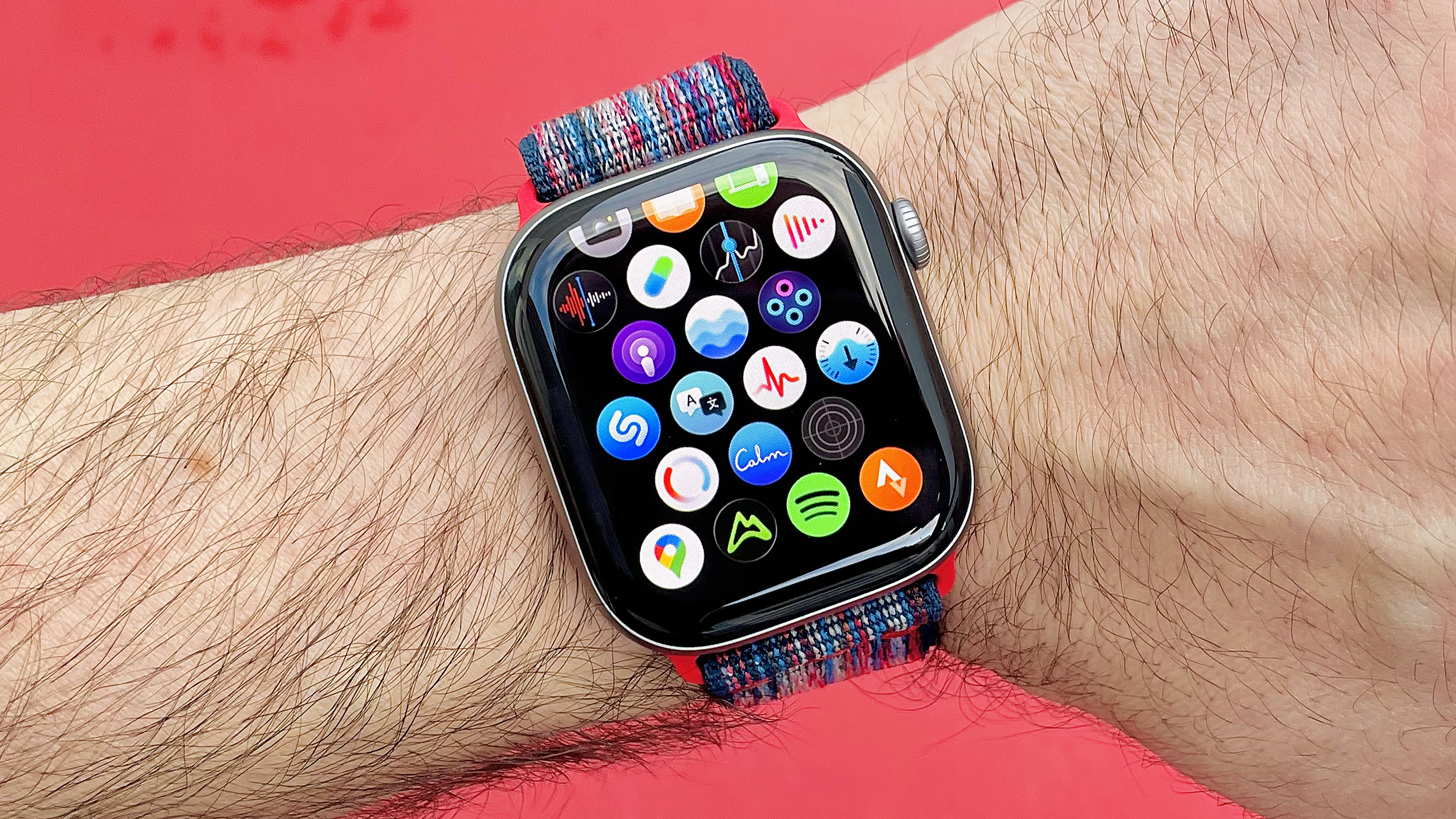
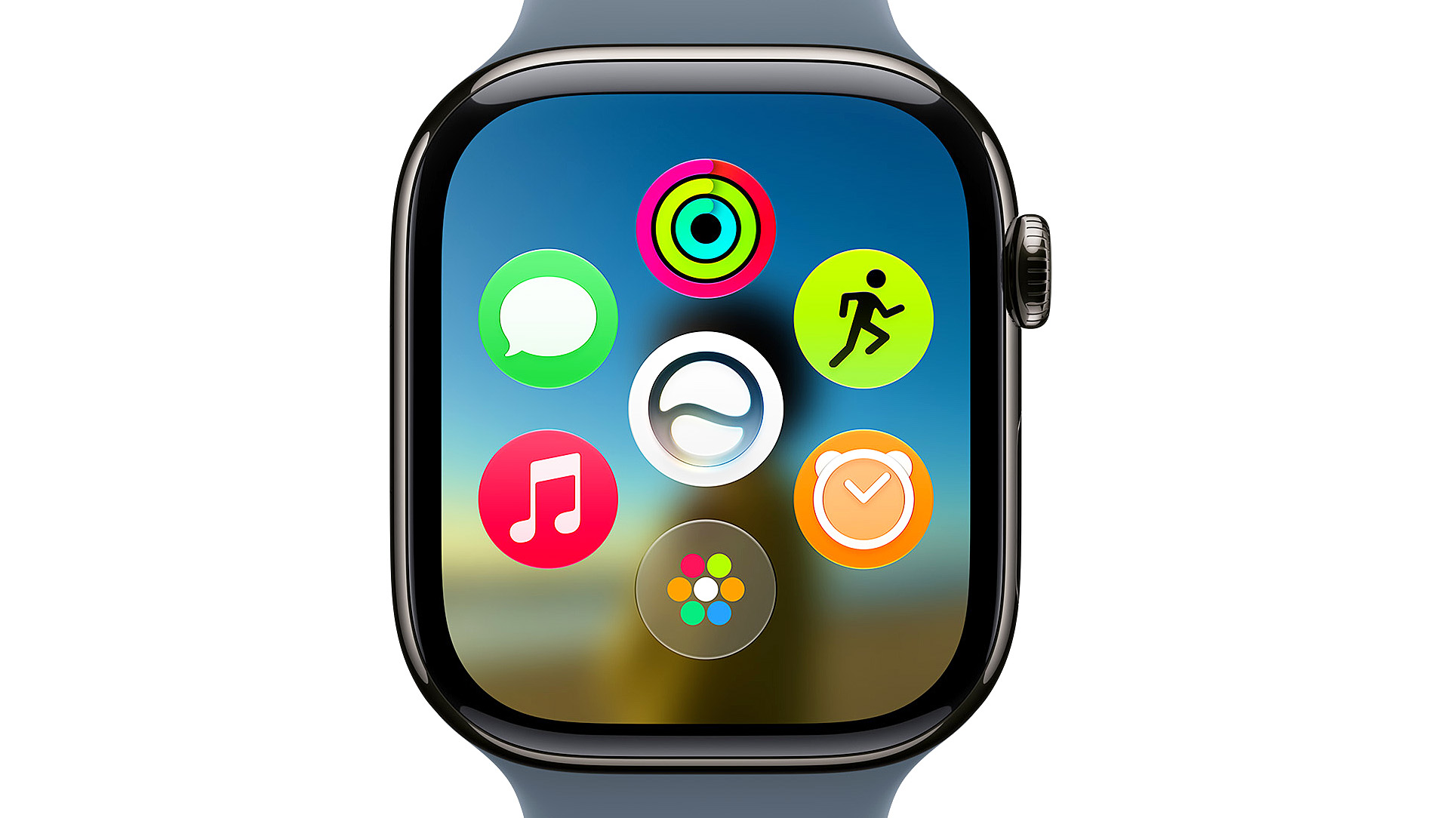
For quicker access to your five most-used apps, watchOS 27 features a new Dynamic App Grid that automatically populates.
watchOS 27 additionally brings a smarter Smart Stack that automatically populates relevant apps based on context. Lastly, for those taking calls from the wrist, Apple’s new Call Context feature for Apple Watch can automatically display relevant info when mentioned, like flight times for an upcoming trip.
Meanwhile, the Find My app has been refined visually for a more straightforward, map-centric user experience.
Finally, last year’s Liquid Glass update didn’t have that much impact on the look and feel of the Apple Watch. Nevertheless, watchOS 27 delivers some tweaks, including better separation between current apps or content and the background.

(Image credit: Apple)
In addition to all of the above, watchOS 27 unlocks faster open times for the Music app, quicker step count syncing between Apple Watch and iPhone, new battery optimization suggestions, and a promising new single-tap gesture control to open items saved to the Smart Stack.
What do you think of the watchOS 27 announcements? Are you excited to upgrade, assuming you have a supported device? How do you feel about its limited compatibility? Let me know in the comments below.

Follow Tom’s Guide on Google News and add us as a preferred source to get our up-to-date news, analysis, and reviews in your feeds. Alternatively, you can read our content on the Tom’s Guide app available now for iOS and Android. Subscribe to Tom’s Guide on YouTube and follow us on TikTok. Finally, you can visit our dedicated Tom’s Guide Savings Squad hub for expert help on getting the best products for less.