
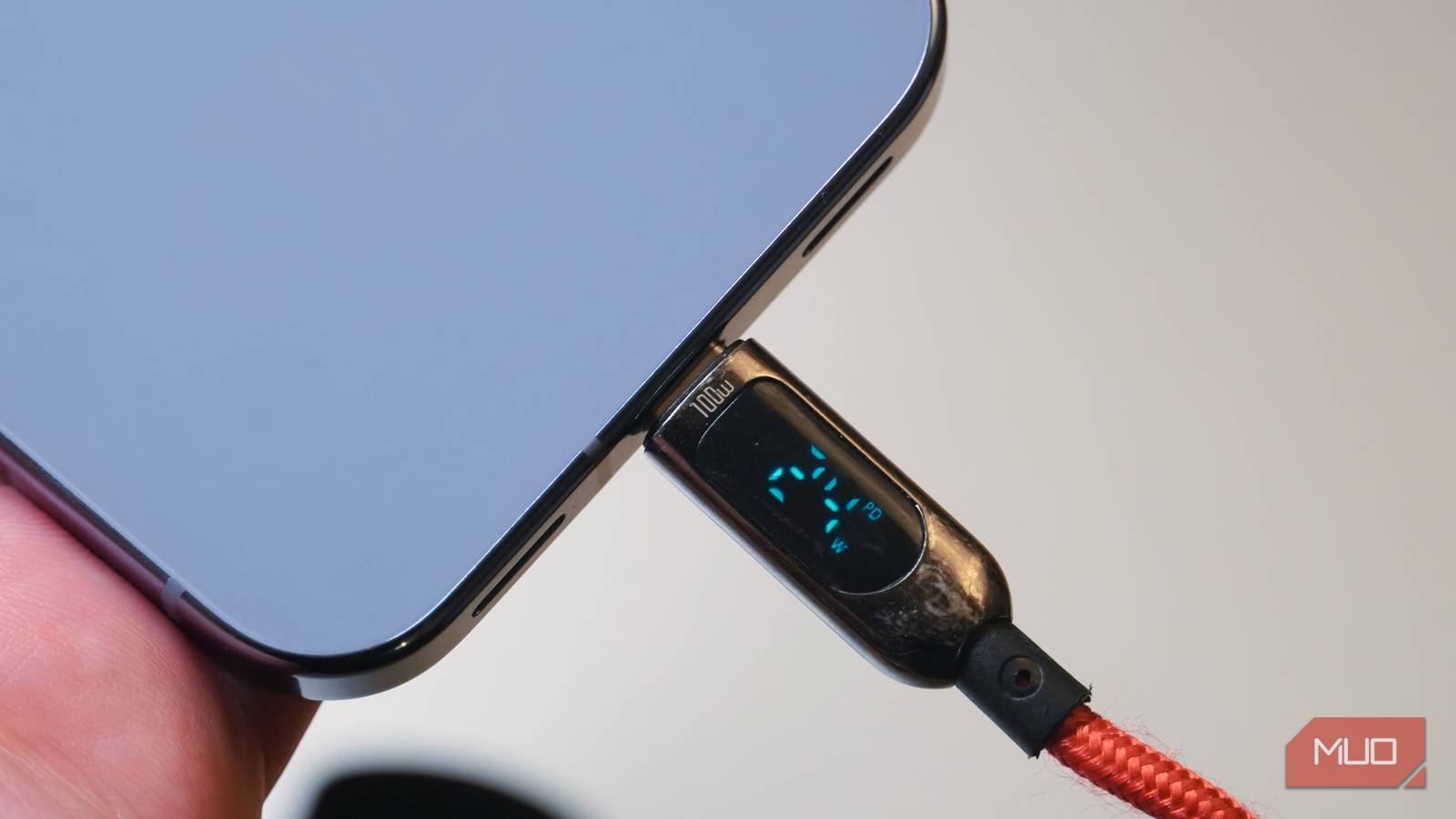
USB-C is wonderful — you can charge your devices up to 240W, transfer data at high speeds, and even use it as a display cable. The best part is that it works across all modern devices. However, USB-C cables aren’t as simple as they seem, and even if the connector may look similar across the board, different standards set them apart.
A cheap USB-C is not capable of delivering high power or driving a display. The thing is, all the cables look identical, and you can’t really tell them apart at a glance. Fortunately, there’s one specification that will tell you whether the expensive USB-C cable you’re about to buy serves its intended purpose.
Related
I stopped buying random USB-C cables after learning what three numbers actually mean
USB-C cables are notoriously hard to identify, but these three numbers will help you figure out what they can do.
Every USB-C cable looks the same
Same connector but different guts
Since USB-C has become the universal cable standard, you’ll be surprised to see your USB-C cable powering stuff you’d never think of plugging in. For instance, you can buy a generic USB-C cable advertised as high-speed, but it won’t actually reach those speeds.
It’s not just that the quality of these cables is different. Some USB-C cables are physically distinct to serve their purpose; USB-C cables that support PD charging have different internal wiring and gauge. I had been looking for a single USB-C cable that would work with all my devices, whether for a display or for charging my MacBook M4 Air, my Galaxy S23, and so on. Identifying a cable that checks every box seems impossible, but if you look for the e-marker specification, it might just fix the problem for you.
This chip inside your USB-C cable deals with all the negotiations
E-marker is the one specification you should look for in a USB-C cable
Shaun Cichacki/MUO
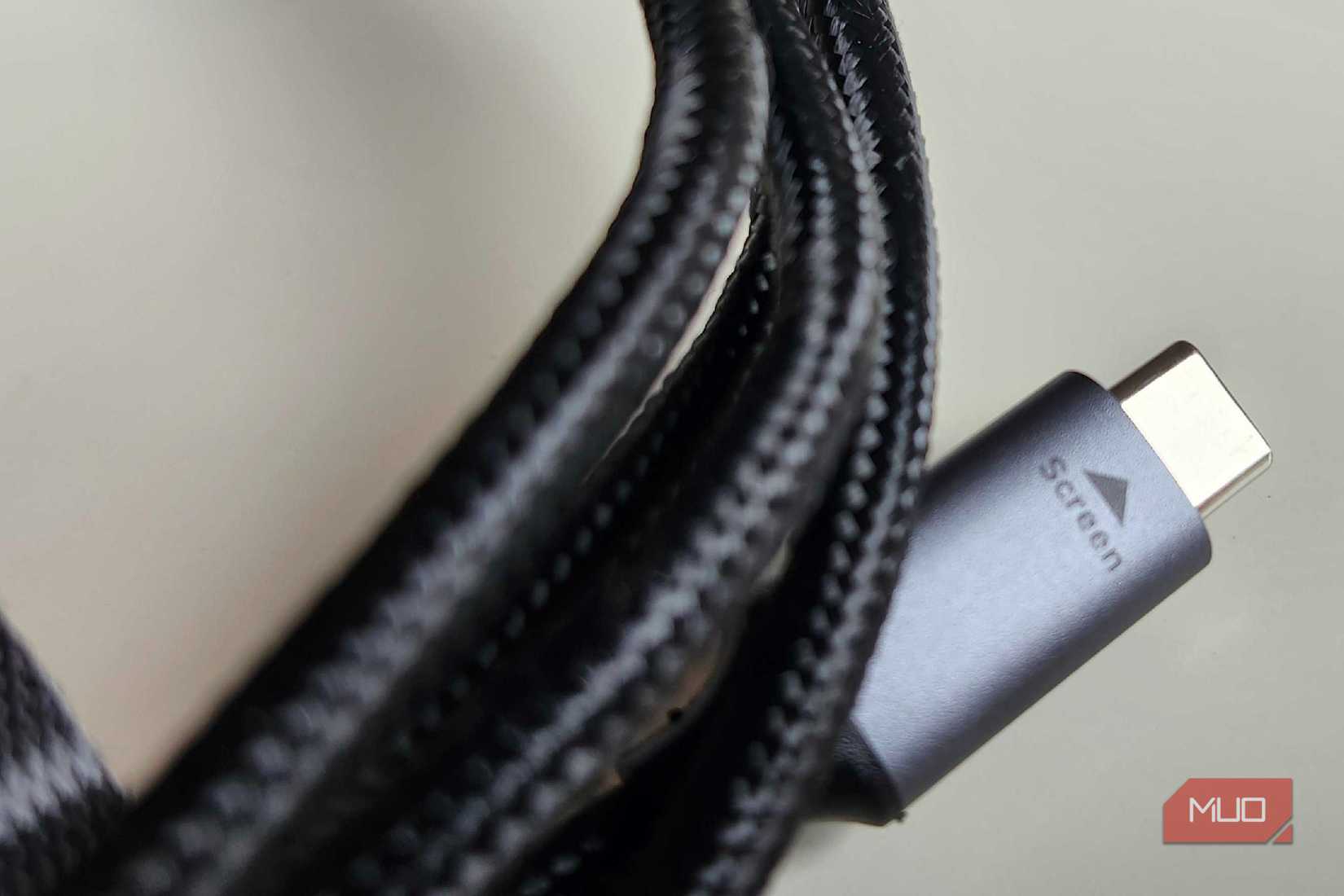
When you plug a cable into your device, the data and power aren’t just transmitted blindly; the device and the cable communicate with each other first. This is what the e-marker does — it’s a tiny chip inside your USB-C cable that communicates with your devices and tells them what it’s capable of — that includes its supported charging wattage, ability to output video, and data transfer rates. Generally, USB-C cables are confined to just 60W, and 480Mbps data transfer speed, at least those without an e-marker chip.
However, having an e-marked USB-C cable doesn’t always guarantee the fastest speeds, whether for charging or data transfer — that still depends on the physical wiring and the cable’s build quality. As such, don’t expect a 100W-rated USB-C e-marked cable to magically support 240W charging speeds.
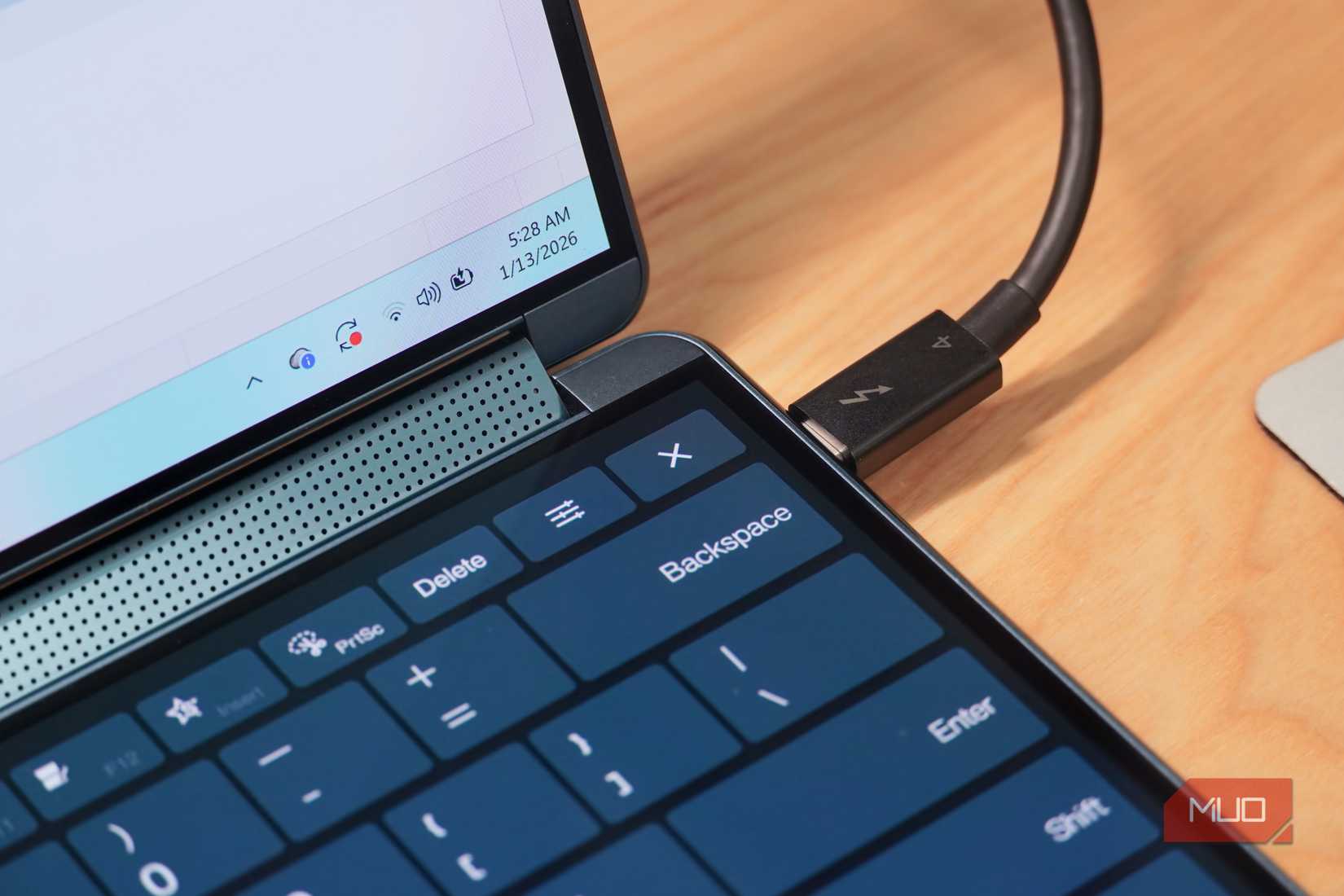
Moreover, not all USB-C e-marked cables support video output; that comes down to the specification the cable itself is built to, and remember, the e-marker is just an integrated chip in the cable at the end of the day, and it doesn’t declare specific capabilities. For instance, a USB 3.0 e-marked cable might support fast charging speeds, but that doesn’t guarantee video support. For USB 4, though, things change because all cables built to this specification have e-marker chips by default, so you know you’re getting high-speed charging, data transfer, and video support all in one.
How to tell if a USB-C cable has an e-marker chip
Just a quick look at the spec sheet will tell you
Credit: Brady Snyder / MakeUseOf
You really can’t tell by appearance whether a USB-C cable is e-marked — you will need a glance at the cable’s specifications for that. A generic cable most likely won’t have an e-marker by default, and I recommend buying USB-C cables only from trusted brands like Anker and Belkin. Going the generic route also leaves you vulnerable, since unverified cables can carry real safety risks like overheating, slow charging, or even malware attacks.
Either way, look for the phrases “e-marker” or “e-marked” on the listing from the place where you want to buy the cable, and even then, most manufacturers omit this specification because, as I said earlier, USB 4 cables come with this chip by default. In that case, the USB IF certified product search lets you look up specifications for nearly all certified USB-C cables.
The one I currently use is the Satechi USB4 V2 Pro Cable, which is USB 4, supports up to 128GB/s transfer rates, up to 240W charging speeds, and dual 8K displays.
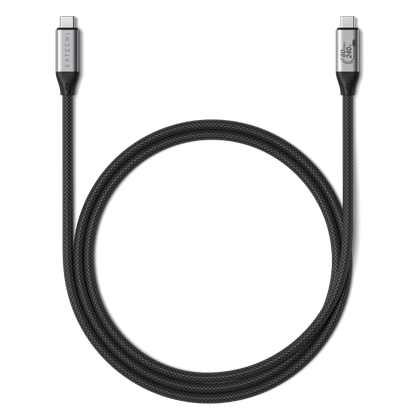
Brand
Satechi
Cable Type
Works with Thunderbolt 4, Thunderbolt 3, USB4, USB 3.2/3.1/3.0/2.0
Length
3.9 ft / 1.2m
Data Transfer Rate
80Gbps bidirectional
This specification should be non-negotiable
Among everything I look for when buying a new USB-C cable, e-marker is now the first thing I check. Even then, the USB 4 certification helped me narrow down a purchase decision. As I mentioned earlier, typical USB-C cables cap out at 60W and 480 Mbps, and if a cable is advertised at higher speeds without an e-marker, I suggest skipping out since that cable is physically incapable of delivering on its advertised specifications.