
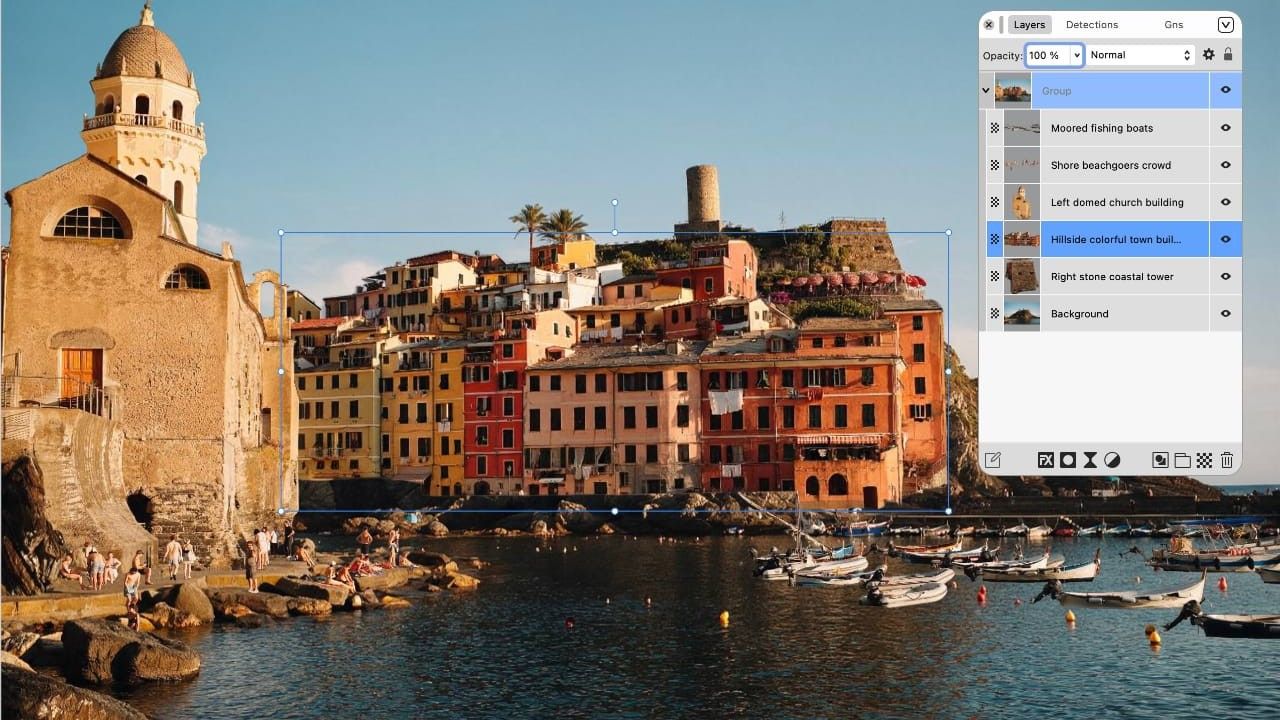
It’s funny how things turn out. When Serif, a software firm based in Nottingham, England, first released Affinity Designer as a free download back in 2014, almost no one paid attention. But they’d had the sense to travel down to meet me and a bunch of other tech journalists at Future Publishing’s Bath offices, showed us a demo, and we were all hugely impressed.
This wasn’t just as good as Adobe Illustrator, in some ways (such as their million-times zoom) it was better. And for a limited period, it was free! I wrote this news story for Creative Bloq, downloads erupted, and the rest is history.
The software went on to win awards and adherents up and down the industry. And although Serif did start charging for Affinity Designer – along with Affinity Photo and Publisher as they followed in its wake – it remained much cheaper than Adobe’s ever-increasing Creative Cloud subscription.
Latest Videos FromCreative Bloq
Then in 2024, everything changed again, as Affinity was sold to Canva. And for a while, I was nervous. A social-media-friendly design app buying up a professional Adobe alternative felt like it could go horribly wrong.
But so far, things have actually gone pretty well. In October 2025, the Affinity suite became free once more. And if I had fears that these tools would be dumbed down and absorbed into Canva’s main platform, the recent launch of Affinity 3.3 has put all those fears to bed.
You may like
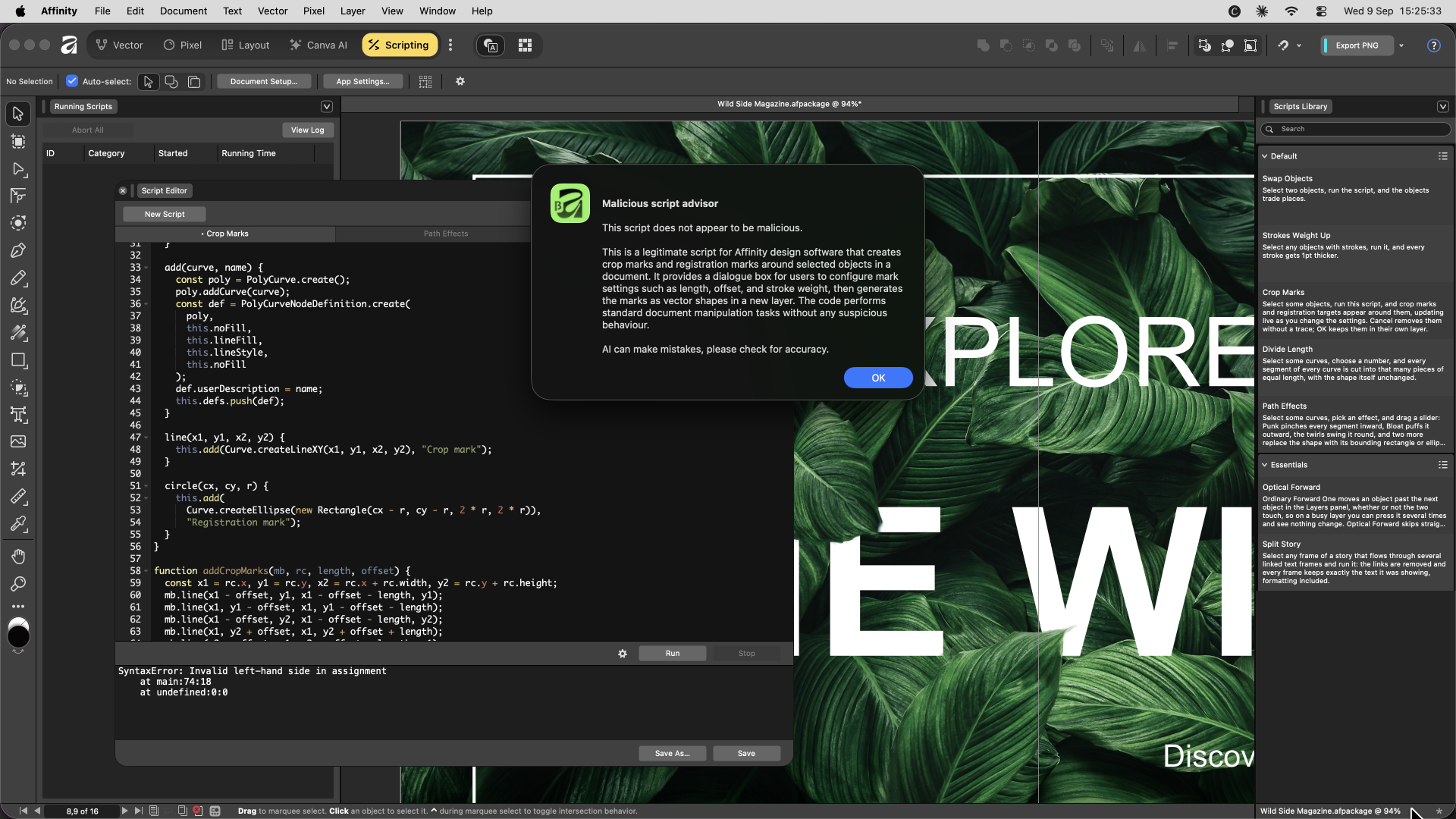
Affinity’s new Scripting Studio, showing a crop-marks script being edited alongside a built-in malicious script check. (Image credit: Canva)What’s new in 3.3
Version 3.3 is a huge step forward, featuring more than 60 new features spanning image editing, vector work, page layout and now scripting. And it all dovetails nicely with a newly branded Canva ProSuite, which also includes Cavalry, Leonardo.Ai and Flourish.
In truth, there’s no one big standout feature here, but that’s actually a good thing. Canva aren’t just leaning on one or two headline-grabbing additions. Instead, they’ve gone long and deep into the unglamorous but actually-professionally-useful stuff instead.
Take the new Blend Tool, which creates live, editable transitions between vector shapes, complete with independent controls for position, rotation, shape and colour. Or the ability to visualise G2 curve energy on the Pen tool, a niche feature aimed squarely at font and logo designers who care about the precise mathematics of a curve.
Elsewhere, the RAW photography engine has been reworked, with hue-preserving curves, new saturation and hue adjustments, and global presets that finally behave the way photographers expect.
Best of all, everything remains free. No subscription, no watermark, no free vs paid for tier. Yes, you have to pay if you want Canva’s AI models. But everything else – the Blend Tool, the new Astrophotography Studio, the ability to import InDesign and Publisher files directly – is available for absolutely no pennies at all.

(Image credit: Canva)
None of this means Adobe’s going anywhere. Creative Cloud still has deeper integration, a bigger plugin ecosystem and a decades-old professional reputation. To put it bluntly, if you want a job in a creative field, you need to know Adobe, and that won’t change any time soon.
But increasingly, I don’t think of these kinds of tools as in direct competition. For many designers, it’s not a choice between them, but a choice to have both, and use each where appropriate. And if Canva can keep full-blooded Affinity free over the long time, I can’t see that changing any time soon either.