
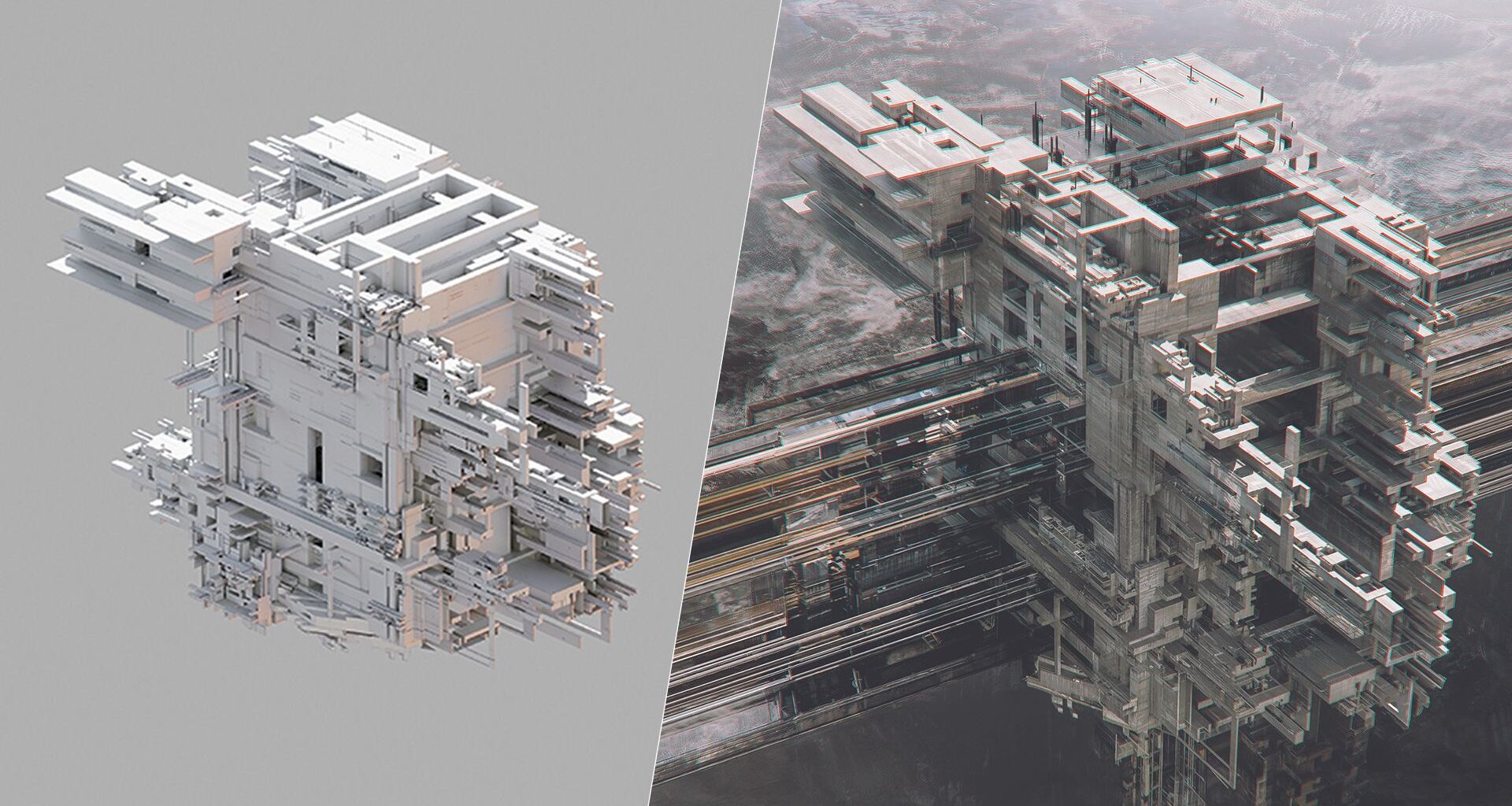
I’m deeply interested in the relationship between architecture, technology and abstract visual systems. My work revolves around constructing highly detailed, futuristic structures that resemble cities, industrial complexes or even digital organisms.
The environments/structures often feel isolated, suspended or disconnected from any natural world due to alienation, technological dominance and the consequences of rapid urban or digital expansion.
(Image credit: Peter Olschinsky)
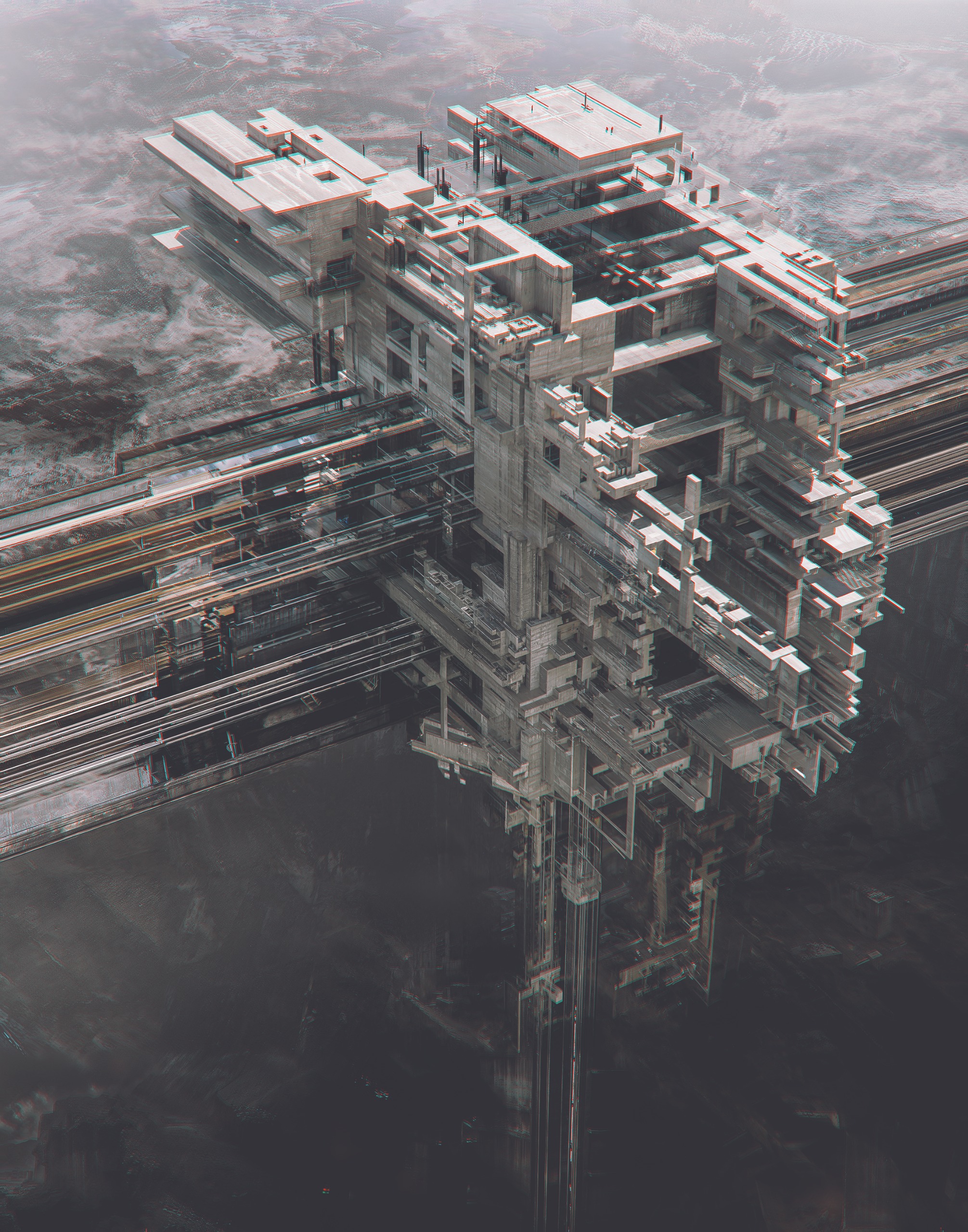
This image presents a massive, floating architectural structure that feels both futuristic and industrial. The composition is dominated by sharp, geometric forms, stacked platforms, exposed frameworks and interconnected corridors that create a sense of complexity and precision. The greyscale palette, enhanced with subtle red and cyan offsets, gives the image a glitch-like, digital distortion effect.
(If you need the tools to start out in 3D art yourself, see our guides to the best 3D modelling software and the best laptops for 3D modelling).
How I build a scene
01. Experimenting with composition
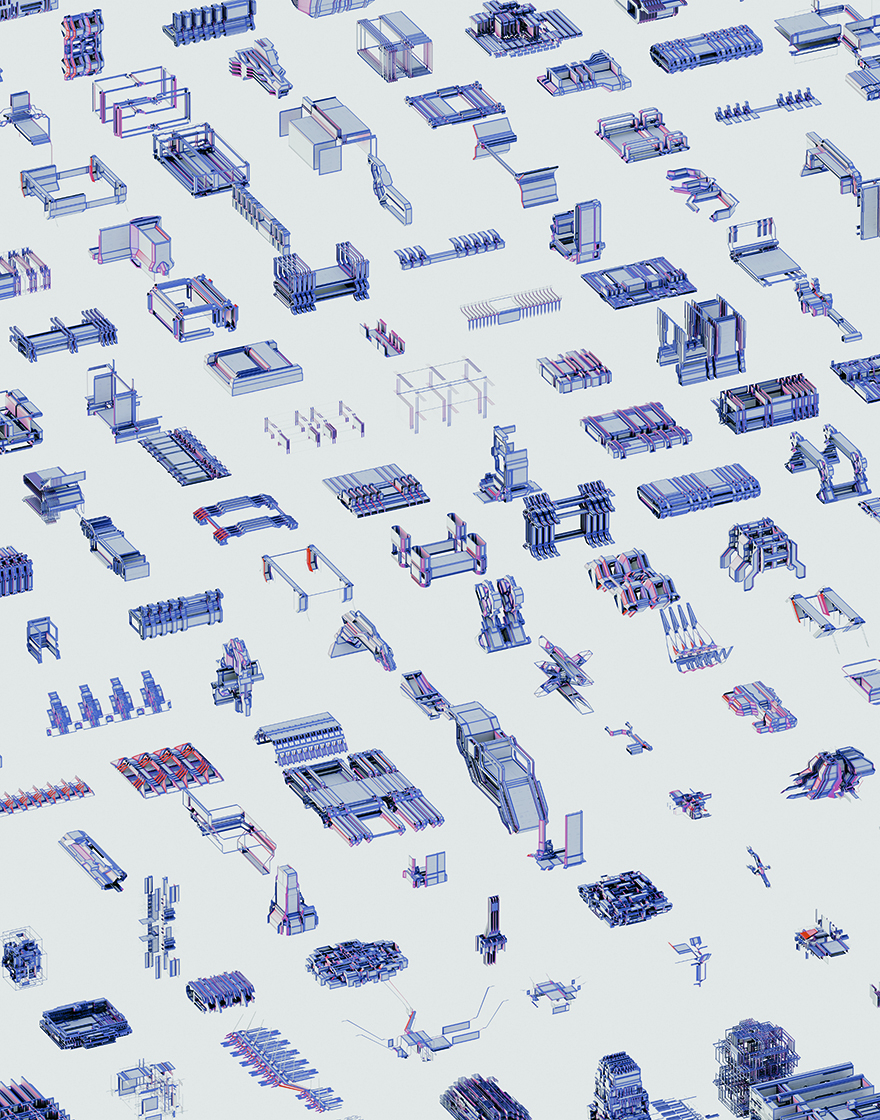
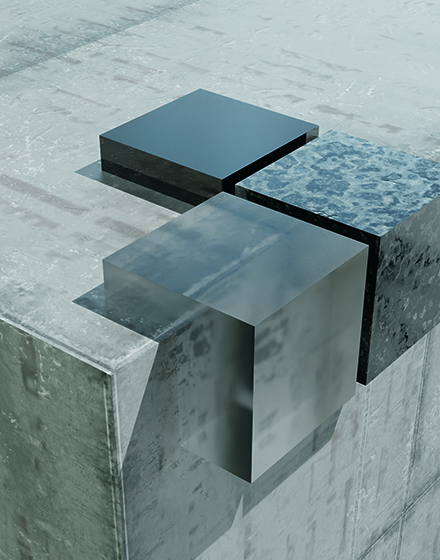
I’ve built up a library of over 10,000 shapes created in MoI 3D, Shapr3D or Blender. I begin by selecting a few structures from it, experimenting with scale, positioning and the relationship between positive and negative space.
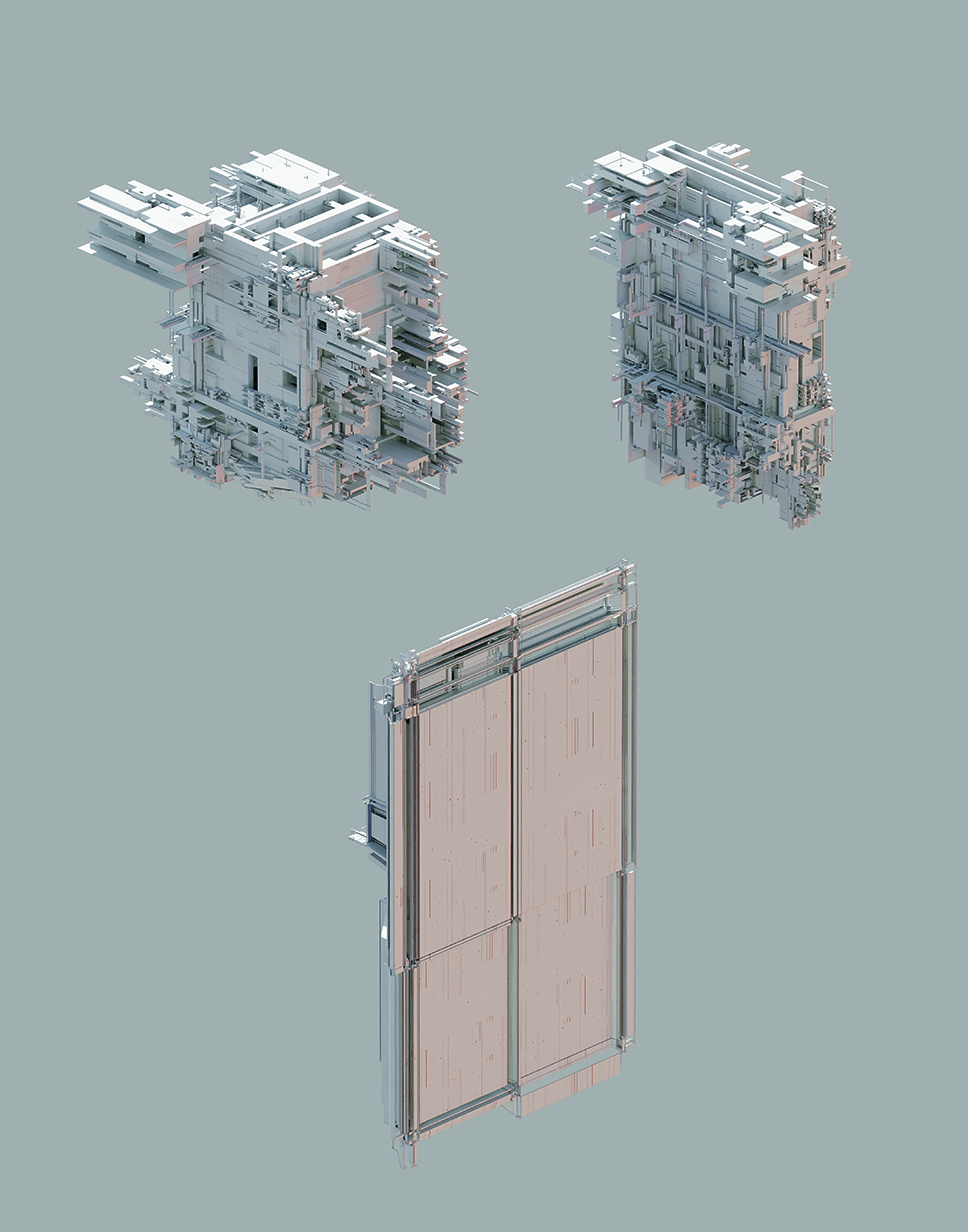
It’s very important that the composition works without texturing and lighting. I generate dozens of camera setups to find the best one – this is crucial.
(Image credit: Peter Olschinsky)
02. Adding textures and lighting effects
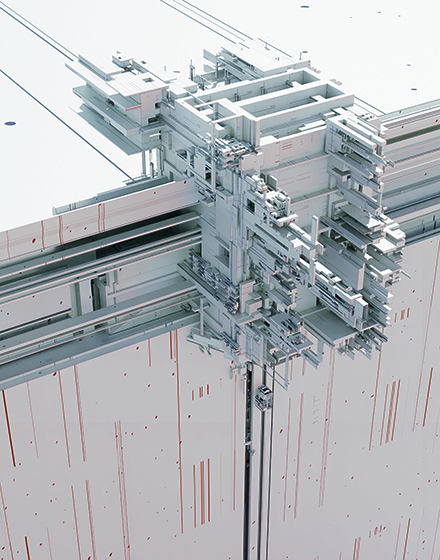
I experiment with various textures, letting my intuition guide me. I take a similar approach with lighting, changing the mood and atmosphere quite arbitrarily.
This often takes the most time, since last-minute changes to textures and materials can still occur. The most important thing is that the mood and the structures/shapes work together to tell the final story.
03. Overpainting in Photoshop
Once I’m happy with the final composition and have added textures and lighting, it’s rendered in Blender. I then further transform the artwork in Adobe Photoshop through experimental overpainting, where I incorporate abstract structures, glitch effects and vintage tones that add a sense of timelessness to my otherwise technological narrative.

(Image credit: Peter Olschinsky)
(Image credit: Peter Olschinsky)Today’s best drawing tablet deals
Inspired to work on your own digital art? See below for deals on drawing tablets that we’ve reviewed.
You may like
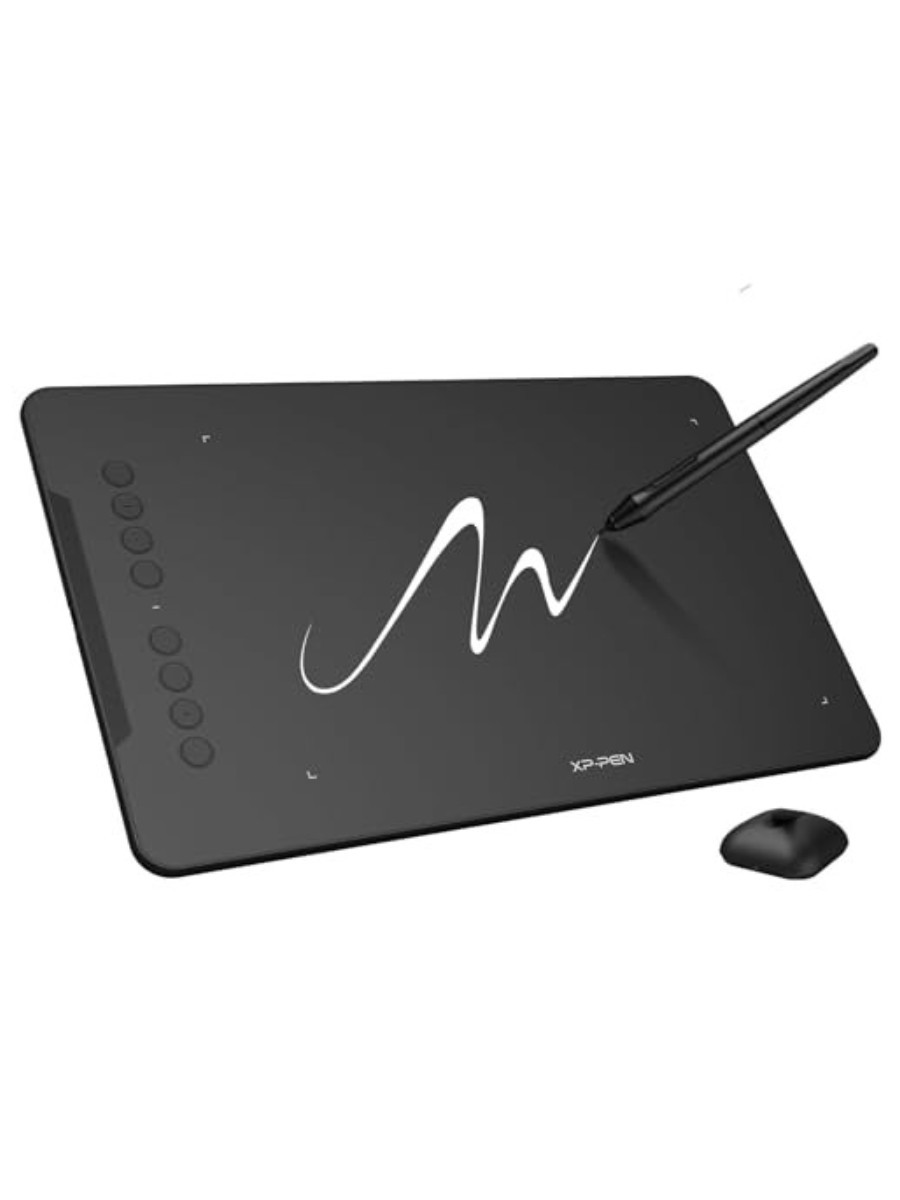
XP-Pen
Updated Deco 01 V3
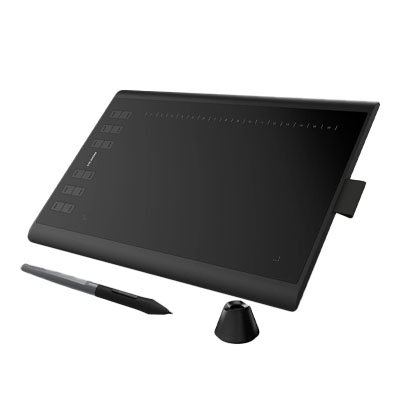
Huion
Huion Inspiroy H1060p
This article originally appeared in ImagineFX. Subscribe to ImagineFX to never miss an issue. Print and digital subscriptions are available.
Creative Bloq is now easier to access than ever before with our on-the-go app, which brings you all the content you know and love from our website, but in a super-streamlined design.
Download the Creative Bloq app for iOS
Download the Creative Bloq app for Android