
Apple has released iOS 26, but if you haven’t seen the latest update appear on your iPhone yet, you might be out of luck. Devices older than iPhone 11 are out of luck, and you’ll need to upgrade to a more decent device before you can check out new features like the “Liquid Glass” redesign and the ability to block spam calls.
Because iOS 26 requires the power of the A13 Bionic chip or newer, some popular older models have unfortunately been left out of iOS 26, although they will continue to get security updates for iOS 18 (or iOS 16). Find out below if your iPhone supports the iOS 26 update.
Don’t miss any of our unbiased tech content and lab-based reviews. Add CNET as a preferred Google source on Chrome.
Every iPhone that supports iOS 26
The phones left off this year’s list are the iPhone XS, XS Max and XR.
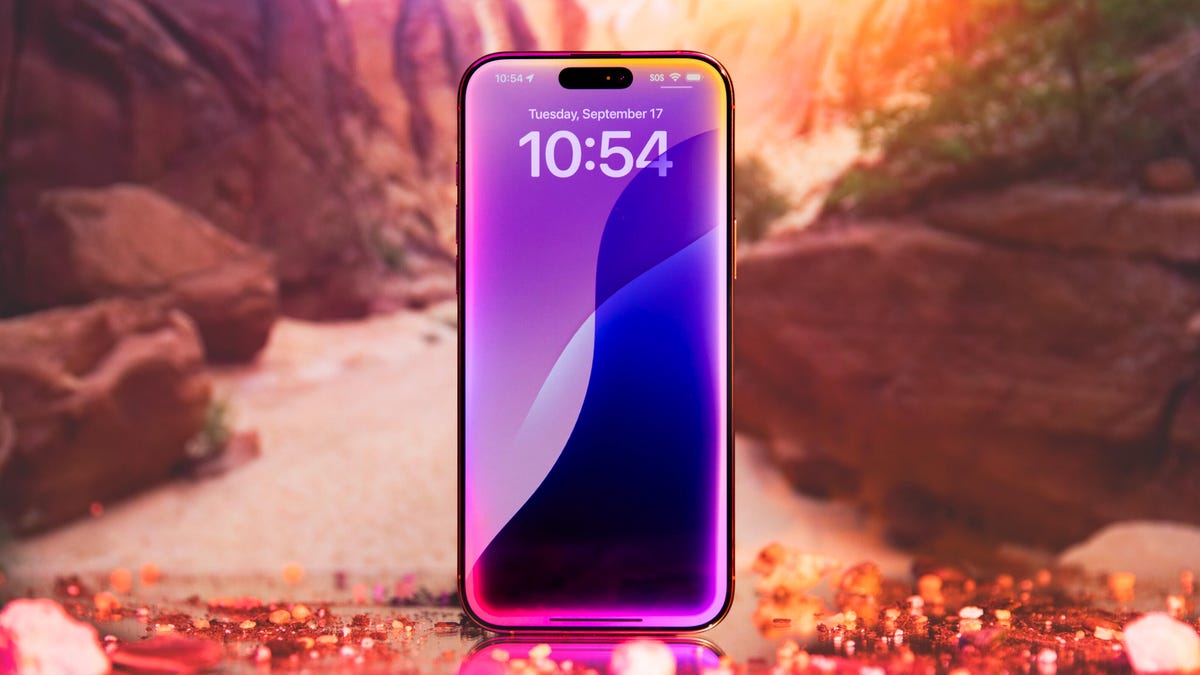
The iPhone 17 will come loaded with iOS 26.
Apple/CNET Heads-up: Apple Intelligence isn’t on all iPhone models
While all of the models above can install iOS 26, Apple Intelligence requires beefier hardware. Features such as Genmoji, Image Playground and the new Visual Intelligence search only work on:
iPhone 15 Pro and 15 Pro MaxiPhone 16 modelsiPhone 17 models
If you’re on an older device, you’ll still get all the design changes and everyday updates, but nothing involving Apple Intelligence.
Watch this: 26 More Things Hidden in iOS 26
05:27 Not sure which iPhone model you own?
On your iPhone, go to Settings > General > About and look at Model Name. If your phone isn’t on the compatibility list, it will keep receiving iOS 18 security patches for a while, but you won’t see any of iOS 26’s new features.