
GSMArena Team,
11 November 2025.
1. Introduction, specs, unboxing2. Design, build quality, handling3. Lab tests – display, battery life, charging speed, speakers4. Software, performance5. Camera, photo and video quality6. Competition, verdict, pros and consZTE nubia Z80 Ultra specificationUser opinions and reviewsReview comments (18)
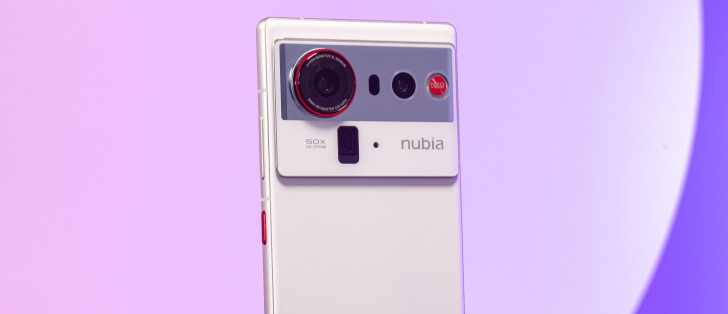
Android 16 and Nebula AIOS
The nubia Z80 Ultra runs Android 16, augmented by the in-house Nebula AIOS v2.0, and we’ll just ignore that the build name is actually still called MyOS (ZTE/nubia’s older name for their Android overlay). The company has not made a big deal out of the Z80 Ultra’s update policy, so we’ll have to remain skeptical.
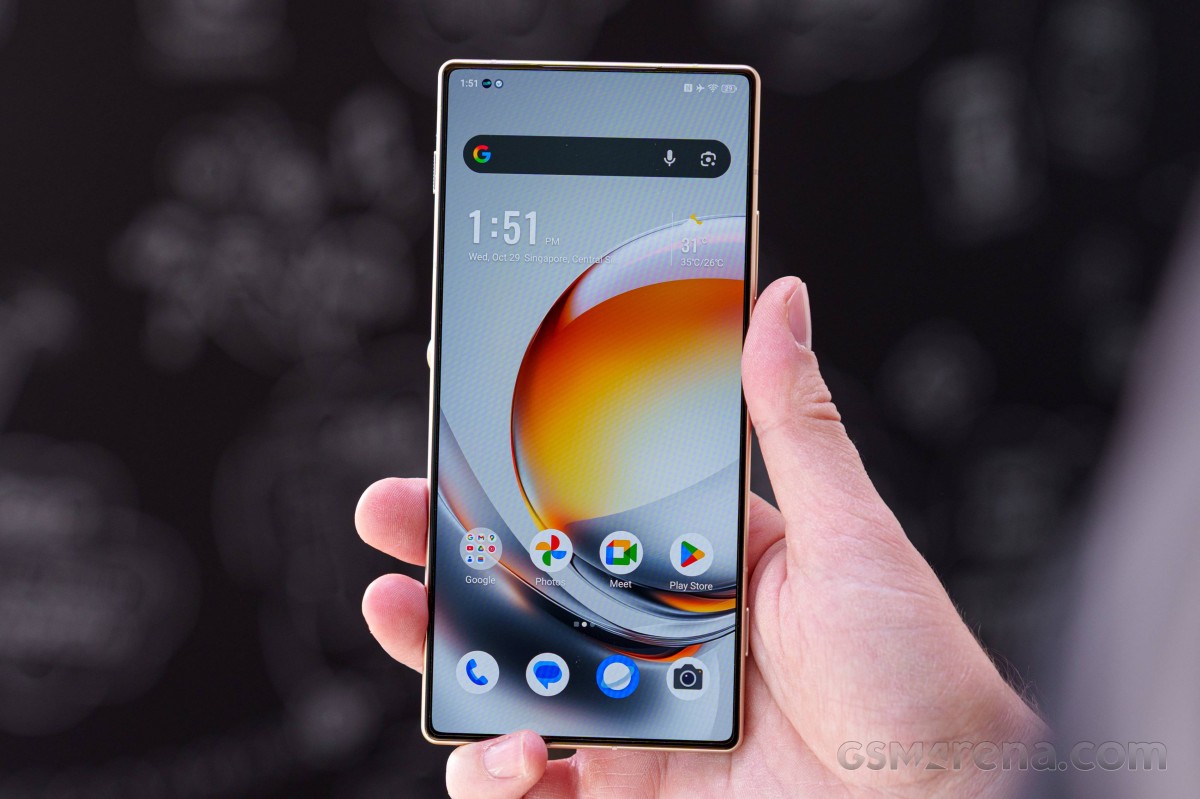
Not a lot has changed in the software experience since the last time we saw a nubia phone. There’s the characteristic big-bubbles quick toggles area that’s been a staple of nubia/ZTE/Red Magic for a couple of years – the initial swipe would get you 4 large bubbles for Bluetooth, mobile data, flashlight, and now Wallet, though you can rearrange those to your liking, of course.
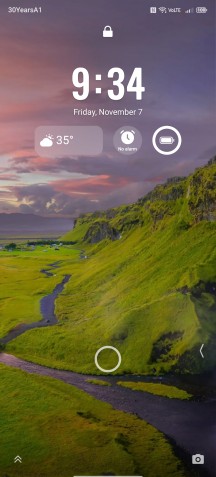
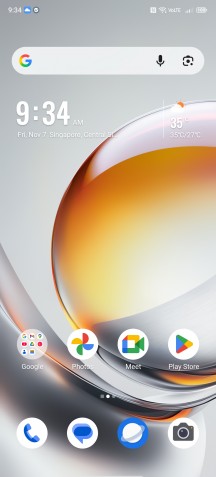
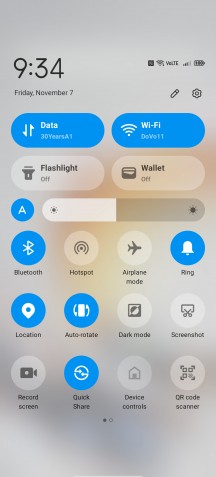
Nebula AIOS on the nubia Z80 Ultra
Plenty of customization options can be found too, including a wide selection of pre-installed wallpapers as well as a capability for AI-generated images. Somehow a large folder capability for the homescreen continues to be missing.
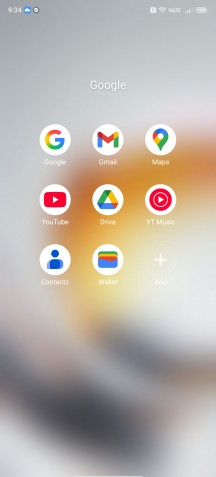
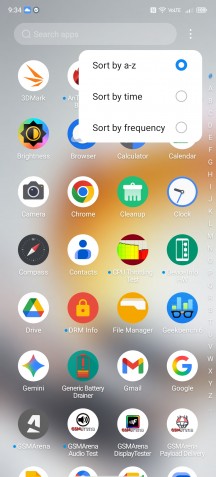
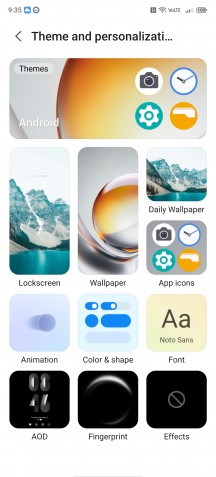
More Nebula AIOS
A handful of other AI-based bits are available, the most prominent being an AI Translate feature. It’s got two incarnations, one of them is an in-call translation, the other is for in-person conversations. It’s an in-house feature provided by ZTE, with the total number of supported languages now grown to 38.
There’s also a Google Translate face-to-face functionality (translate all the things), as well as some forms of Google Gemini (Live too, but somehow no Circle to search).

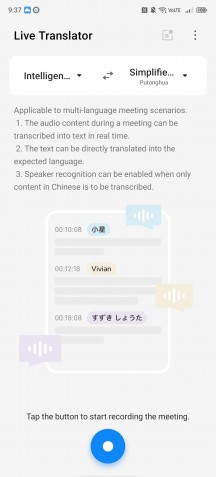
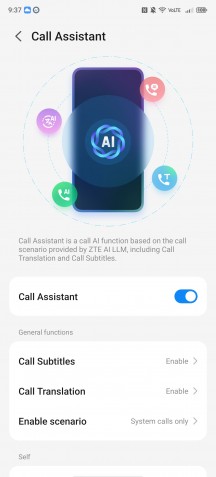
AI Translate
Sure enough, the Energy Cube gaming utility that is typically found on RedMagic phones is here on the nubia as well. Cluttered and overwhelming at first sight, but also feature-packed, it consists of two large symmetrical menus on each side of the display, with most of the functions readily accessible with a single tap. You can monitor your CPU and GPU frequency as well as, crucially, in-game fps using an overlay.
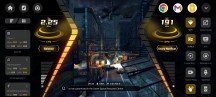


Energy Cube
As is the norm, a nubia Ultra comes with the latest available top-end Qualcomm chipset and in the case of the Z80 Ultra that’s the Snapdragon 8 Elite Gen 5. Built on a 3nm process, the chip features an octa-core CPU (20% faster than the previous model) with a 2+6 configuration of third-gen Oryon cores, a new Adreno GPU (23% faster), and an improved Hexagon NPU (37% faster) – Qualcomm doesn’t seem to bother much with naming individual bits anymore.
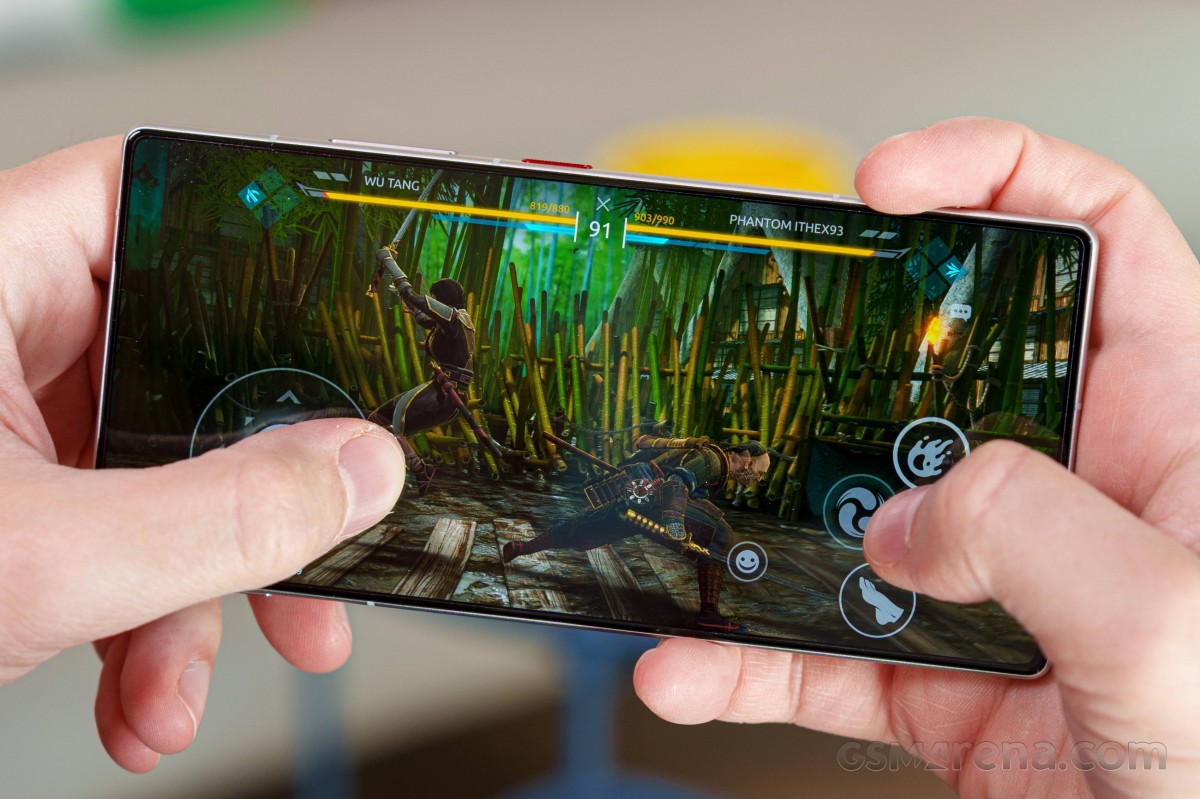
Three memory configurations are available globally – a base 12GB/256GB version, a 16GB/1TB top-spec, and a 16GB/512GB middle option (as reviewed). In China, there’s another middle option, so to speak – 12GB/516GB, and a 24GB/1TB variant may still be available too.
In benchmarks, the Z80 Ultra posted excellent scores, in line with what’s to be expected from the chipset. The closely-related RedMagic 11 Pro was slightly better in most metrics, the OnePlus 15 scored a little higher in some tests and a little lower in others, the competing Dimensity 9500 in the vivo X300 remains ahead in ray tracing.
Sustained load performance wasn’t something out of the ordinary, and we observed significant thermal throttling under maximum CPU load – less than two minutes into the test, the result dropped to about 60% of its initial value and stayed there or slightly lower for the remainder of the hour-long CPU Throttling test benchmark. The GPU’s results looked somewhat significantly better, with a fairly gradual ramp down in performance and a not-too-bad 64% stability rating from the 3DMark Wild Life Extreme Stress test.
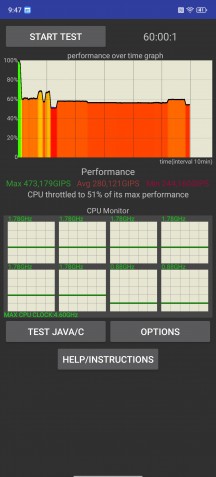
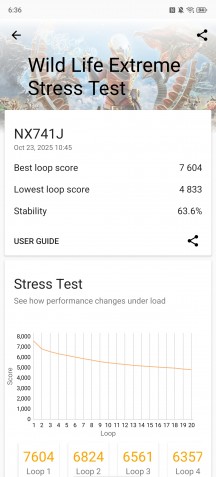
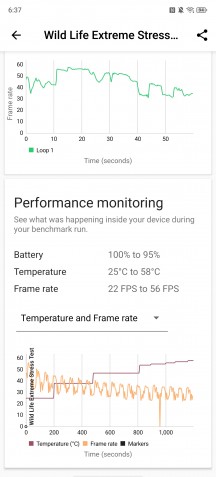
CPU Throttling test • 3DMark Wild Life stress test
The thing is though, as on previous phones from the brand, the handset got extremely hot on the surface, with the frame reaching temperatures well over 60 degrees. It can be argued that having a hot frame means that internal heat is being dissipated, but it’s also true that a hot frame isn’t too comfortable to hold for extended periods of time (or short ones either, for that matter).
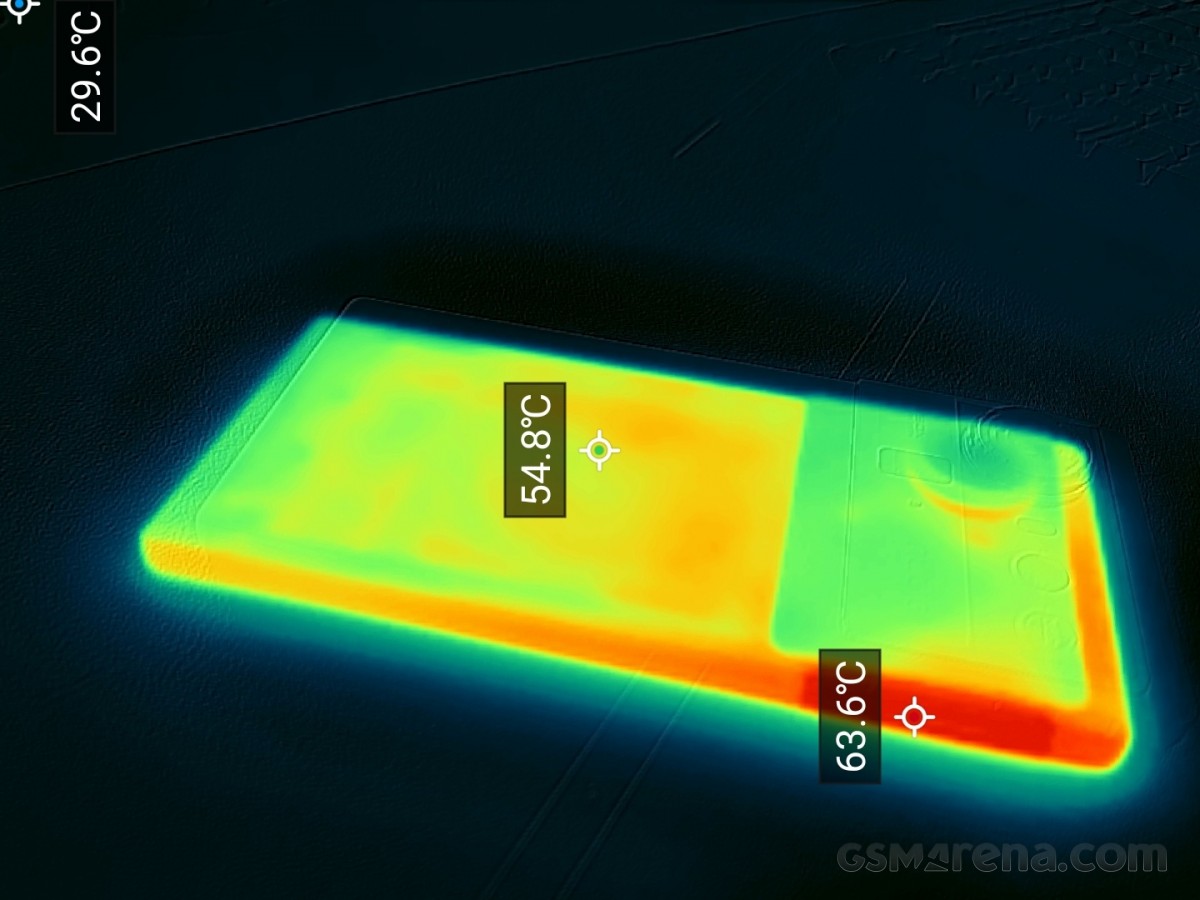
nubia Z80 Ultra surface temperatures