
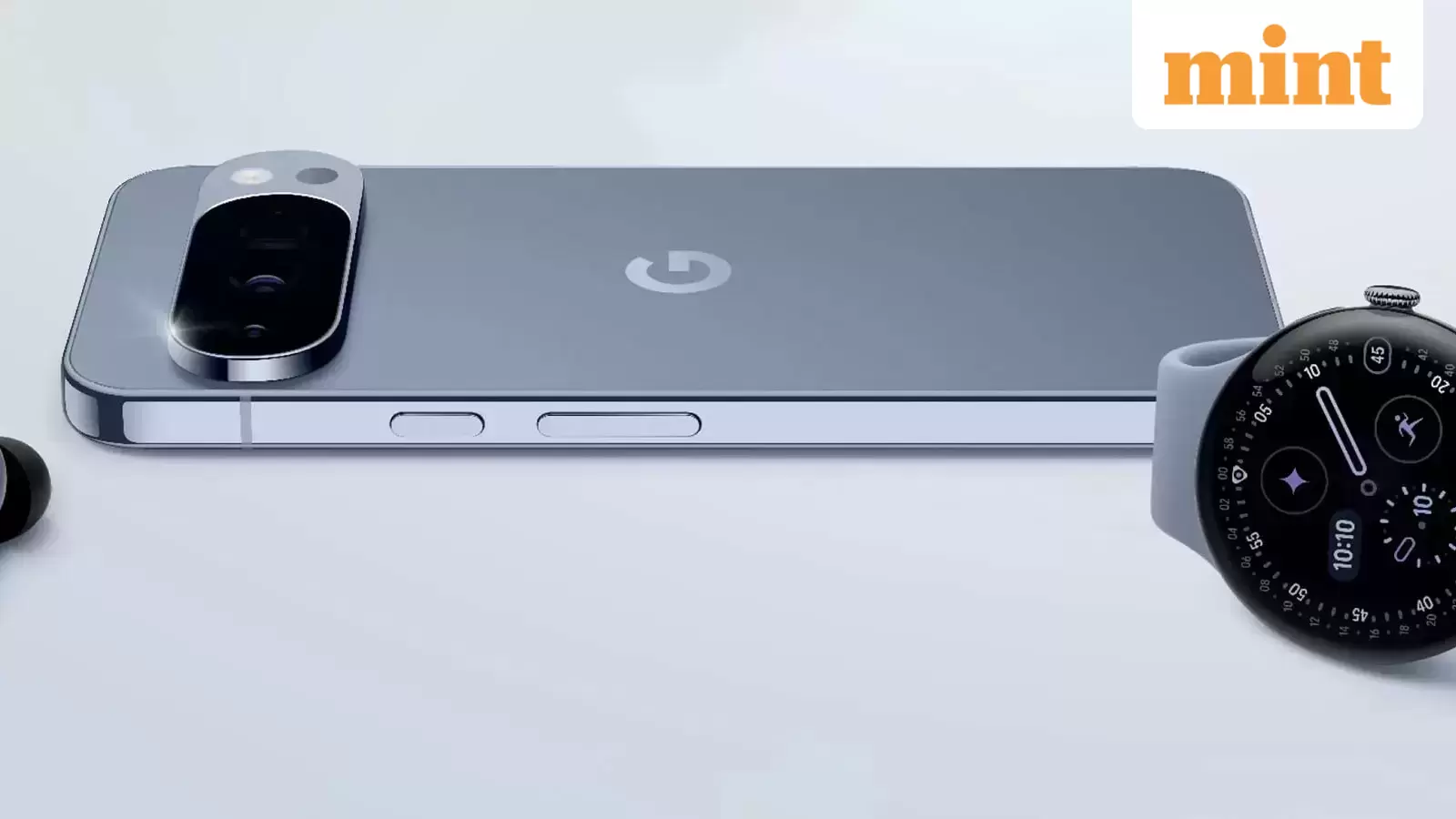
Google has created a new way for its latest Pixel phones to send photos and other files straight to iPhones through Apple’s AirDrop. This is the first time Android and iPhone users can share files with each other in almost the same way as two Apple devices.
What this new feature does
AirDrop is Apple’s fast sharing tool for iPhones, iPads and Macs. Google already has Quick Share on Android, but until now, it only worked with other Android phones. Google’s new method uses a direct connection between the two devices, so nothing goes through a server, and no extra data is shared.
Right now, this feature only works on the Pixel 10 series. To receive anything from a Pixel, the iPhone must be set to accept files from everyone for ten minutes. This is important because Apple limits AirDrop to contacts by default.
How to set up the iPhoneOpen Control Centre by swiping down from the top right corner.Press and hold the box that shows Wi Fi and Bluetooth.Tap AirDrop.Choose Everyone for 10 Minutes.Keep the phone unlocked so you can see the request when it appears.
After ten minutes, the iPhone will switch back to contacts only, so you may need to repeat this step later.
How to send a file from a Pixel 10 to an iPhone using Apple’s AirDropOpen the photo, video or file you want to share.Tap the Share button.Choose AirDrop from the list.Pick the nearby iPhone you want to send to.Wait for the iPhone user to accept the transfer.
Tests have shown this works well with both an iPhone and a Mac.
How the iPhone receives the file
A message will appear on the iPhone, displaying the name of the Pixel device. The user can accept or reject the file. If accepted, the photo or file will save automatically in the proper app.
Why this matters
Google says this feature makes sharing easier for everyone, regardless of the phone they use. It is similar to how RCS messaging improved chat quality between Android and iPhone last year.
Quick things to rememberYou need a Pixel 10 device.The iPhone must be set to Everyone for 10 minutes.
Wi-Fi and Bluetooth should be enabled on both phones.
(With inputs from Bloomberg)