
5G phones have been out for more than half a decade. The hype around its launch was tremendous: we were promised ubiquitous near-gig speeds with latency so minimal that even remote surgery would be feasible.
Now, most modern phones can take advantage of the benefits of 5G, which makes uploading large files and streaming high-resolution video easy. Providers like Mint even offer 5G as a home internet solution.
But 5G also has a downside, especially in areas with poor coverage or for older phones without the latest chips. Because of this, I turn off 5G and revert to LTE in certain scenarios, bringing significant battery life benefits. Let’s look at the difference between using 5G and forcing your phone to use LTE.
5G versus 4G LTE: what’s different?
It’s not just speed
Credit: Brandon Miniman / MakeUseOf
Long Term Evolution, or LTE, is the standard for 4G networks that most carriers rolled out starting in 2010. These networks offer speeds similar to home Wi-Fi at the time, which was roughly 10–100Mbps. This made it possible to do a lot more than on 3G, like having smooth video calls on the go.
But it was latency that made the biggest leap. Latency is the “lag” time it takes for your phone to send a request to the server (in this case, the cell phone tower) and get a response. With 3G, latency was often 100–500ms, then 4G’s 75% reduction in latency brought this down to 30–70ms. With 5G, latency can be as low as 5ms.
This reduction in latency madeeverything feel much faster on LTE phones. And because 4G utilizes existing 3G network infrastructure (on a technical level, 4G is kind of like “3G plus,” especially early on), coverage was outstanding for most people.
These LTE networks remain in place today and serve as a fallback when 5G connectivity is unreliable. Using LTE, especially in spotty 5G coverage areas, saves battery because LTE modems use less energy. Additionally, LTE connections tend to be more stable (depending on your area) since they’re often built on top of the ubiquitous 3G. That’s in comparison to 5G, which (in most cases) requires an entirely new network to be built out.

Related
My 6 Handy Tips for Boosting Your Mobile Hotspot Speeds
Boost your mobile hotspot speeds with these easy-to-implement tips and tricks.
Another big difference between LTE and 5G is their radio frequencies. 5G actually has three layers, with low band (slowest, but most far-reaching at 1GHz), mid-band (faster, less range, at 1–6GHz), and the rare but extremely fast high-band (also known as mmWave, at 24—60GHz but with extremely limited range).
However, LTE operates at much lower frequencies, from 600 MHz to 2.5 GHz, allowing it to travel very far and easily penetrate walls. This advantage of LTE means your phone can easily find and maintain a connection compared to 5G, especially in rural areas or on older phones with less capable modems.
How to force your phone to use LTE
It’s easy and only takes a moment
Credit: Brandon Miniman / MakeUseOf
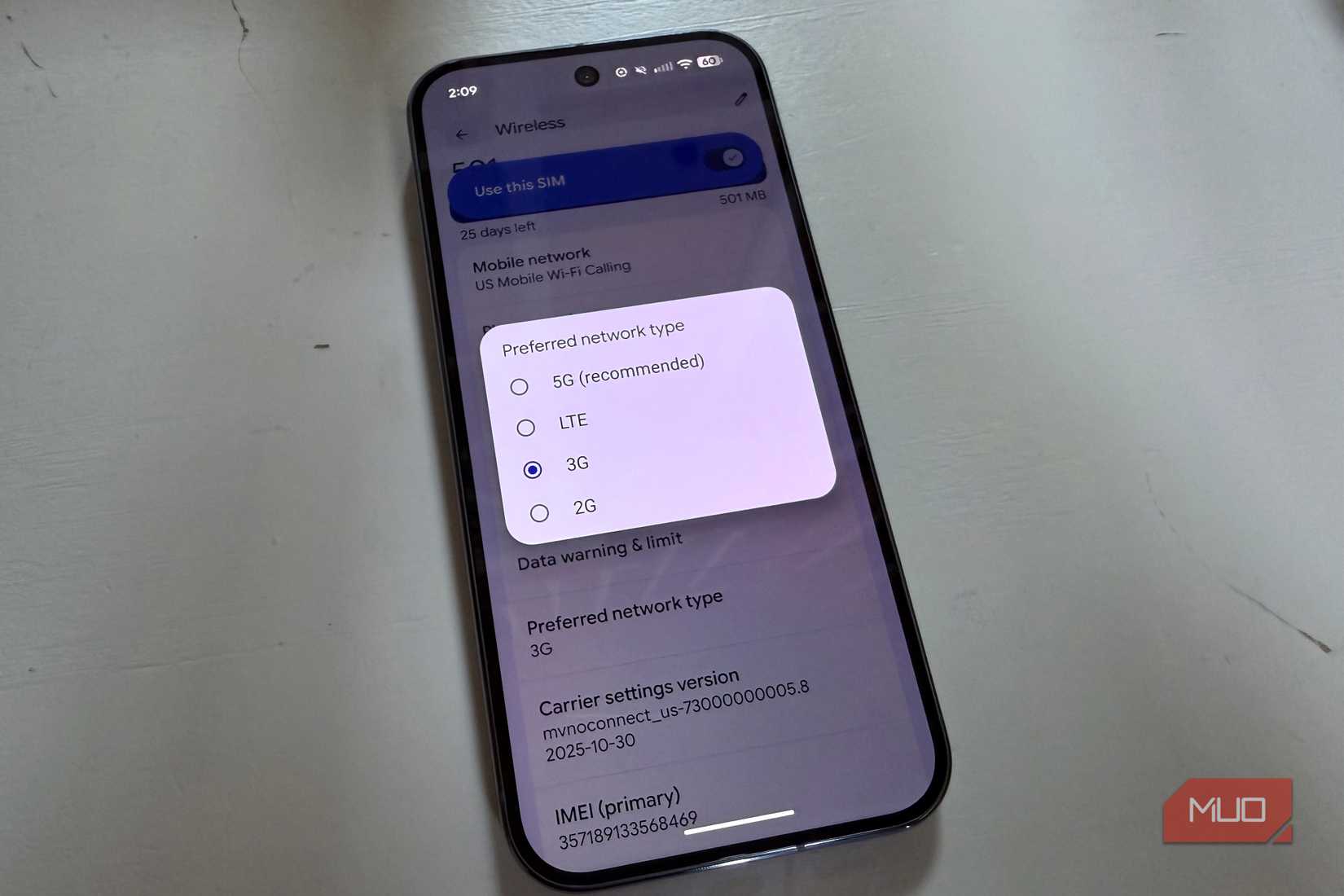
If you’re on Android and want to force your phone to use LTE, go to Settings > Connections/Network & Internet > Mobile Networks/SIM > Select LTE or 4G Preferred.
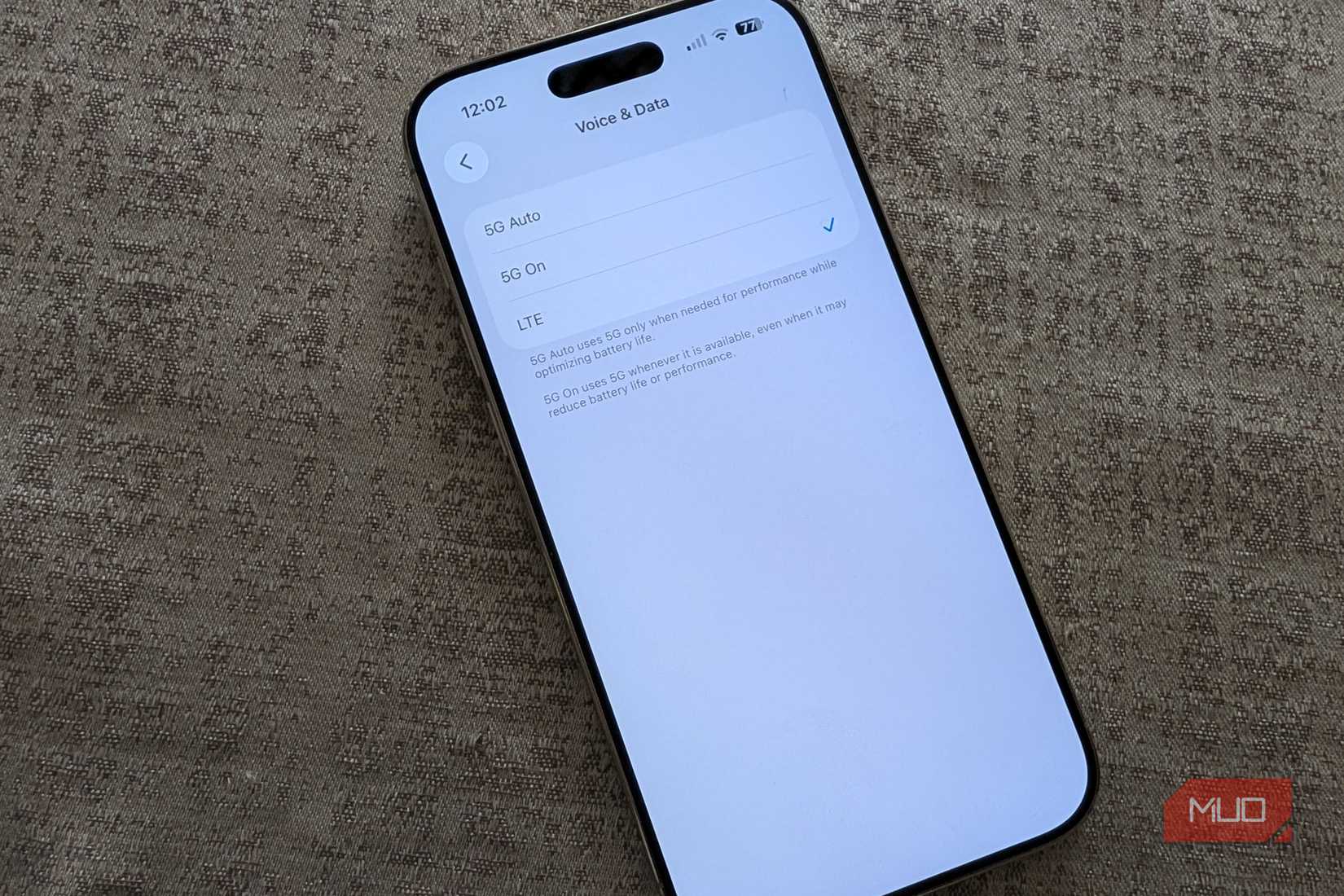
On iOS, go to Settings > Cellular > Cellular Data Options > Voice & Data > LTE.
You might need to reboot your phone once you make this choice, but doing this will force your phone to use LTE. If you don’t feel like rebooting your phone, toggling cellular data on and off should do the job.
You’ll be able to confirm it worked by looking at the status bar next to the cellular signal bars—it should now say LTE or perhaps 4G.
Is battery life on LTE better than 5G?
Yes, but with a caveat
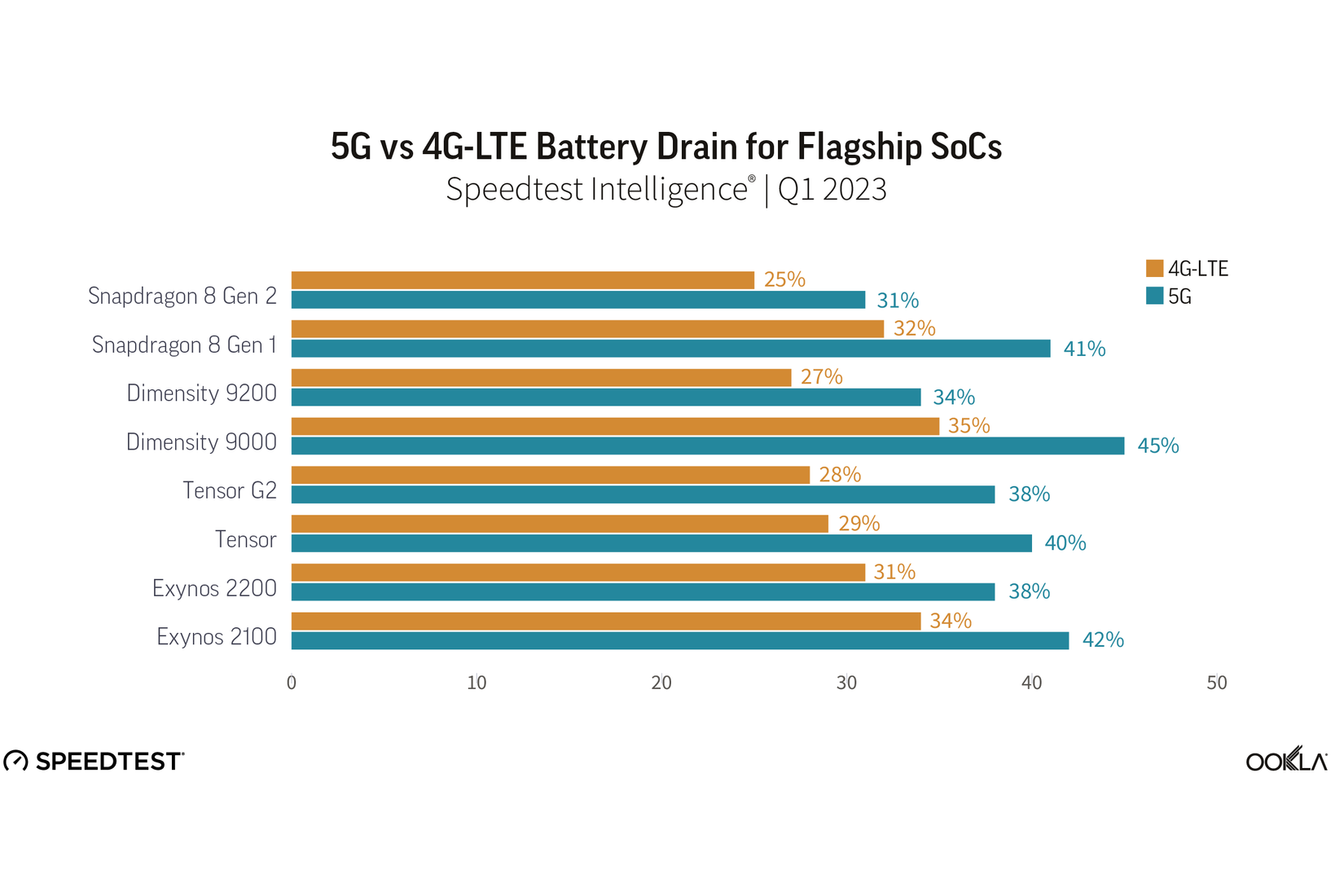
When I’m in a pinch and worried about my phone’s battery, I temporarily force my phone to use LTE. According to an Ookla report, turning off 5G can save 6–11% battery, but only in locations where 5G connectivity is spotty or new. This also applies only to older devices that do a worse job with heat management and connectivity.
(Ookla, the company behind the popular Speedtest.net, specifically looked at the first and second generation Google Tensor chips, the first and second generation Snapdragon 8, and earlier MediaTek chips).
Credit: Ookla
Older processors and modems also perform worse at switching between LTE and 5G. This switching uses a lot of battery life. In rural areas where 5G is spotty, your battery life will suffer as the phone prefers 5G but falls back to LTE. When I’m in a rural area with spotty 5G coverage, I force my phone onto LTE and see about a 10% improvement in battery life, which translates to an extra 30–60 minutes of screen-on time.
The Ookla report explains you can save battery by forcing your phone to use LTE only if you have an older device or are in an area with spotty 5G coverage, since your phone may fall back to LTE. It’s something you can easily experiment with by stepping back to LTE on your device and seeing the extent to which battery life improves. It will depend on your location, network, and hardware.